



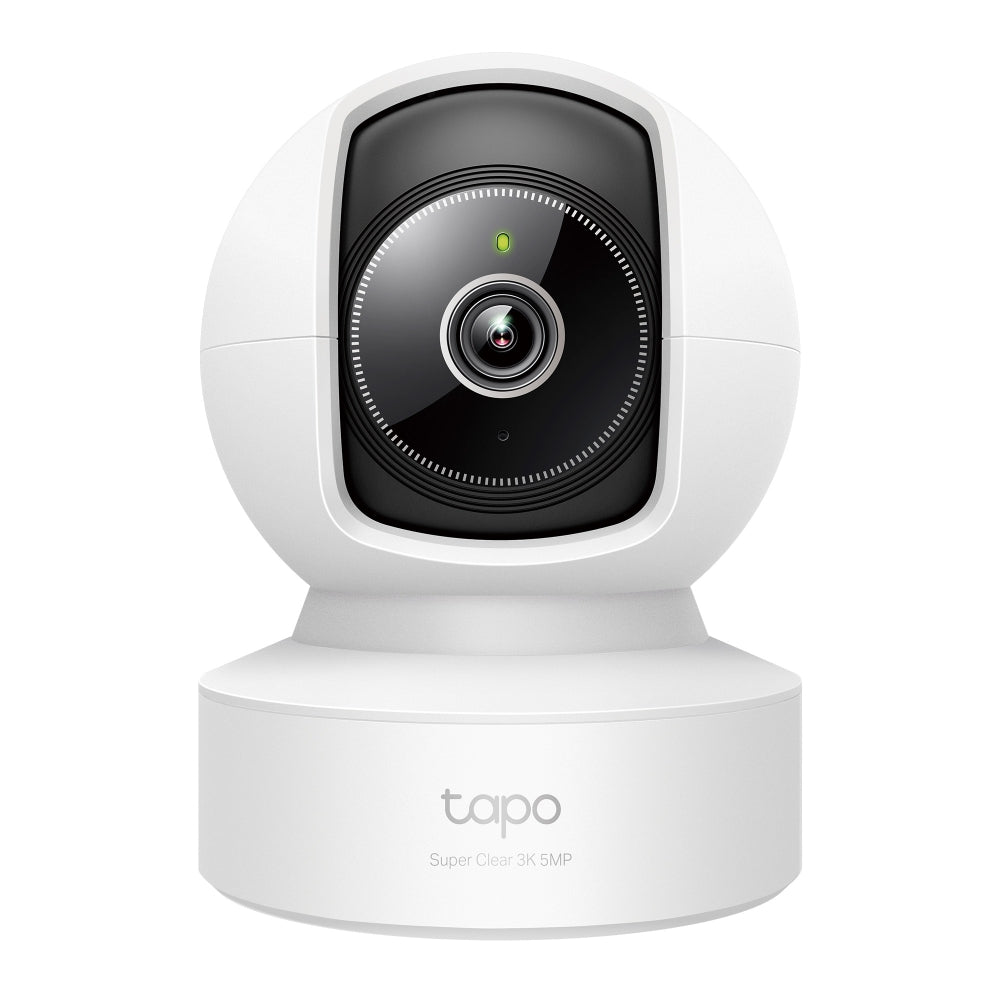


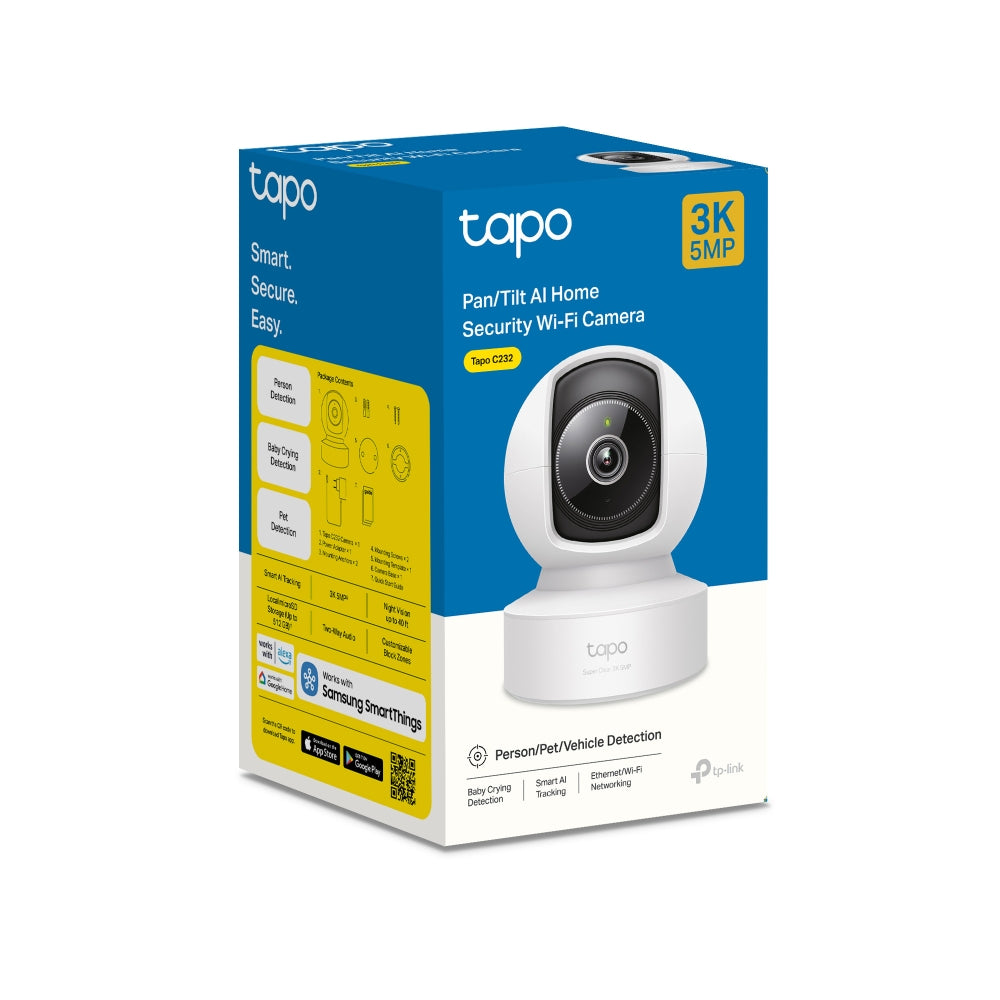
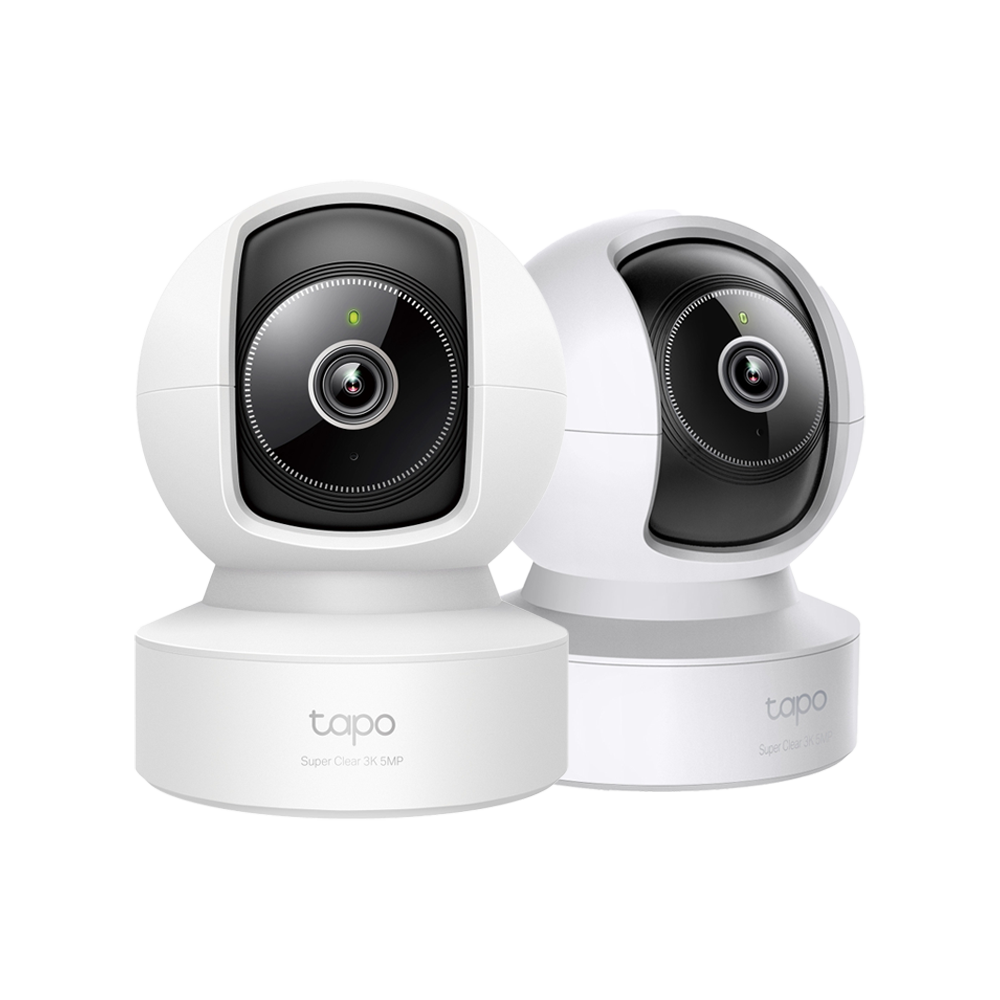
Tapo C232 | Pan/Tilt AI Security Camera, 3K, Smart AI Detection

3K 5MP AI-powered wireless indoor security camera featuring 360° pan/tilt range, enhanced 40ft night vision, smart AI detection with instant notifications, sound and light alarm, and voice control compatibility for advanced home monitoring.
HIGHLIGHTS
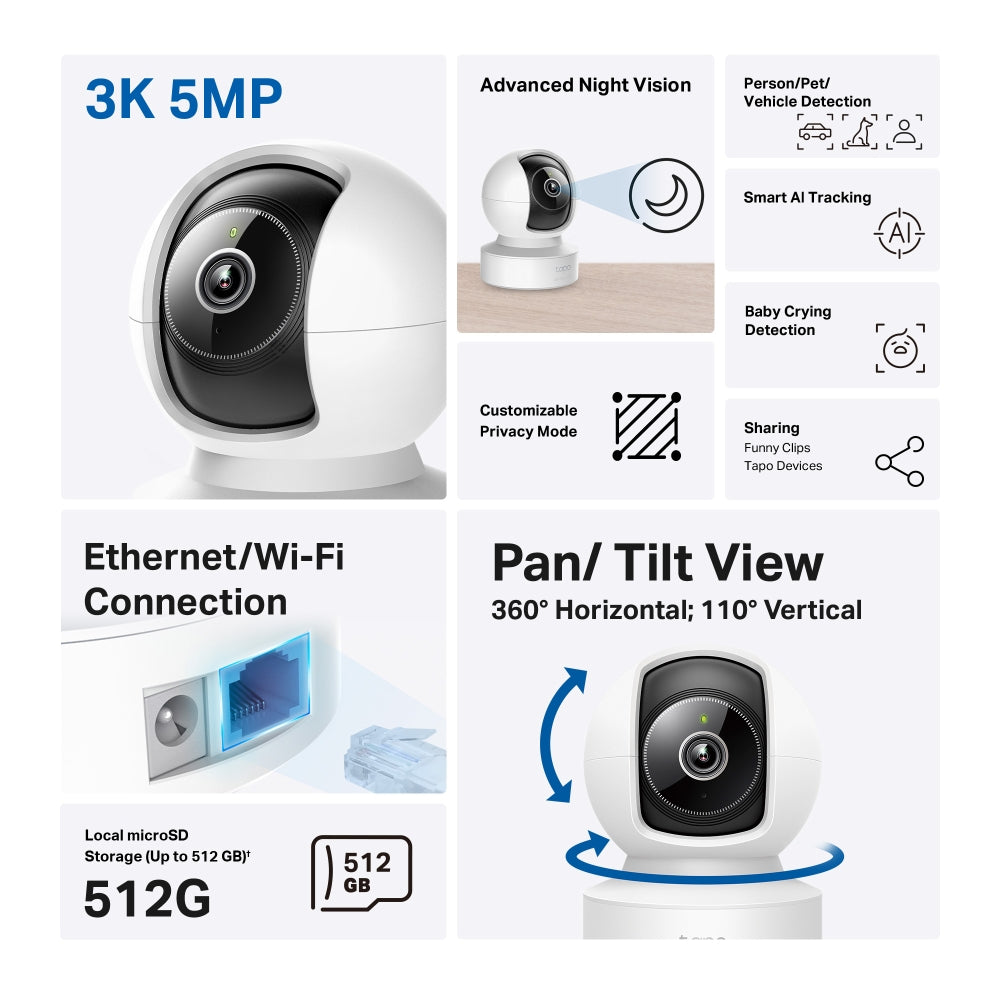
- High-Quality Video Recording: Capture every detail with exceptional clarity in 3K 5MP resolution.
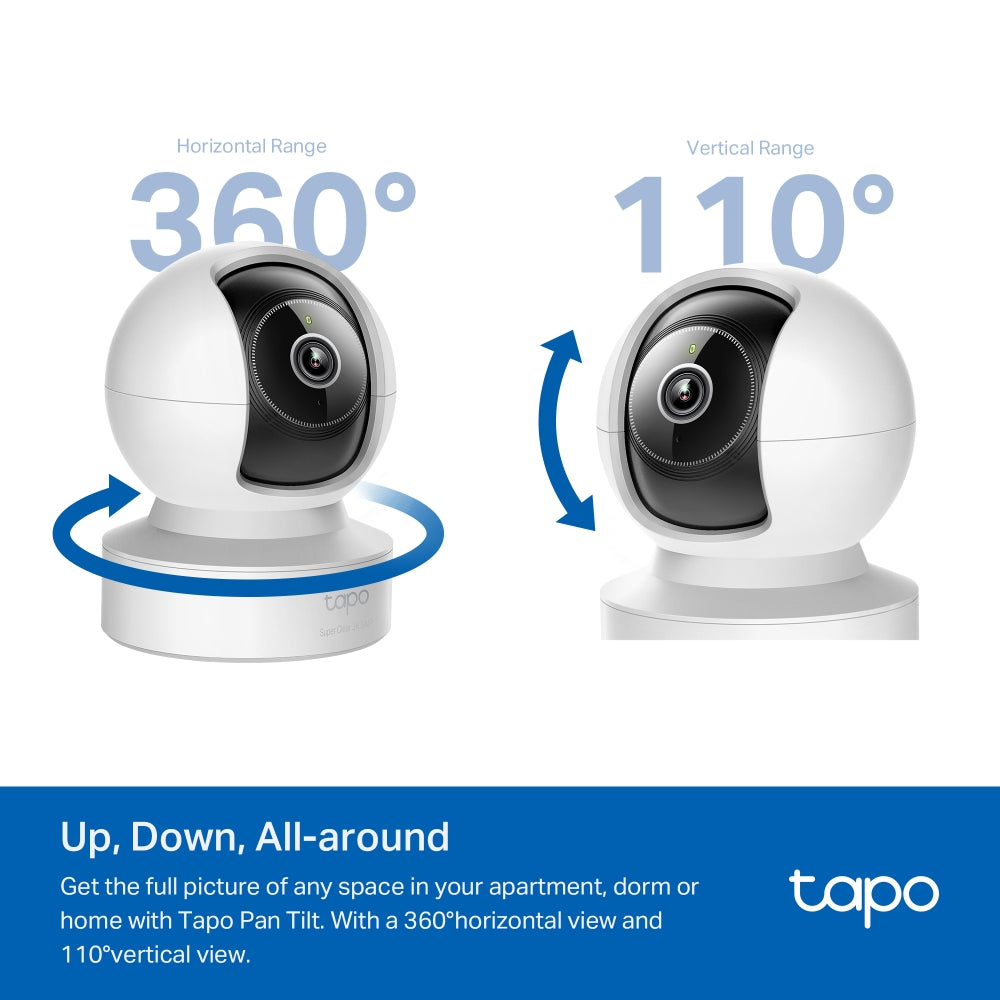
- Wide Range of Movement: Enjoy a full 360º horizontal and 110º vertical range for pan and tilt, allowing you to cover more area.
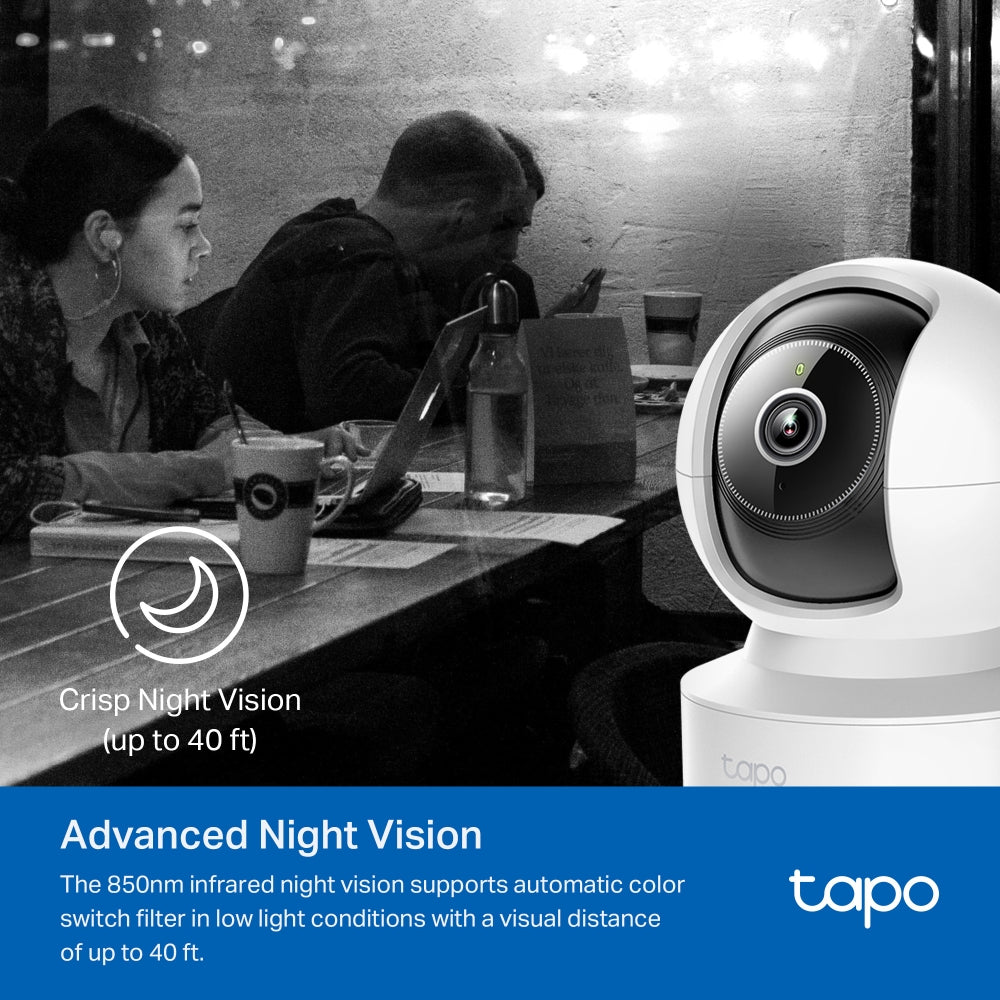
- Enhanced Night Vision: See clearly even in low-light conditions with advanced night vision that provides visibility up to 40 ft.
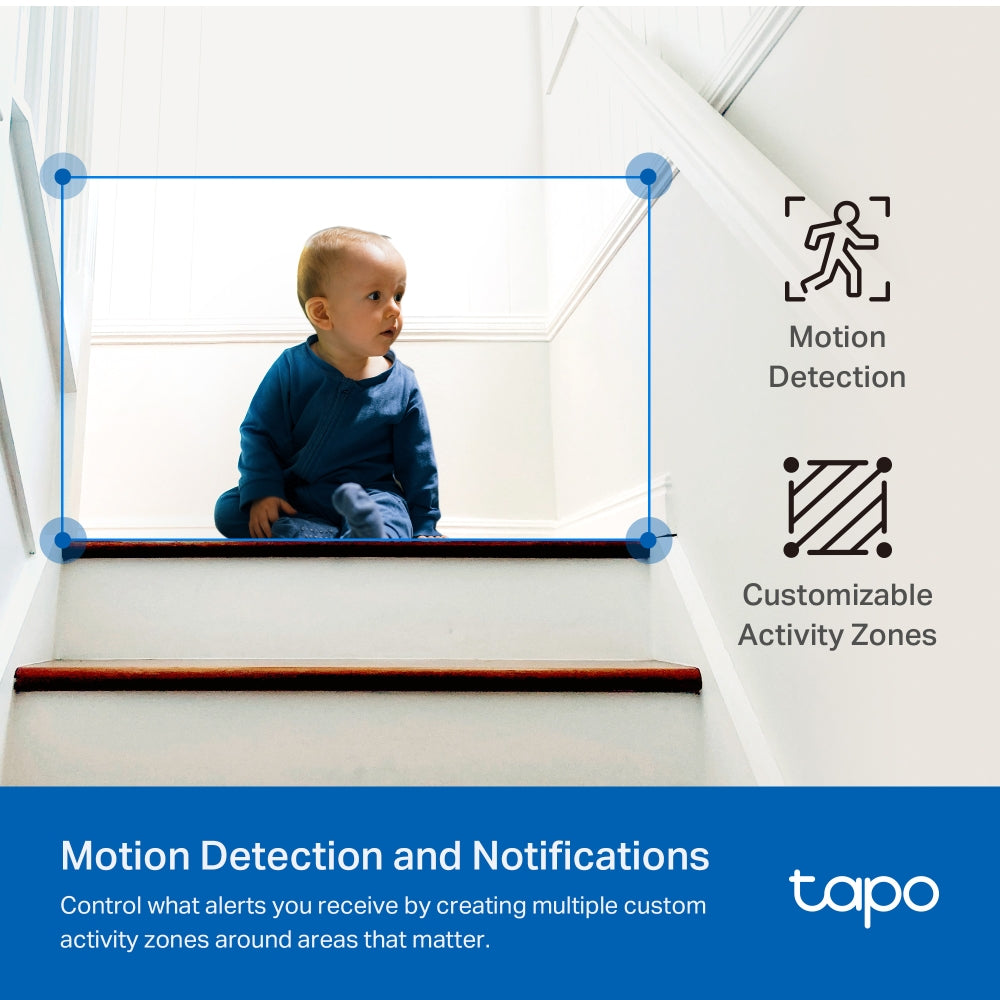
- Smart AI Detection and Notifications: Benefit from smart AI technology that detects relevant events and sends you instant notifications.
- Sound and Light Alarm: Scare away unwanted visitors using a sound and light alarm that triggers attention-grabbing effects.
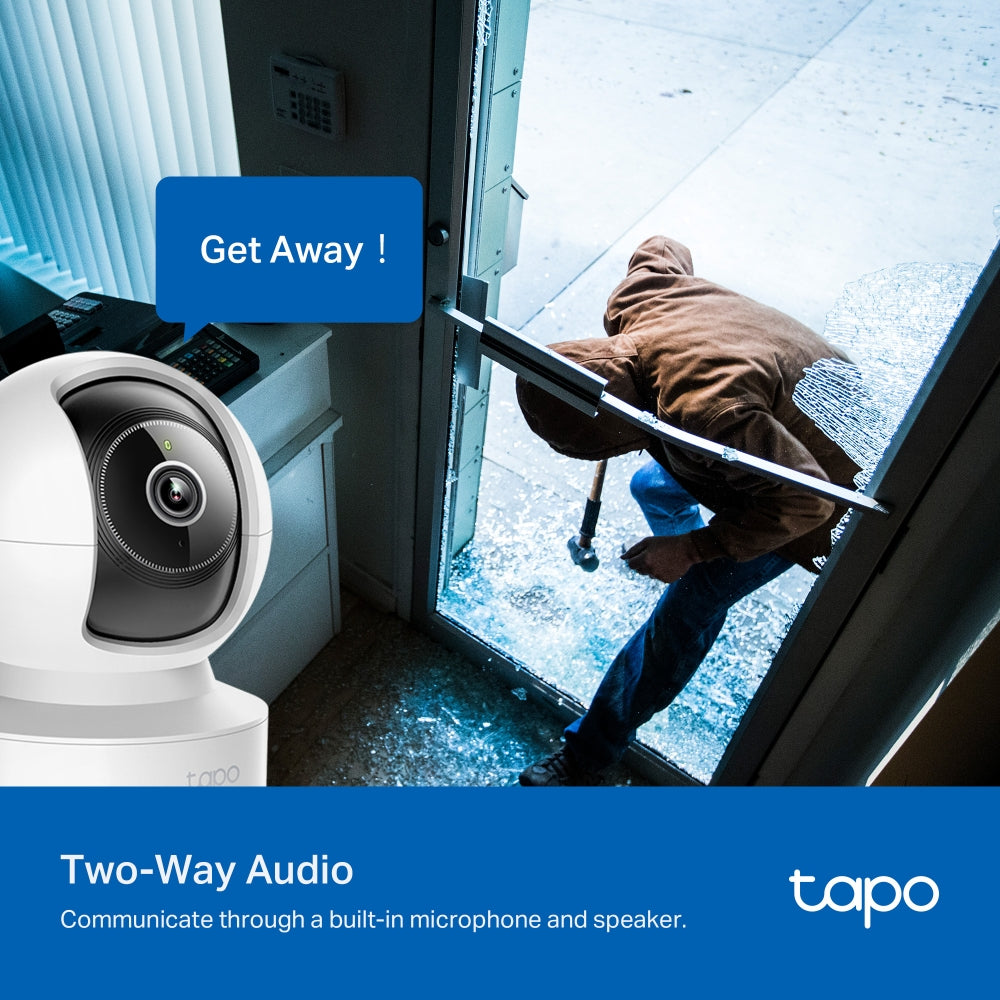
- Two-Way Audio: Enables communication through a built-in microphone and speaker
- Safe Storage: Store footage directly on a microSD card with a capacity of up to 512 GB, ensuring safe and convenient storage.(microSD card purchased separately.)
- Hands-Free Operation: Control the device using your voice with compatibility for Google Assistant and Amazon Alexa, freeing up your hands for other tasks. (Availability of Google Assistant and Amazon Alexa may vary based on language and country)


FAQ
Use this text to share information about your product or shipping policies.
How do I enable detection features on my Tapo camera or doorbell?
You can configure detection features in the Tapo app to monitor important activity and receive alerts when events are detected.
Step 1: Open your camera or doorbell in the Tapo app
Step 2: Go to Device Settings → Detection
Step 3: Enable and customise features such as: Motion Detection/ Person Detection/ Smart Motion Tracking (supported models only)/ Detection Zones/ Notifications and Alarm.
You can also adjust sensitivity settings and choose how recordings are stored, either through Tapo Care cloud storage or local storage using a microSD card or compatible hub.
How do I download videos from my Tapo Camera?
There are three ways to download footage from your Tapo Camera, all accessible through the Tapo app.
1. Manual Recording: During live view or playback, tap the record button to capture footage. Clips are automatically saved to Playback & Download in the Tapo app and your phone's gallery. From there, you can share or export them anytime.
2. Cloud Video (Tapo Care): Go to Tapo app > Playback & Download > Cloud Video, select the clip you want, and tap the Download icon. Note that cloud videos expire based on your Tapo Care plan — download important clips before they expire.
3. SD Card Recordings: In the Tapo app, go to Playback & Download > Playback > SD Card Videos. You can either download individual detection events, or use the Clip & Download feature to trim and save a specific segment (1–10 minutes) from continuous or motion-detection footage.
Downloaded videos are saved within the Tapo app for offline viewing. To export to your phone's gallery, go to Playback & Download > Download, select the clip, and save it to your phone's album.
How to add new cameras to my Tapo Care plan?
You can add a new camera to your Tapo Care plan directly in the Tapo app.
Simply go to your Tapo Care subscription, select the plan you want to manage, and choose the camera you wish to add. Follow the in-app instructions to complete the assignment.
Please note that only cameras linked to your account can be added, and the number of devices depends on your subscription plan.