



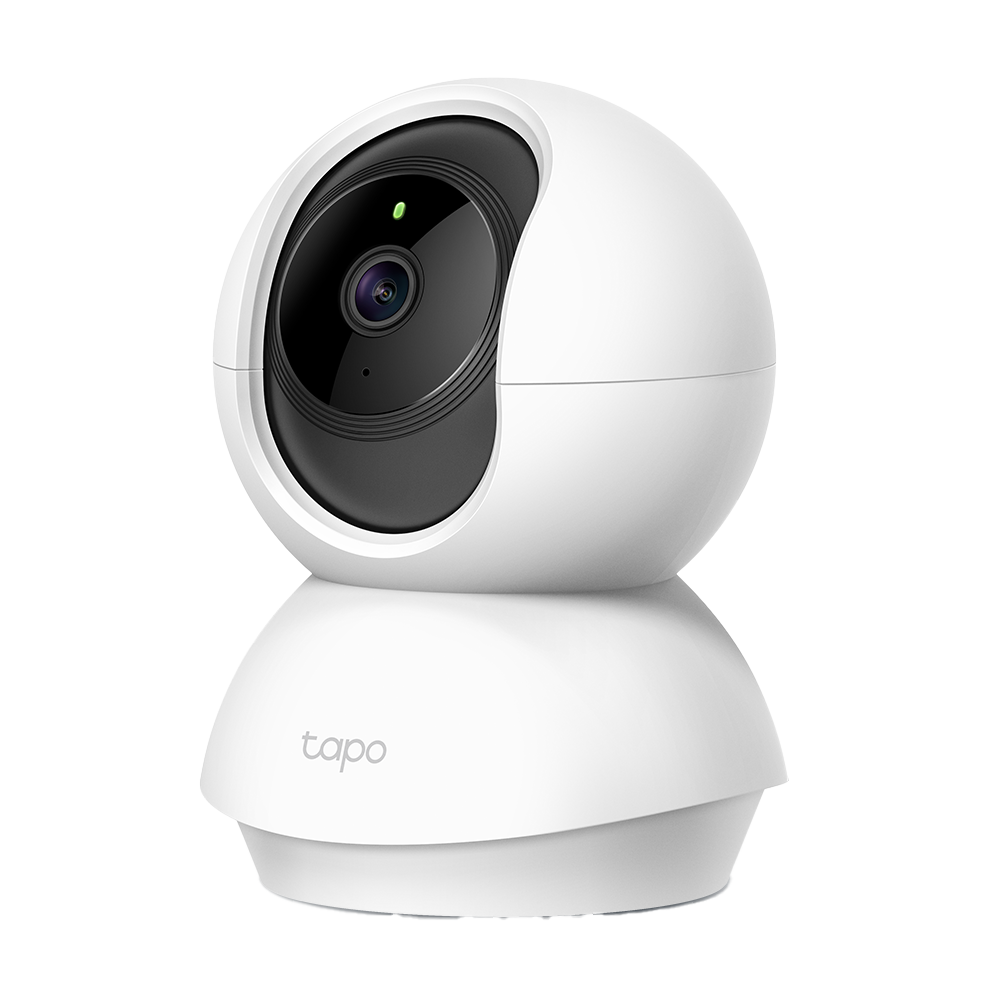


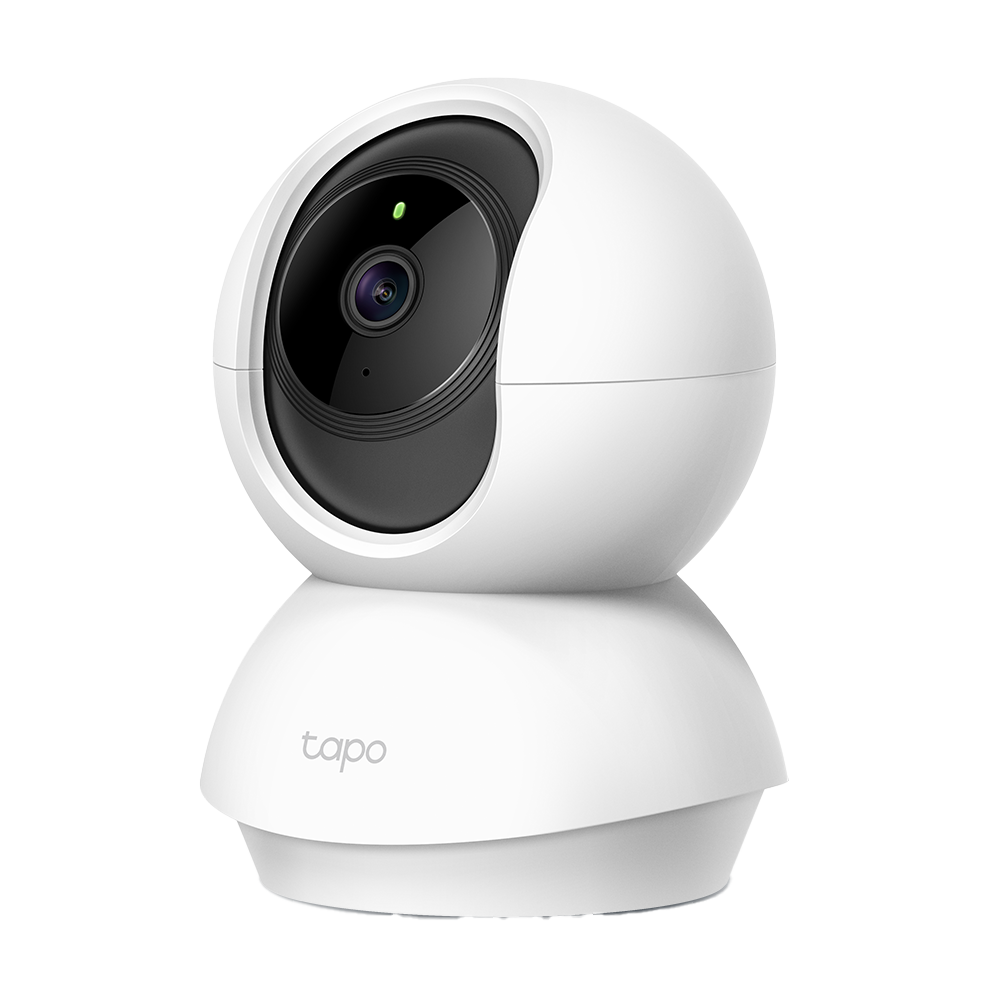
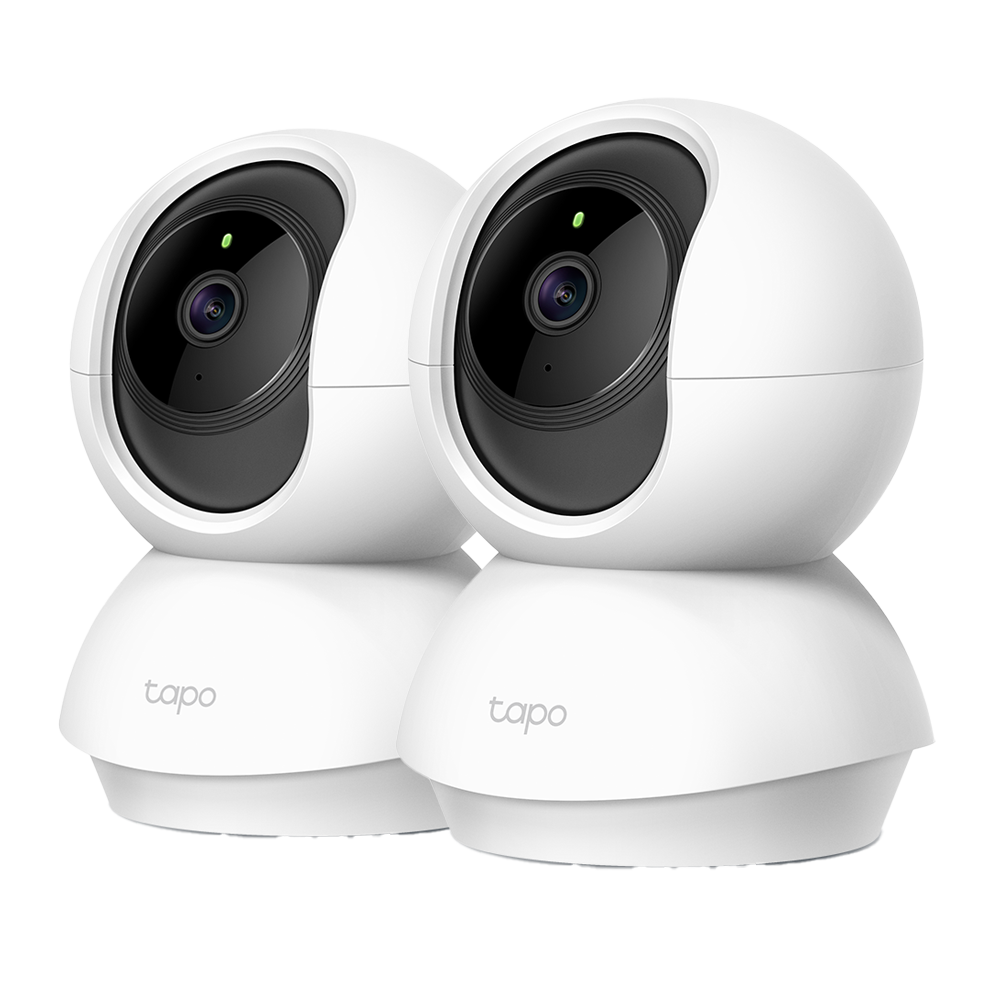
Tapo TC70 | Pan/Tilt Home Security Wi-Fi Camera, 1080P Full HD, Night Vision
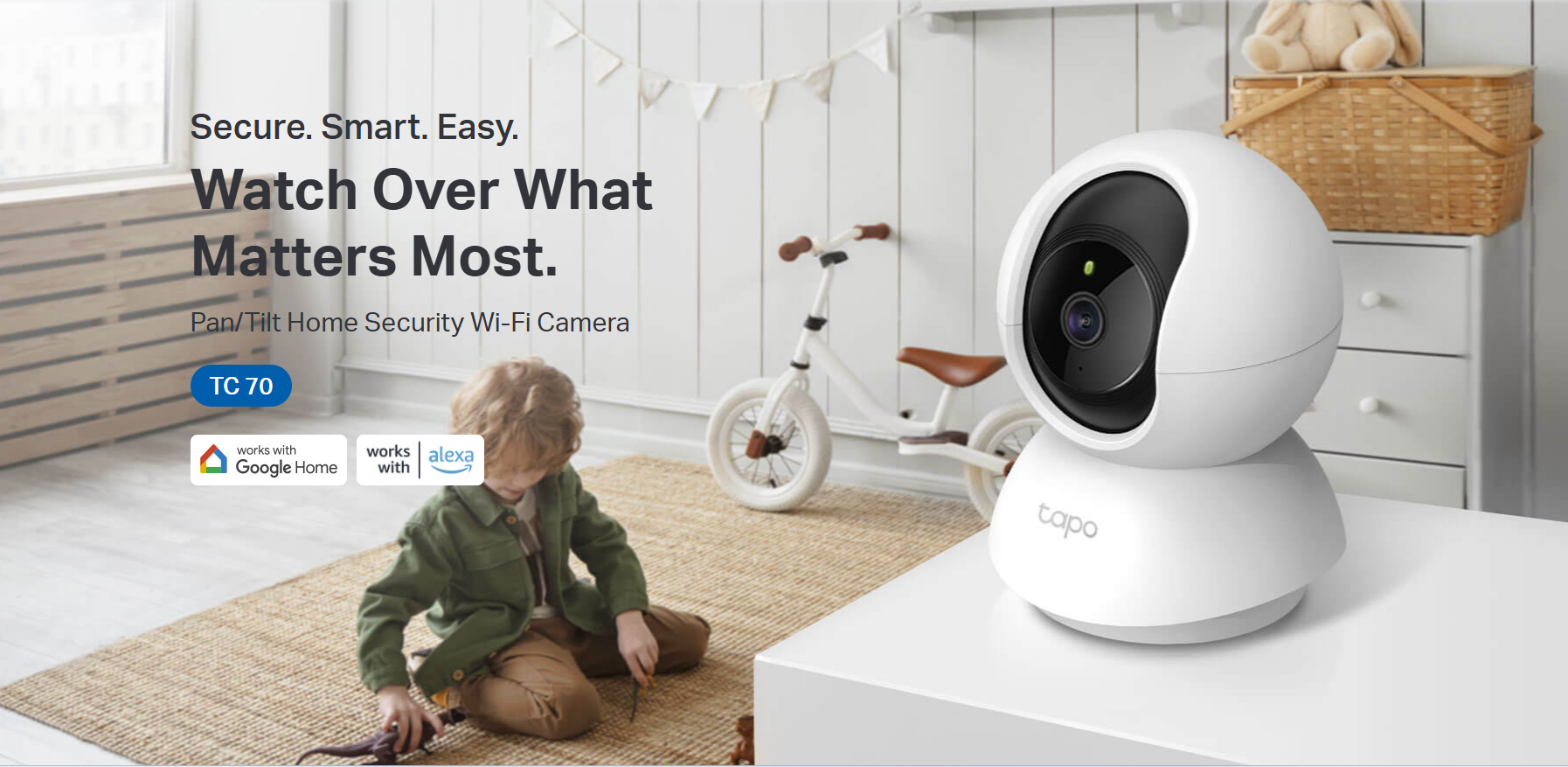
1080p wireless security camera with pan tilt motion tracking, baby crying detection, advanced night vision, and two-way audio for comprehensive home surveillance.
HIGHLIGHTS
- High-Definition Video: Records every image in crystal-clear 1080p definition
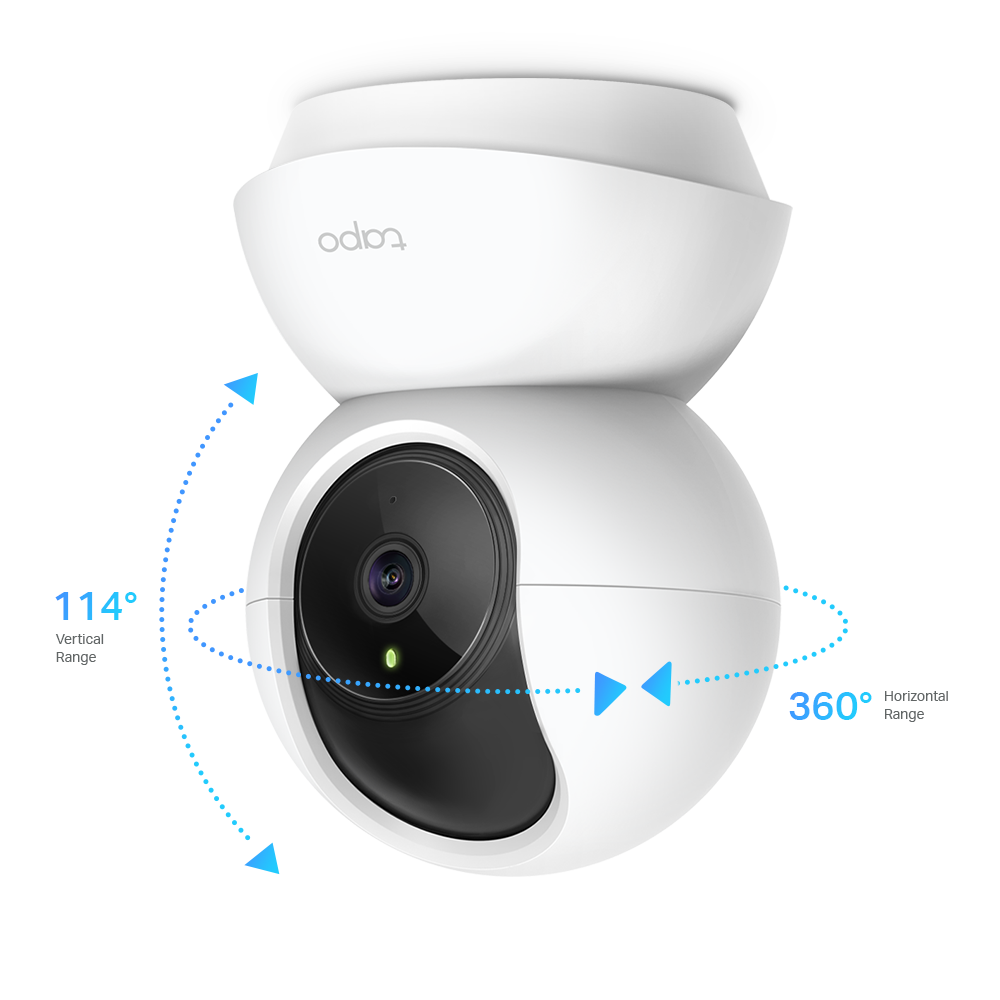
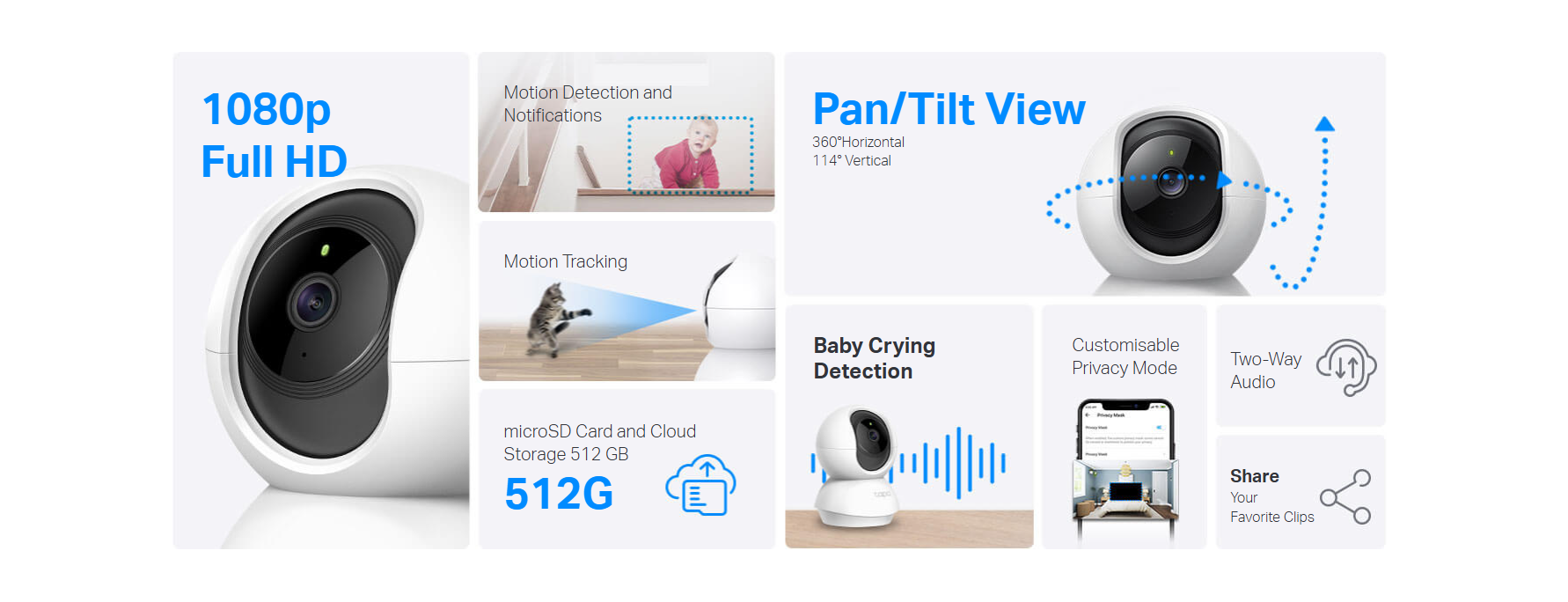
- Pan and Tilt: 360º horizontal and 114º vertical range
- Advanced Night Vision: Provides a visual distance of up to 9 metres.
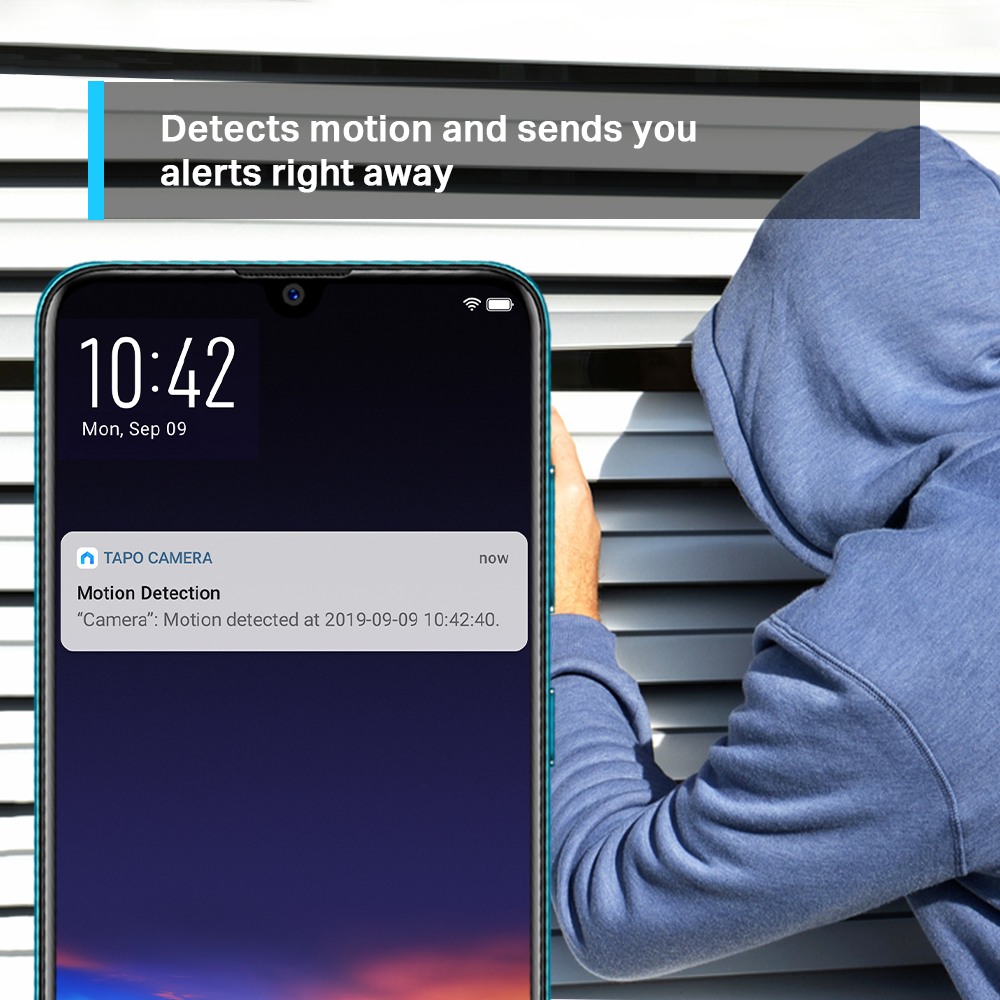
- Motion Detection and Notifications: Notifies you when the camera detects movement
- Sound and Light Alarm: Trigger light and sound effects to frighten away unwanted visitors.
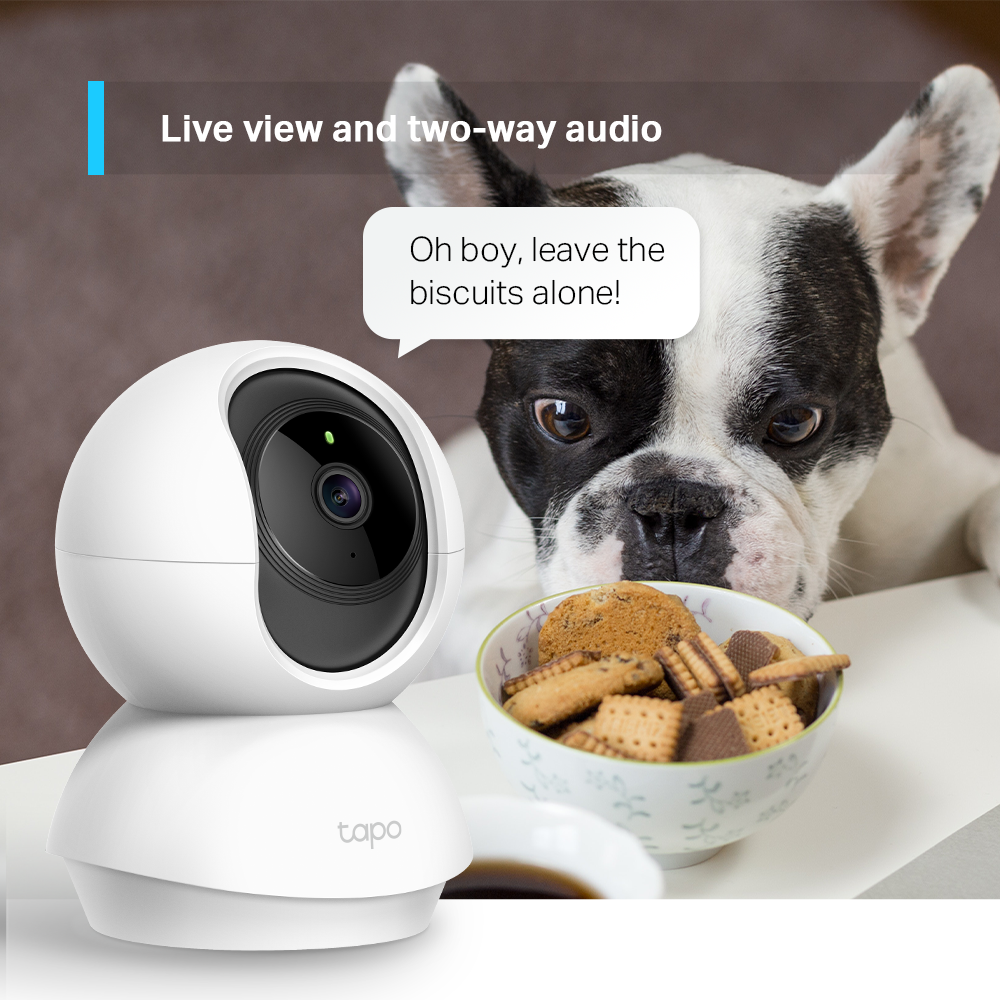
- Two-Way Audio: Enables communication through a built-in microphone and speaker
- Safe Storage: The device supports microSD cards up to 512GB for local storage, providing a secure and cost-effective way to store footage.
- Voice Control: Free Up Your Hands with Voice Control: Works with the Google Assistant and Amazon Alexa.
1080p Enhanced Viewing
Record all of life's wonderful moments with the realistic 1080p Full High Definition. Zoom to see the sharp views.

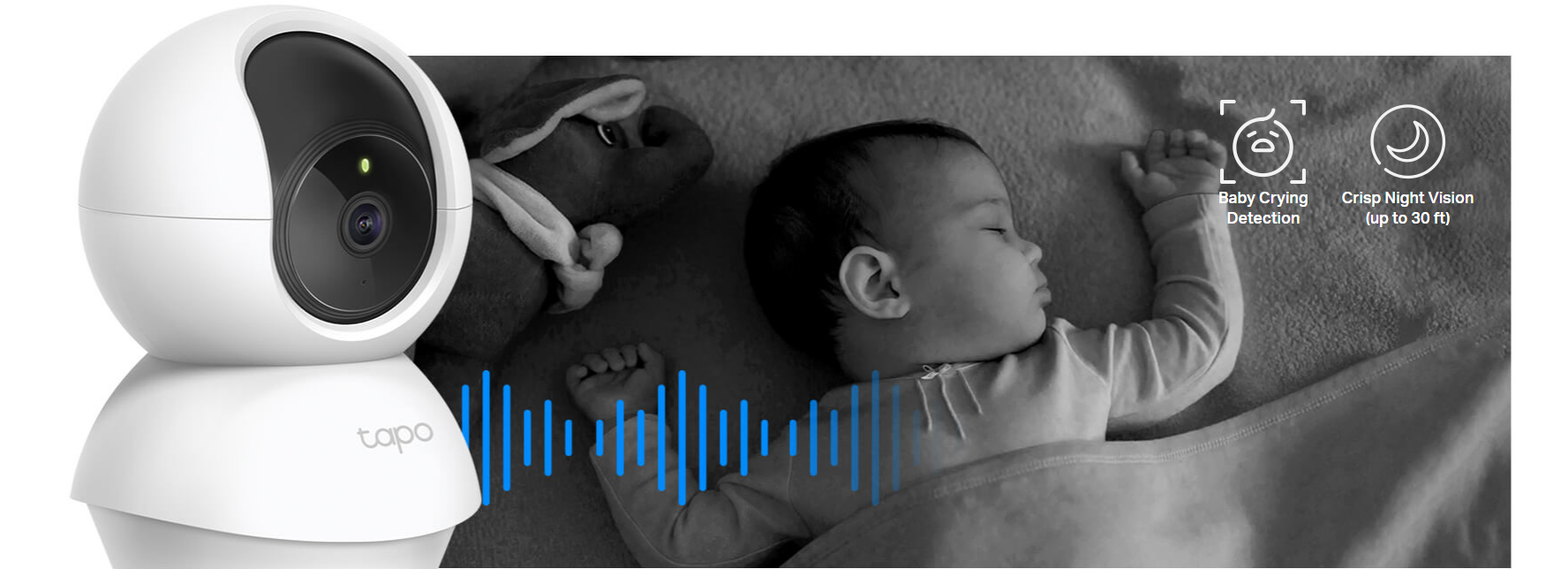
Baby Crying Detection with Advanced Night Vision
Your second eyes and ears
Embedded with advanced night vision and baby crying detection, the Tapo Cam reinforces your baby care around the clock.
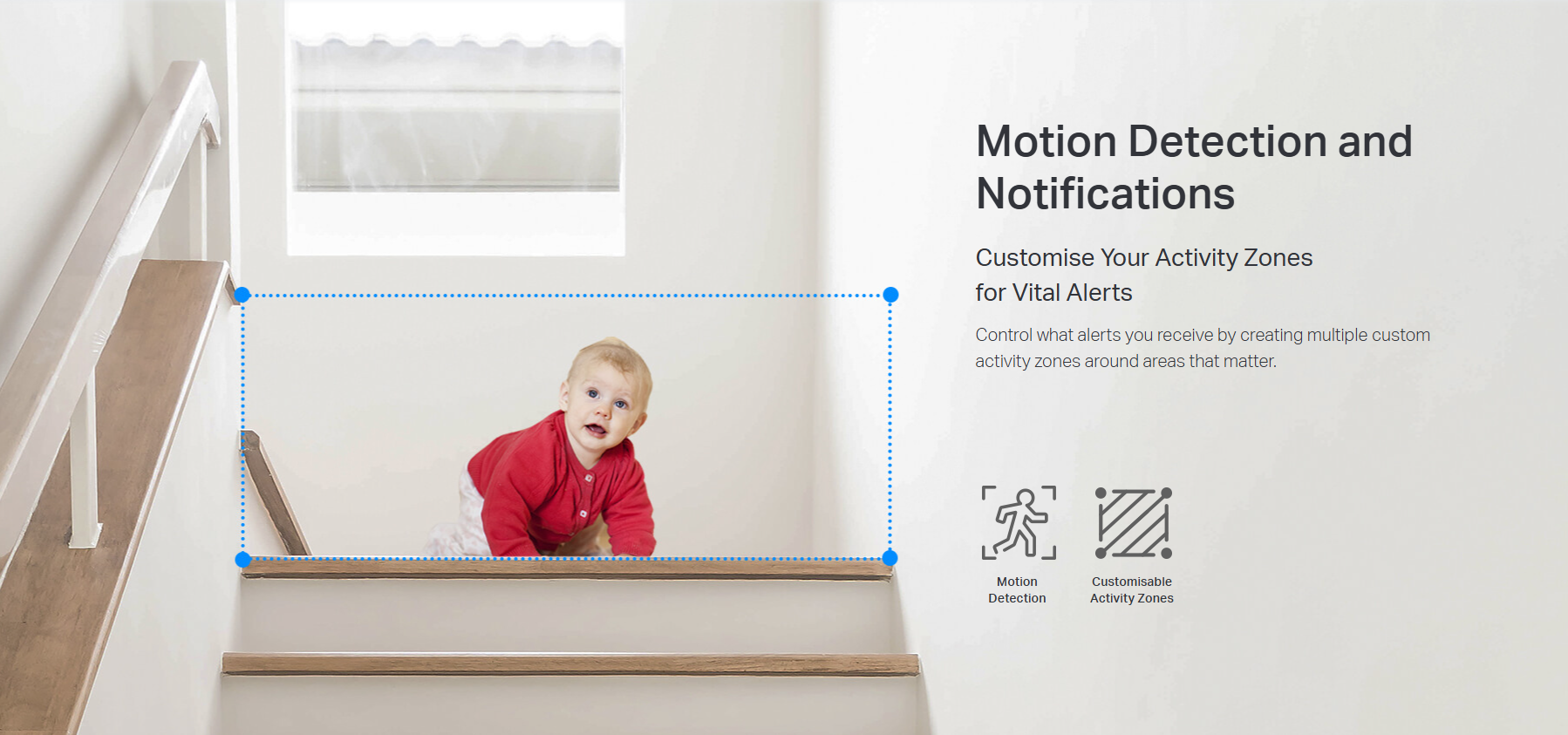
Precise Motion Tracking
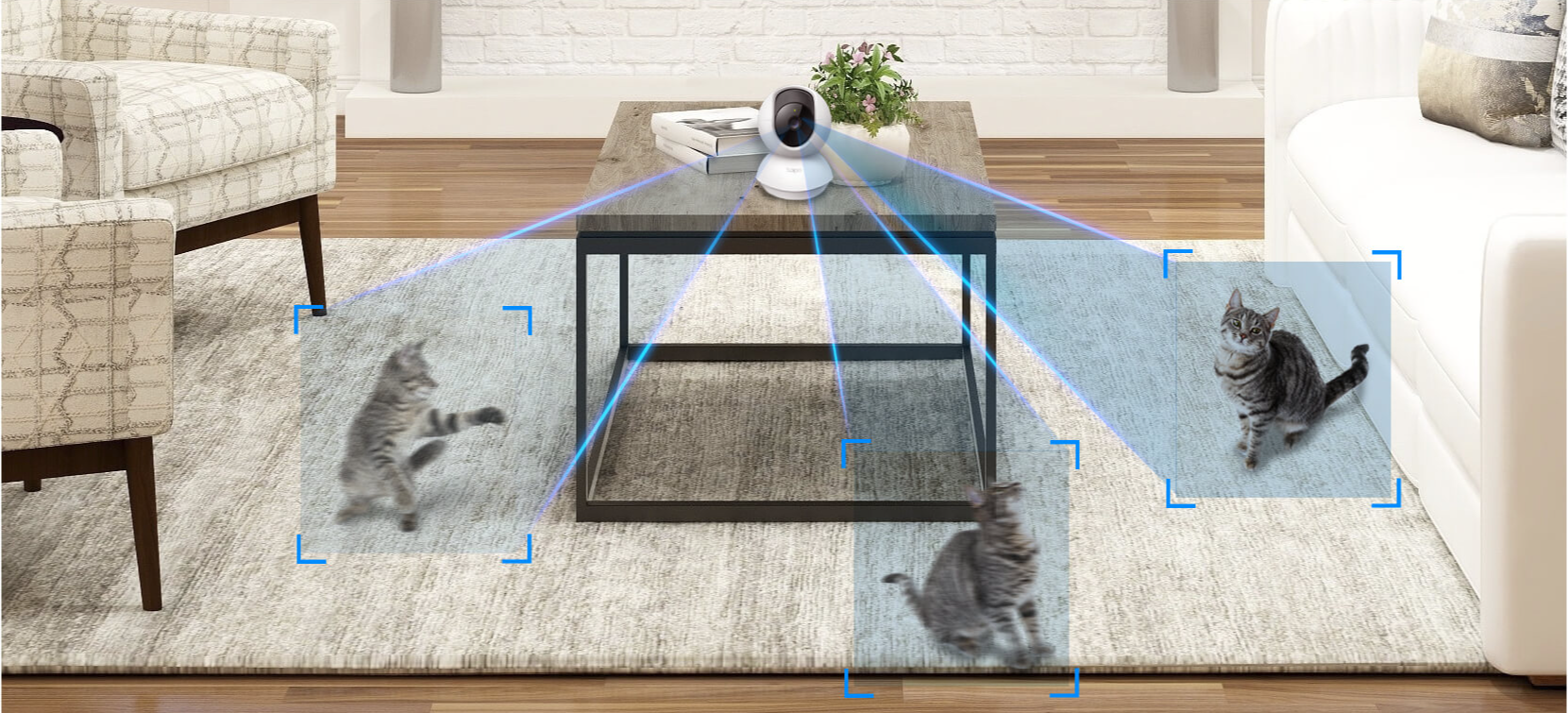
Keep an Eye on the Action
When motion activity is detected, tracks and follows the subject to keep it within view.
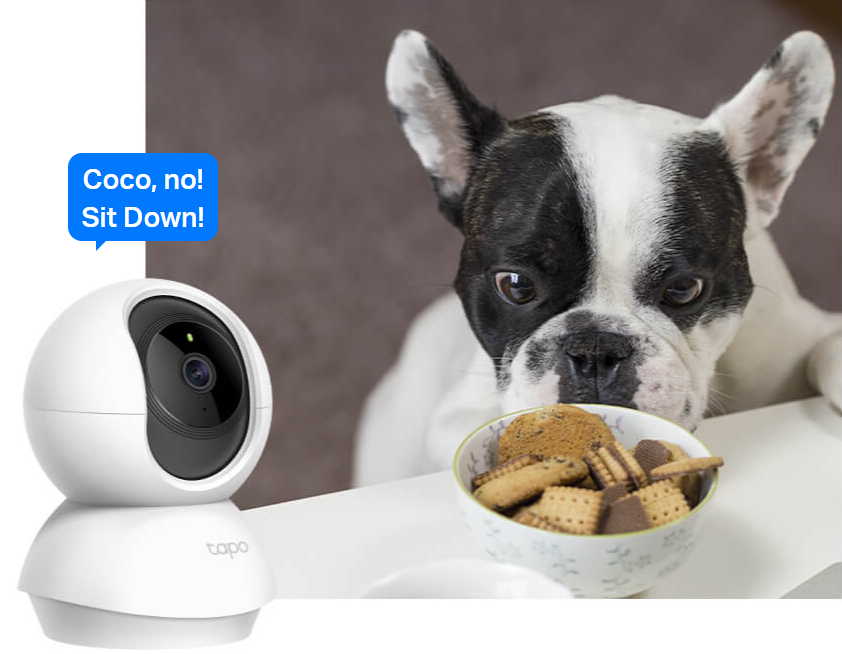
Two-Way Audio
Use crisp two-way audio to communicate with nosy roommates, family, or even mischievous pets.
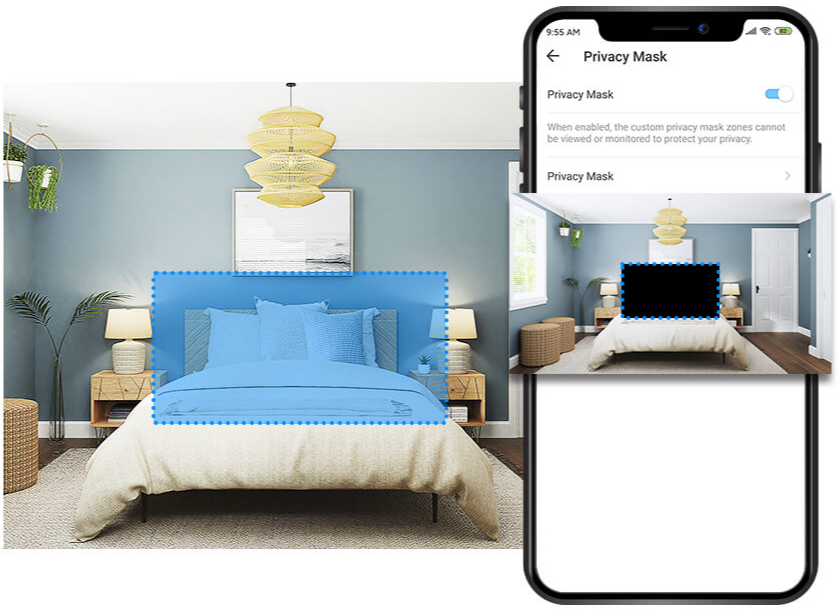
Protect Your Privacyfrom the Very Beginning
Privacy Zone
Set customisable block zones to keep certain spaces from being recorded so you never need to worry about personal moments being leaked..
Tapo Sharing

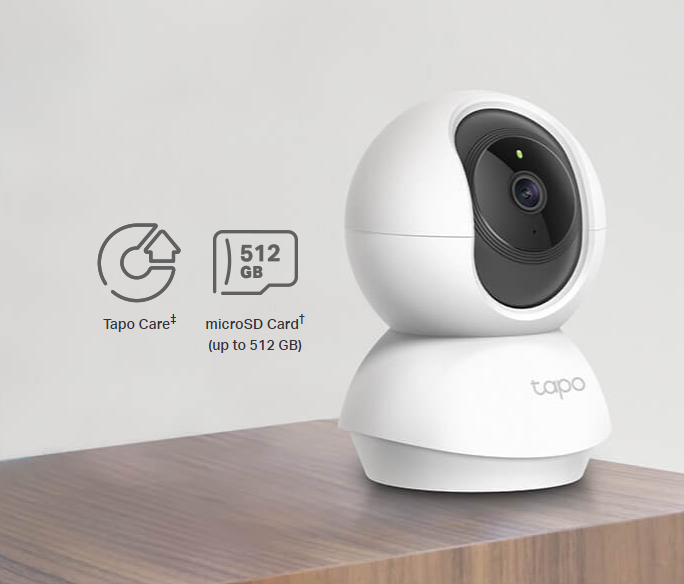
Flexible StorageOptions
Save recorded video on a microSD Card†(up to 512 GB) or by using Tapo Care‡cloud storage services.

Comprehensive subscription service for cloud video recording
FAQ
Use this text to share information about your product or shipping policies.
How can I view Tapo camera recordings from the SD card on a computer?
You can view recordings by removing the microSD card from your camera (or hub) and inserting it into your computer using a card reader.
Once connected, open the SD card folder to access and play the recorded video files.
Note: Video files may require a compatible media player for playback.
How do I download videos from my Tapo Camera?
There are three ways to download footage from your Tapo Camera, all accessible through the Tapo app.
1. Manual Recording: During live view or playback, tap the record button to capture footage. Clips are automatically saved to Playback & Download in the Tapo app and your phone's gallery. From there, you can share or export them anytime.
2. Cloud Video (Tapo Care): Go to Tapo app > Playback & Download > Cloud Video, select the clip you want, and tap the Download icon. Note that cloud videos expire based on your Tapo Care plan — download important clips before they expire.
3. SD Card Recordings: In the Tapo app, go to Playback & Download > Playback > SD Card Videos. You can either download individual detection events, or use the Clip & Download feature to trim and save a specific segment (1–10 minutes) from continuous or motion-detection footage.
Downloaded videos are saved within the Tapo app for offline viewing. To export to your phone's gallery, go to Playback & Download > Download, select the clip, and save it to your phone's album.
How to enable Sound Detection on Tapo indoor cameras
Tapo indoor cameras support Sound Detection features such as Baby Crying Detection and Dog Bark Detection (feature availability varies by model).
To enable Sound Detection:
- Open the Tapo app and select your camera
- Go to Device Settings → Detection → Sound Detection
- Select the detection type you want to enable
- Turn the feature on and adjust the sensitivity as needed
Once enabled, the camera will automatically detect selected sounds and send notifications when triggered. Note: Some detection types may be in beta and supported only on selected models.