
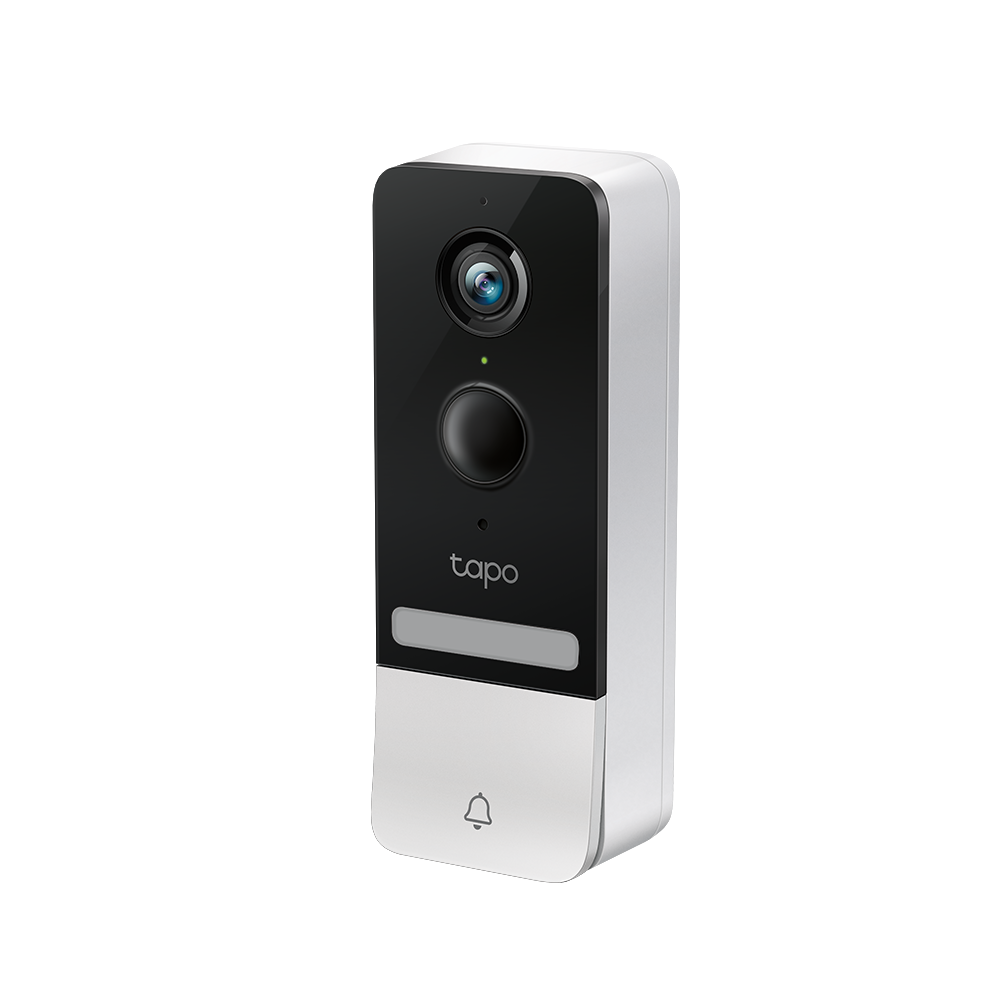
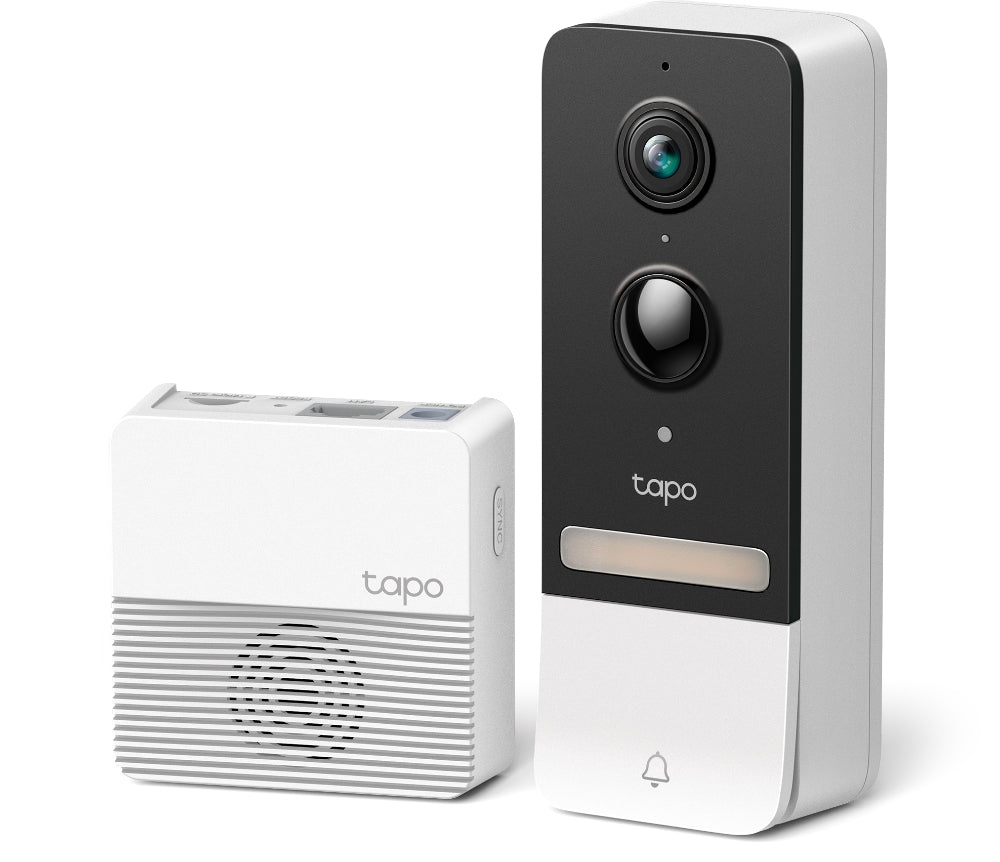

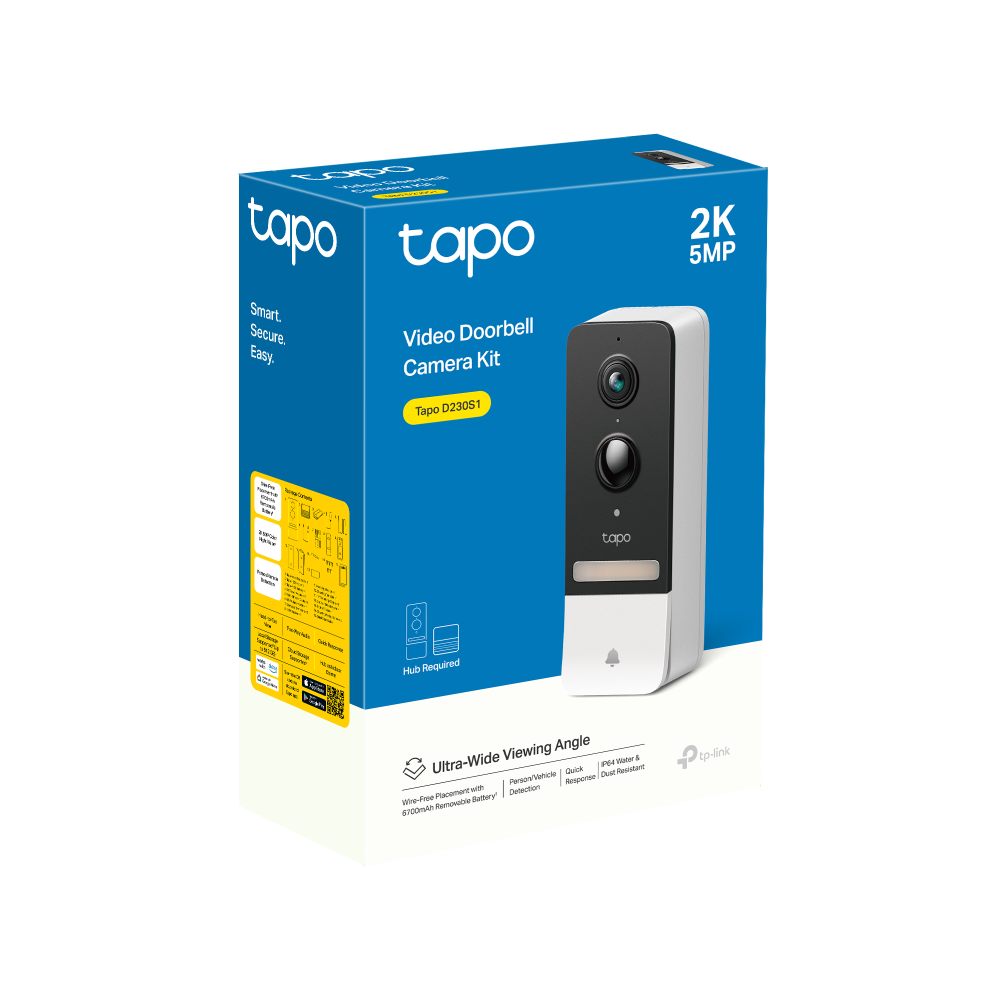
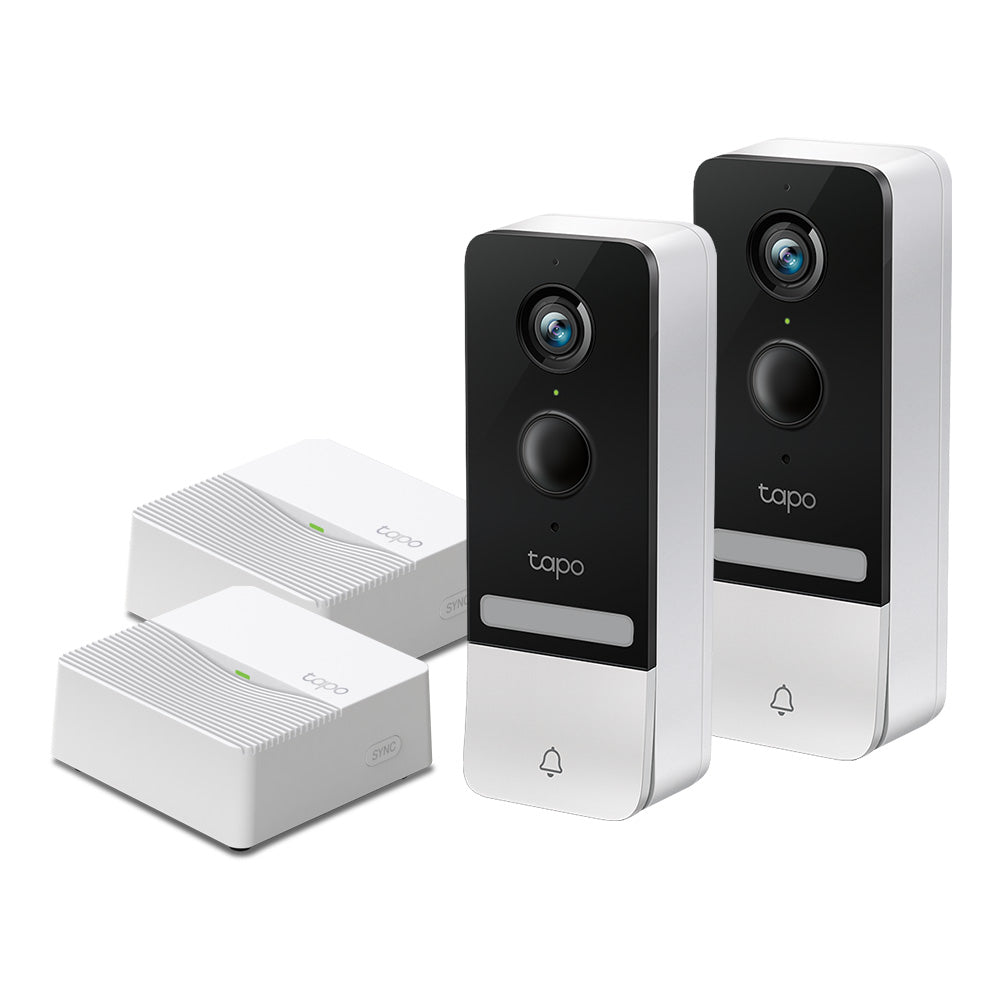
Tapo D230S1 | Smart Battery Video Doorbell, 2K 5MP, Colour Night Vision
Wireless smart battery doorbell with 2K 5MP resolution, color night vision, wide 160° FOV head-to-toe viewing, AI detection alerts, long battery life, and flexible storage options.
HIGHLIGHTS
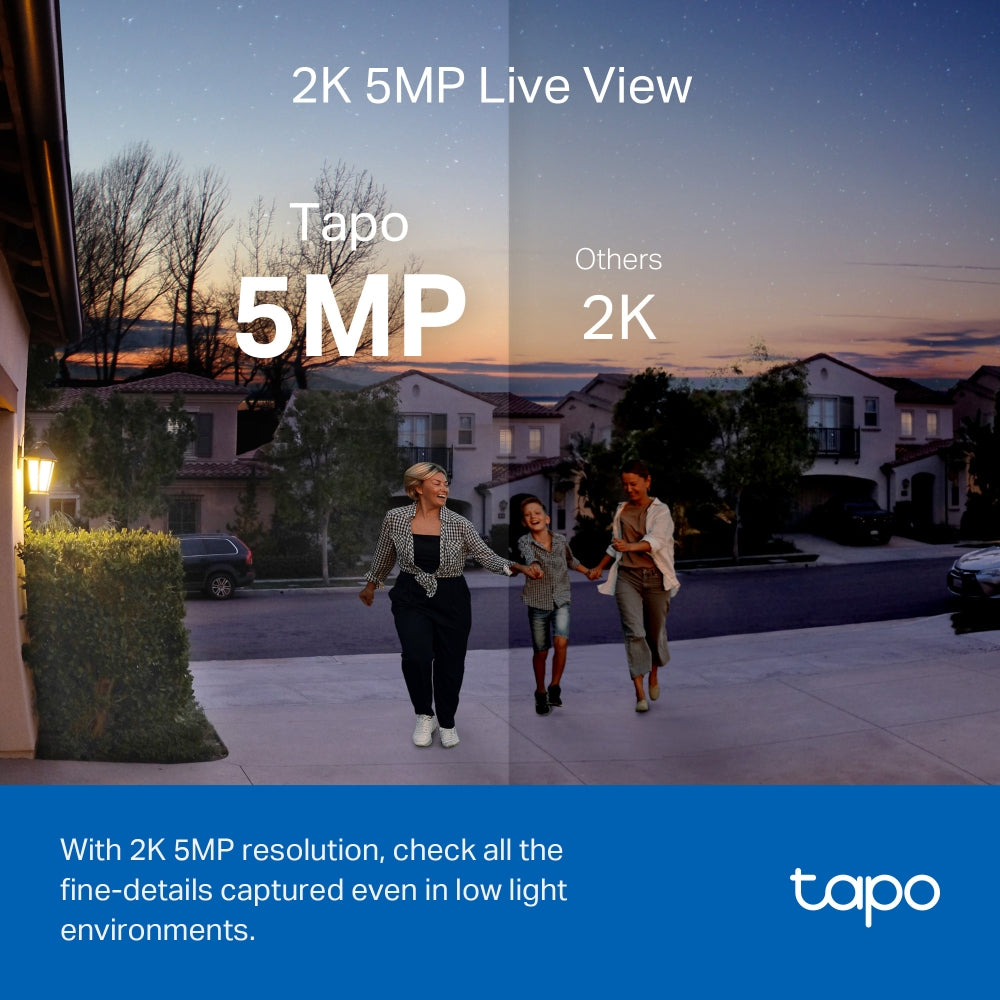
- 2K 5MP Live View: Always know what happens in front of your door through the Tapo app. With the starlight sensor and 2K 5MP resolution, check all the fine details captured even in low-light environments.
- Colour Night Vision: With the embedded spotlight and starlight sensor, Tapo D230S1 reveals high-fidelity details and colour at night.
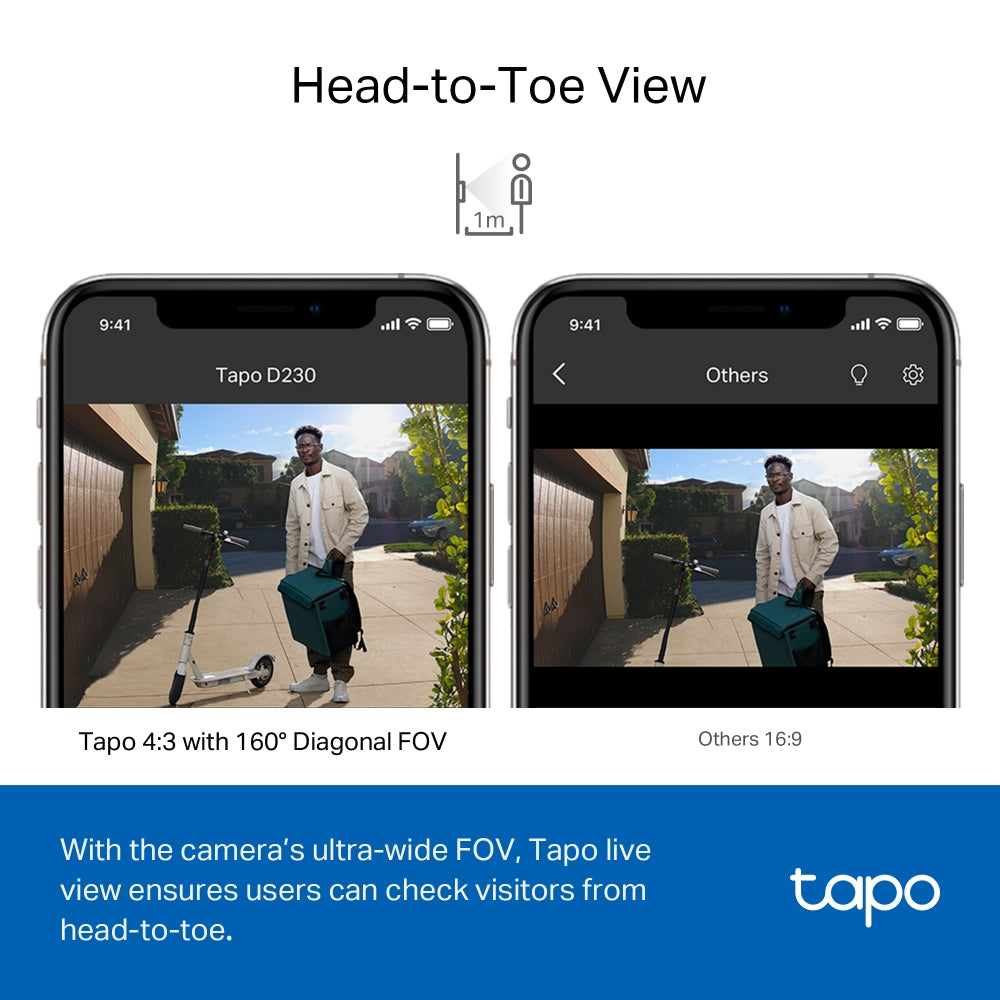
- Head-to-Toe View: With the camera’s ultra-wide FOV(160° Diagonal), Tapo 4:3 live view ensures users can check visitors from head-to-toe as close as 1m†, which shows more vertical details than other 16:9 doorbells'.
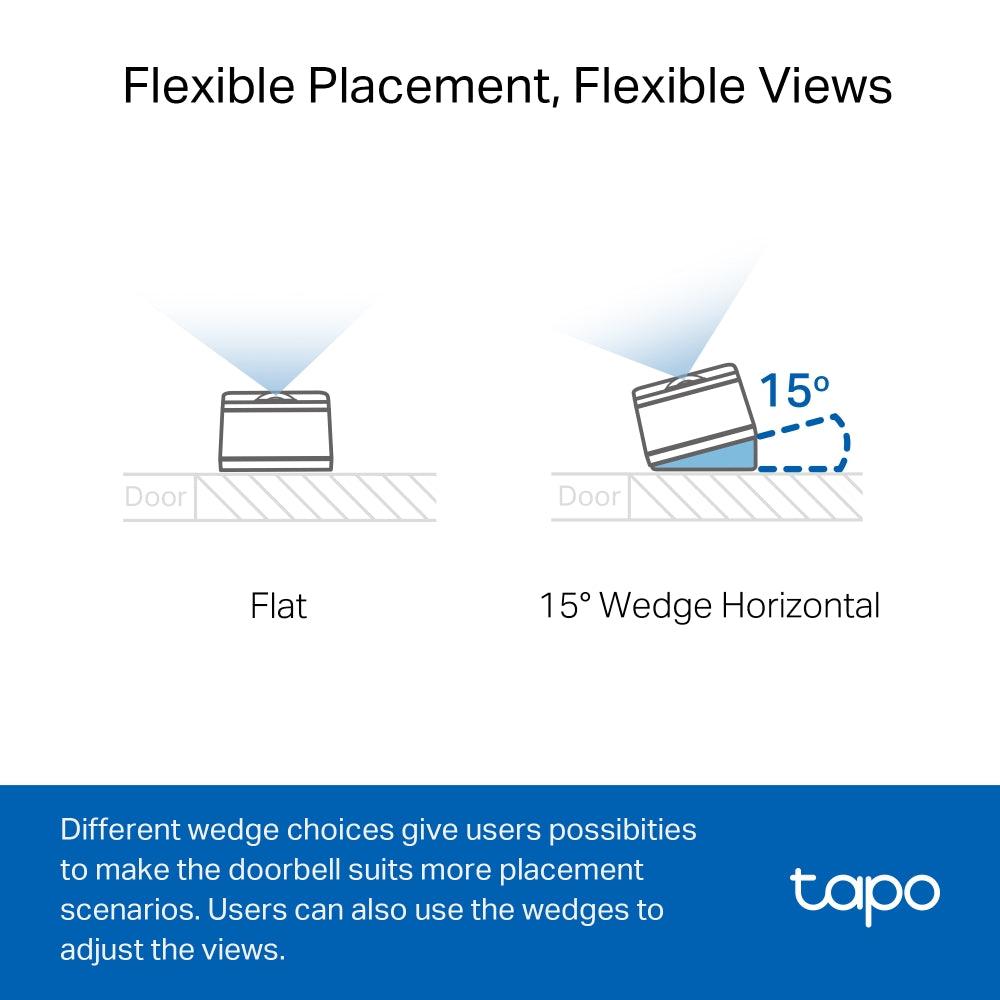
- Flexible Placement, Flexible Views: Different wedge choices allow users to make the doorbell suits more placement scenarios. Users can also use wedges to adjust the views.
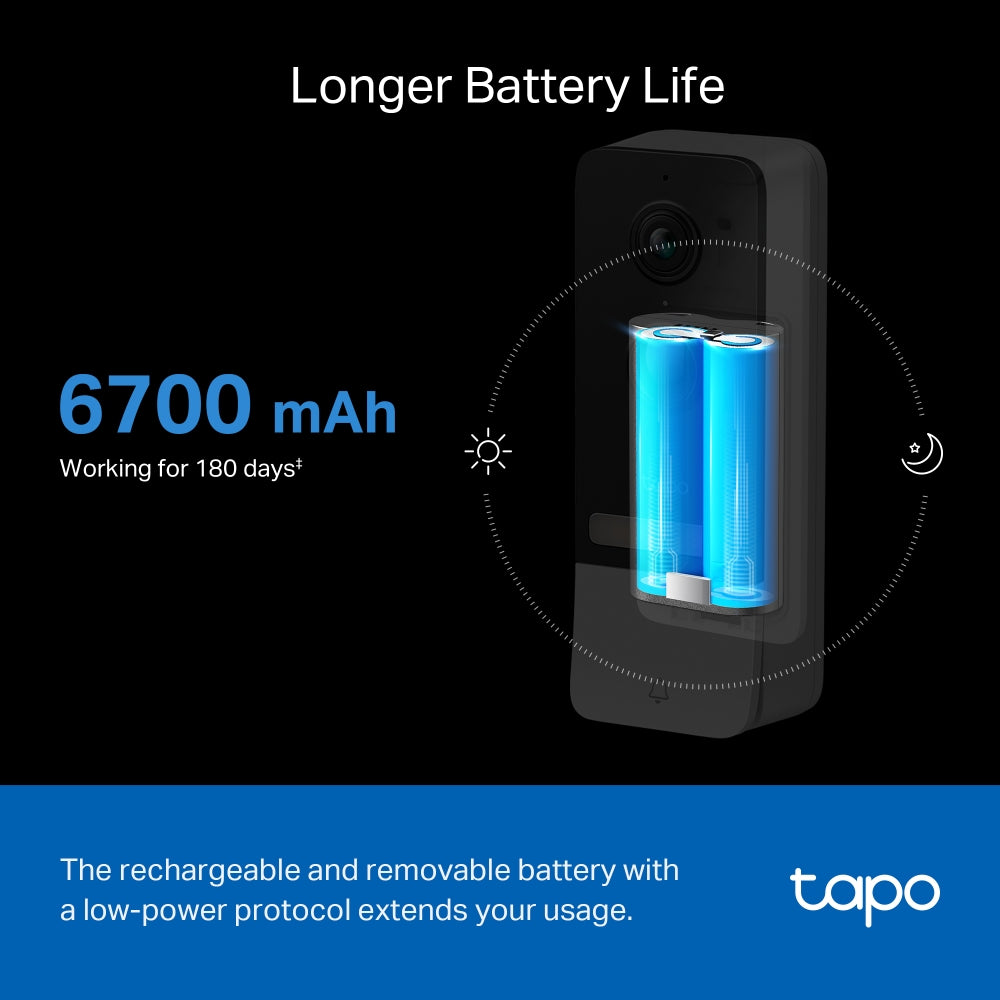
- Longer Battery Life: The rechargeable and removable battery with a low-power protocol extends your usage.
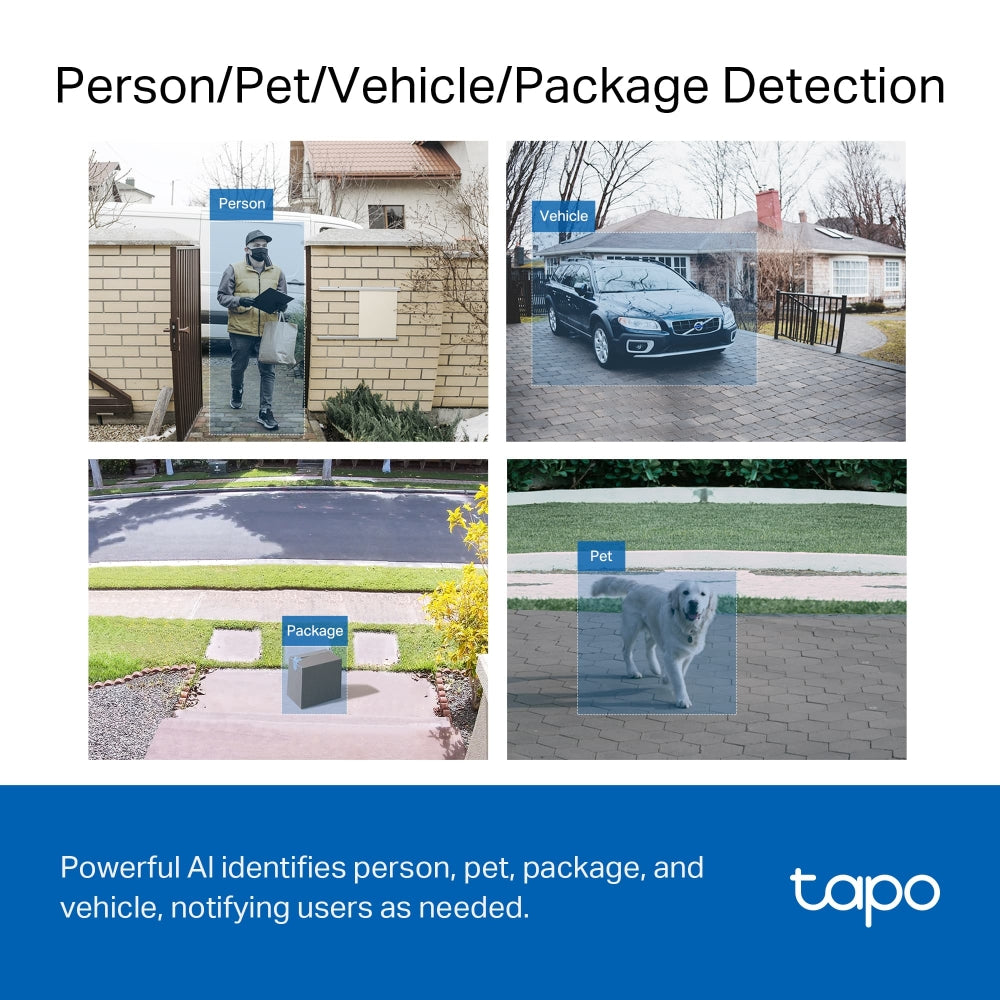
- Smart AI Detection and Notification: Smart AI algorithms identify people, pets, packages, and cars, and notify users as needed.
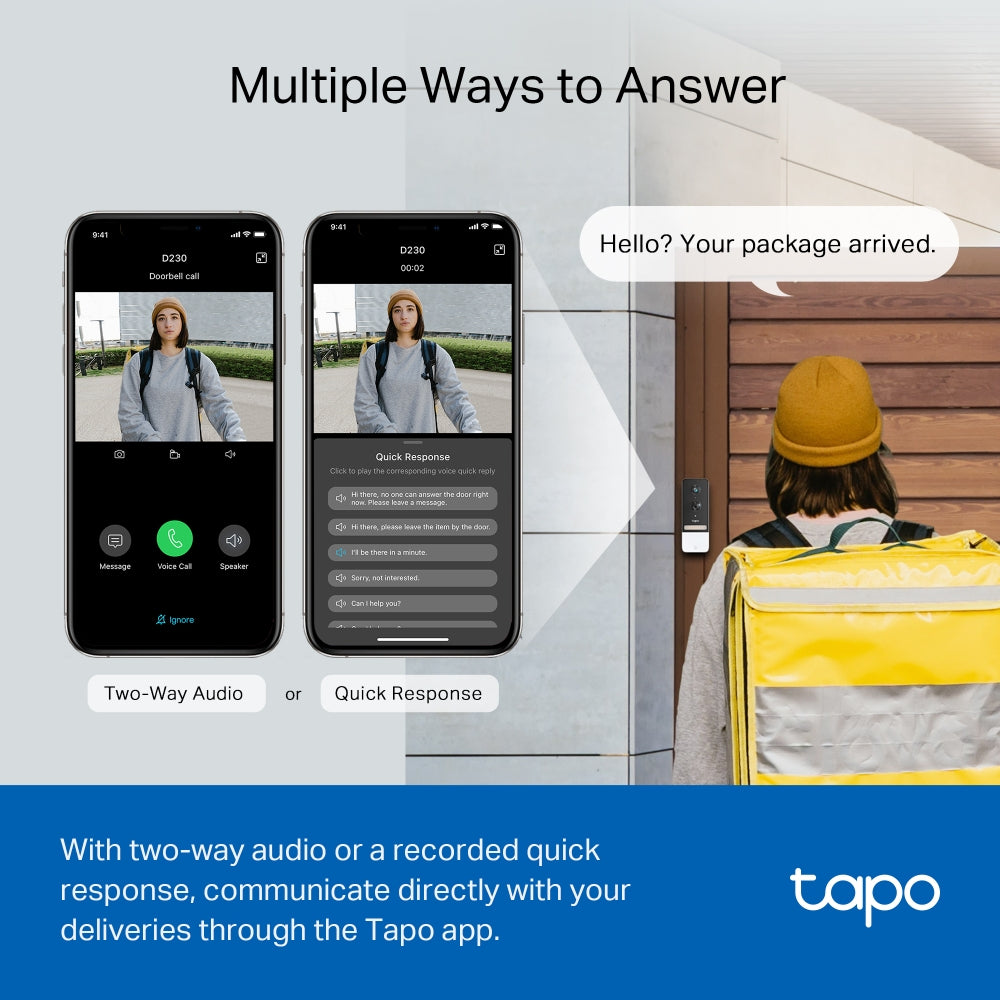
- Multiple Ways to Answer: With two-way audio or a recorded quick response, communicate directly with your deliveries through the Tapo app.
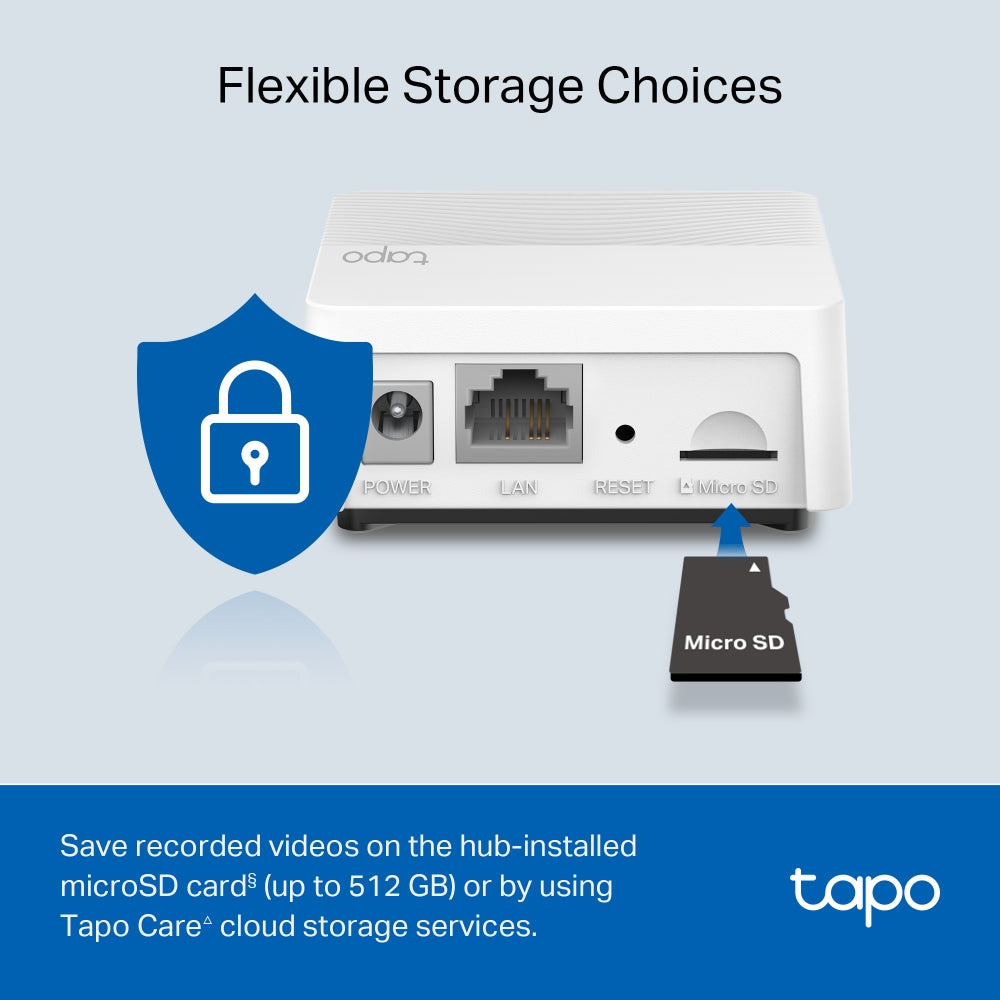
- Flexible Storage Choice: Save recorded videos on the hub-installed microSD card§ (up to 512 GB) or by using Tapo Care△ cloud storage services.
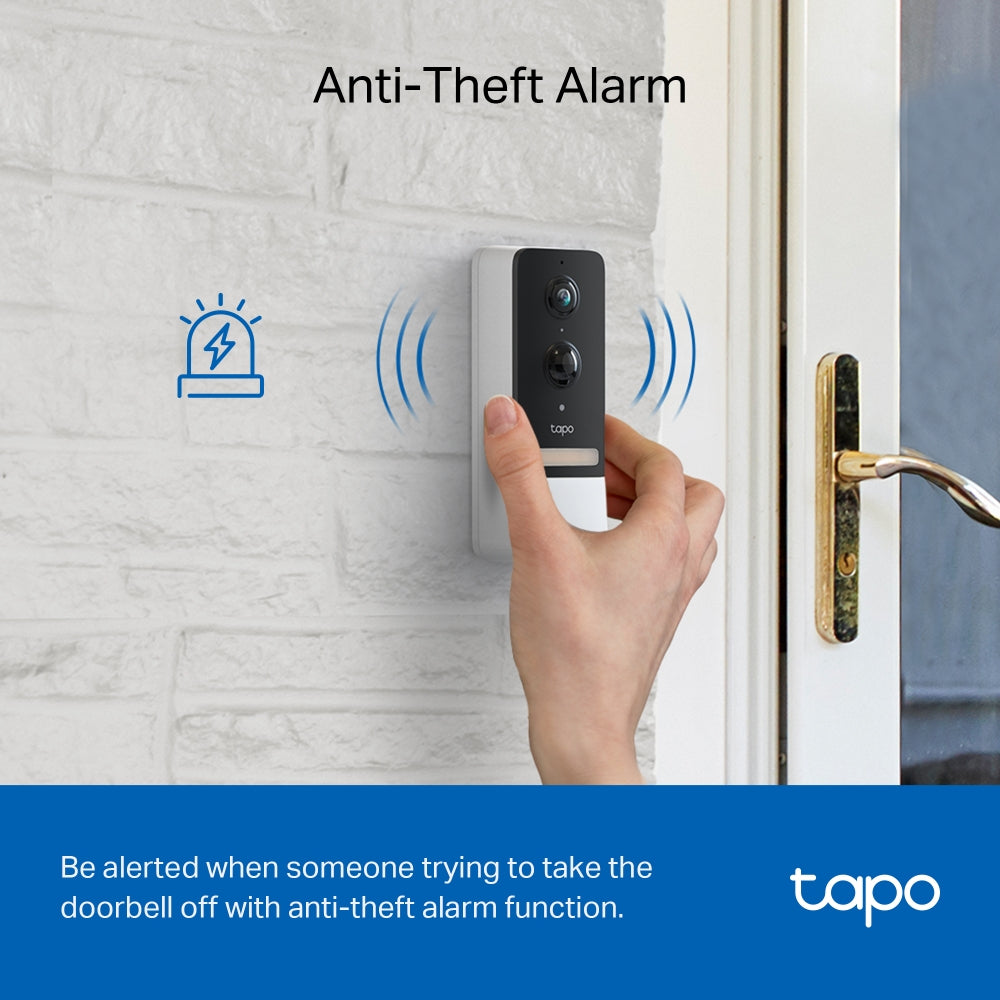
- Anti-theft Alarm: Be alerted when someone trying to take the doorbell off with the anti-theft alarm function.
- Water & Dust Resistant IP64: Operates well on rainy days and in damp environments.


†The Crib Mount is designed for regular square railings made of metal or wood. For best stability, railing thickness should be 5–40 mm (0.2–1.5 in.).
‡Local storage requires a microSD card, which needs to be purchased separately.
§Subscribe for cloud storage at https://www.tapo.com/tapocare/
△Compatible with Alexa and Google Assistant supported displays. User experience is dependent on the connected device's specifications.
☆The depicted UI and effects are for reference only, Please refer to the actual version.
*Tapo Care prices are subject to change. Please refer to the actual situation.
Trusted by Leading Publishers


FAQ
Can I replace my existing doorbell with a Tapo doorbell?
Tapo doorbells can replace many traditional doorbell systems, but compatibility depends on the power supply and wiring conditions. Wired models require a power source within 8–24 V AC (minimum 10 VA) or 10–24 V DC (minimum 10 W) to support features such as continuous recording, while battery-powered models are suitable for homes without existing wiring but need periodic charging. Some systems—such as integrated intercoms, gate controls, or incompatible circuits—may not work with Tapo doorbells. Users should verify transformer specifications, measure voltage if needed, and consult a professional electrician if unsure about installation compatibility.
How do I set up the Tapo D230S1 video doorbell?
To set up the Tapo D230S1, first ensure your phone is connected to the internet and your router supports a 2.4GHz network. Then, set up the H200 hub before pairing the doorbell. Insert the battery into the doorbell, place it near the hub, and use the Tapo app to connect the device.
Alternatively, you can press the SYNC buttons on both the hub and the doorbell to pair them directly. Once connected, name the device in the app and complete the setup.
Why doesn’t Always-On Mode (24/7 recording) work on my Tapo doorbell?
Always-On Mode only functions when the doorbell is correctly hardwired to a compatible 8–24 V AC transformer (minimum 10 VA) and supplied with stable continuous power. If the device is running on battery, connected to an incompatible or unstable power source, or affected by incorrect wiring, poor connections, or interference from a traditional chime or other electrical loads, the feature may fail to activate or operate reliably. Users should verify the transformer specifications, wiring setup, circuit condition, and jumper installation. If the issue continues, it is recommended to contact TP-Link technical support and provide relevant device, wiring, and power information for further assistance.
How can I pause or stop the Anti-theft Alarm on my Tapo doorbell?
When the Anti-theft Alarm feature is enabled, the Tapo doorbell will sound an alarm if it is removed from its mounting base. To temporarily pause the alarm, press and hold the Anti-theft button for about 5 seconds, though the alarm will resume once the button is released. To fully stop the alarm, you can disable the Anti-theft Alarm feature either by pressing and holding the SYNC/RESET button and the Anti-theft button together for around 10 seconds, or by turning off the Anti-theft Alarm option in the device settings within the Tapo app.
Why doesn’t my Tapo smart automation work as expected?
If your Tapo smart automation is not working, it may be due to incorrect trigger conditions, unstable network connection, or device communication issues. Make sure all devices are properly connected to the same network, firmware is up to date, and automation settings (triggers and actions) are configured correctly.
You can also check signal strength, verify that the devices are online, and review the event logs in the Tapo app. If needed, recreate the automation or restart the devices to resolve the issue.