



A Day With Tapo and Alexa


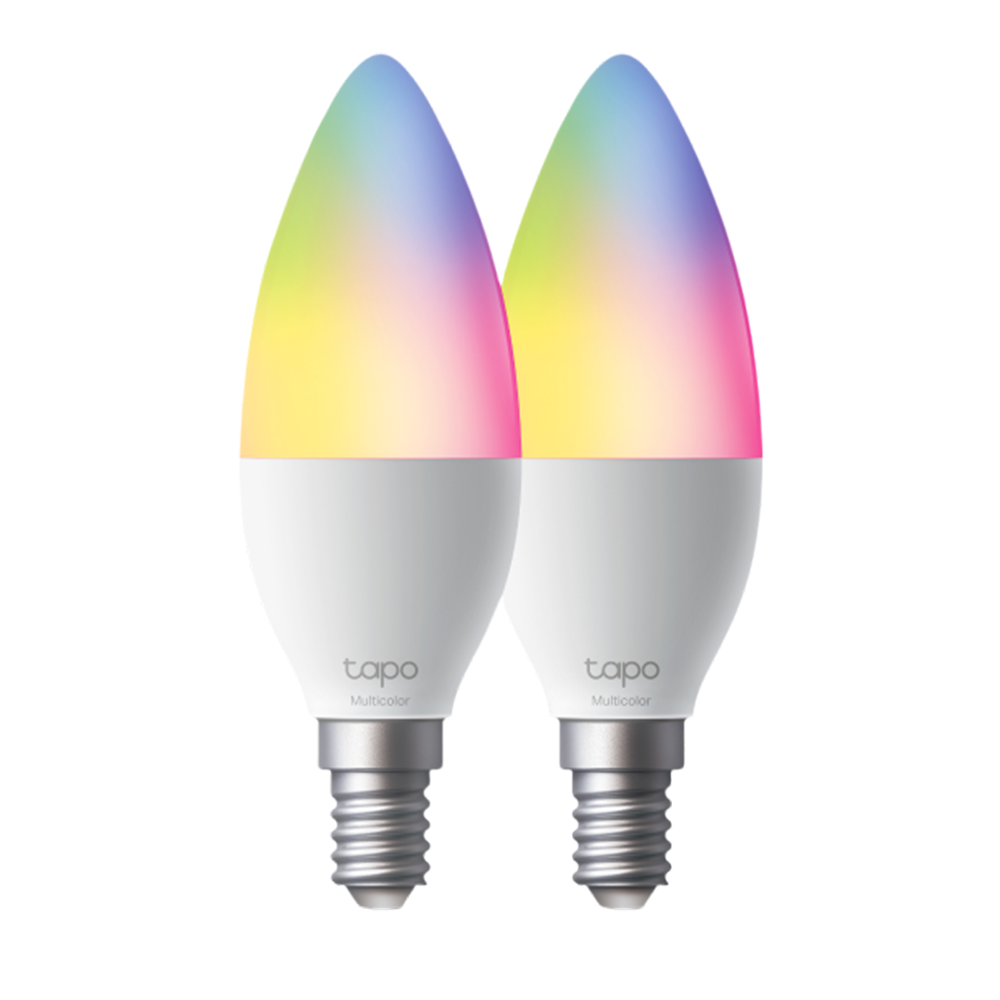
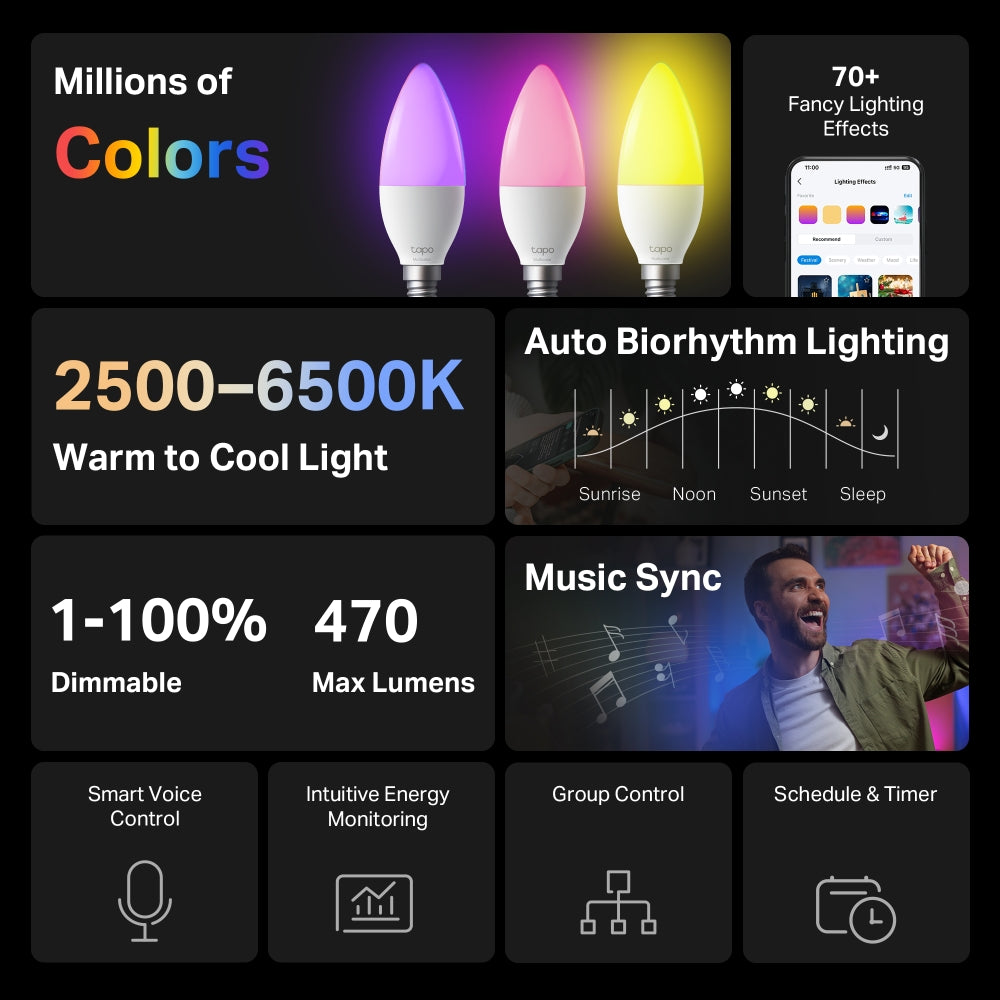
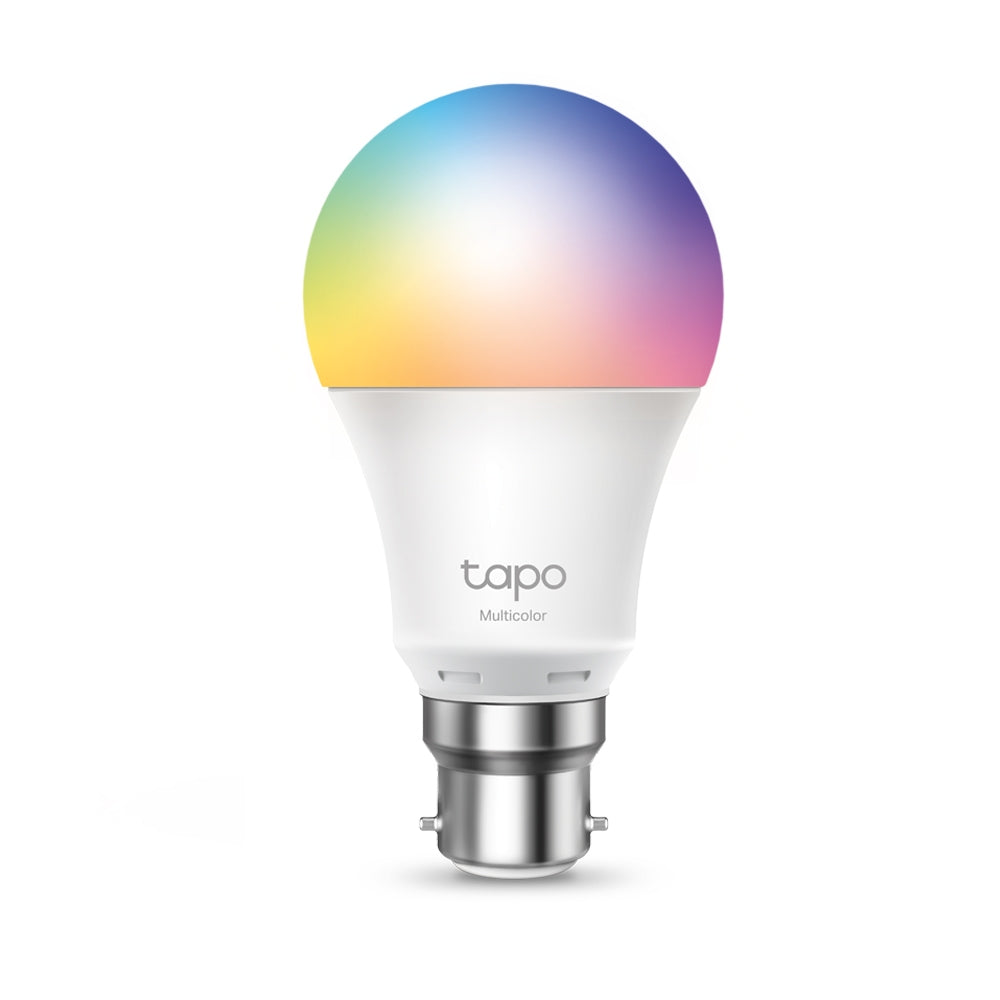
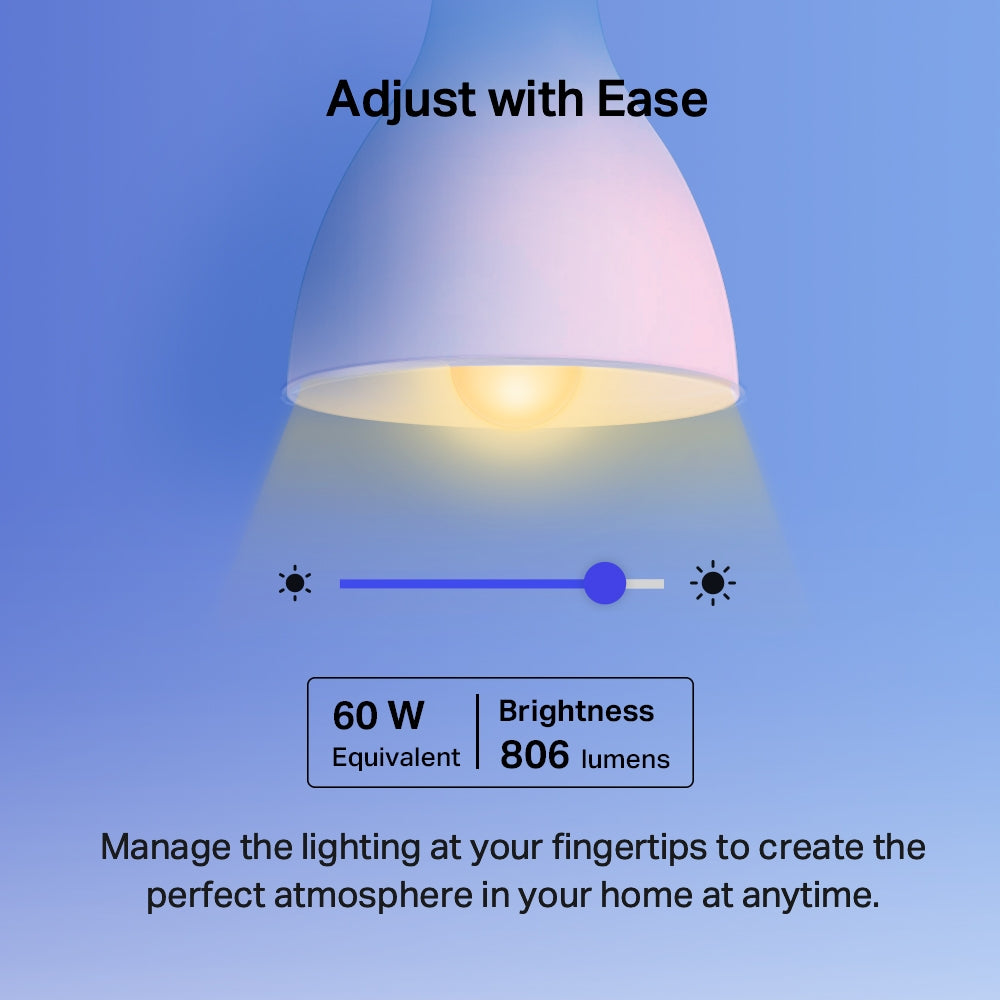
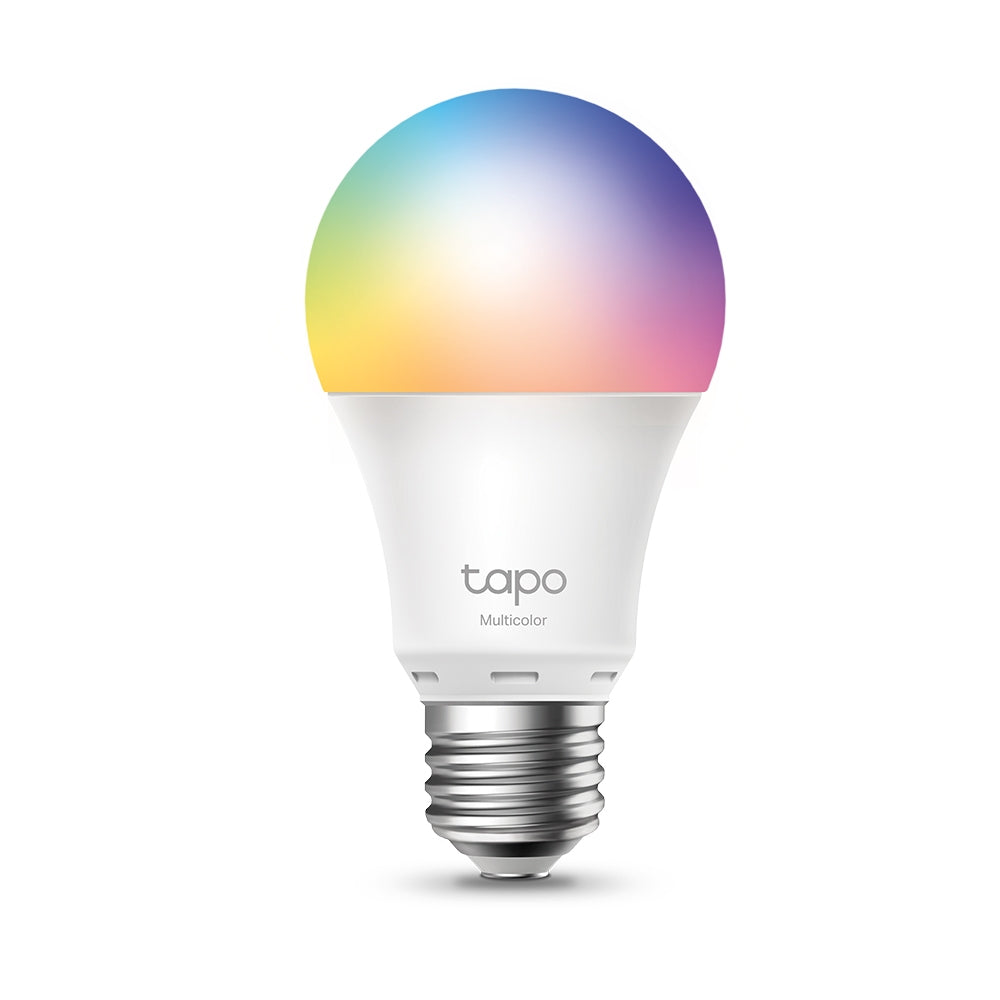
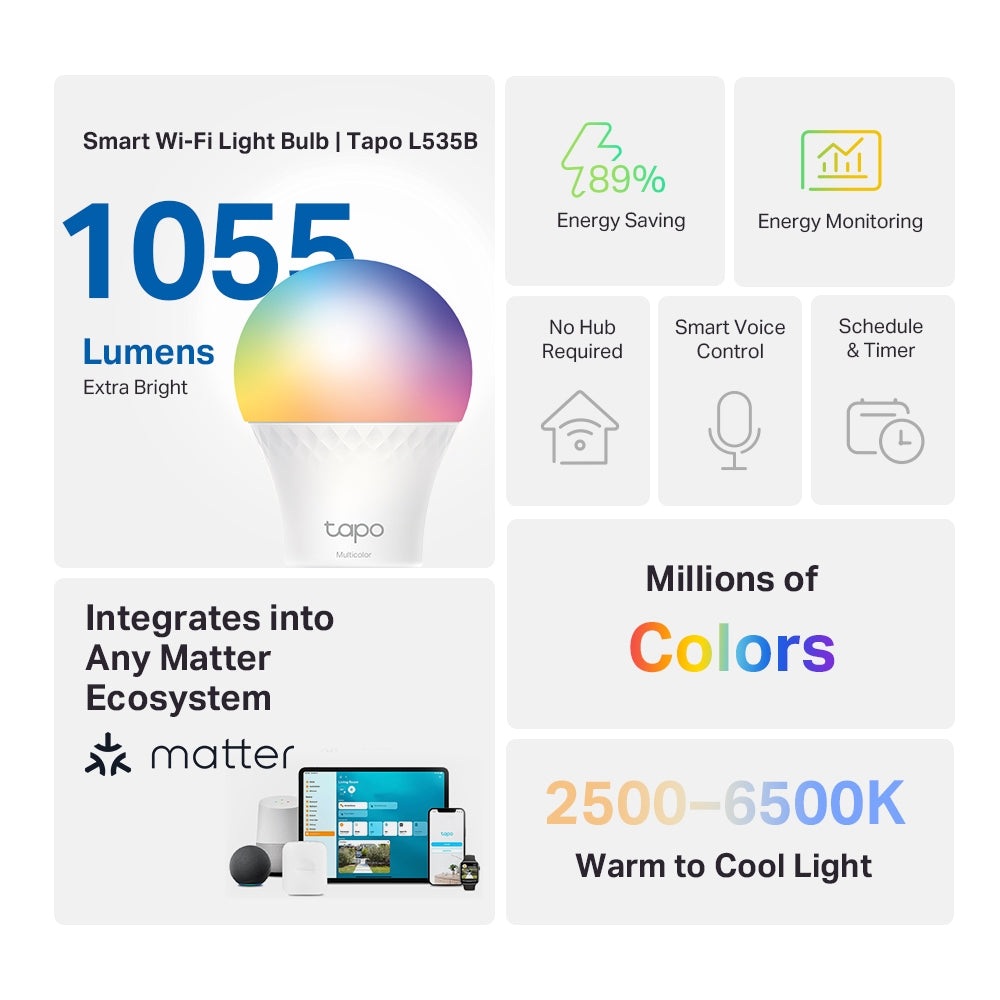
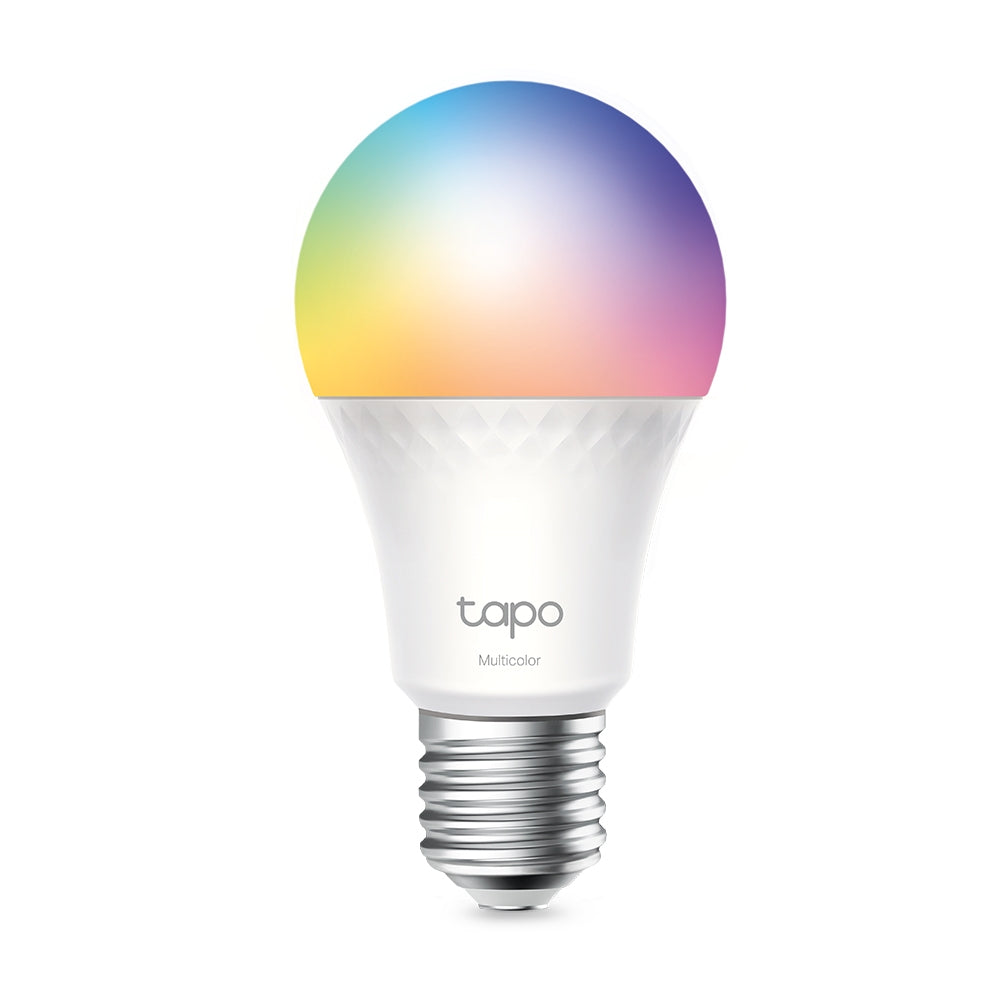
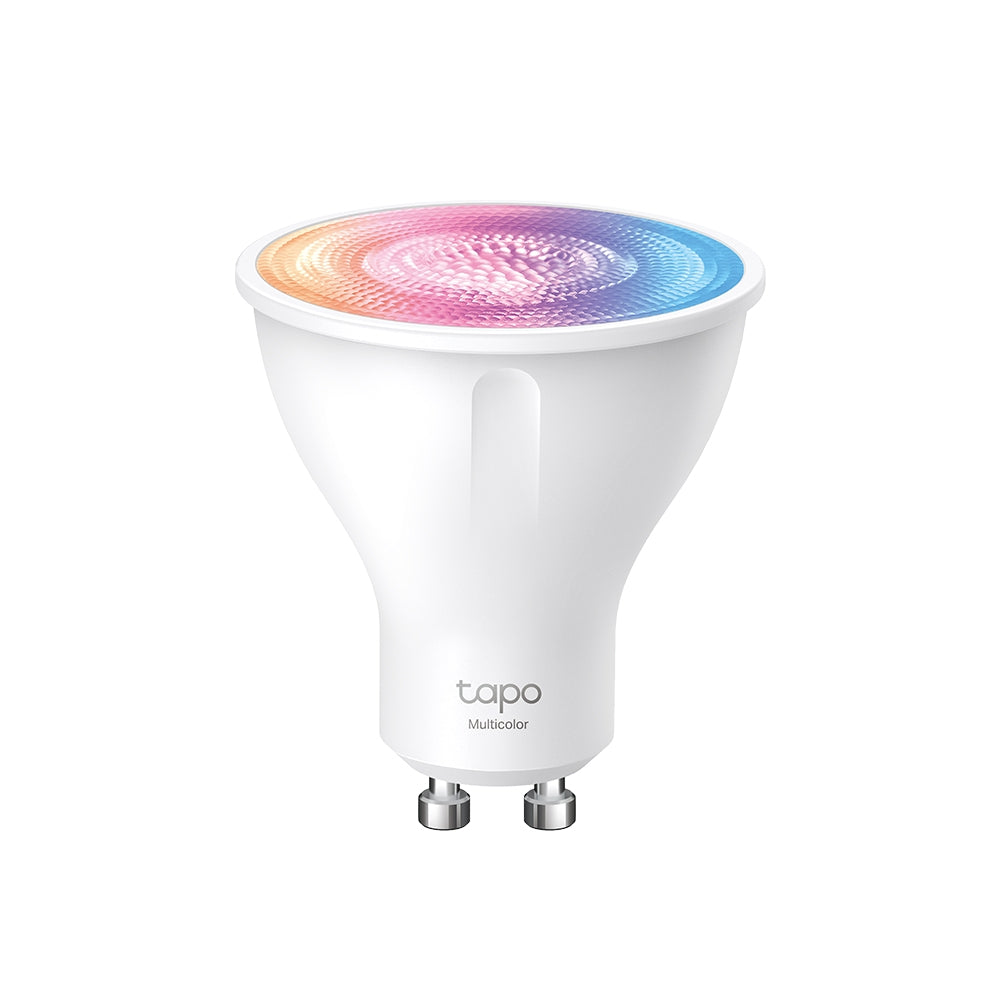
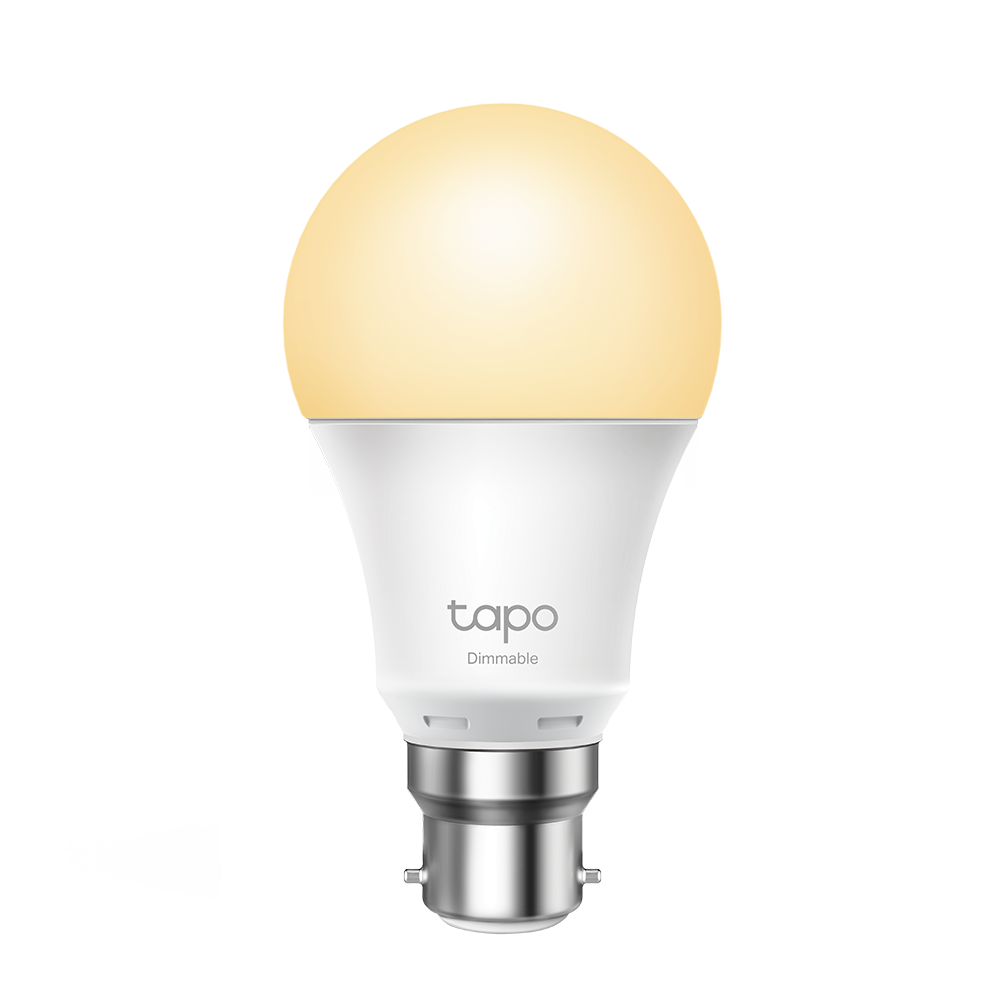
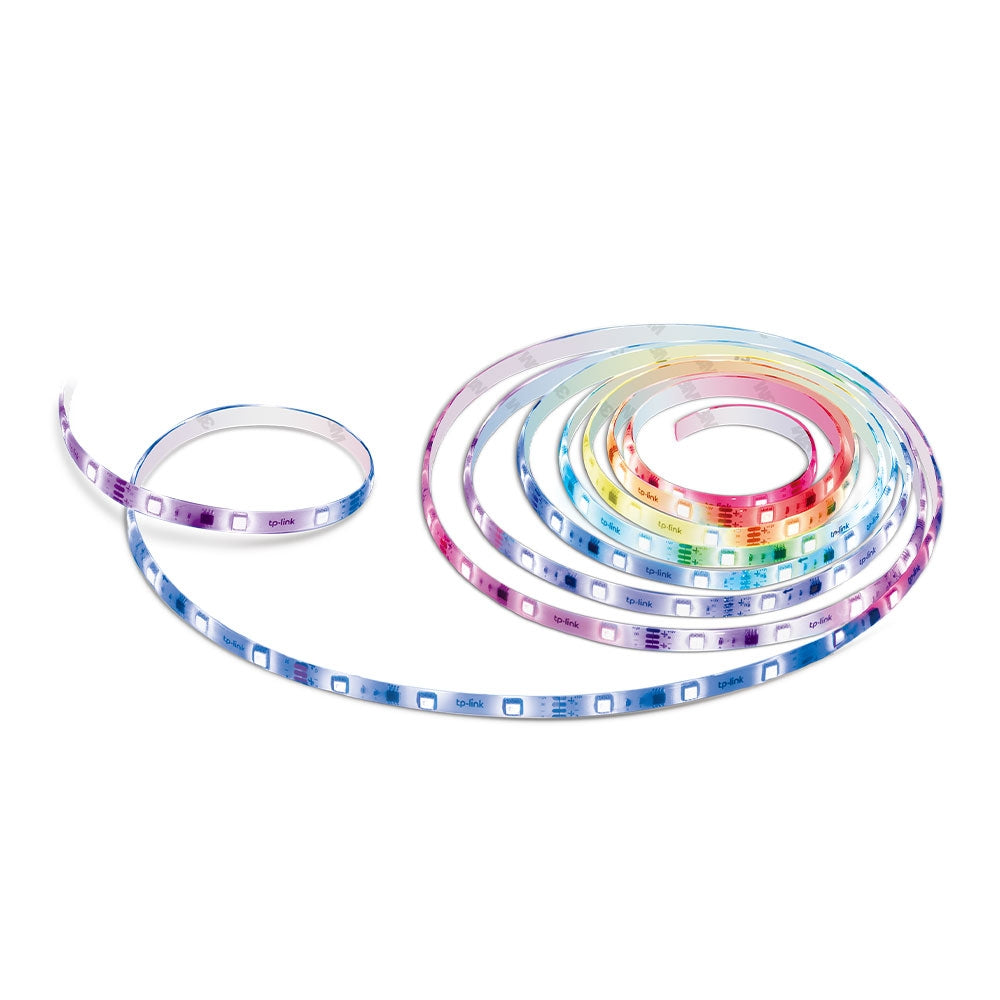
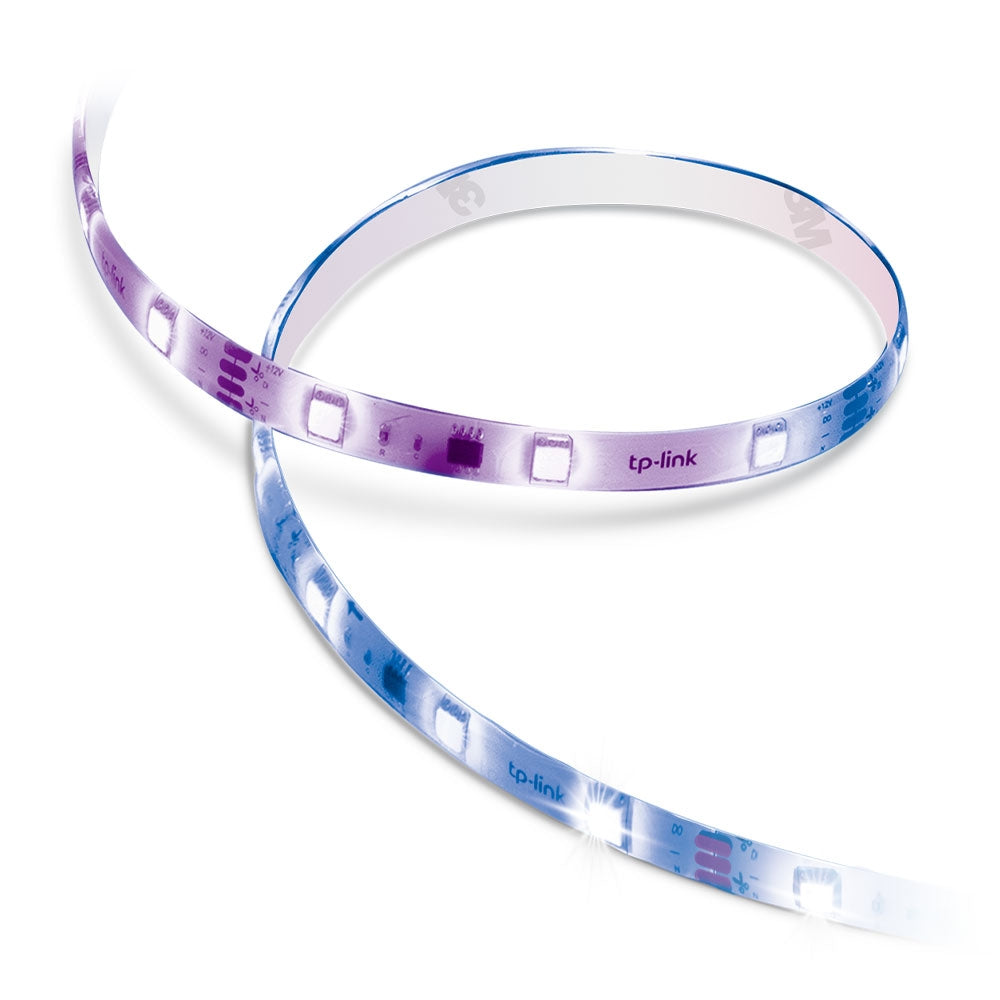
Tapo L530B | Smart Wi-Fi Light Bulb, B22 Base, Multicolour, App & Voice Control


Tapo L530B | Smart Wi-Fi Light Bulb, B22 Base, Multicolour, App & Voice Control

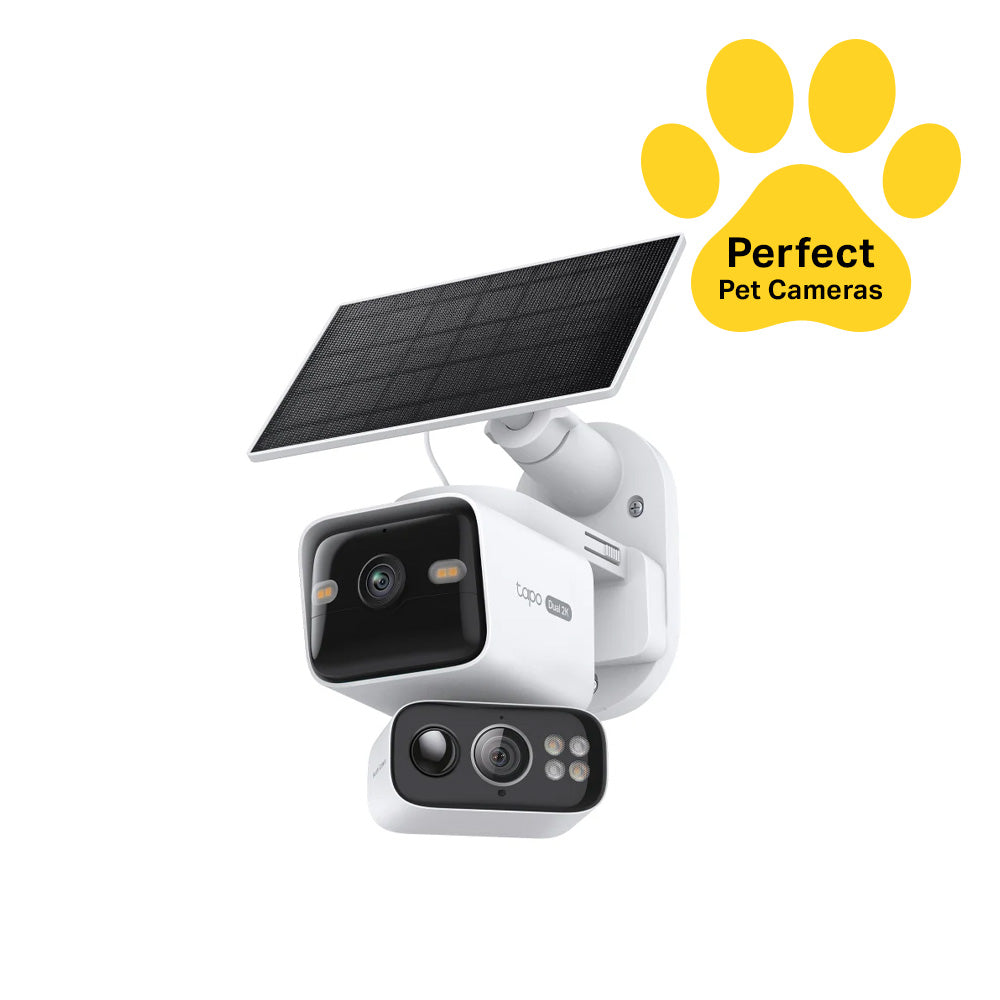
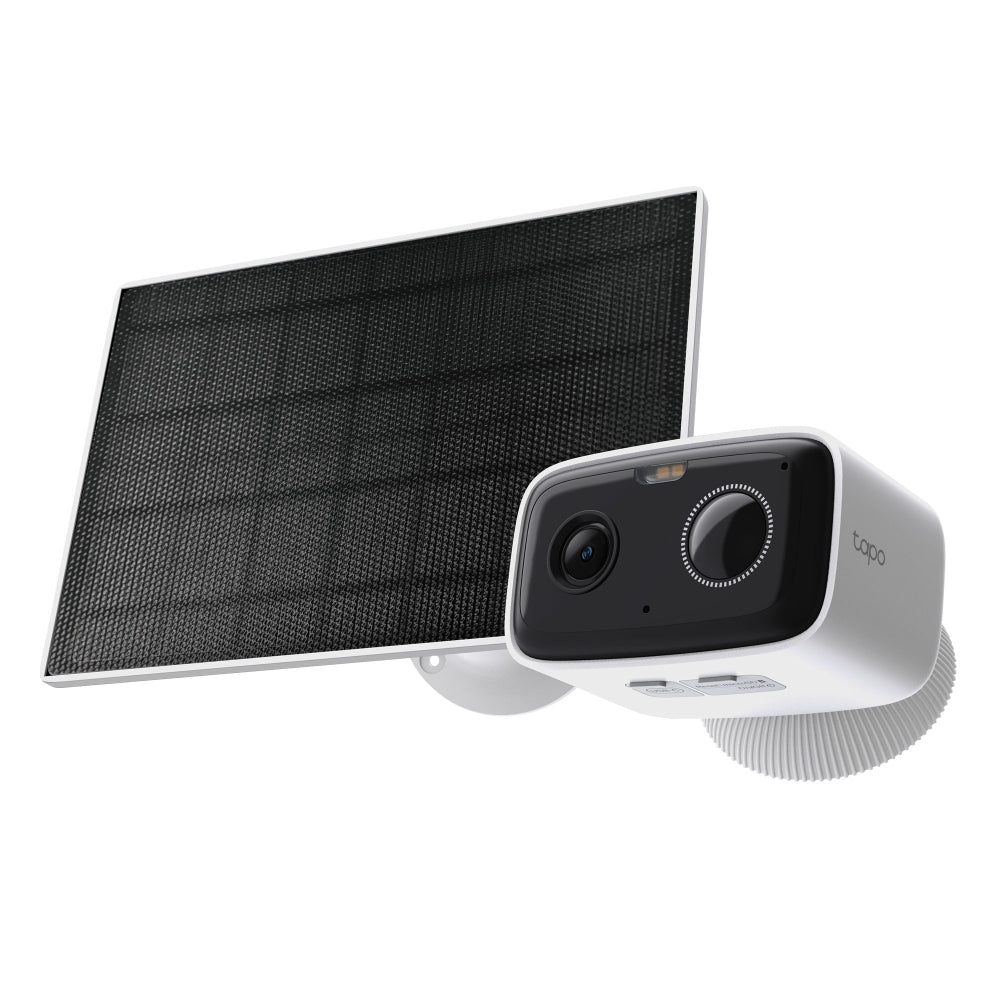
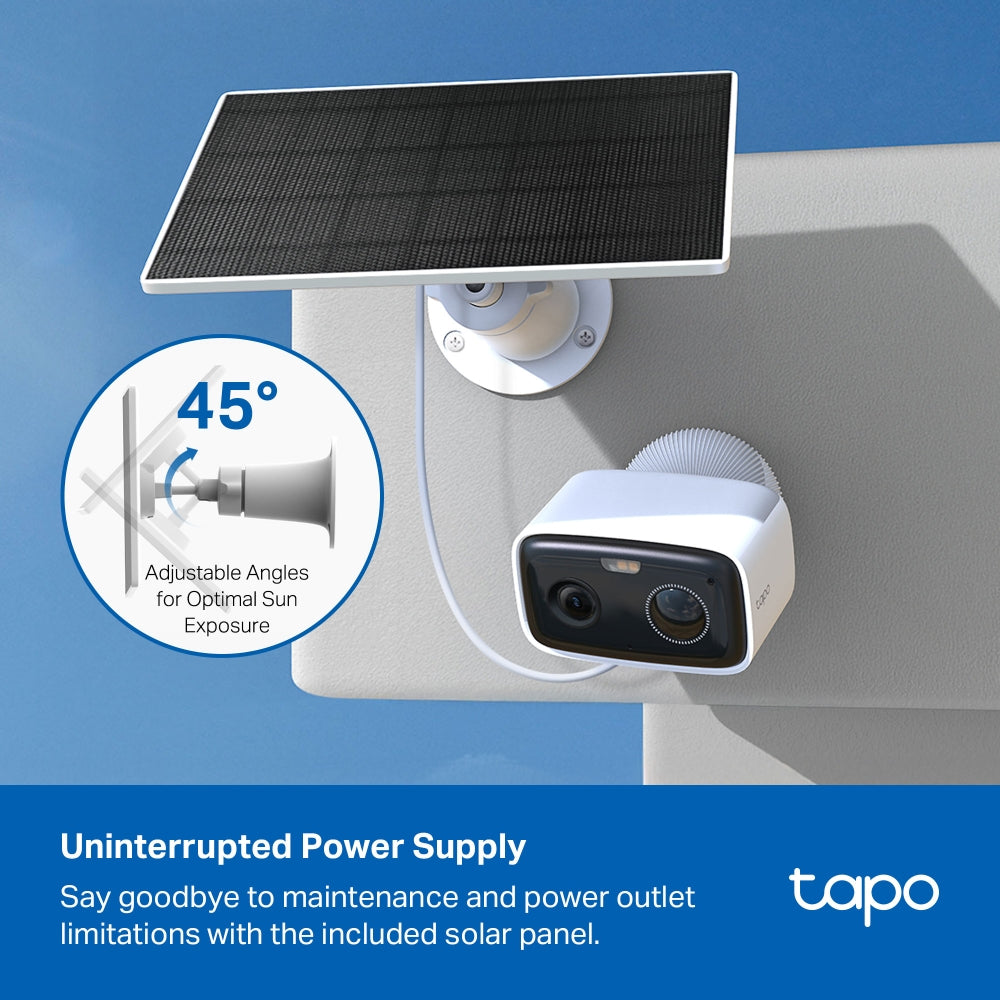
Tapo C460 KIT | Solar/Battery Outdoor Camera, 4K 8MP, Free AI Detection, Starlight Colour Night Vision


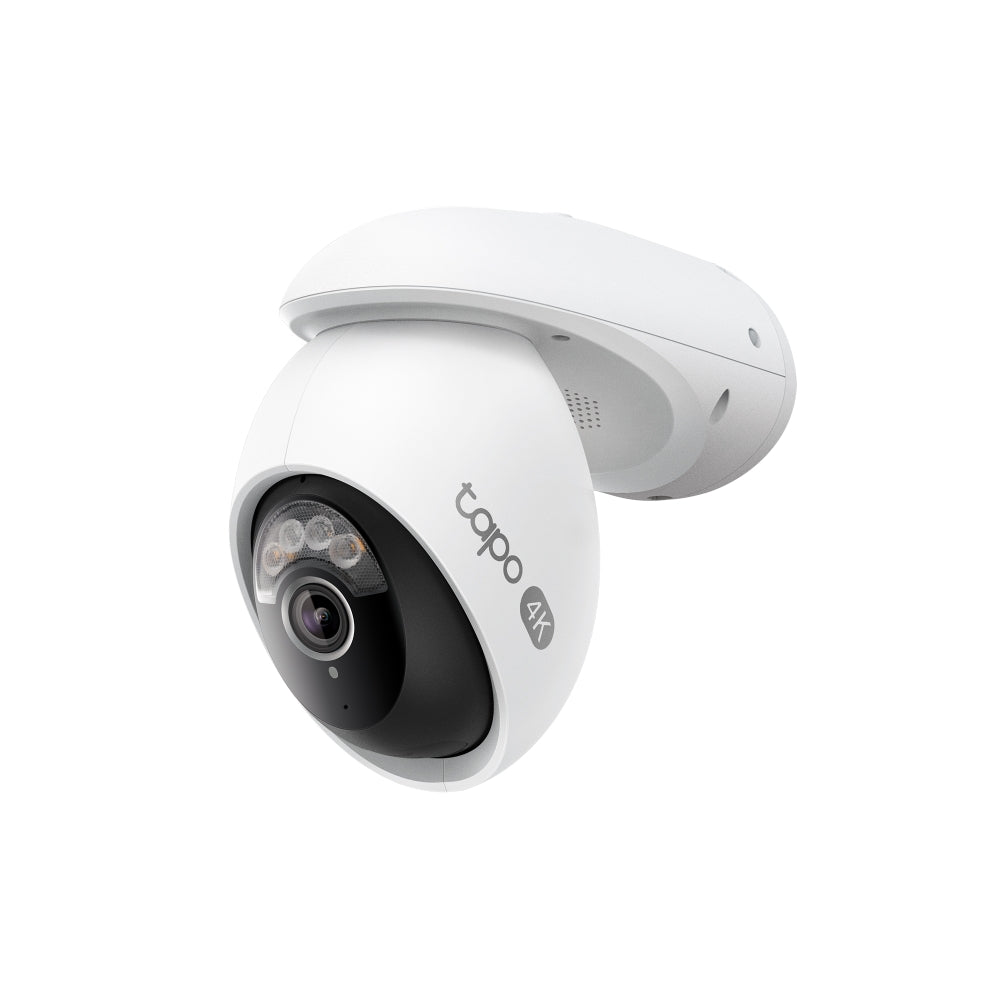
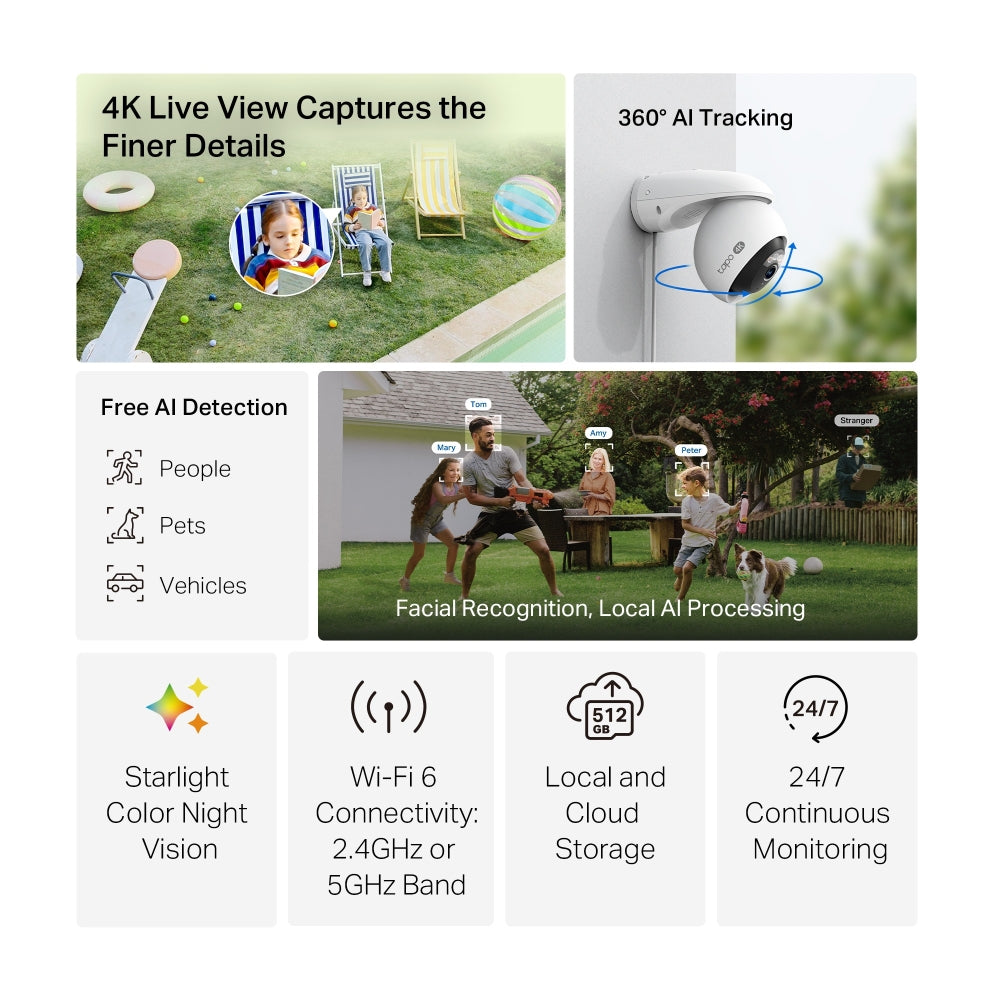
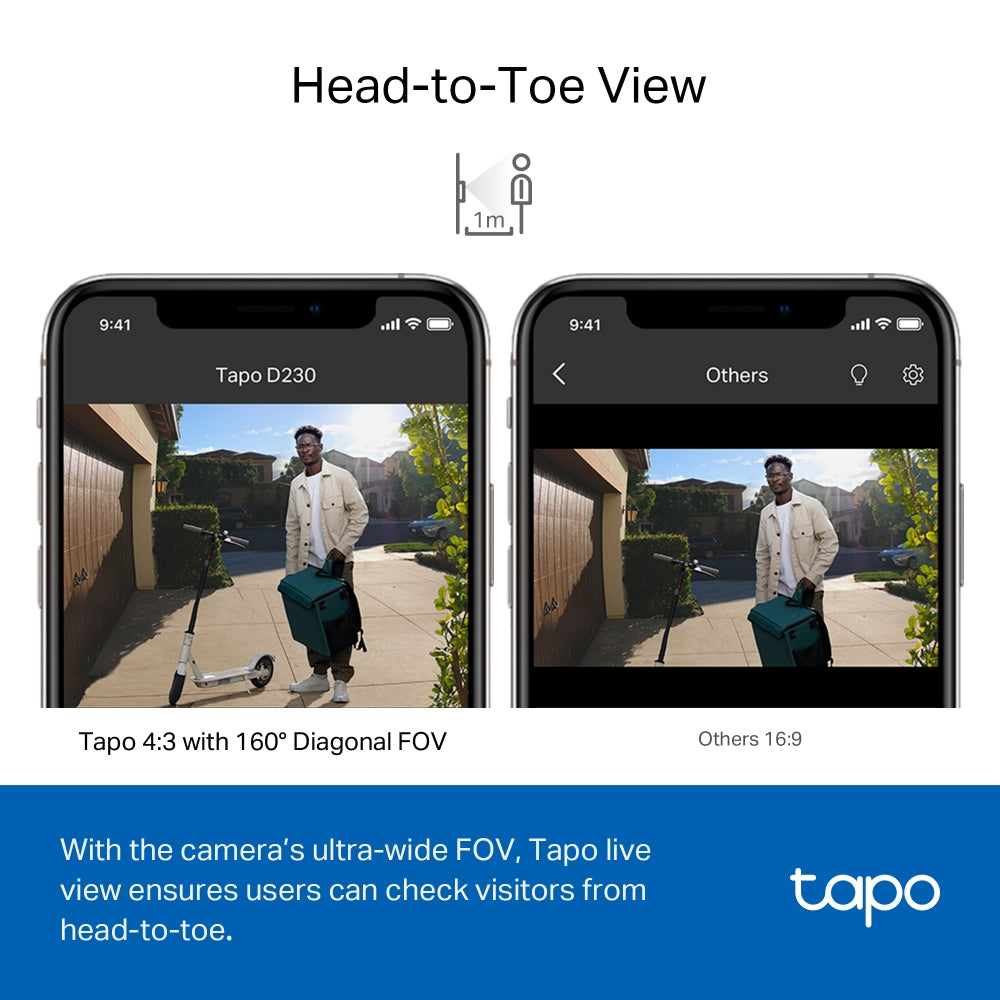
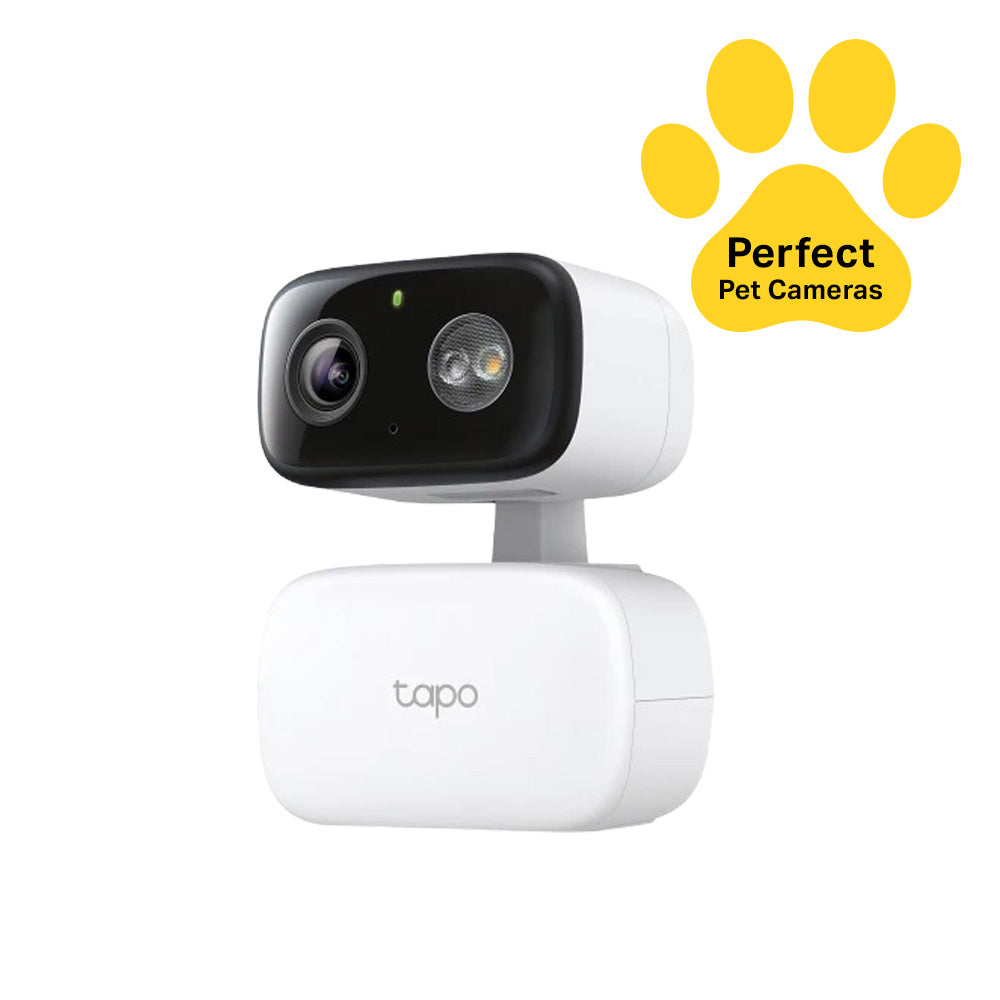
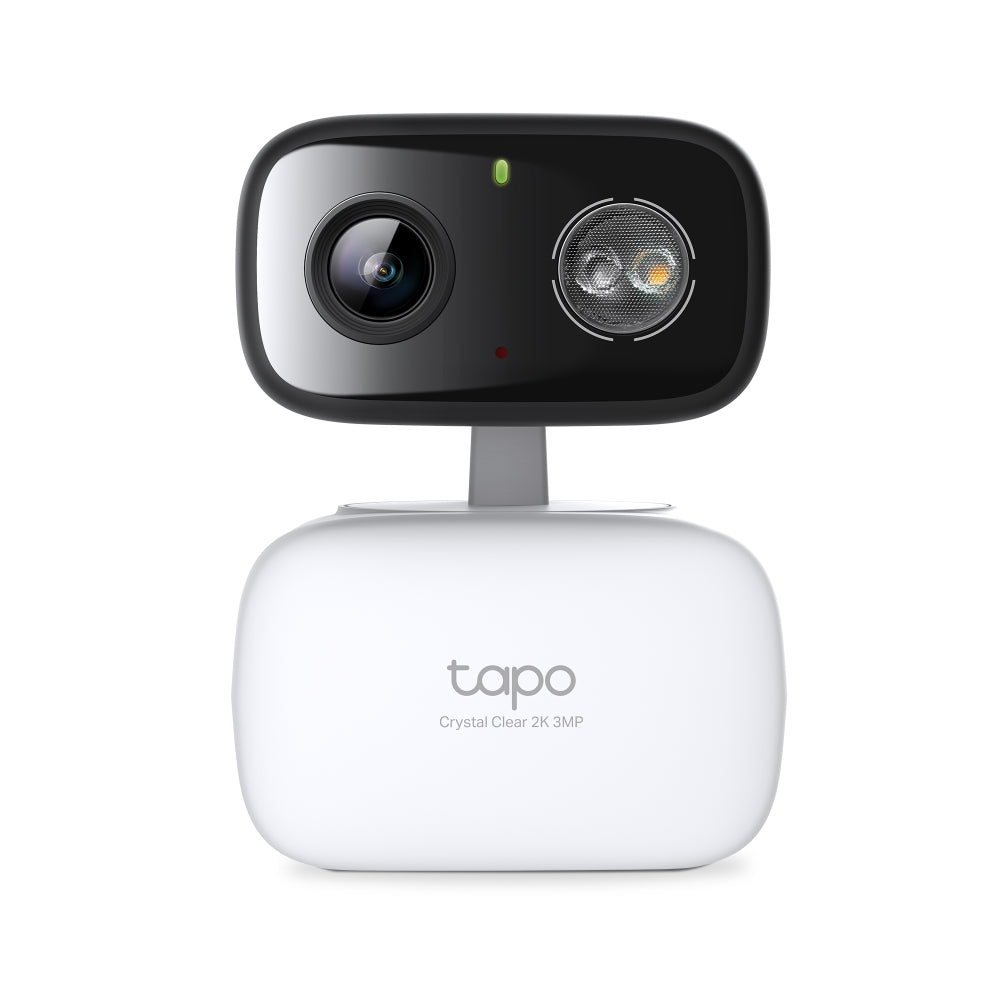
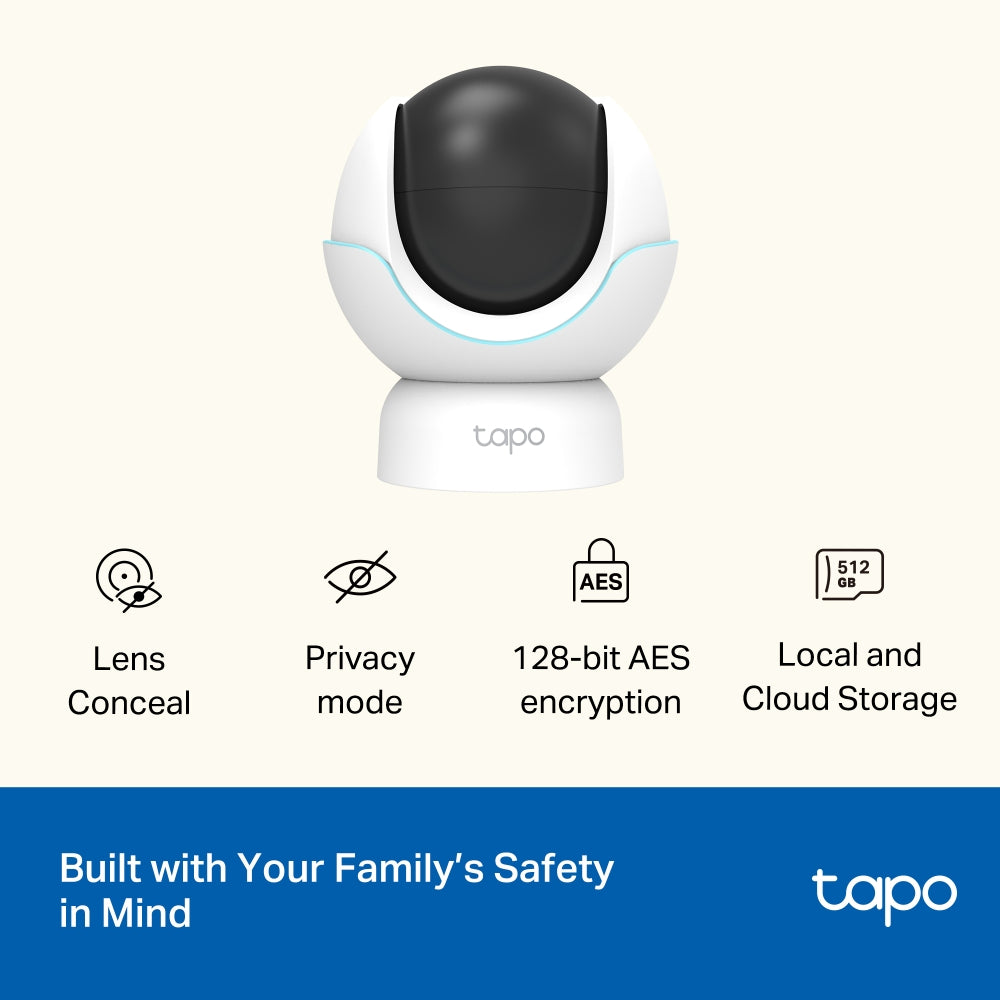
Tapo C260 | Pan/Tilt AI Home Security Wi-Fi Camera, 4K 8MP, Facial Recognition

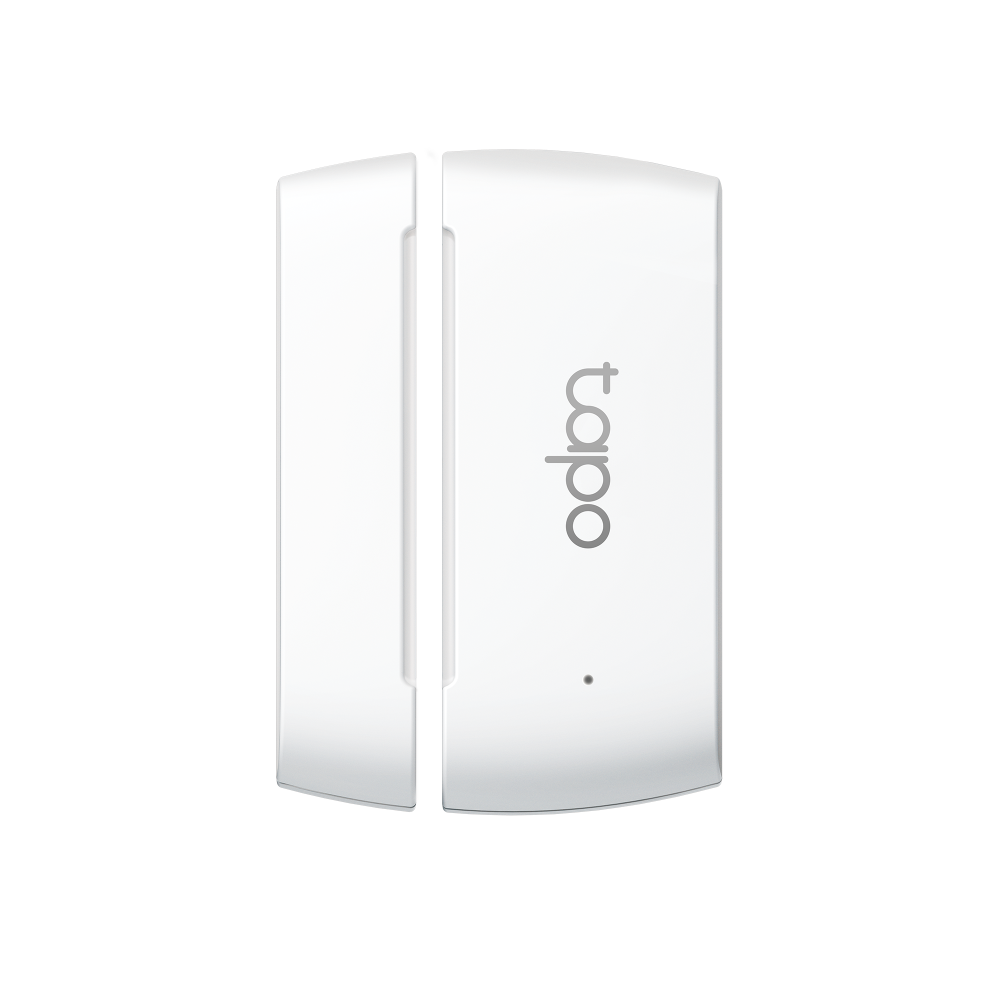
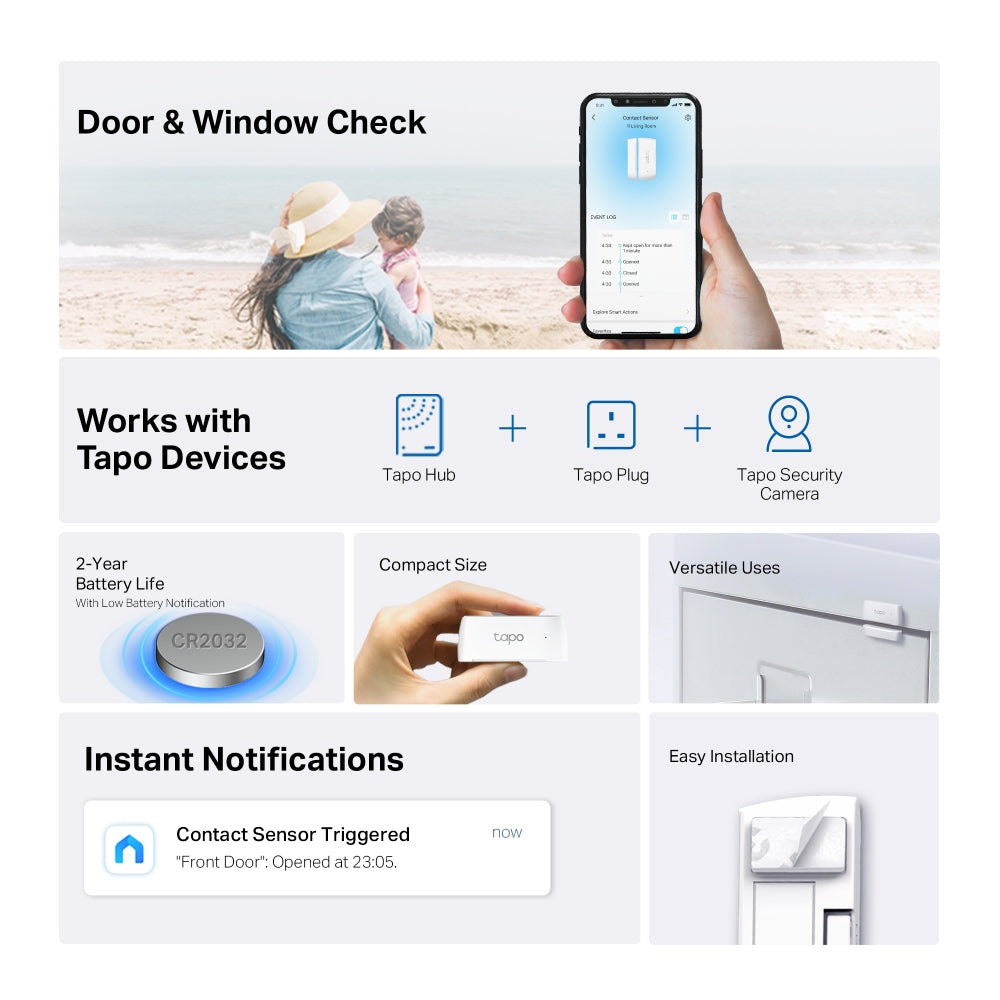
Tapo T110 | Smart Contact Sensor, Door & Window Monitoring, Instant App Alerts


Tapo L530B | Smart Wi-Fi Light Bulb, B22 Base, Multicolour, App & Voice Control
Tapo C260 | Pan/Tilt AI Home Security Wi-Fi Camera, 4K 8MP, Facial Recognition
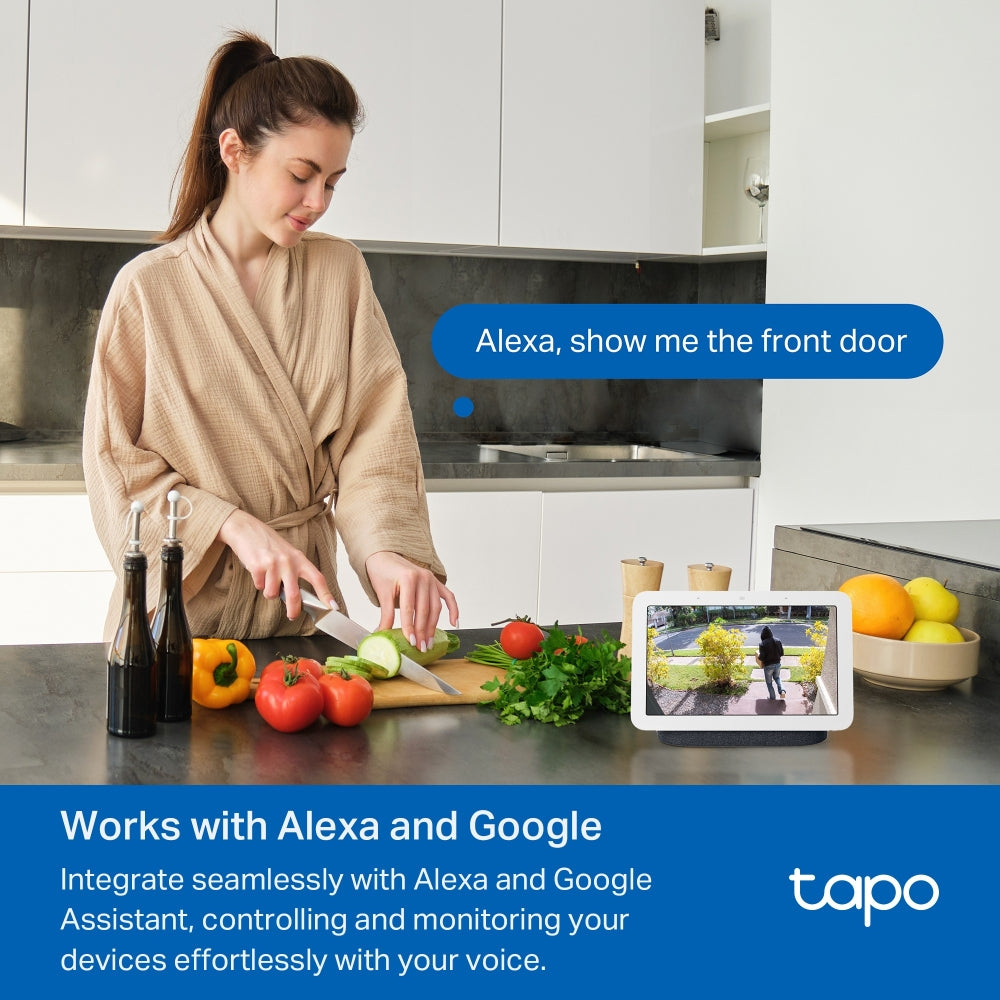
Voice Commands in Real Life
You don't need to learn how to use your smart home — just speak.


Shop by Voice Experience
Want to see more products that work Alexa? Click here to view all.

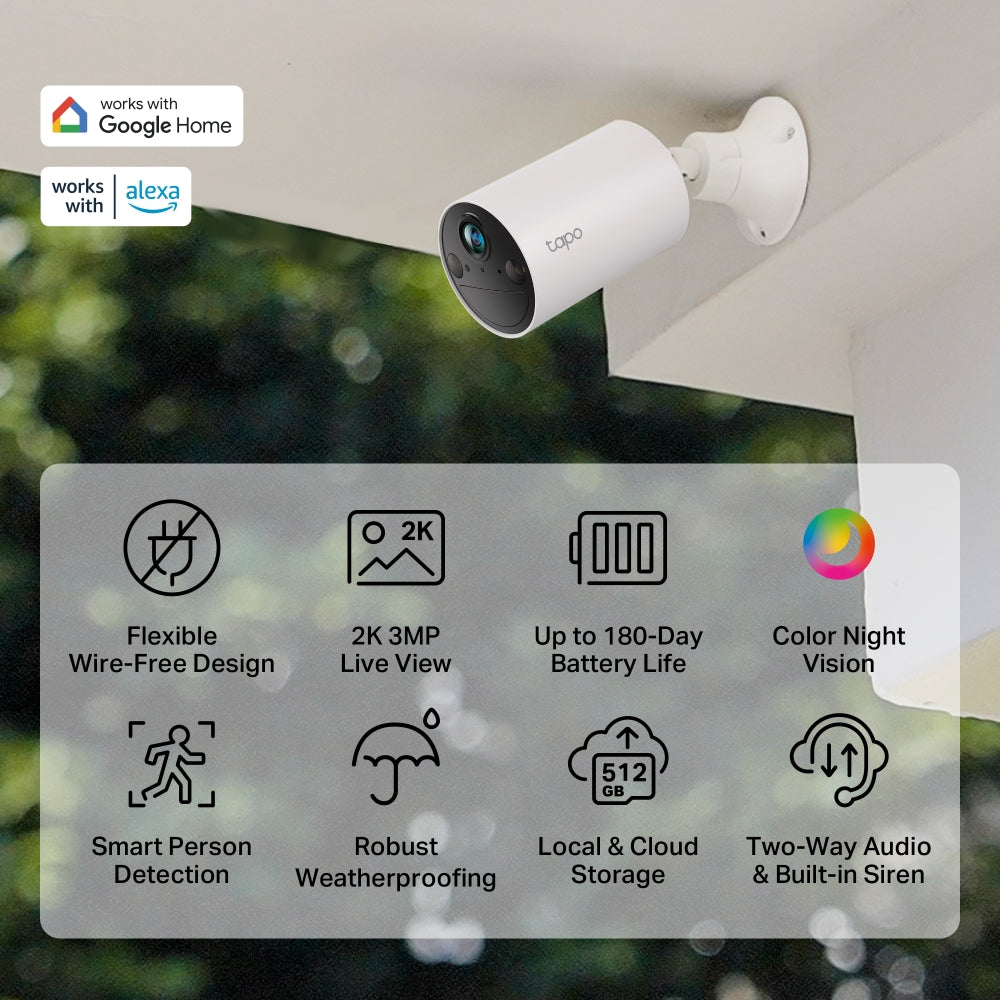
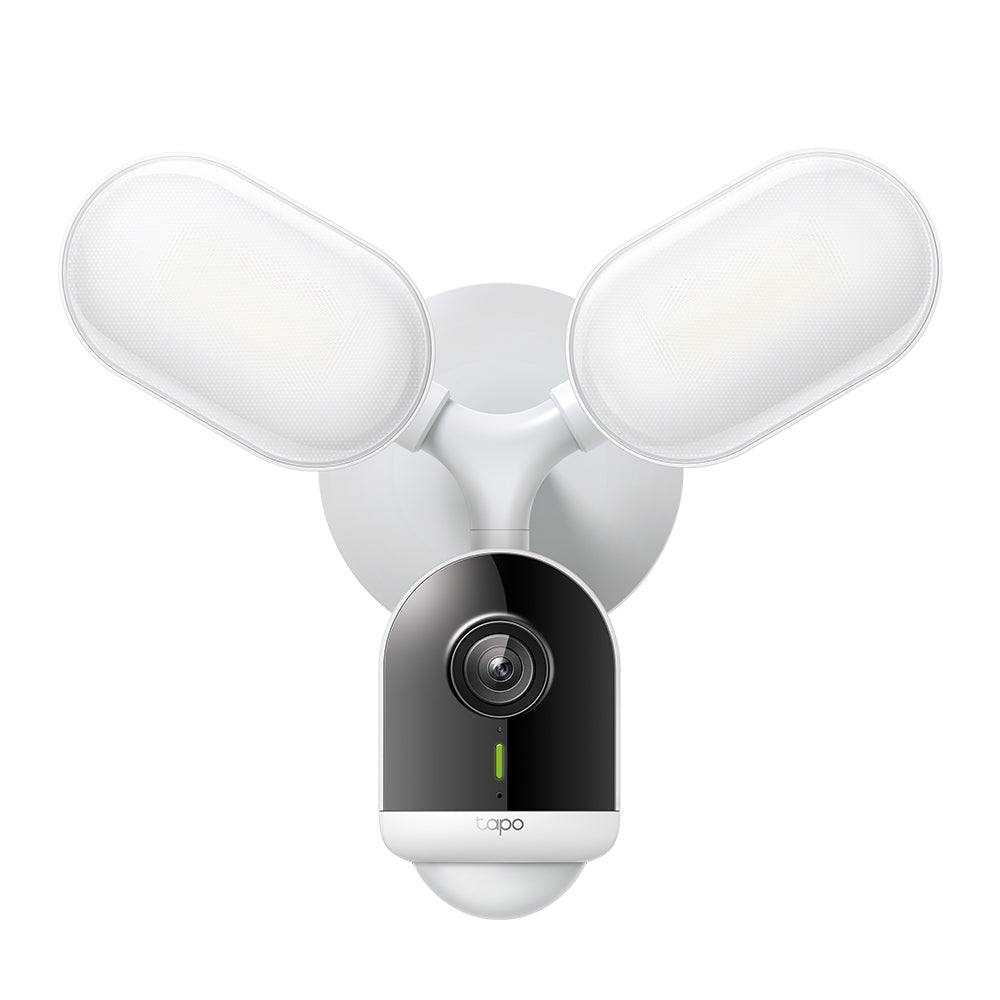
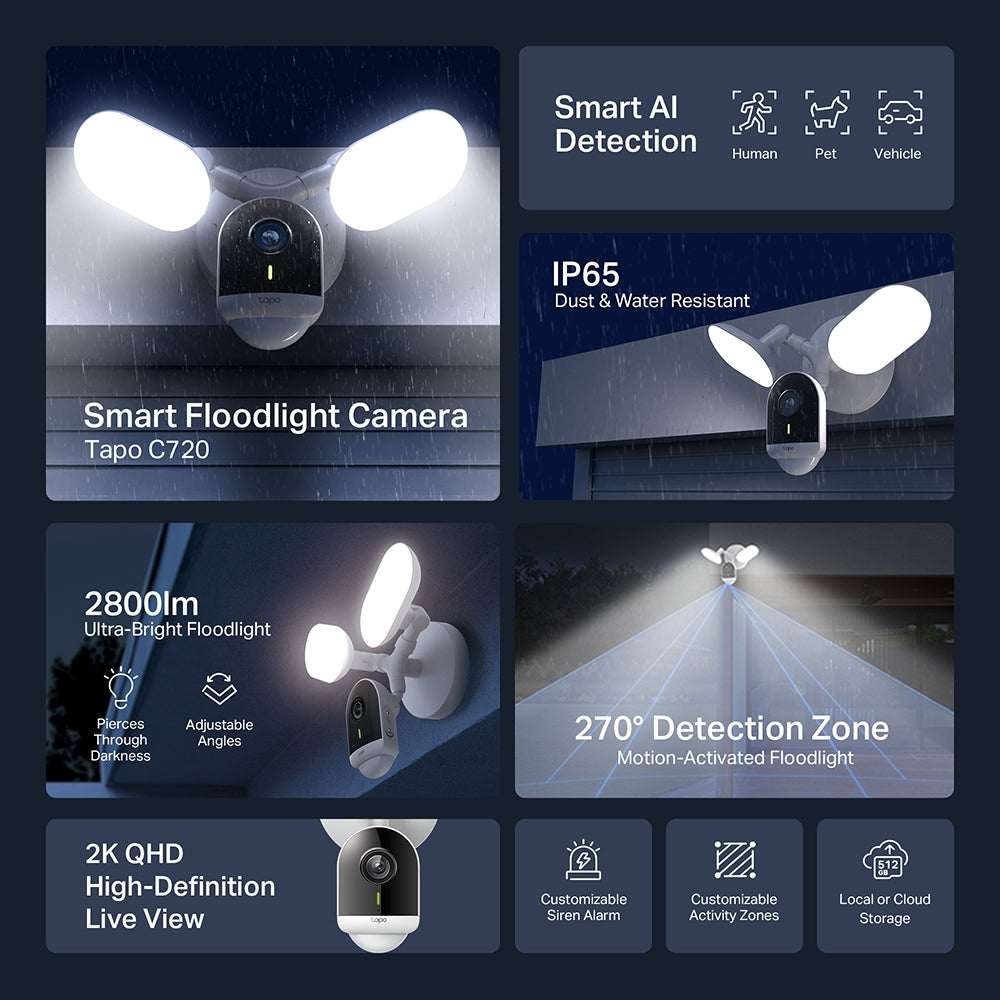
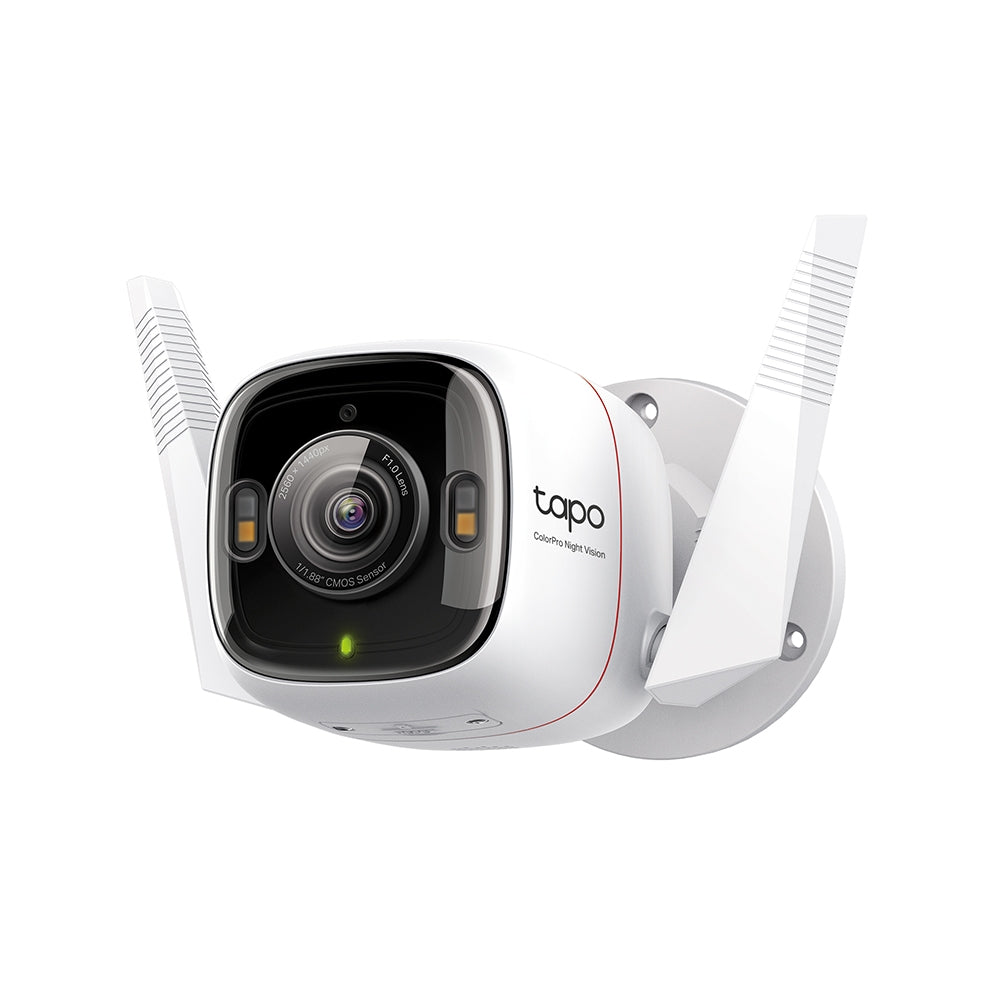
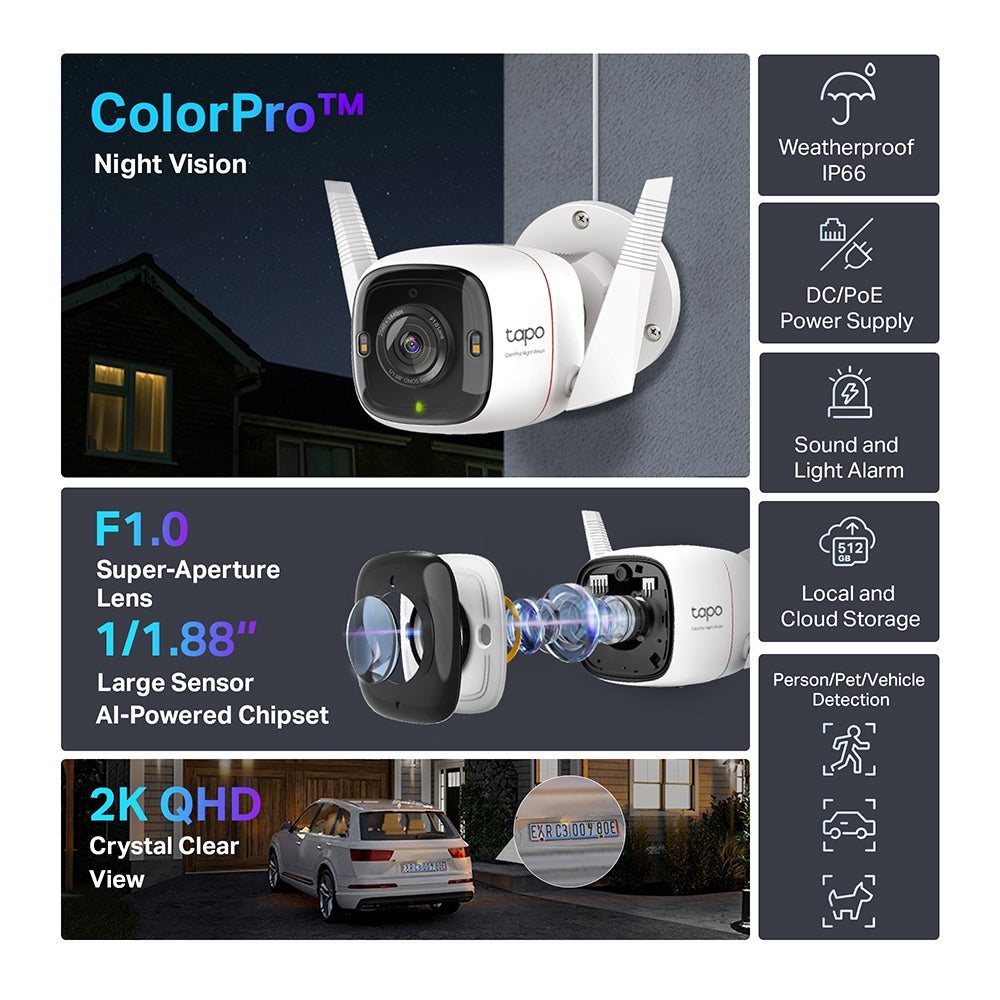





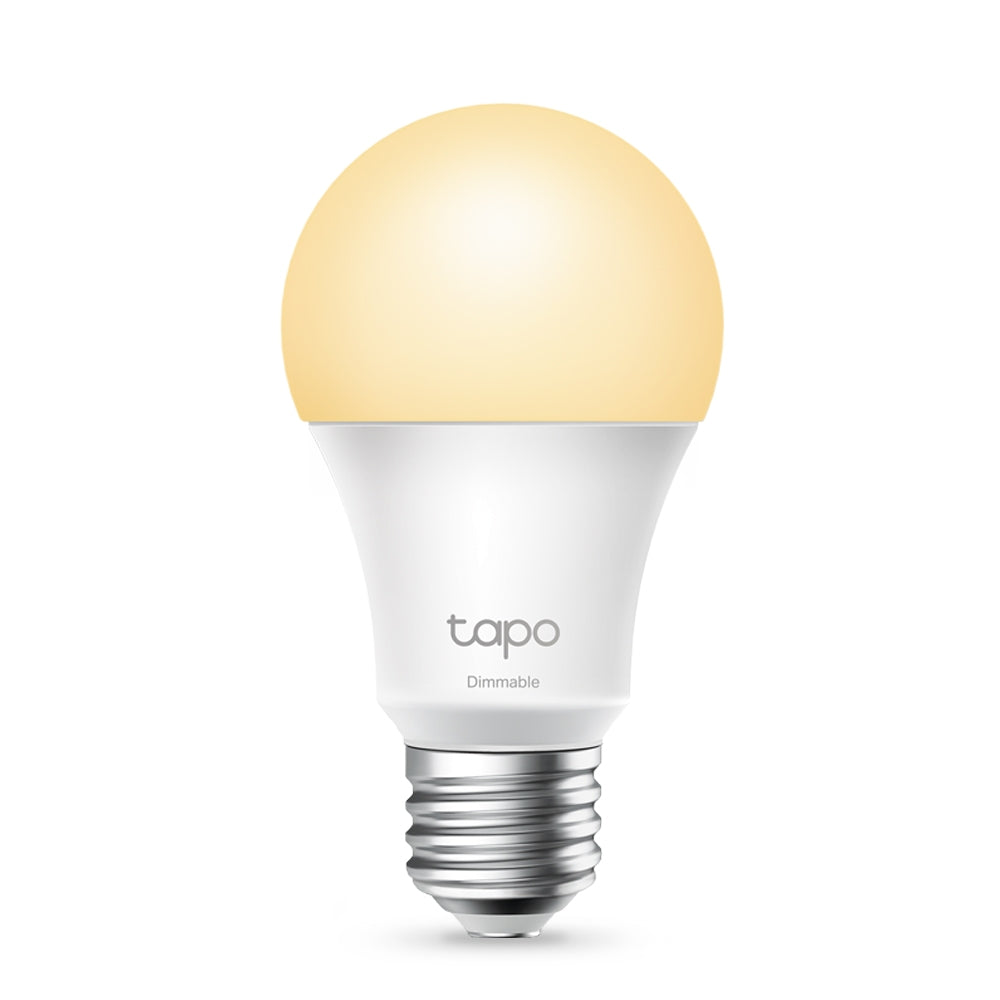
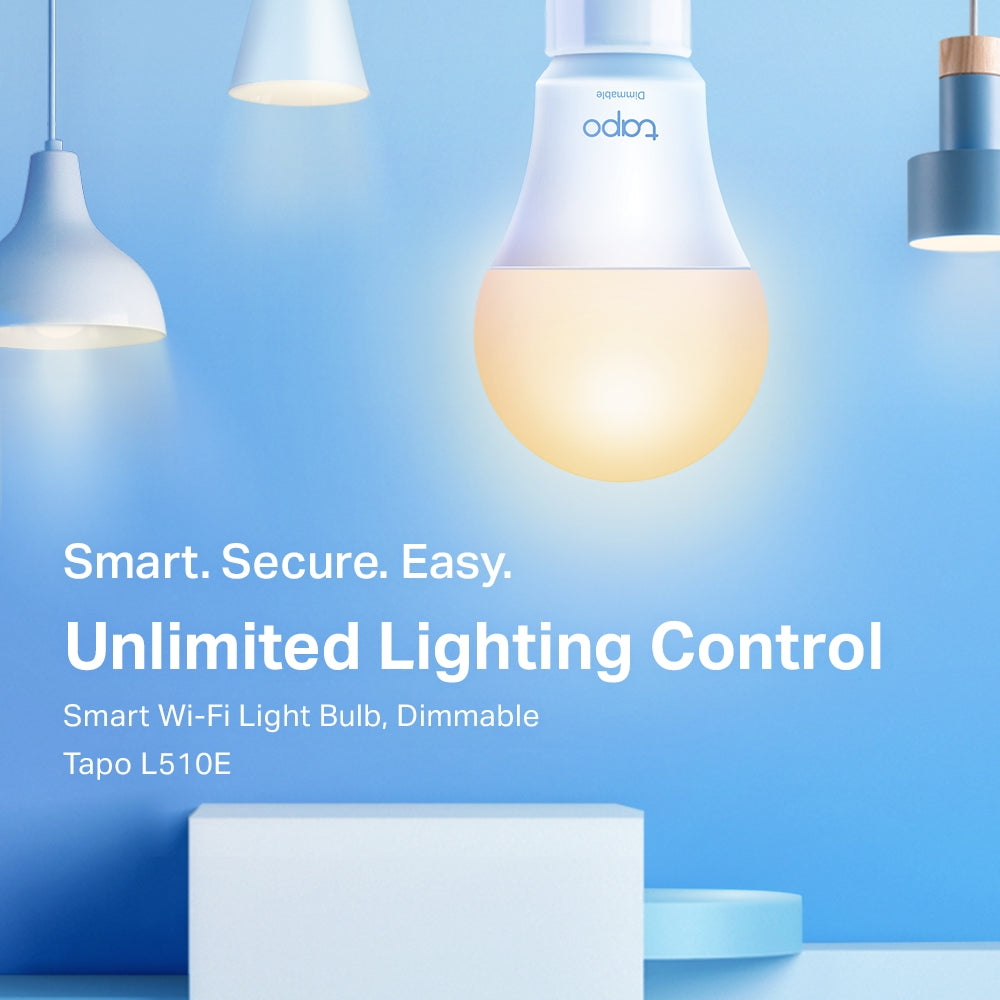
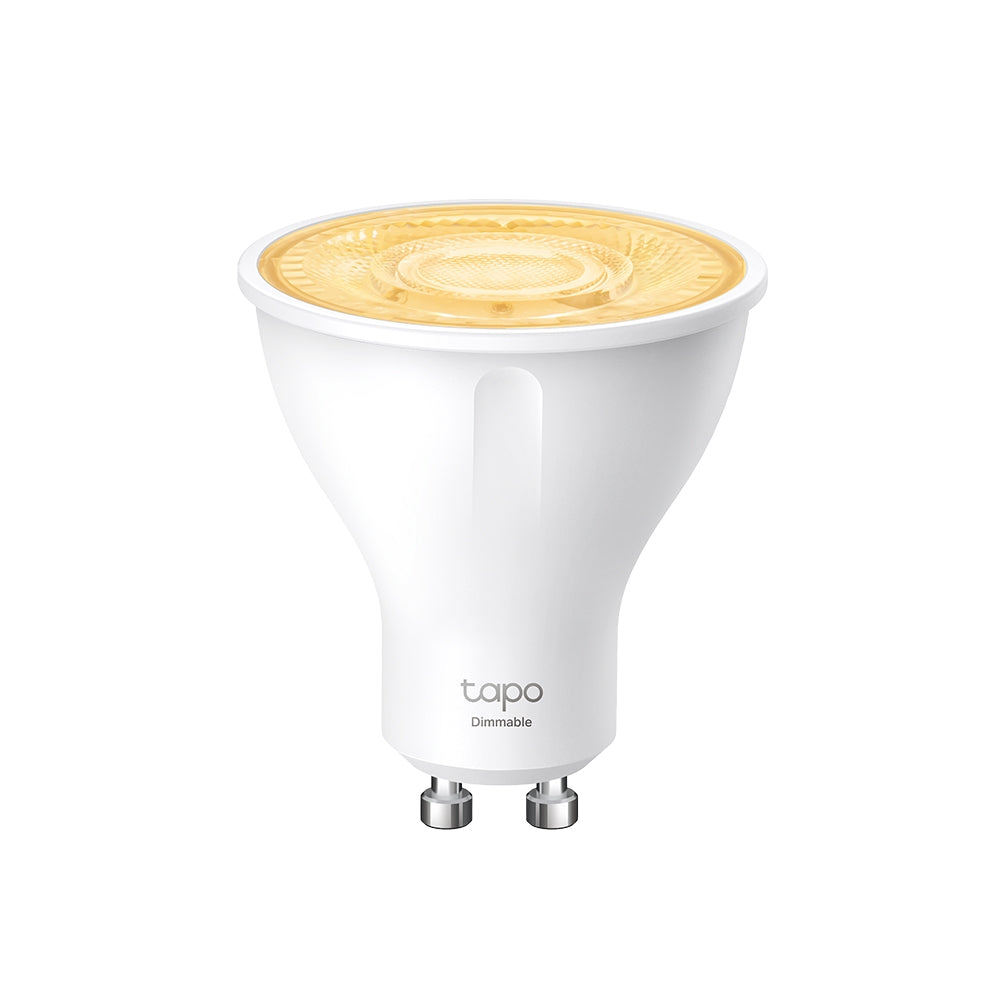
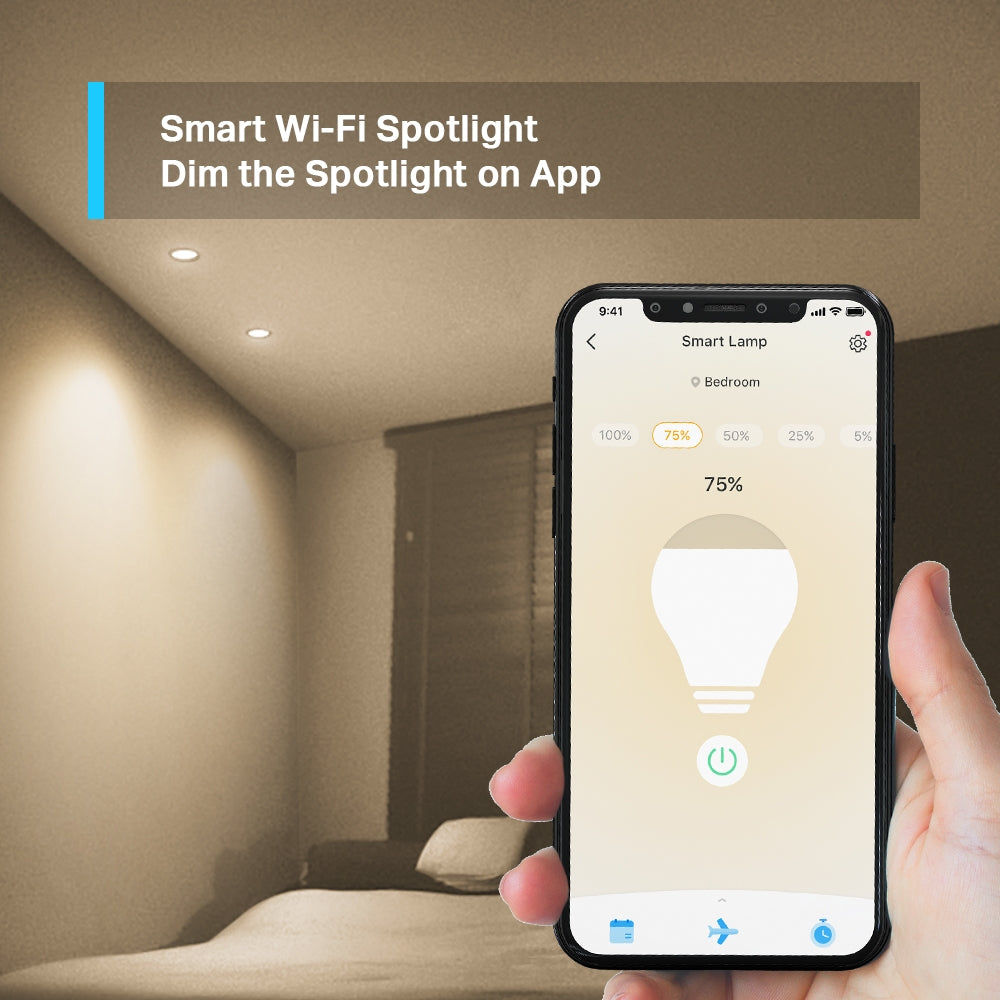





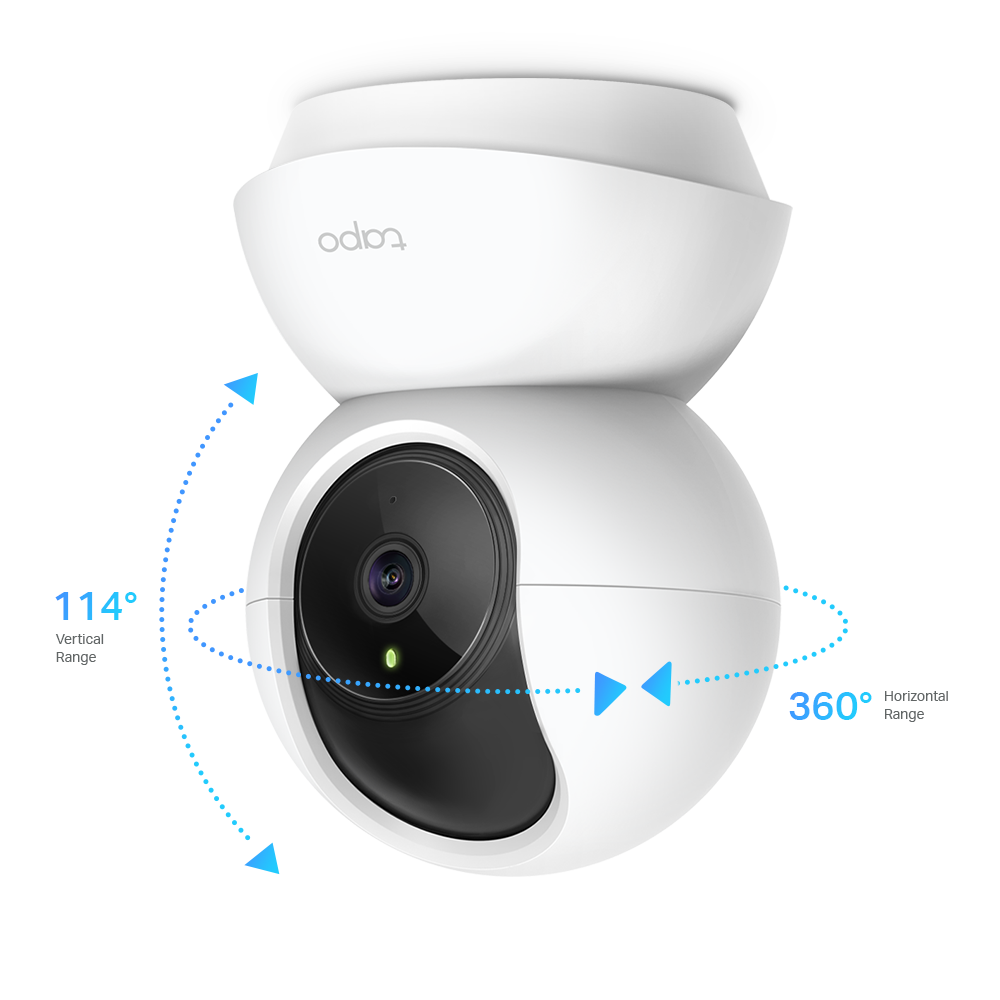
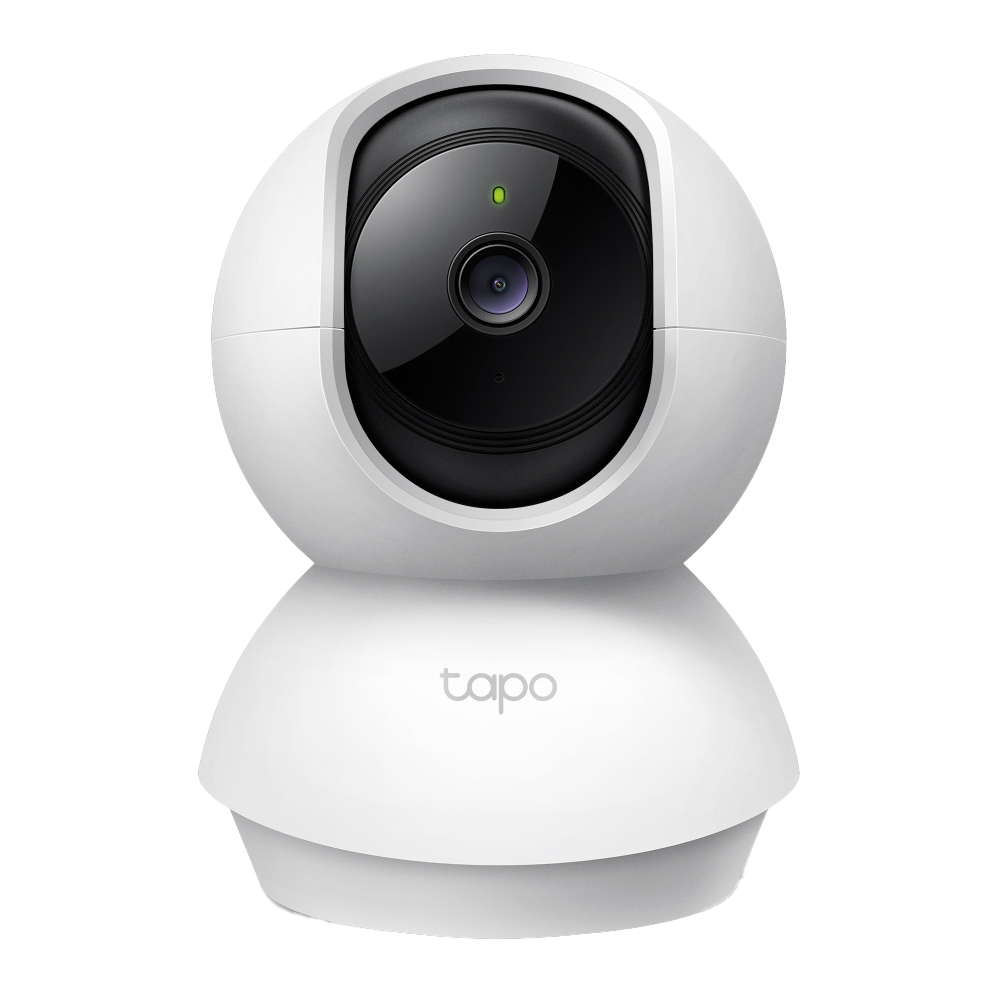
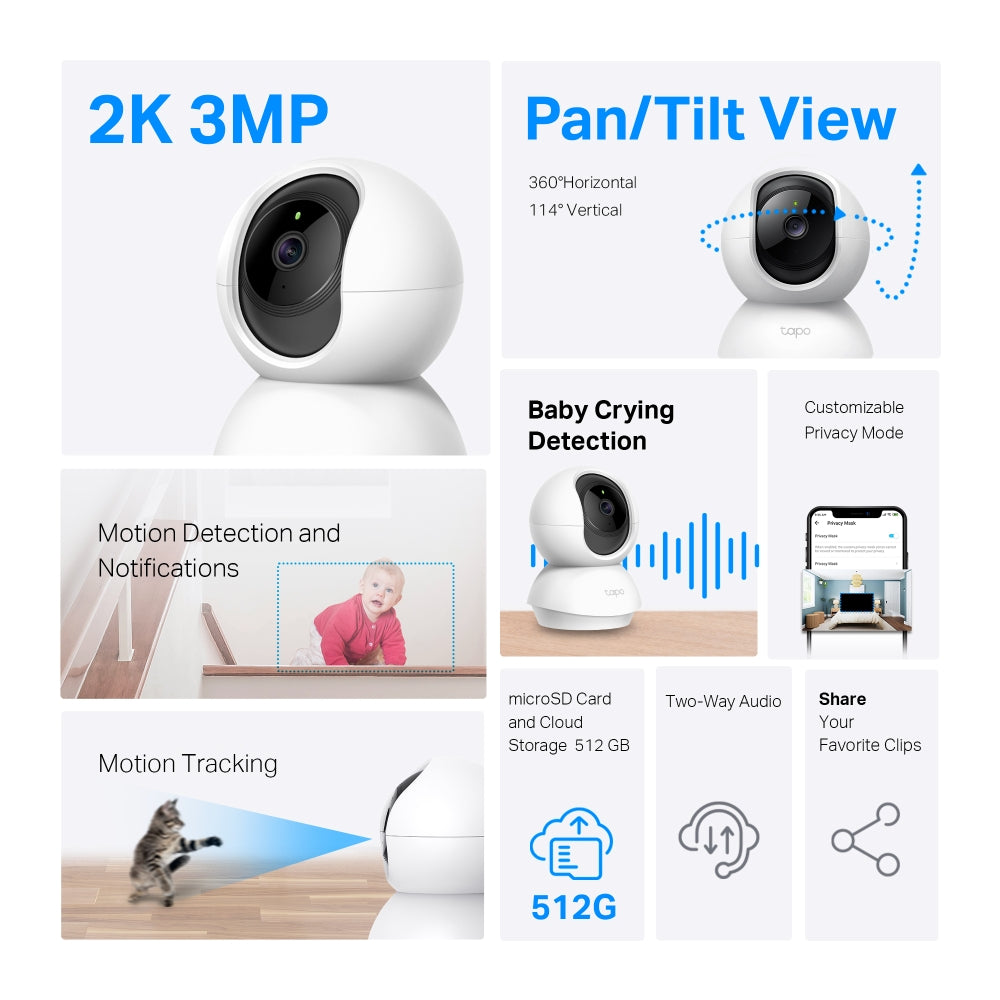


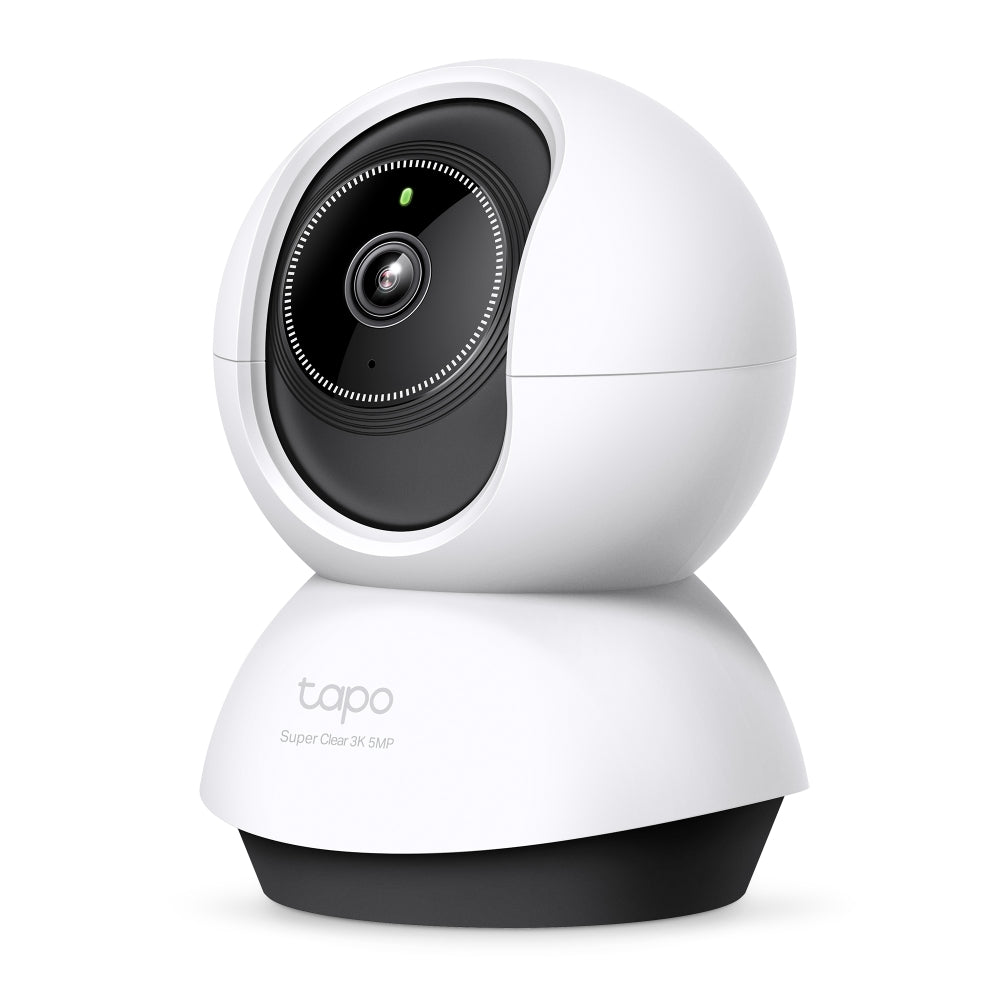
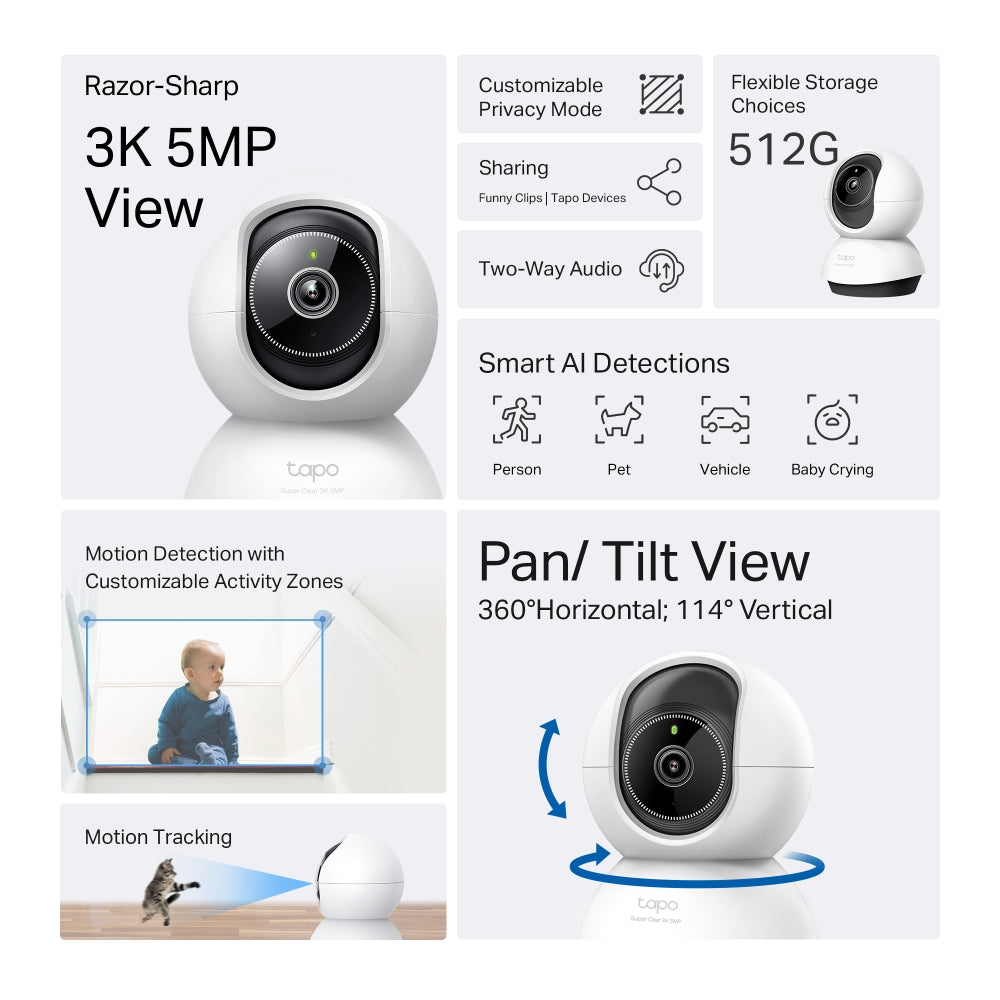
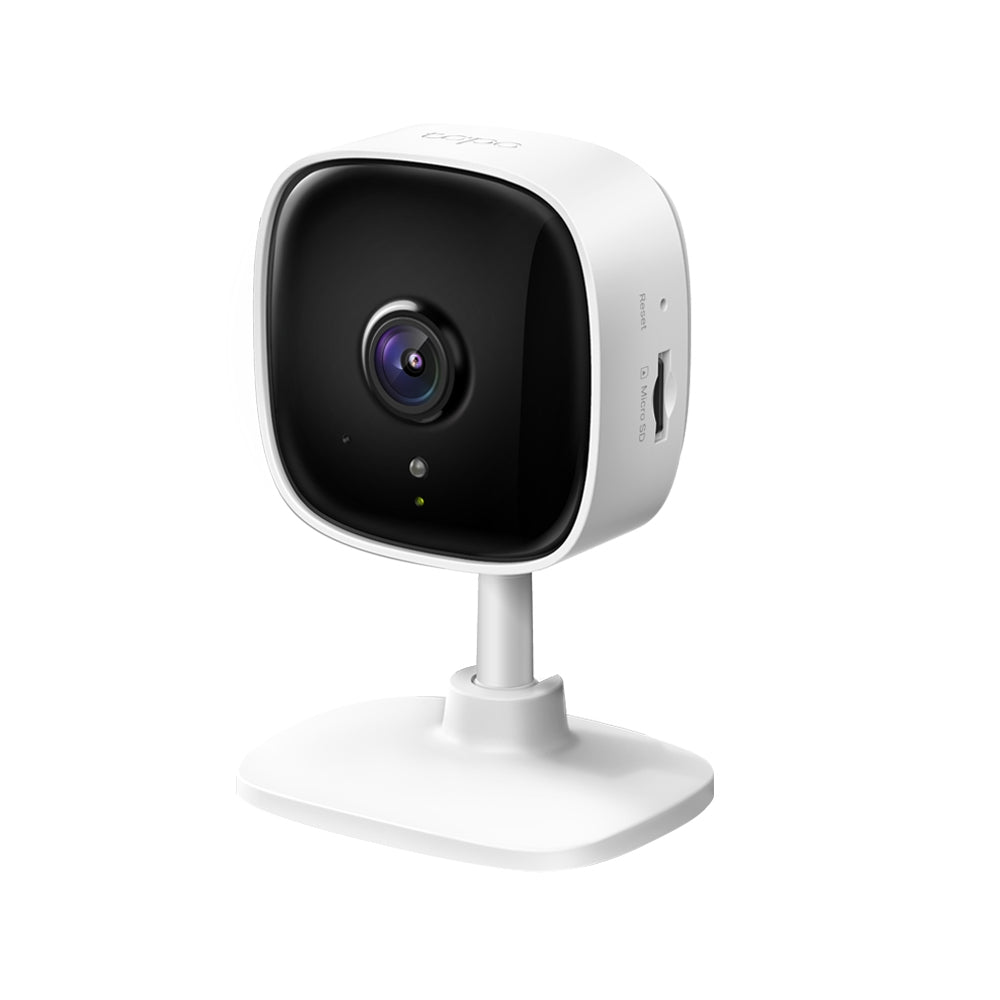
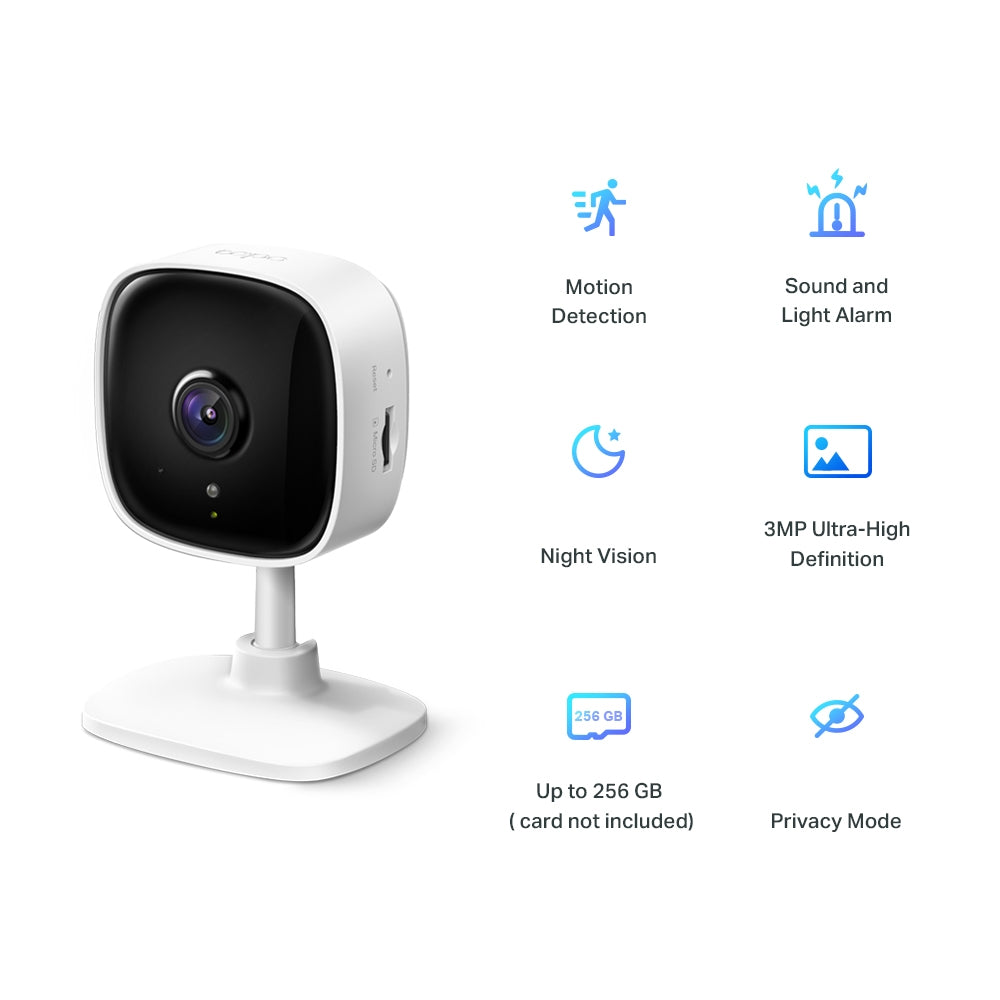
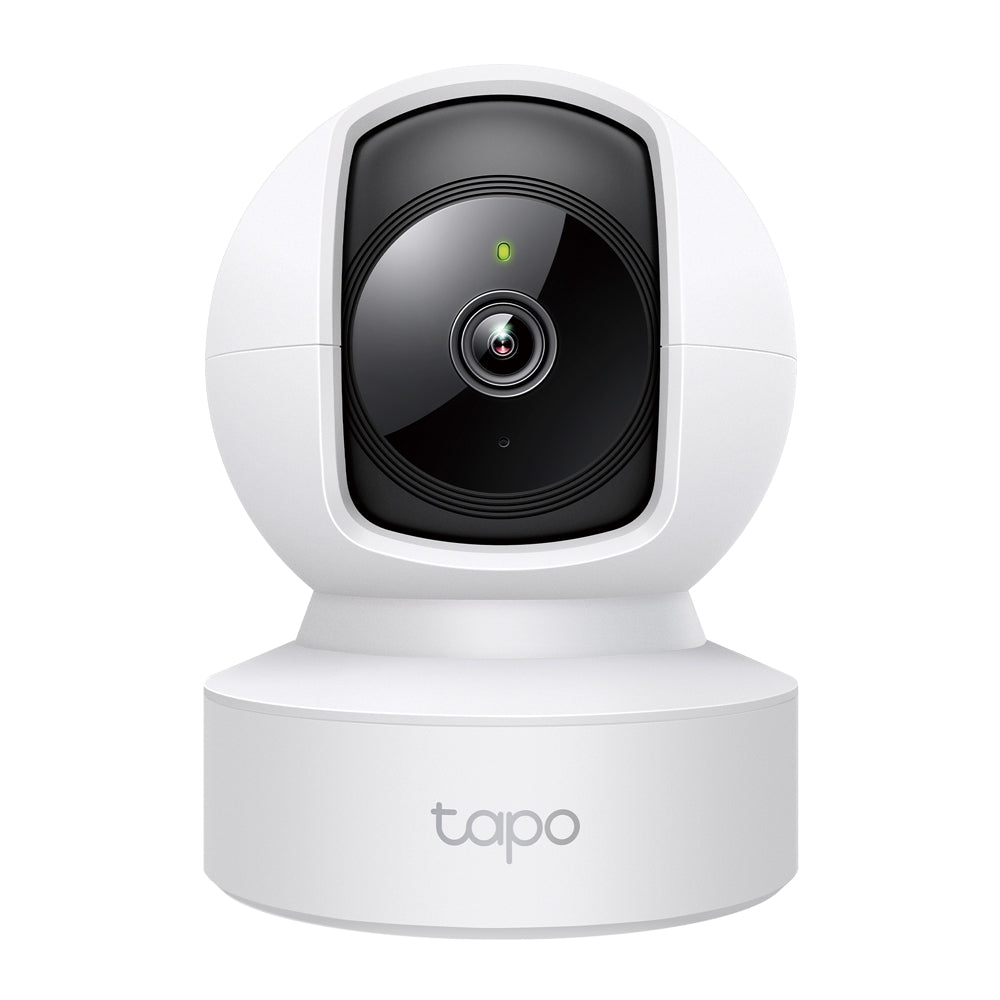
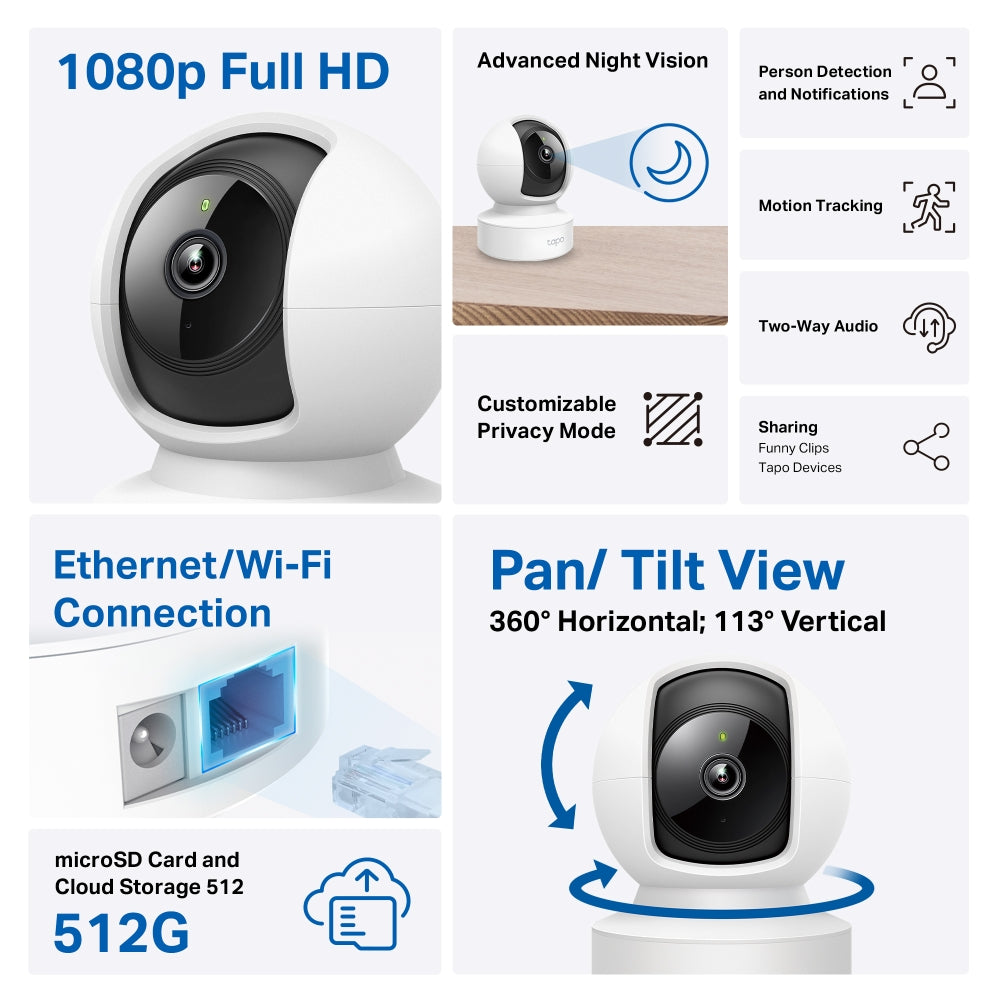
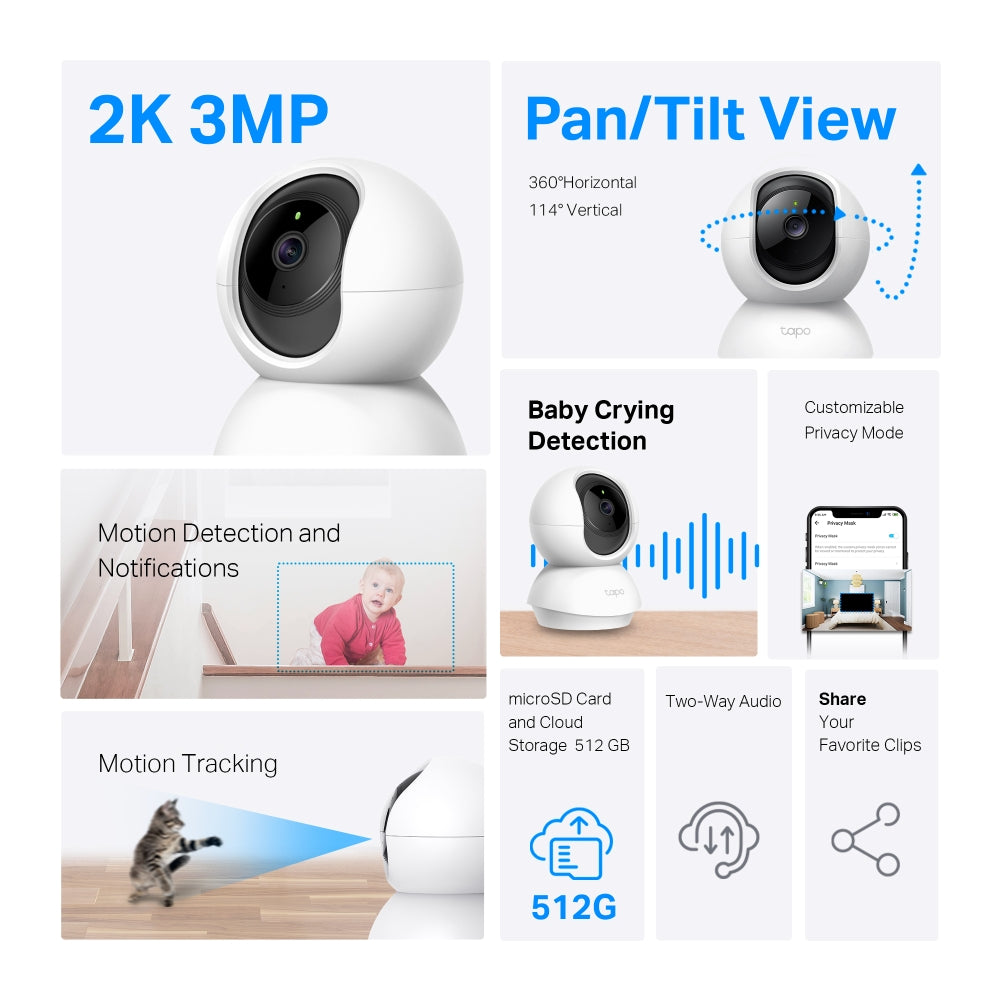
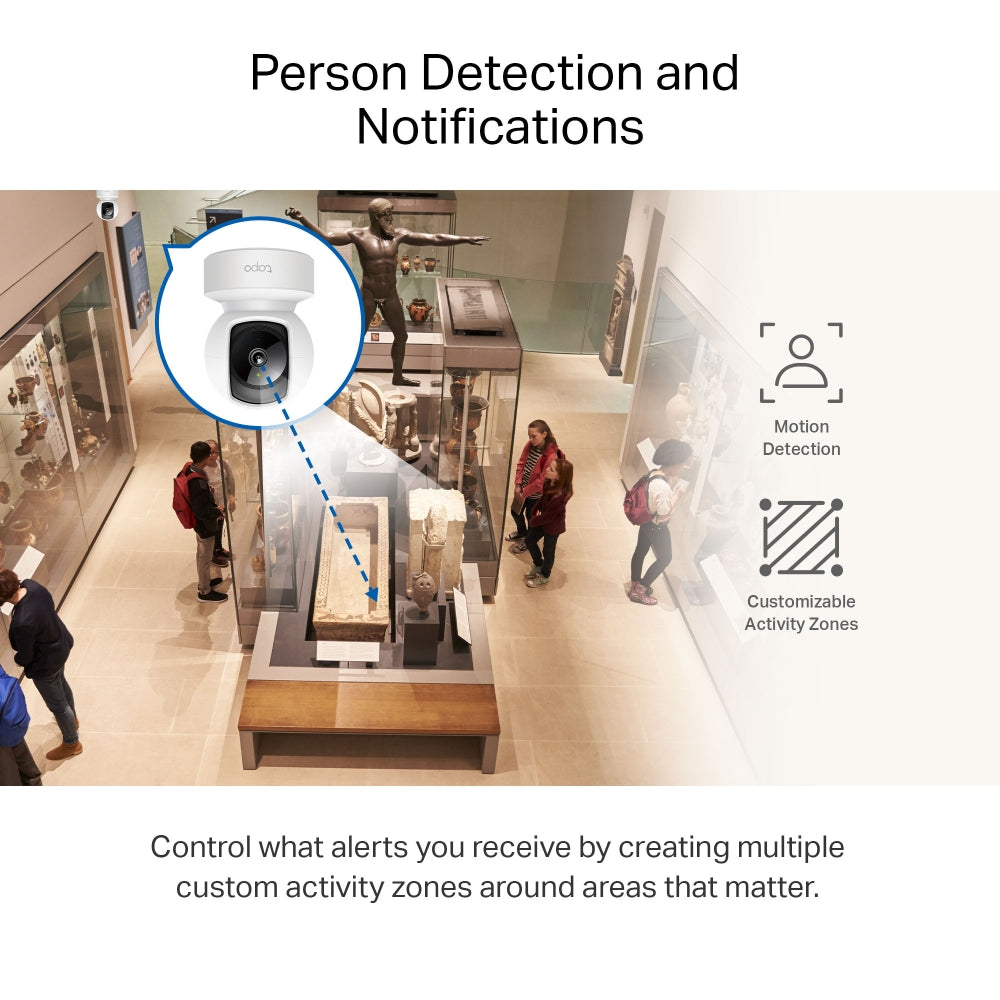
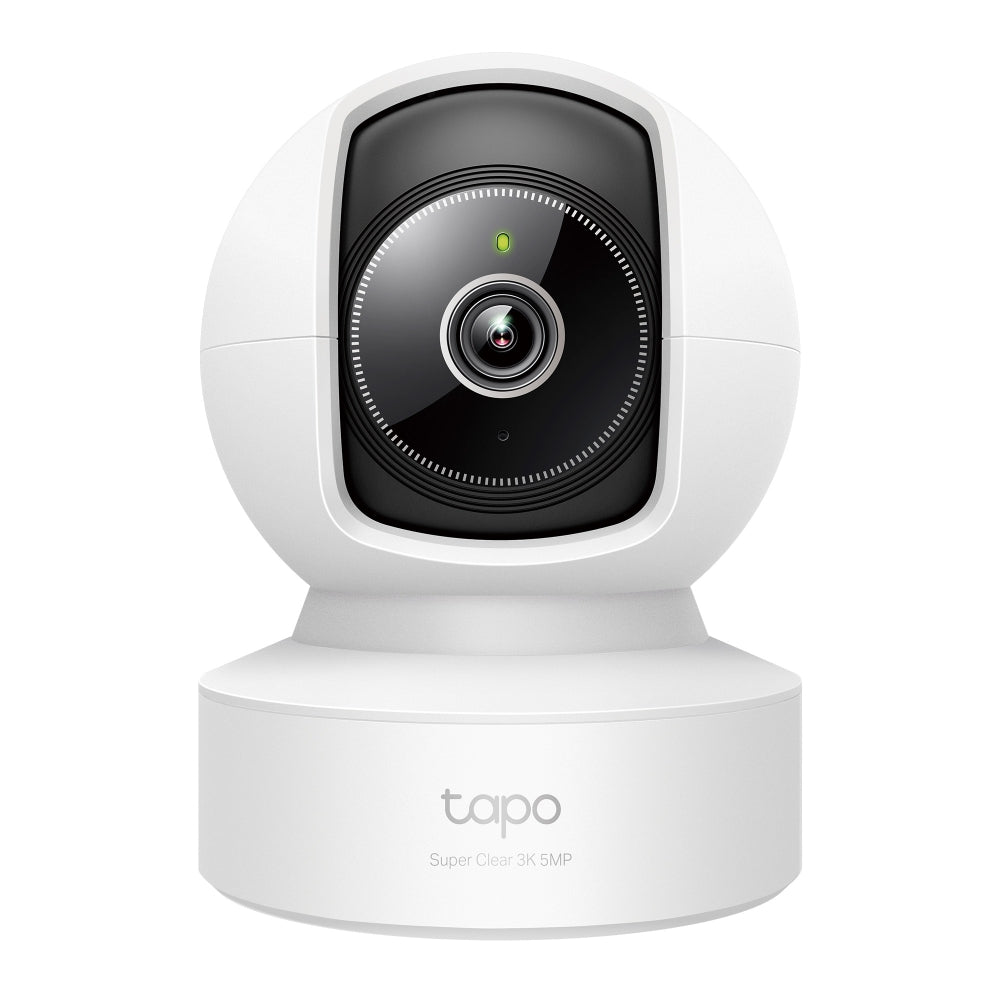
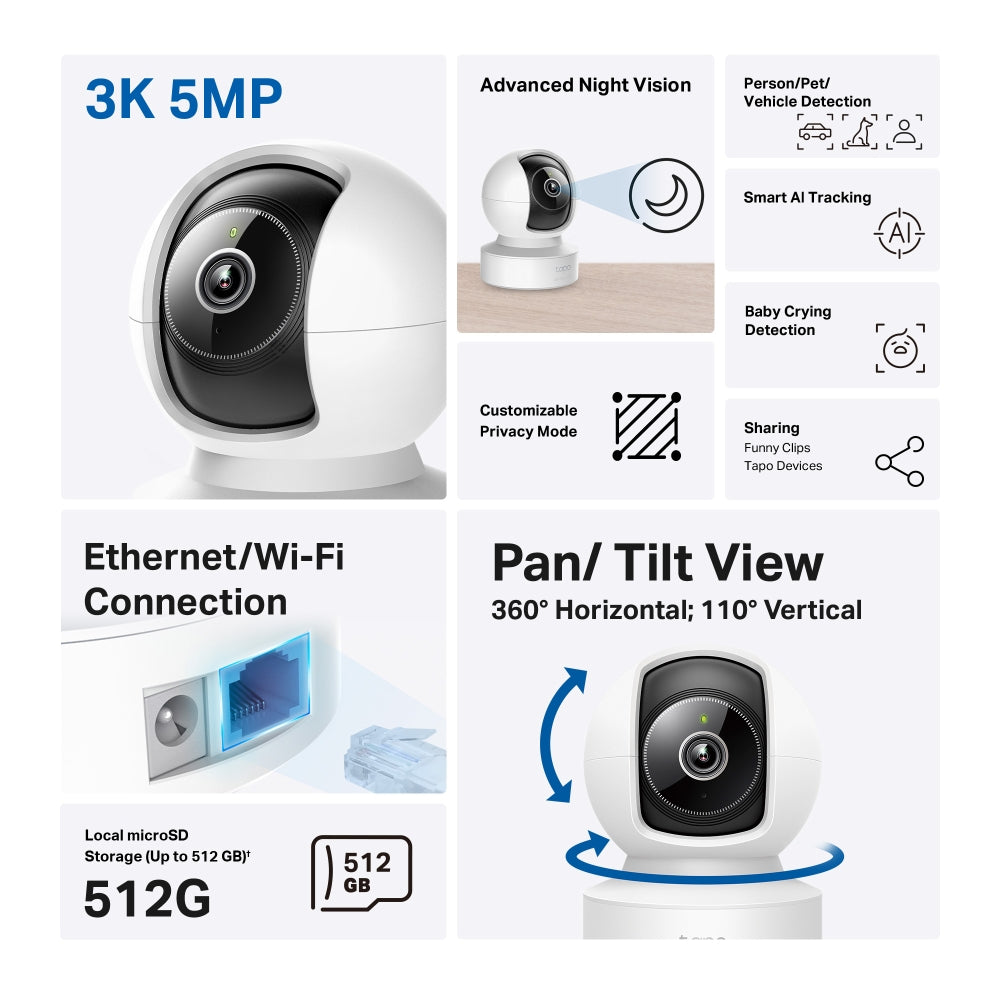


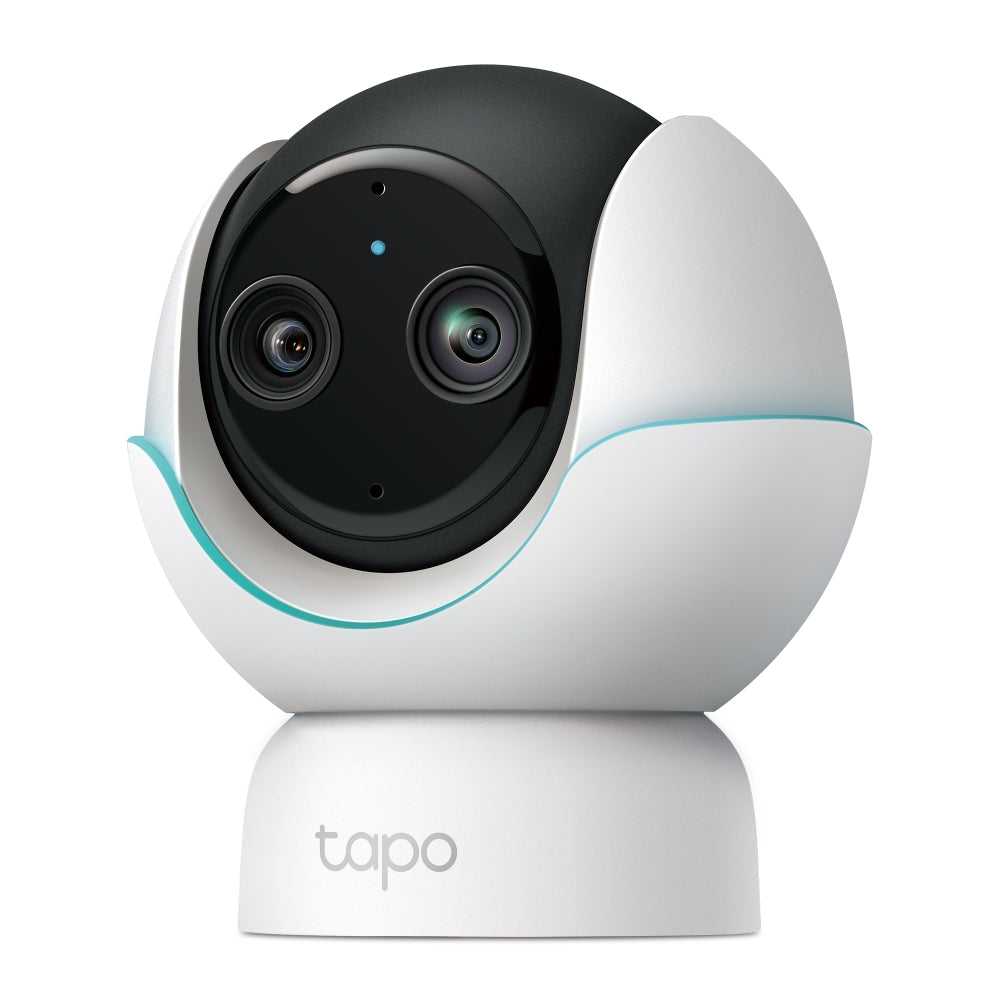



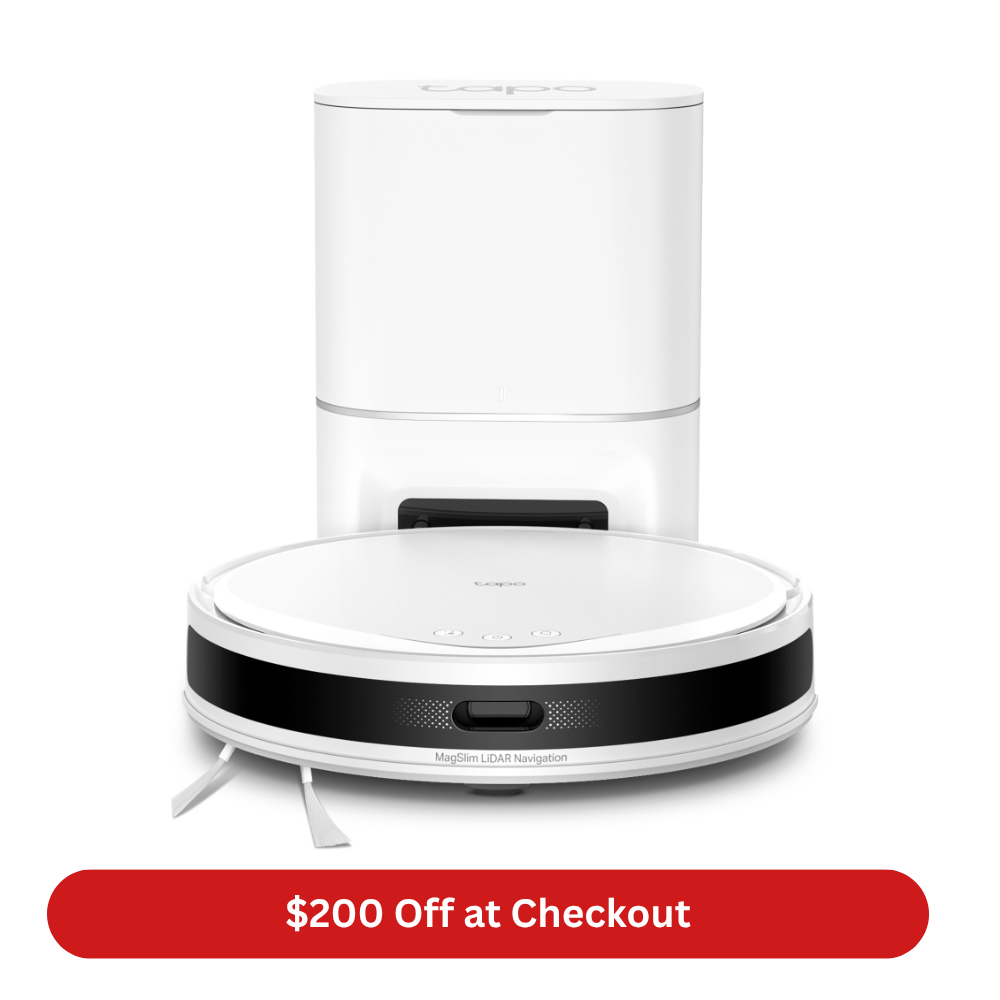
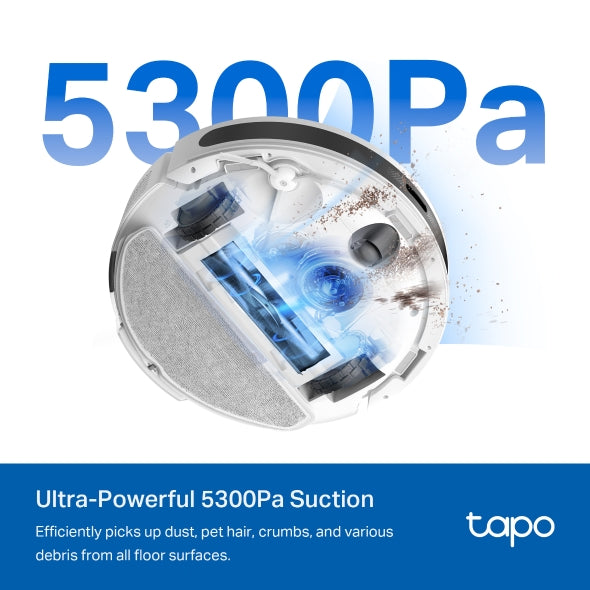
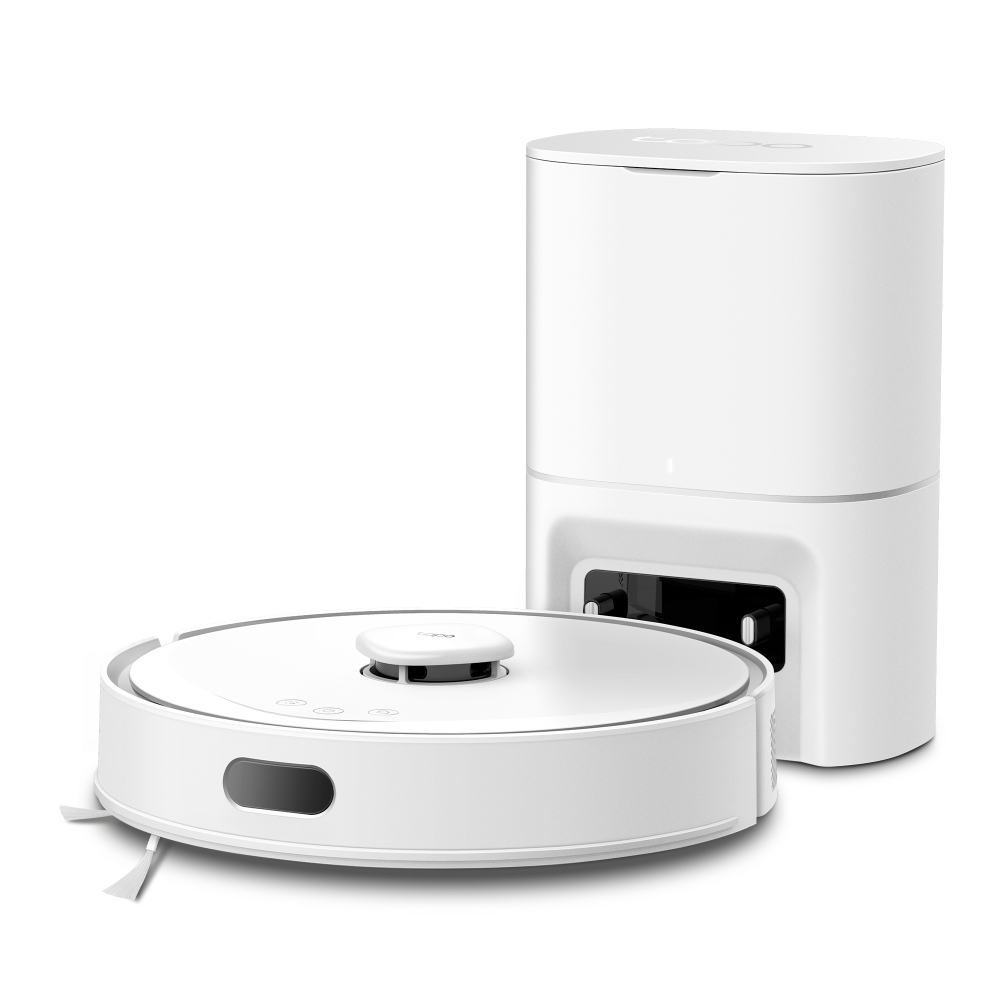

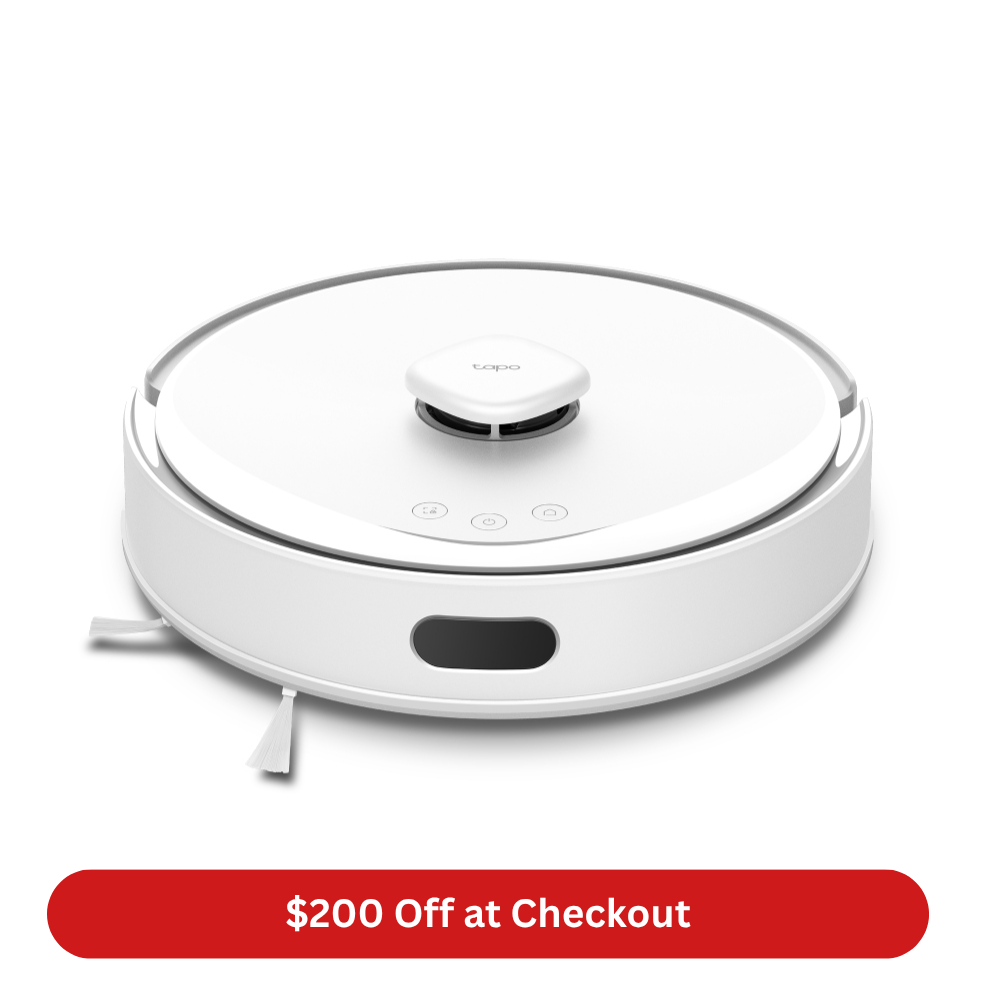
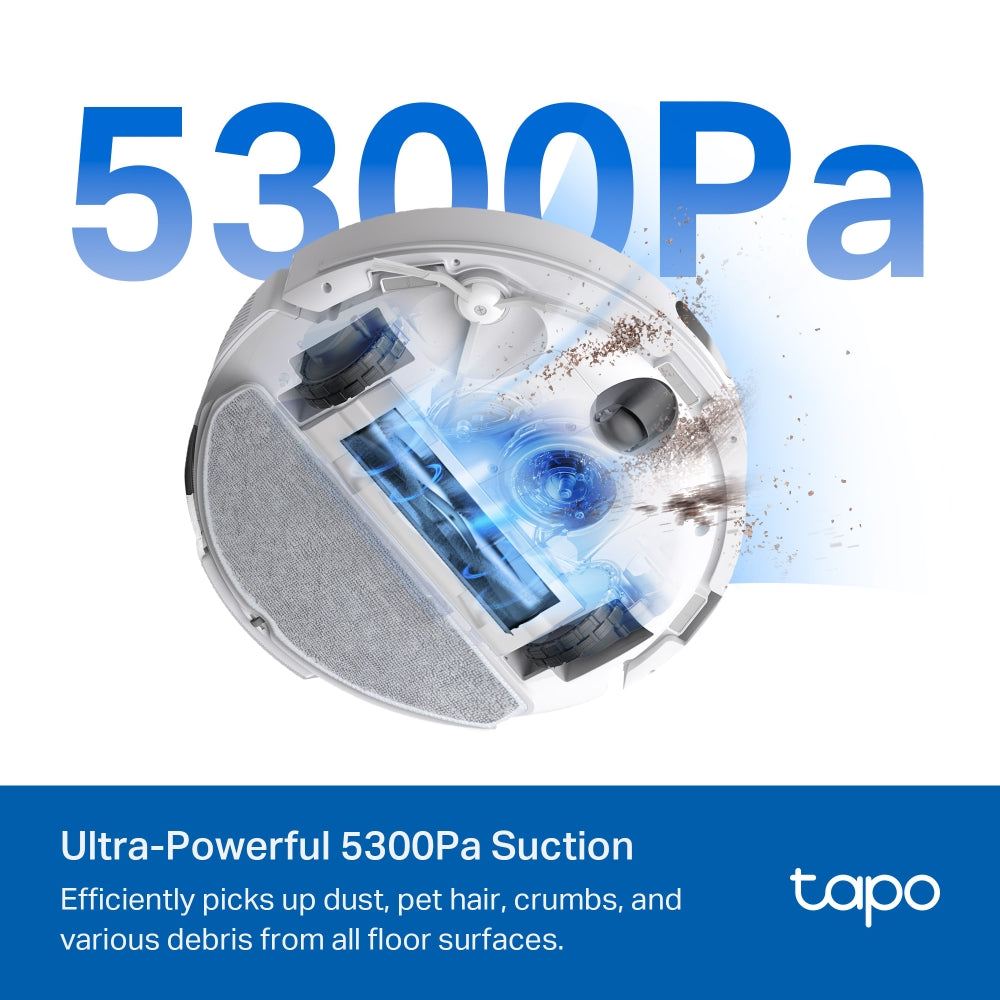
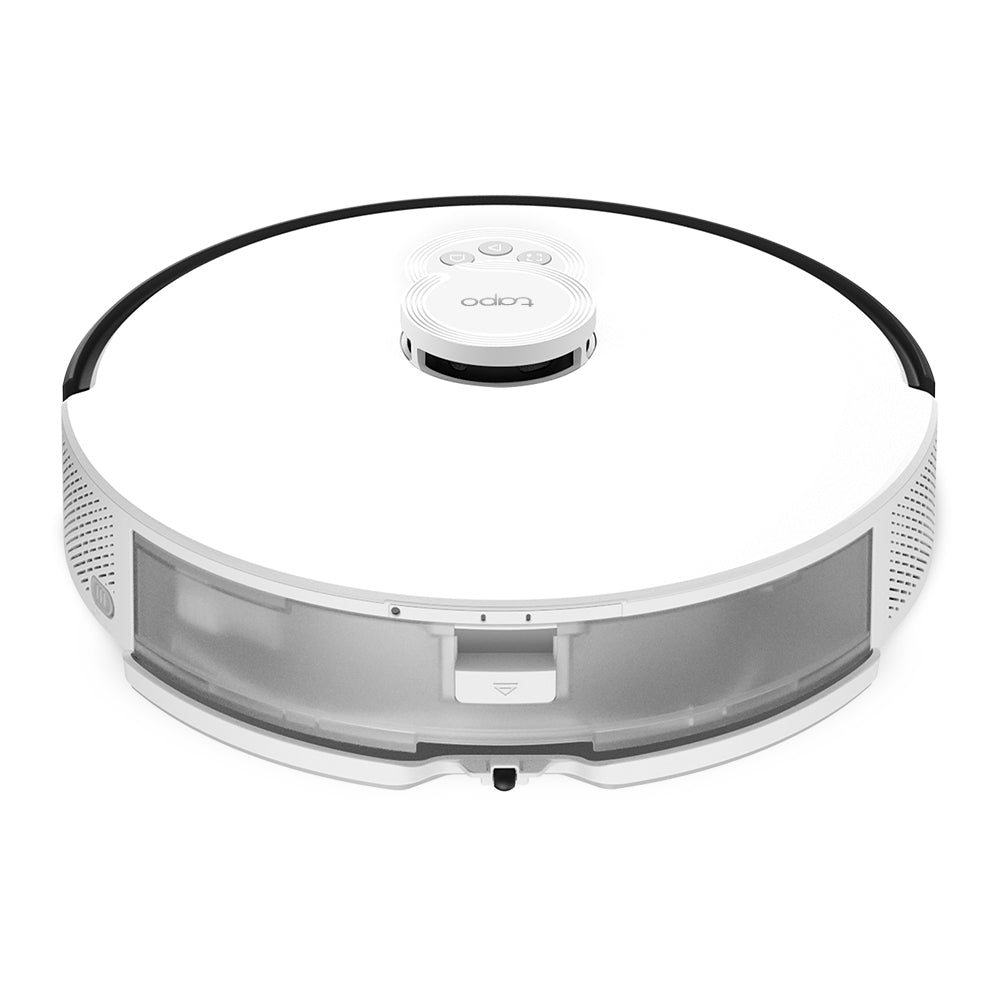
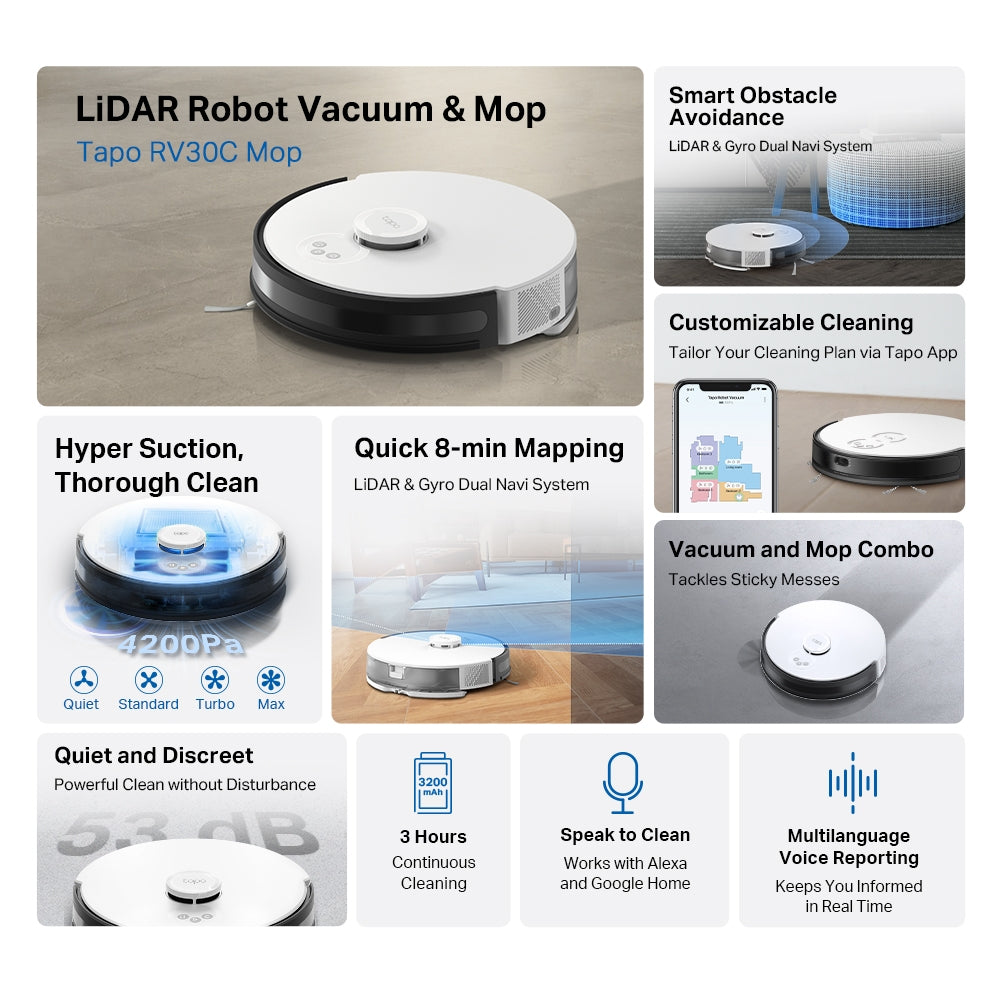
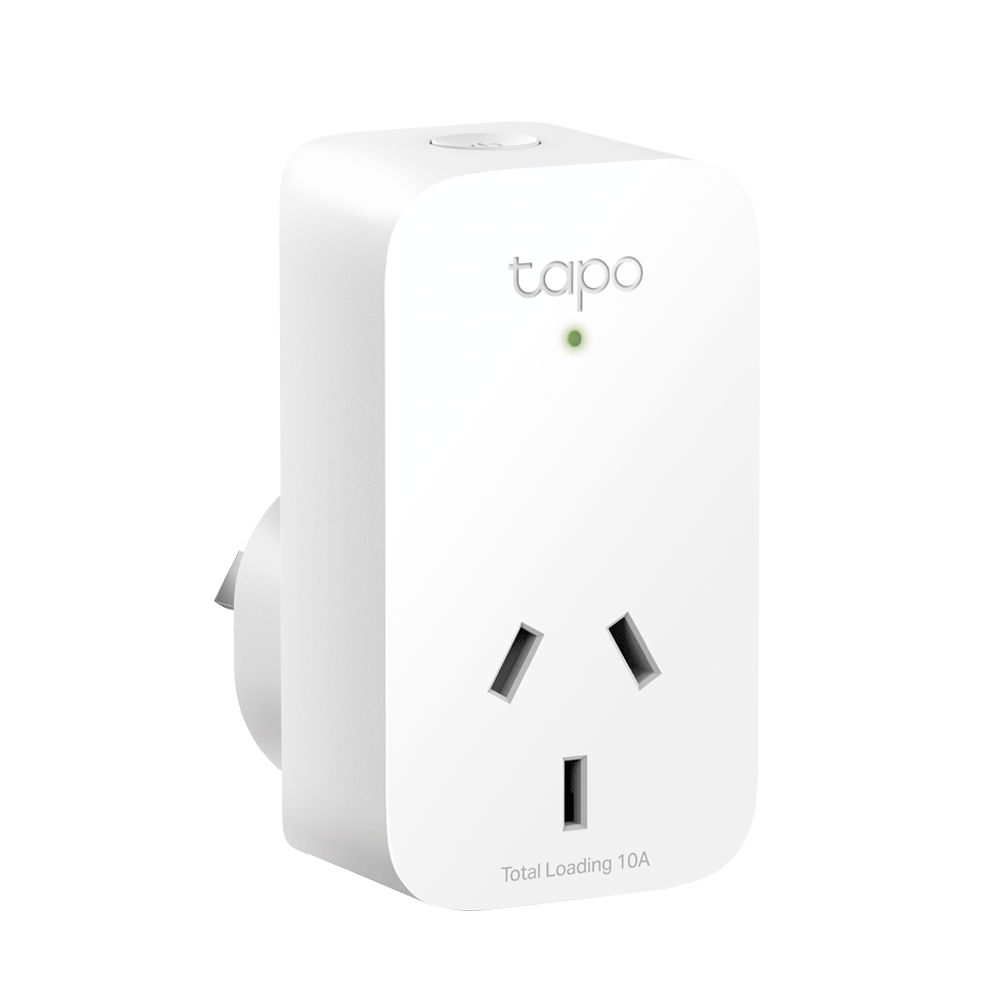
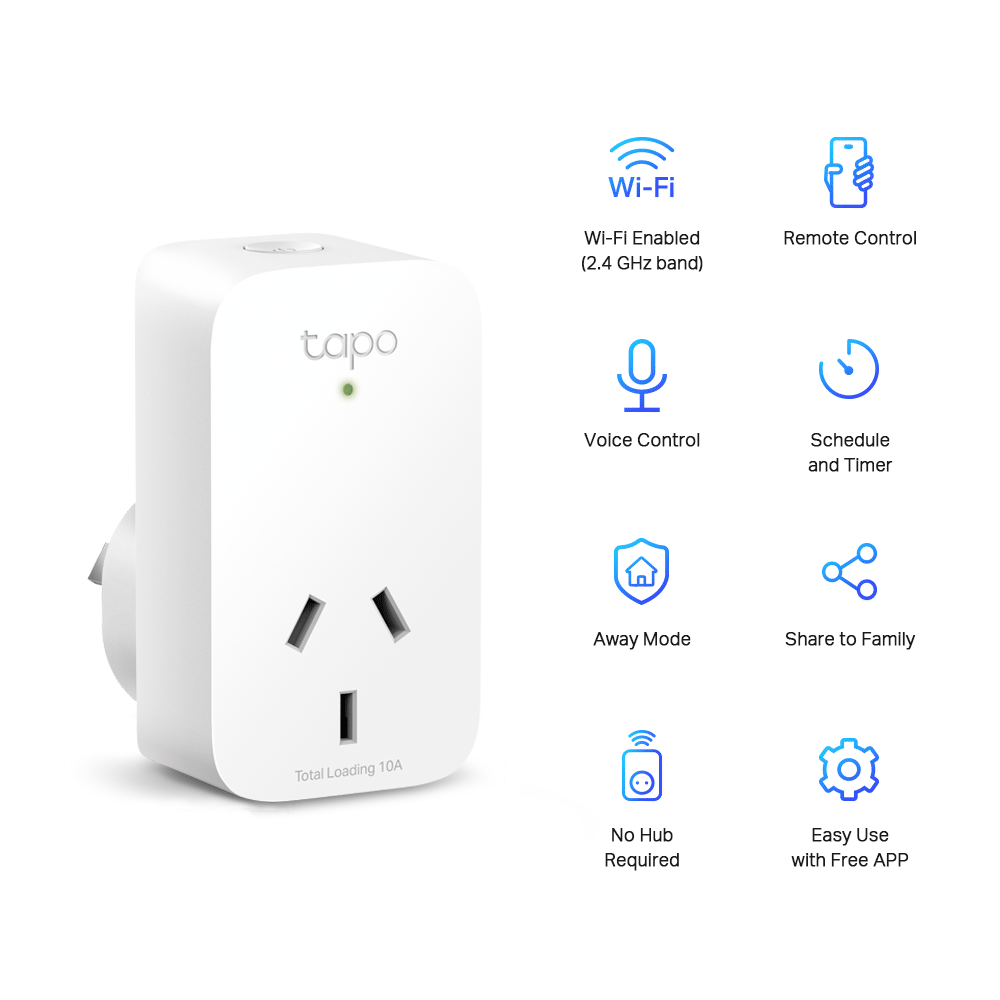
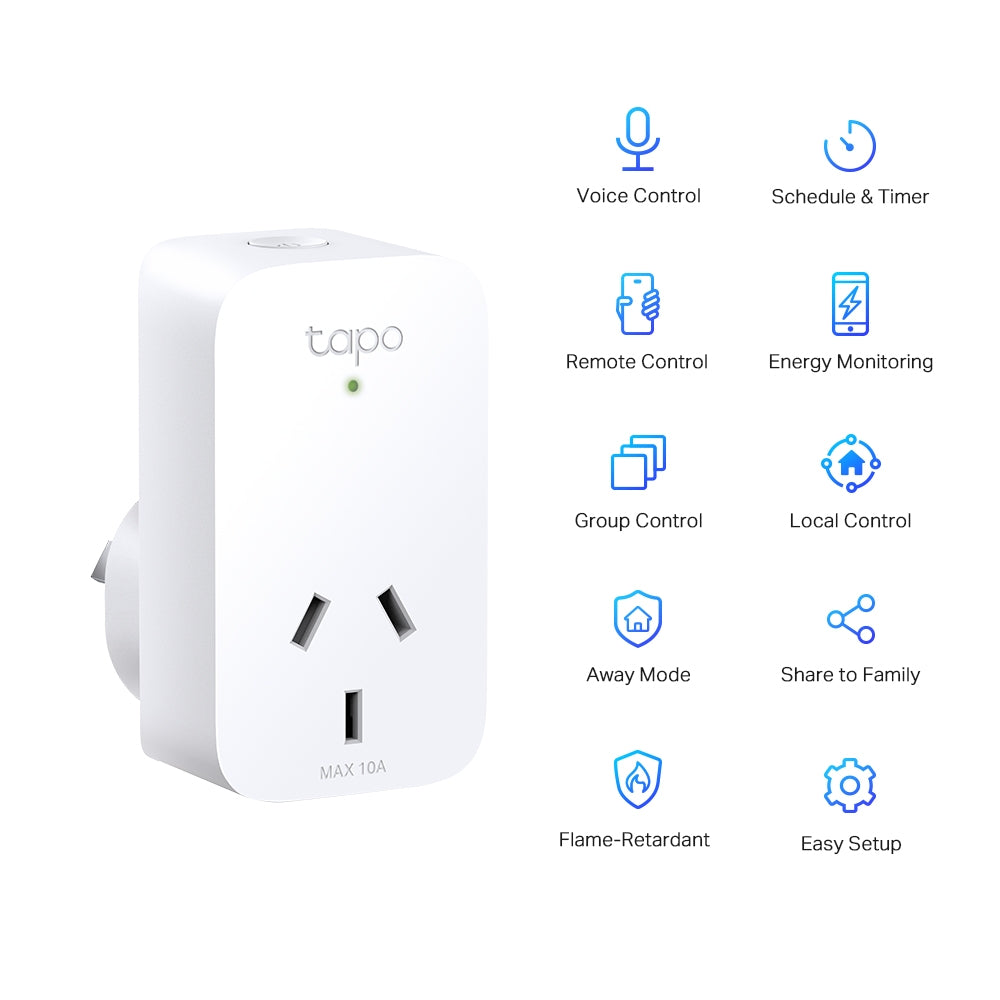
Can’t decide? Let us help you choose!
Buying in Bulk? Save More & Get Support
FAQ
Quick Tips & Solutions for Alexa Control
How do I connect my Tapo devices to Alexa?
To use Alexa voice control, first make sure your Tapo device is set up and online in the Tapo app. Then link your Tapo account with Alexa by enabling the Tapo Skill in the Amazon Alexa app or through the Tapo app under Third‑Party Services > Amazon Alexa. Once linked, Alexa will discover and connect your devices automatically.
Fail to watch live stream in Alexa app
1. Disable Wi-Fi of your phone, and check if you can access the device via cellular data on Tapo app. If not, please refer to the FAQ to troubleshoot.
2. If you can successfully access the device on Tapo app via cellular data, please record the time of the failed attempt and contact TP-Link technical support.
Can I use Alexa routines with my Tapo devices?
Yes. Once your Tapo devices are linked to Alexa, you can set up Alexa Routines in the Alexa app by going to Menu > Routines, then adding triggers and actions like voice commands tied to device events.