







Tapo C840 | Dual-Lens Smart Baby Camera, 2K + 1080P, Baby Cry Detection
Dual-Lens Smart Baby Camera with 360° View, AI Cry Detection & HD Night Vision. Free shipping $49+, 30-day returns.
HIGHLIGHTS
-
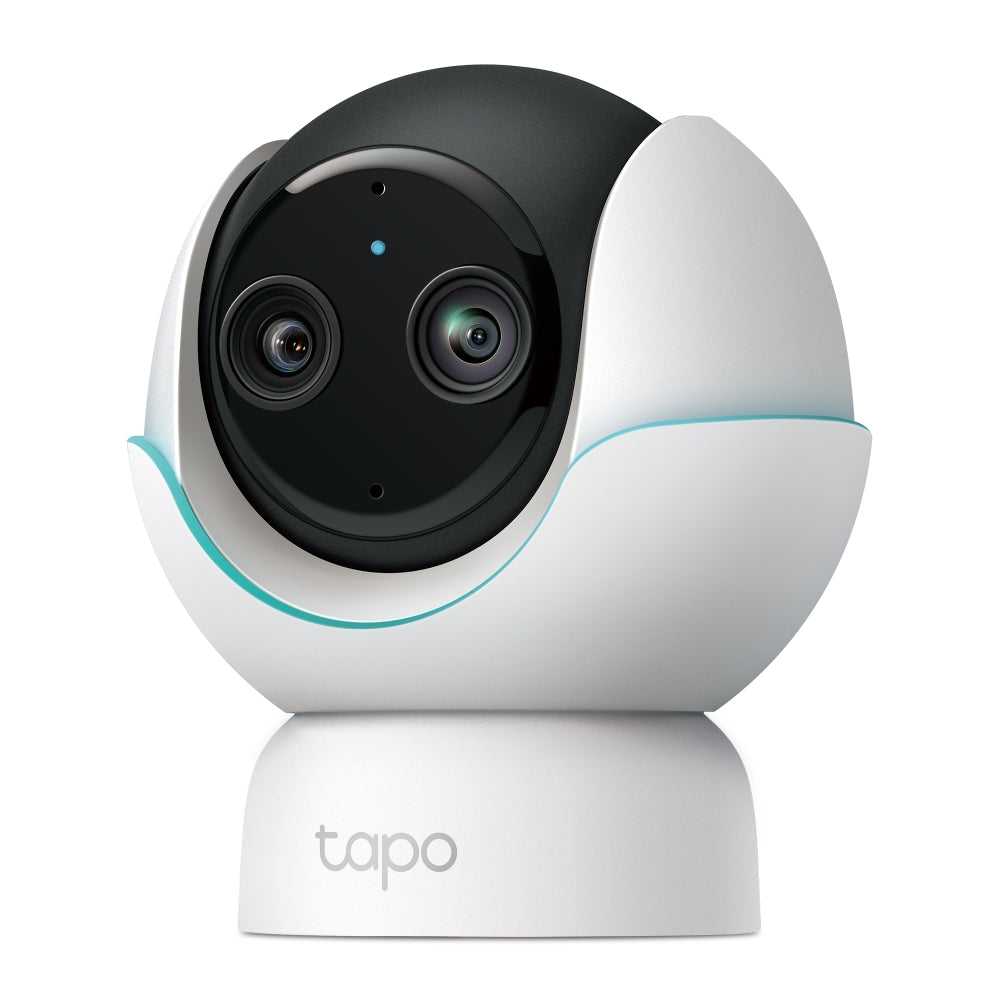
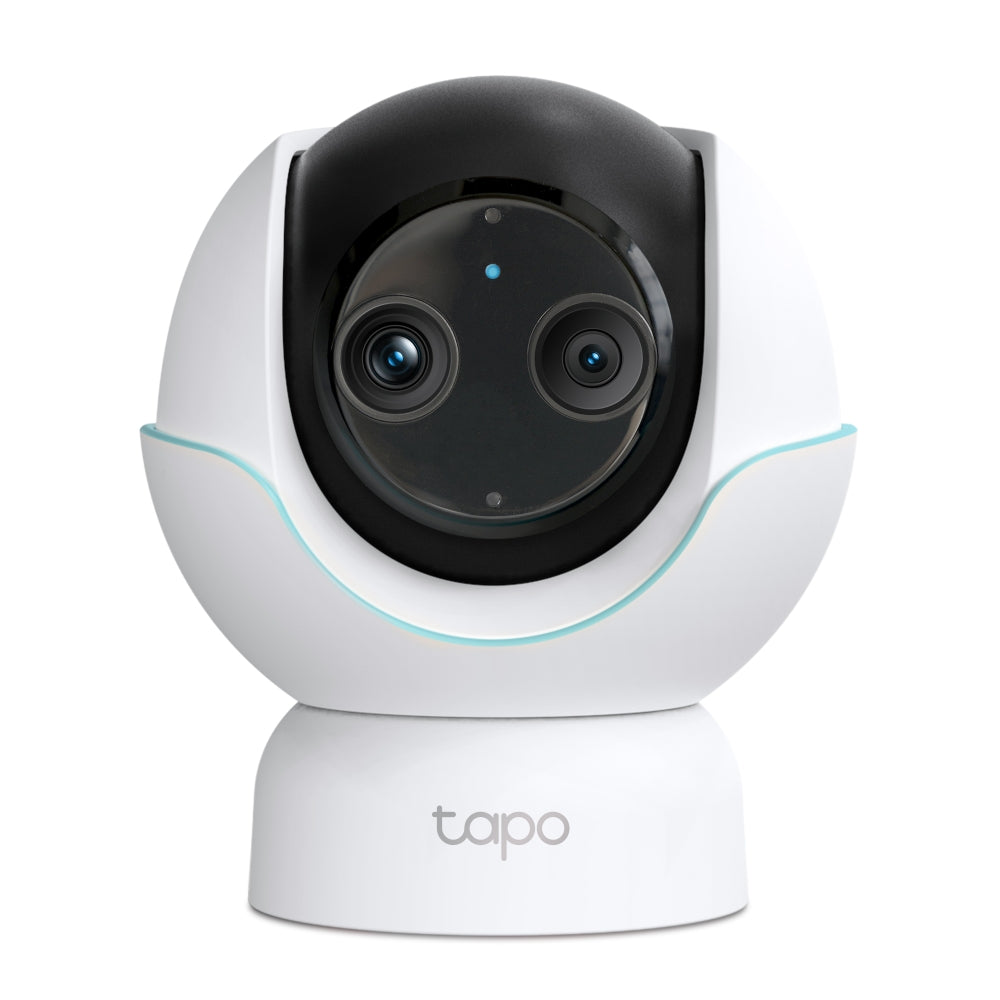
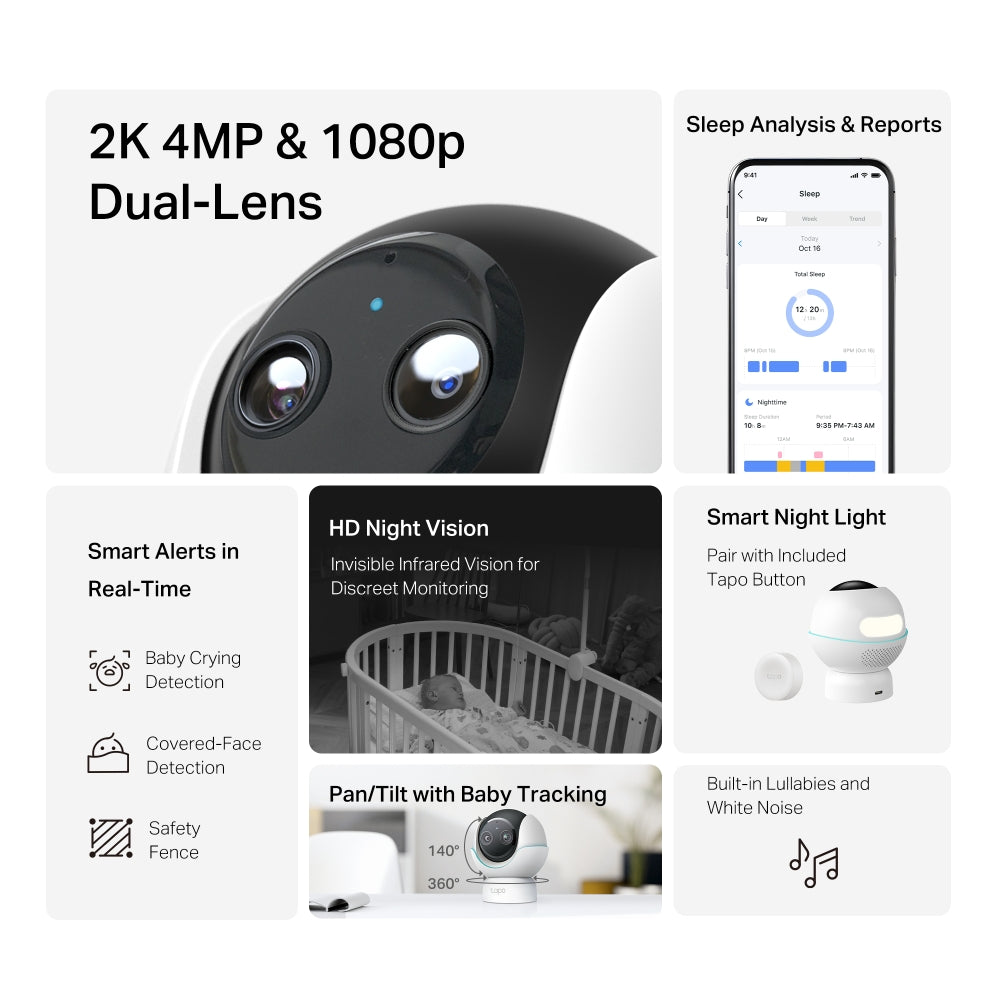
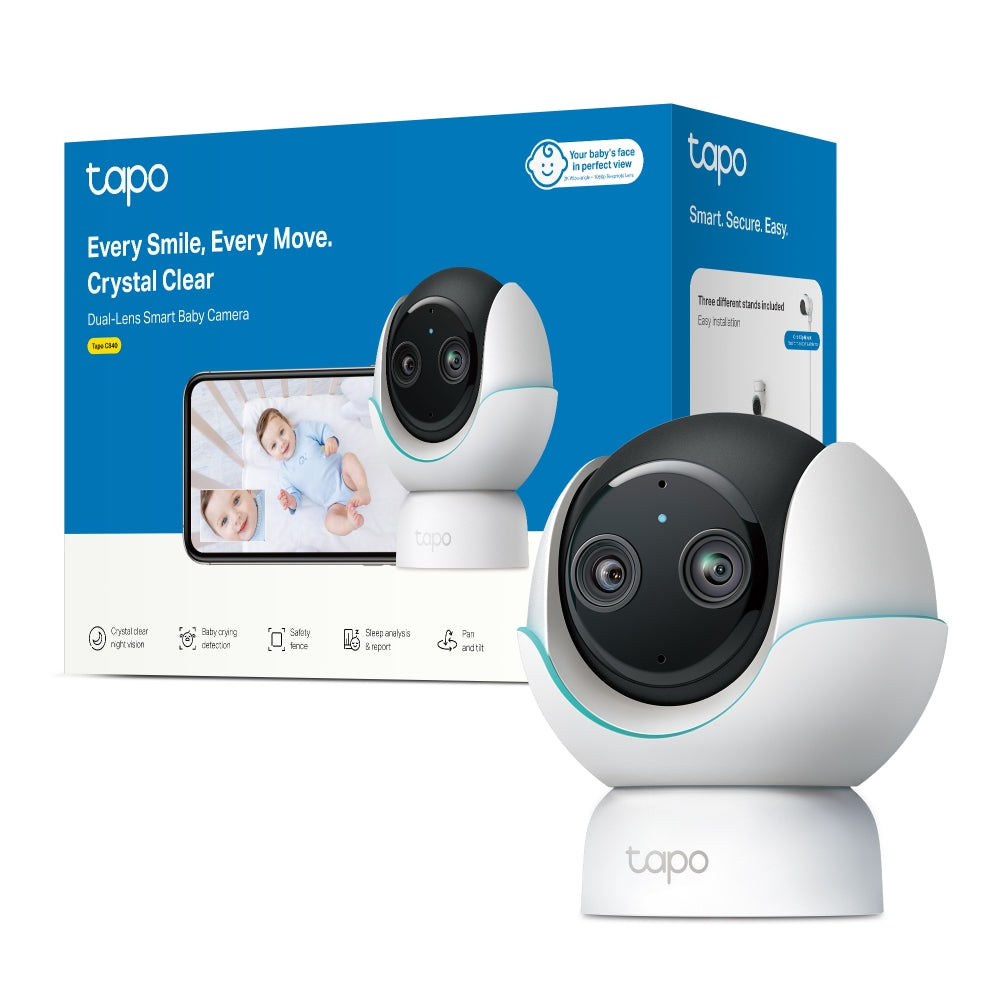
See your Baby's Face in Stunning Clarity with Dual-Lens: The 1080p telephoto lens reveals every detail of your baby's facial expressions, while the wide-angle lens covers the entire nursery in 2K 4MP resolution.
-
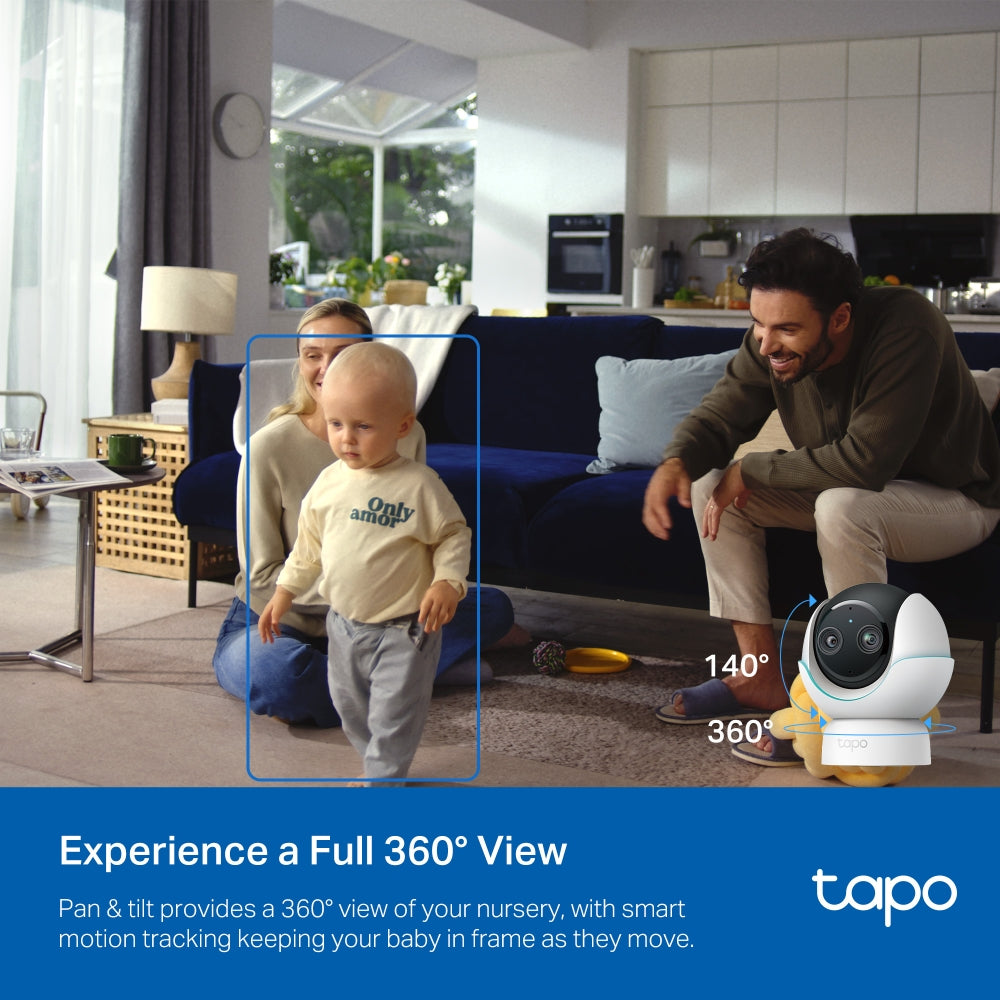
Experience a Full 360° View: Pan & tilt provides a 360° view of your nursery, with smart motion tracking keeping your baby in frame as they move.
-
Baby Cry Detection: Our AI algorithms accurately distinguish your baby's cry from other sounds so you can respond quickly when your they need you.
-
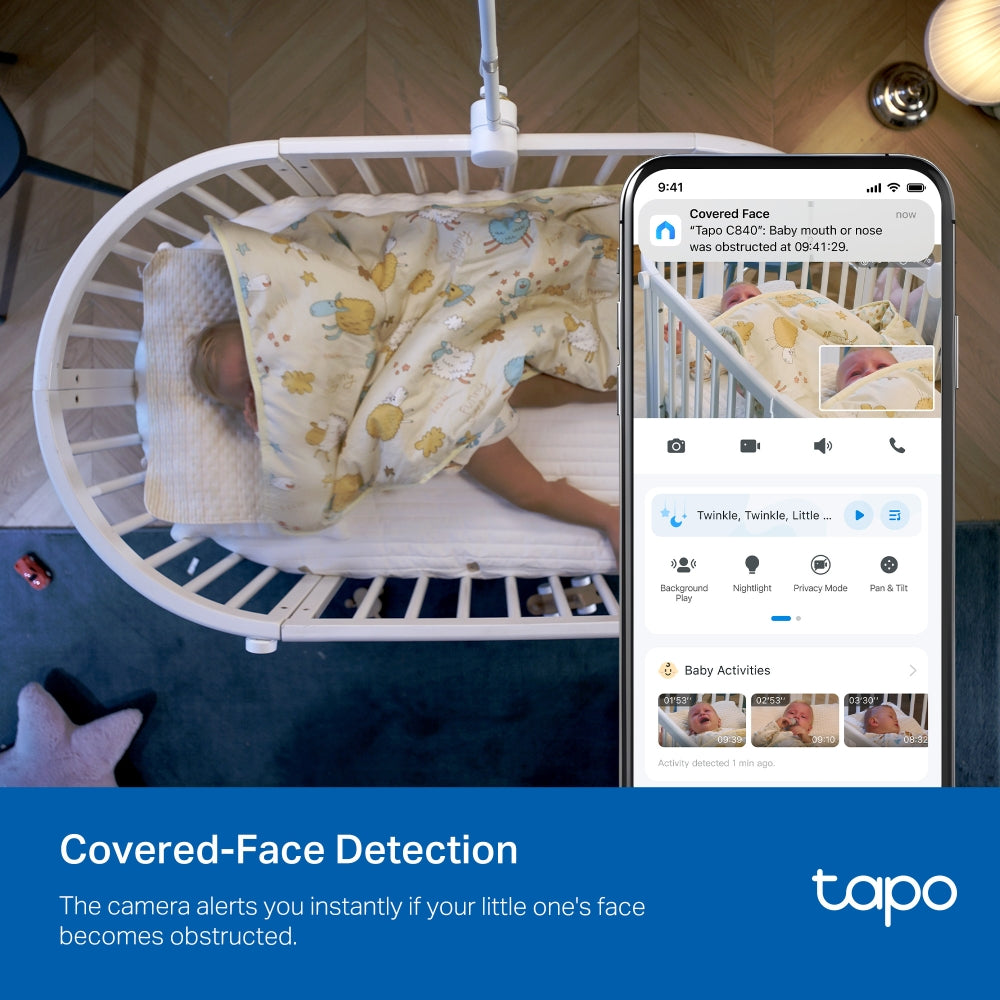
Covered-Face Detection: The camera alerts you instantly if your little one's face becomes obstructed.
-
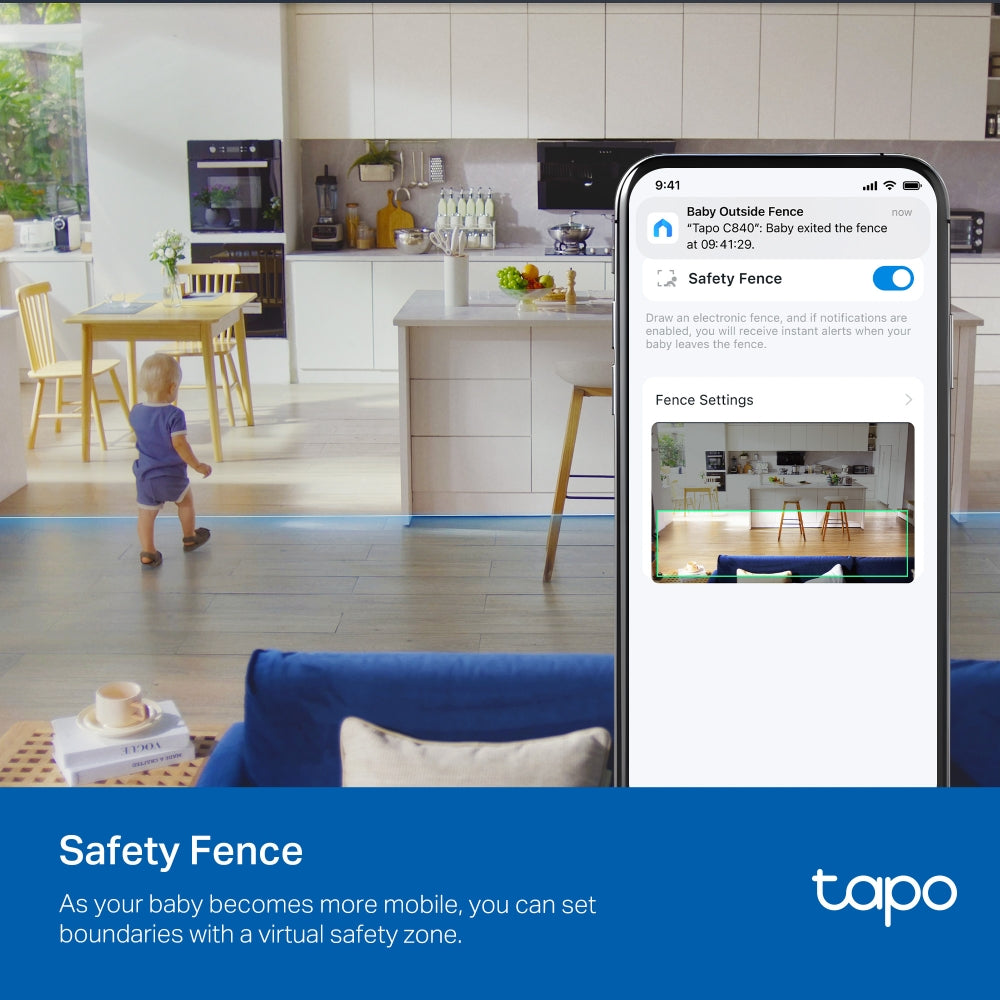
Safety Fence: As your baby becomes more mobile, you can set boundaries with a virtual safety zone.
-
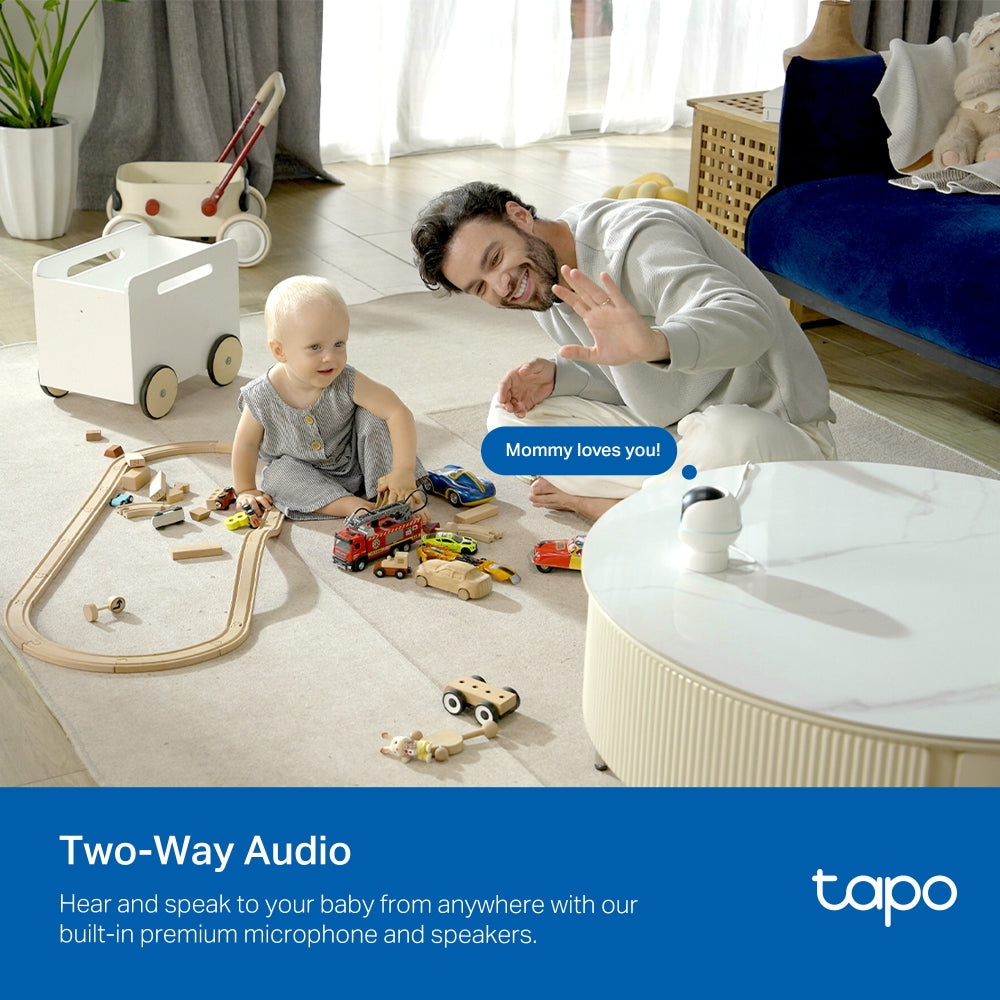
Two-Way Audio: Hear and speak to your baby from anywhere with our built-in premium microphone and speakers.
-
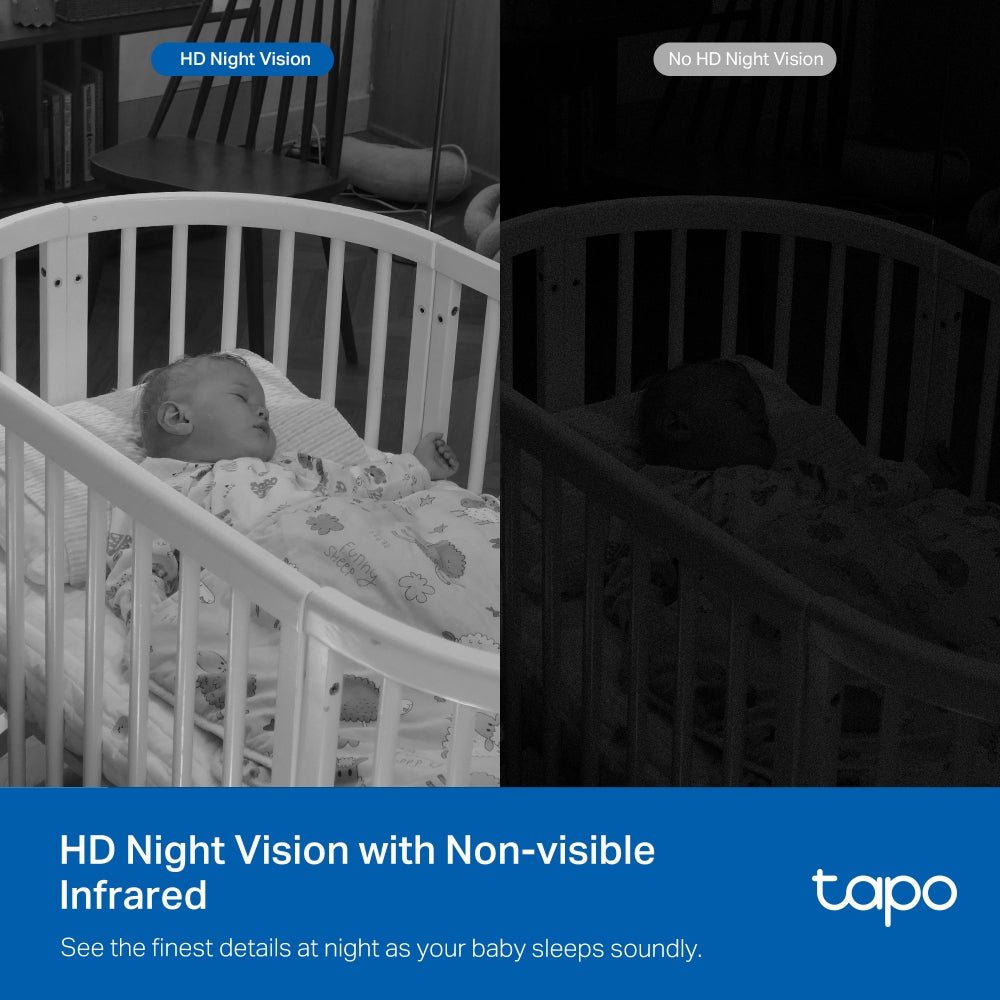
HD Night Vision with Non-visible Infrared: See the finest details at night as your baby sleeps soundly.
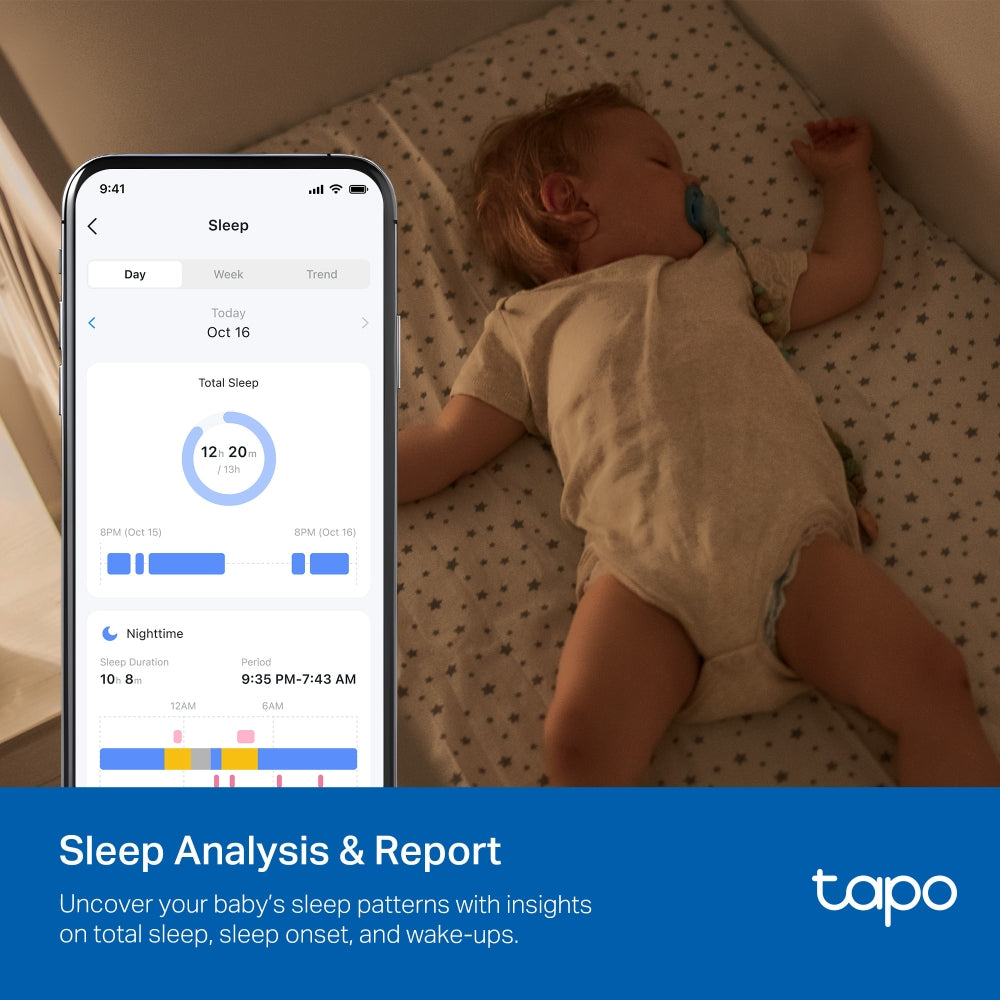
- Sleep Analysis & Report: Uncover your baby’s sleep patterns with insights on total sleep, sleep onset, and wake-ups.
- Built-in Lullabies & White Noise: Soothe your baby to sleep with built-in lullabies and comforting white noise options.
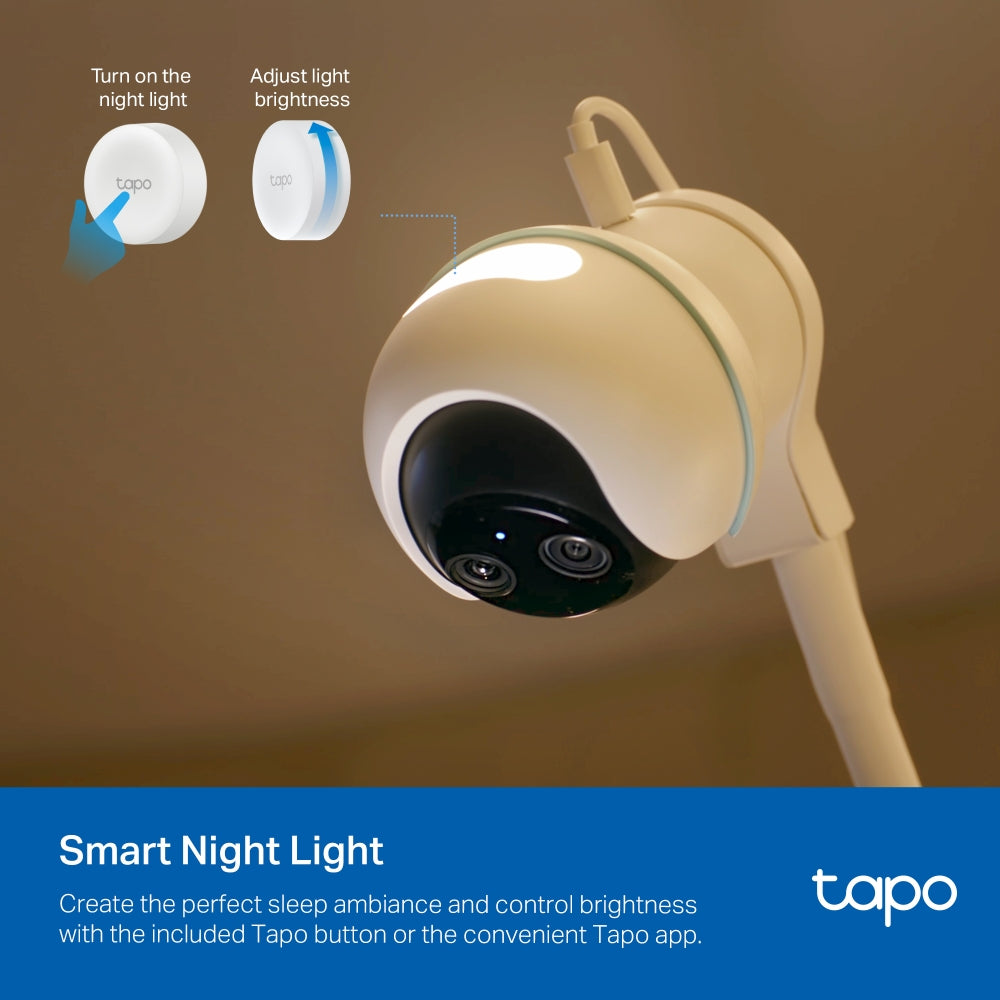
- Smart Night Light: Create the perfect sleep ambiance and control brightness with the included Tapo button or the convenient Tapo app.
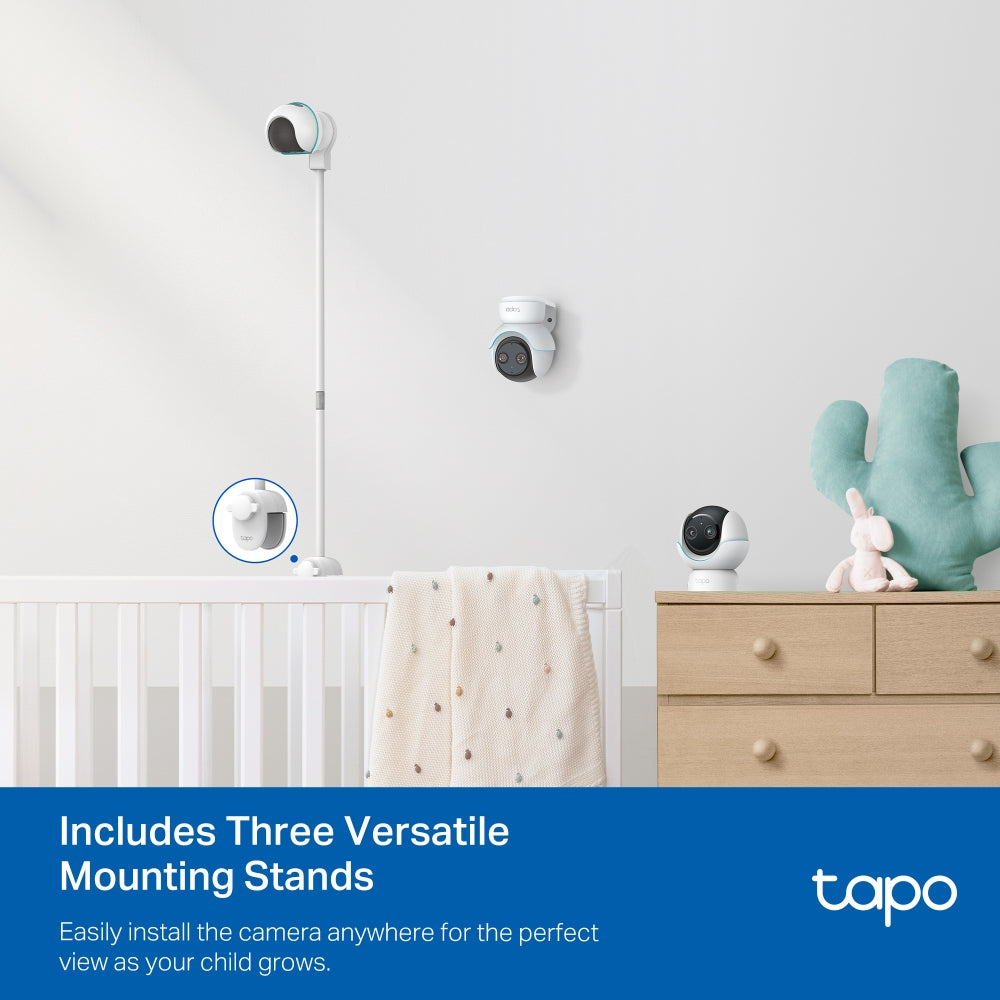
- Includes Three Versatile Mounting Stands: Easily install the camera anywhere for the perfect view as your child grows.
-
Capture Every Precious Moment with Baby Snap: From first smiles to first steps, in crystal-clear clarity.


†The Crib Mount is designed for regular square railings made of metal or wood. For best stability, railing thickness should be 5–40 mm (0.2–1.5 in.).
‡Local storage requires a microSD card, which needs to be purchased separately.
§Subscribe for cloud storage at https://www.tapo.com/tapocare/
△Compatible with Alexa and Google Assistant supported displays. User experience is dependent on the connected device's specifications.
☆The depicted UI and effects are for reference only, Please refer to the actual version.
*Tapo Care prices are subject to change. Please refer to the actual situation.
Trusted by Leading Publishers

FAQ
Use this text to share information about your product or shipping policies.
How to configure Sleep Analysis for Tapo C840 baby camera?
Sleep Analysis on the Tapo C840 Baby Camera helps track your baby’s sleep patterns and generate sleep reports. Please follow the steps below to set your camera:
1. Open the Tapo app and select your camera.
2. Tap Sleep on the live view page and enable Sleep Analysis.
3.Go to Settings to set your baby’s sleep goal (duration).
4.The camera will automatically track sleep data and generate reports over time
Note: Make sure your camera is set up before enabling this feature.
For detailed steps and visual guidance, please refer to: https://www.tp-link.com/au/support/faq/4865/
How to control the night light on Tapo C840 Baby Camera with the Bluetooth button?
You have two options to pair the Bluetooth button with Tapo C840 Camera.
1. Auto pairing: Insert the battery (remove the insulation tab) and place the
button near the camera — it will pair automatically. Tap the button to turn
the night light on or off
2. Manual pairing (if needed): Restart the camera, then press and hold the
button for 5 seconds within 5 minutes until the LED flashes, indicating
successful pairing
Note: Make sure the camera is set up before pairing. For detailed steps and visuals, please refer to: https://www.tp-link.com/au/support/faq/4808/
How to configure BabySnap for Tapo baby camera?
You can easily to configure the BabySnap by following steps.
Step 1: Open the Tapo app and go to your camera → tap Moments
Step 2: Set up storage (Tapo Care Premium or microSD card)
Complete your baby’s profile
Step 3: Enable BabySnap in settings (with optional features like night capture or growth record)
Note: Some features may require a Tapo Care subscription.
For detailed steps and visual guidance, please refer to: https://www.tp-link.com/au/support/faq/4863/