




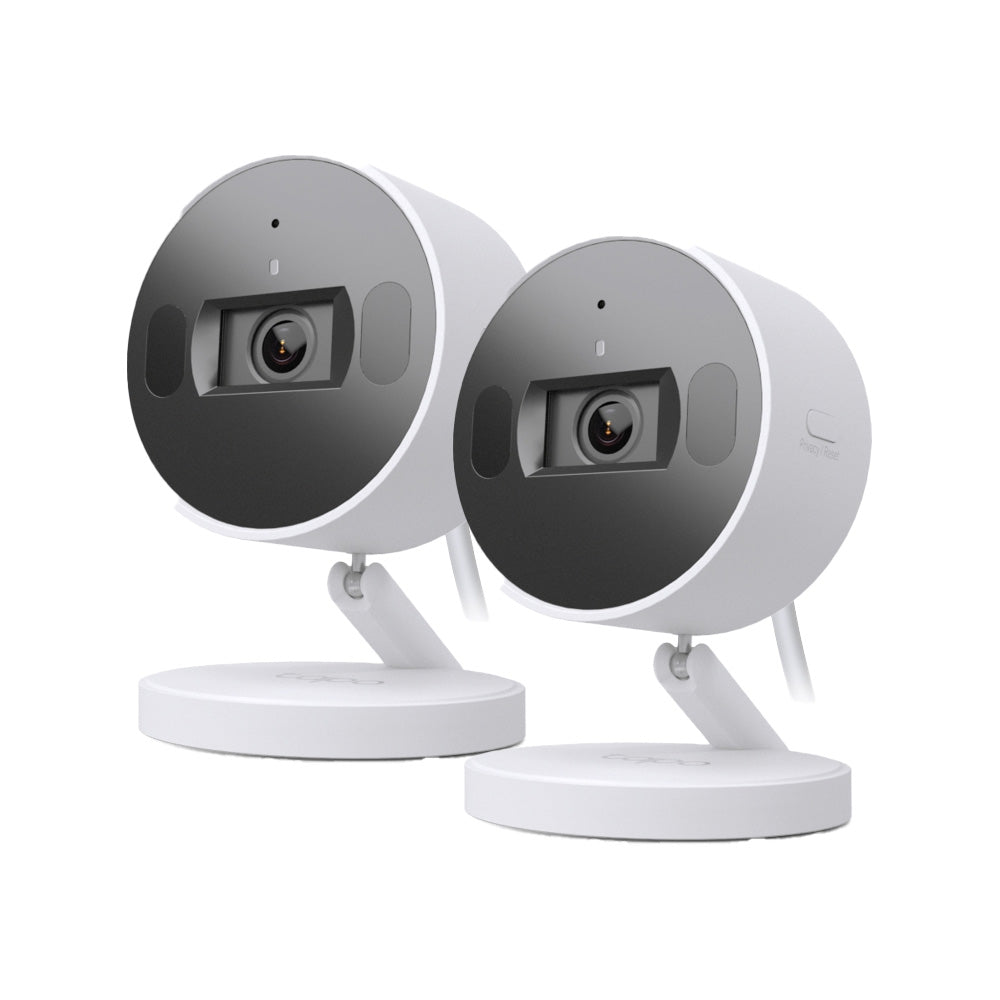
Tapo C125 | AI Wi-Fi Security Camera, 2K QHD, Smart AI Detection
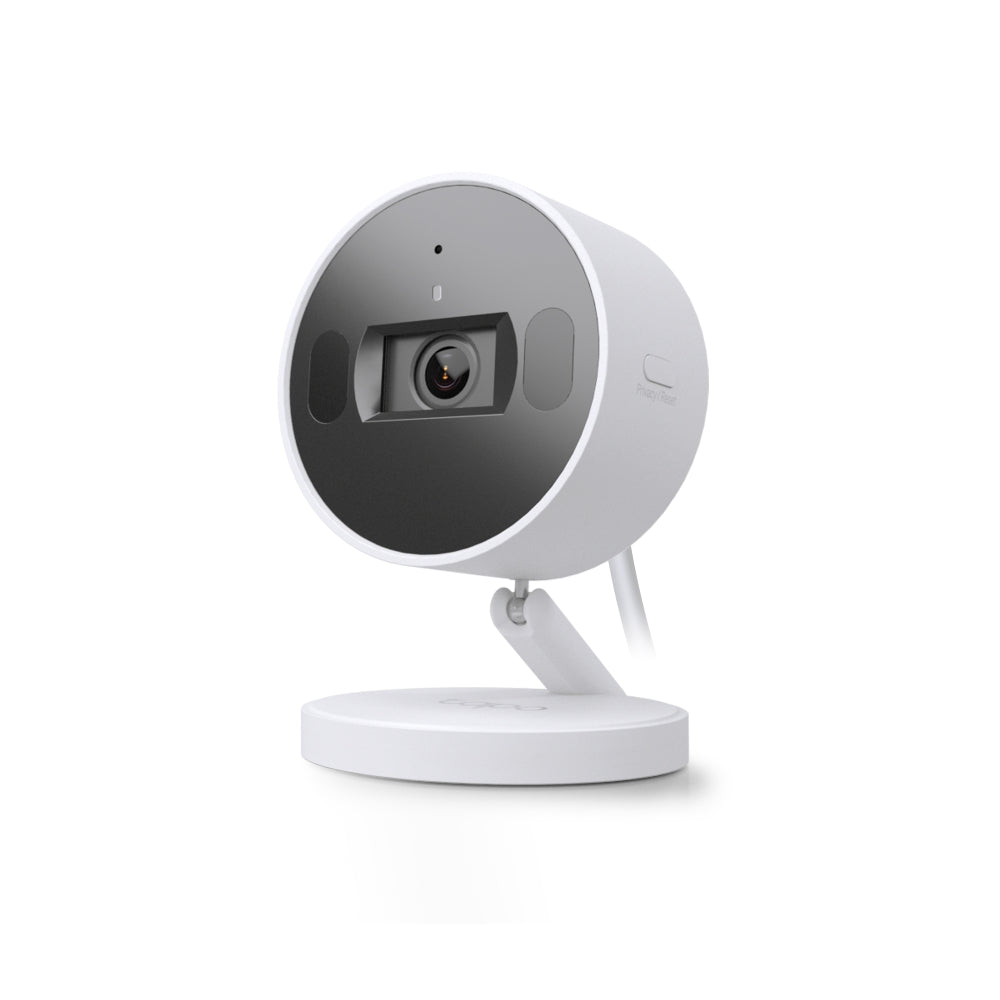
Compact AI home security Wi-Fi camera with physical privacy shutter, magnetic base installation, dual-IR system, and smart detection for people, pets, and baby crying sounds.
HIGHLIGHTS
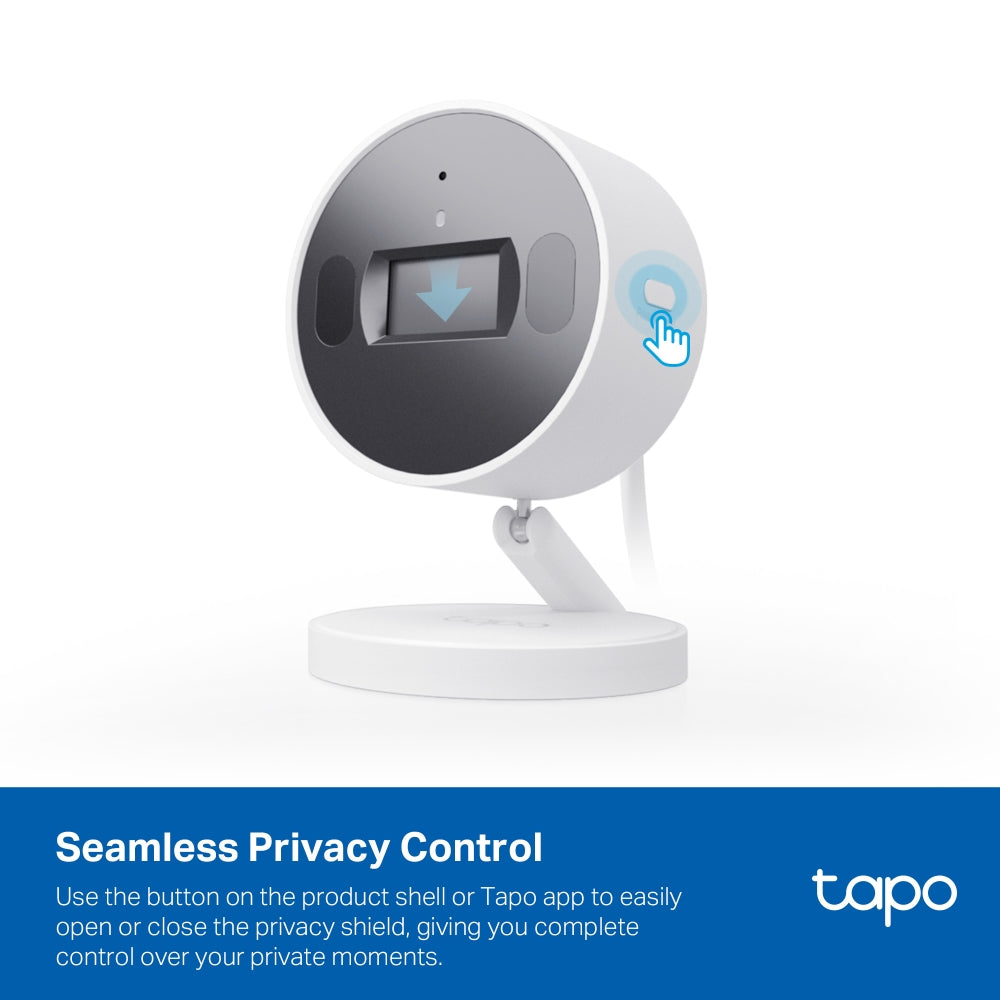
- Physical Privacy Shutter- When enabled, maintains your privacy with the lens blocked by the camera’s shutter.
- Smart AI Detection and Notification-Smart AI identifies people, pets, and abnormal sounds, notifying users as needed.
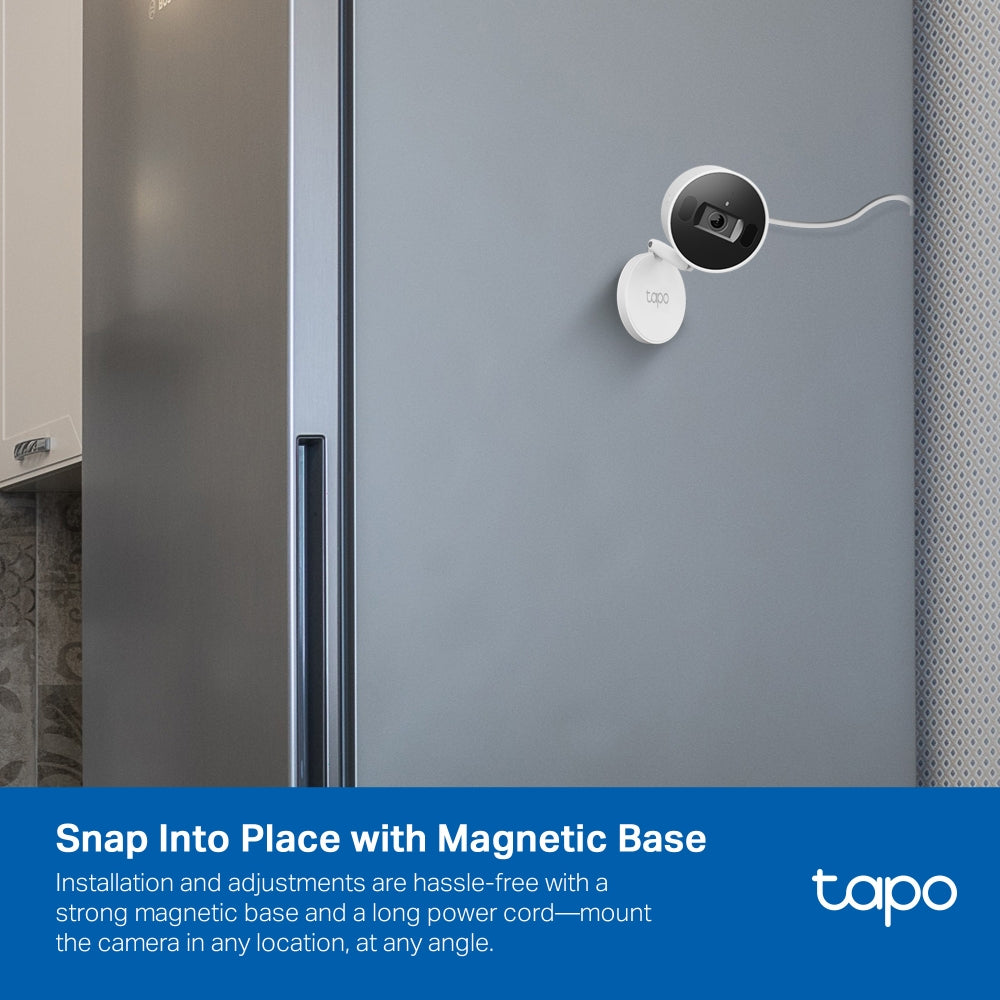
- Freely Install with Magnetic Base - The compact design of Tapo C125 enables users to freely install it with a magnetic base and flexible bracket
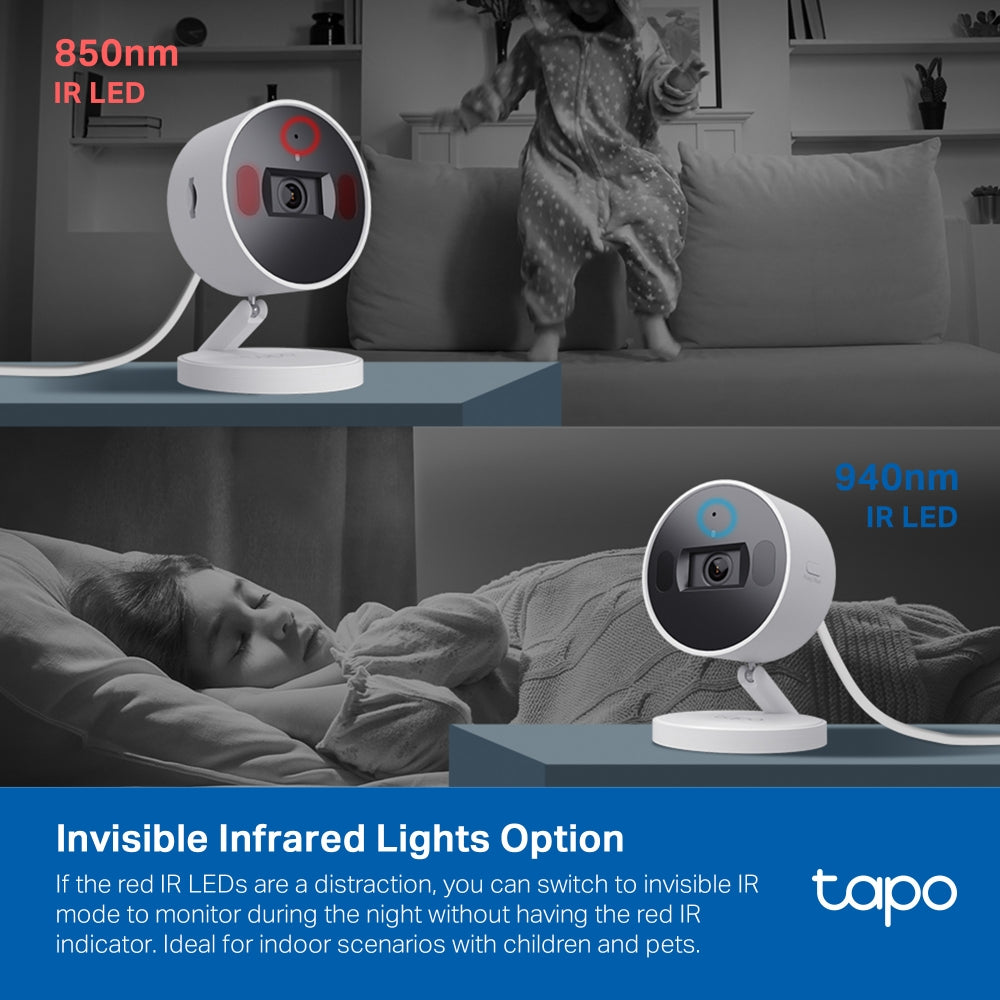
- Dual-IR System - Switch to the 940nm IR LED to watch over your baby without interrupting their sleep.
- Customizable Sound Alarm - Triggers recorded audio as an alarm when motion is detected.
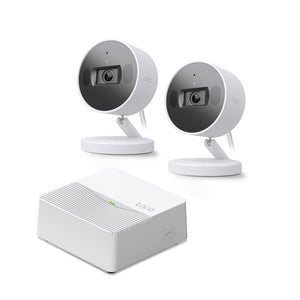


FAQ
Use this text to share information about your product or shipping policies.
How do I enable detection features on my Tapo camera or doorbell?
You can configure detection features in the Tapo app to monitor important activity and receive alerts when events are detected.
Step 1: Open your camera or doorbell in the Tapo app
Step 2: Go to Device Settings → Detection
Step 3: Enable and customise features such as: Motion Detection/ Person Detection/ Smart Motion Tracking (supported models only)/ Detection Zones/ Notifications and Alarm.
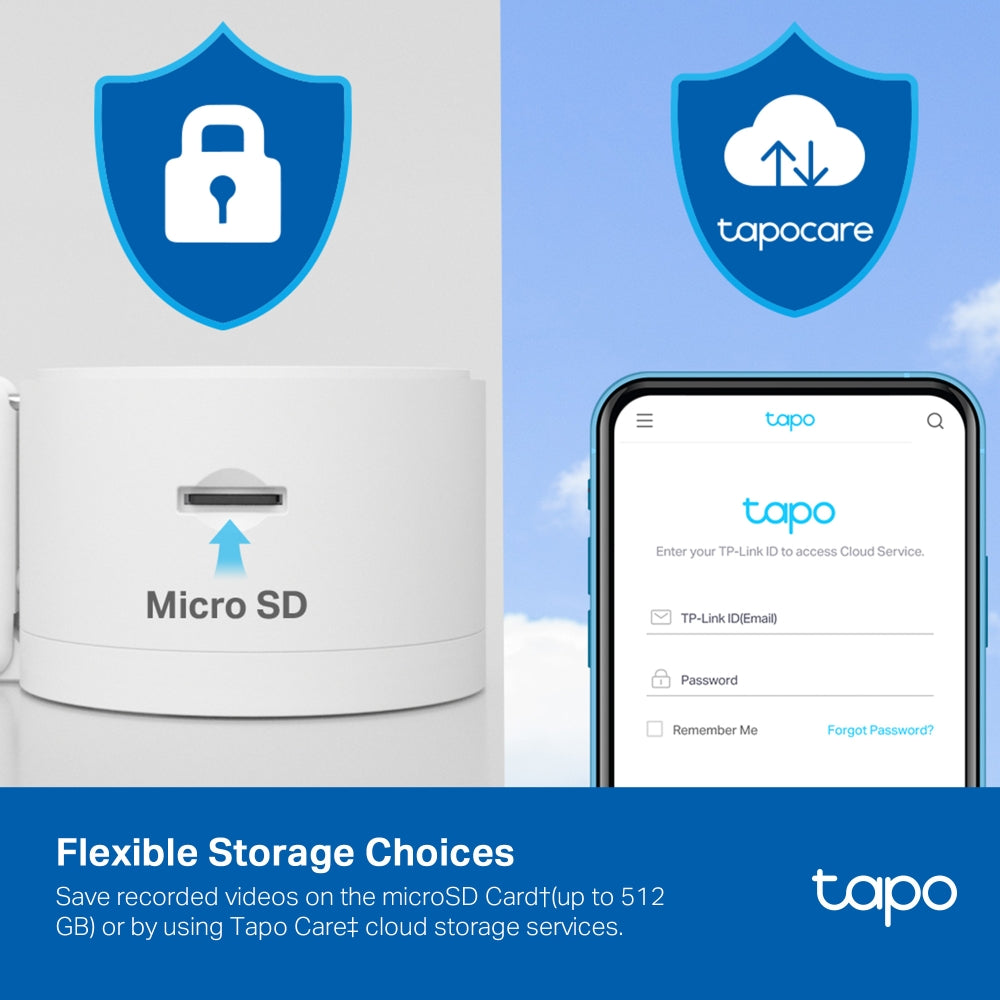
You can also adjust sensitivity settings and choose how recordings are stored, either through Tapo Care cloud storage or local storage using a microSD card or compatible hub.
How do I download videos from my Tapo Camera?
There are three ways to download footage from your Tapo Camera, all accessible through the Tapo app.
1. Manual Recording: During live view or playback, tap the record button to capture footage. Clips are automatically saved to Playback & Download in the Tapo app and your phone's gallery. From there, you can share or export them anytime.
2. Cloud Video (Tapo Care): Go to Tapo app > Playback & Download > Cloud Video, select the clip you want, and tap the Download icon. Note that cloud videos expire based on your Tapo Care plan — download important clips before they expire.
3. SD Card Recordings: In the Tapo app, go to Playback & Download > Playback > SD Card Videos. You can either download individual detection events, or use the Clip & Download feature to trim and save a specific segment (1–10 minutes) from continuous or motion-detection footage.
Downloaded videos are saved within the Tapo app for offline viewing. To export to your phone's gallery, go to Playback & Download > Download, select the clip, and save it to your phone's album.
How can I subscribe to a Tapo Care plan?
You can subscribe to a Tapo Care plan either through the Tapo app or the official website.
1. Choose your plan: Select a plan based on the number of cameras (Basic or Premium)
2. Assign devices: Select the cameras you want to include
3. Complete payment: Finish the purchase via the app or online.
Once subscribed, your selected cameras will have access to Tapo Care features.