

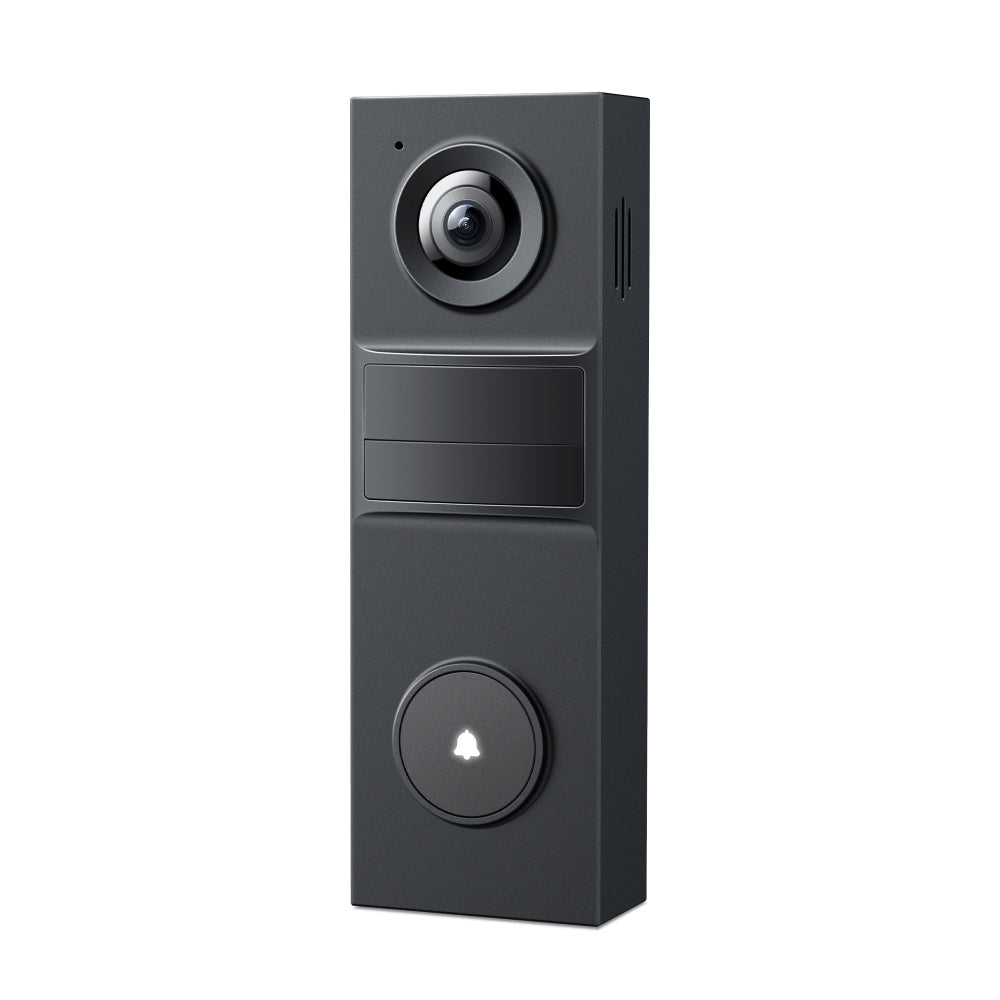
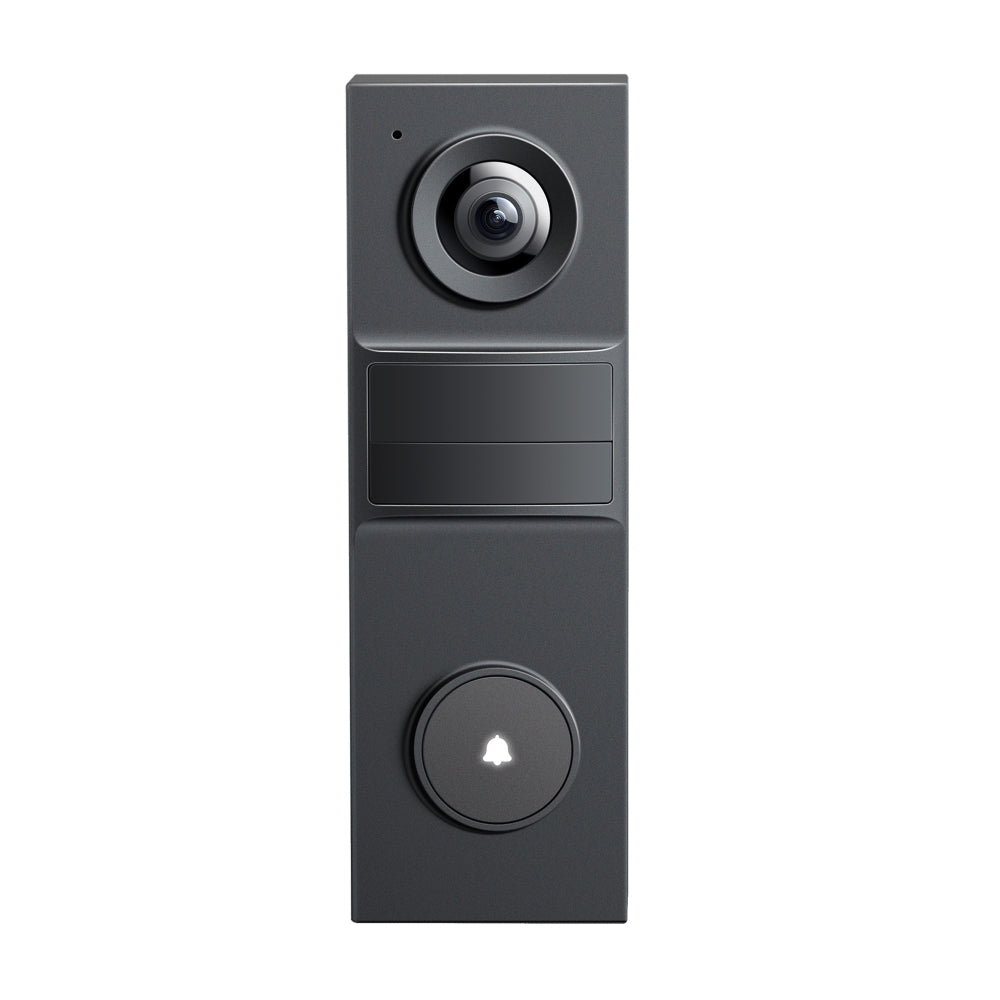


Tapo D205 | Smart Video Doorbell Mini, 2K, AI Detection
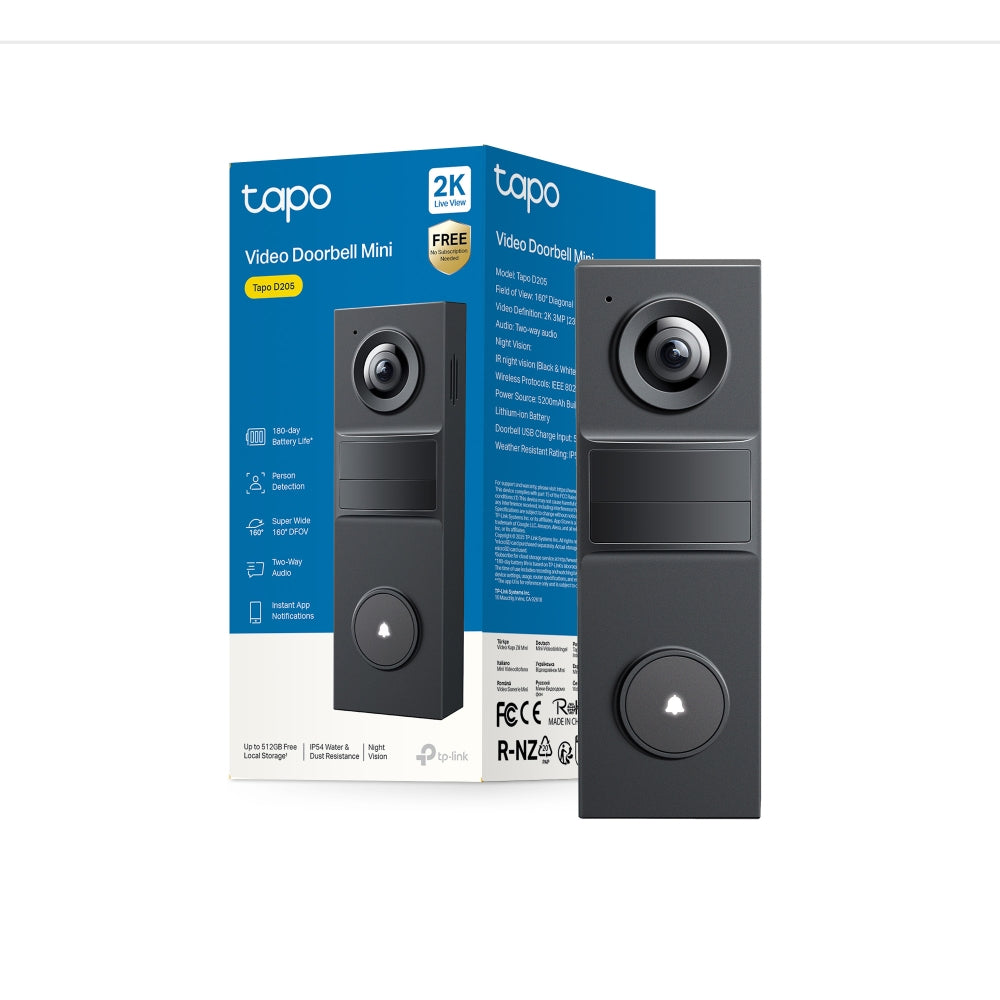
Rechargeable AI video doorbell with 2K live view, 160° wide FOV, no subscription alerts, and IP54 weatherproof security for clear access control.
HIGHLIGHTS
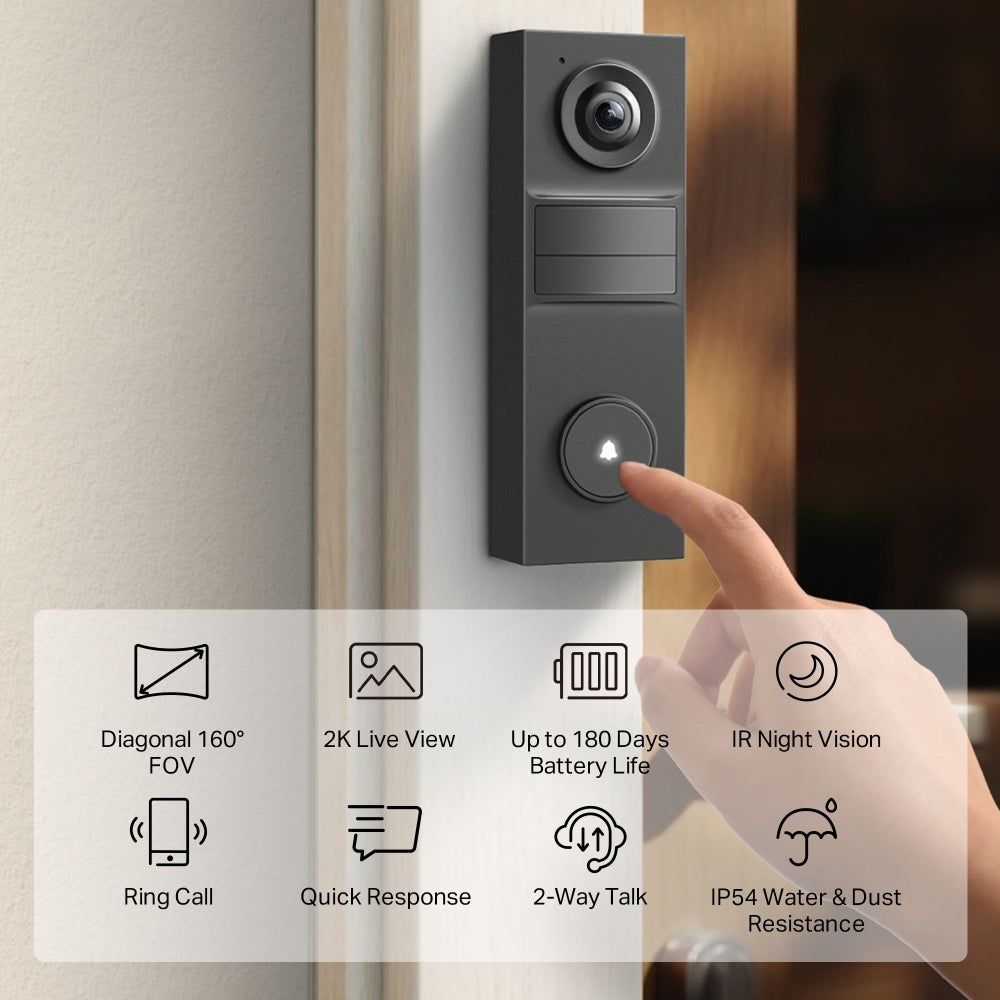
- Sharp 2K Live View: When it comes to protecting your home, every detail matters. With clear 2K video, nothing will go unnoticed.
- Ultra-Wide 160° FOV: Offers exceptional coverage, ensuring you see everything from head to toe in a single, uninterrupted frame.
- Accurate Alerts: AI Detection with No Fees: Receive smart, real-time notifications when people are at your doorstep – no subscription required.
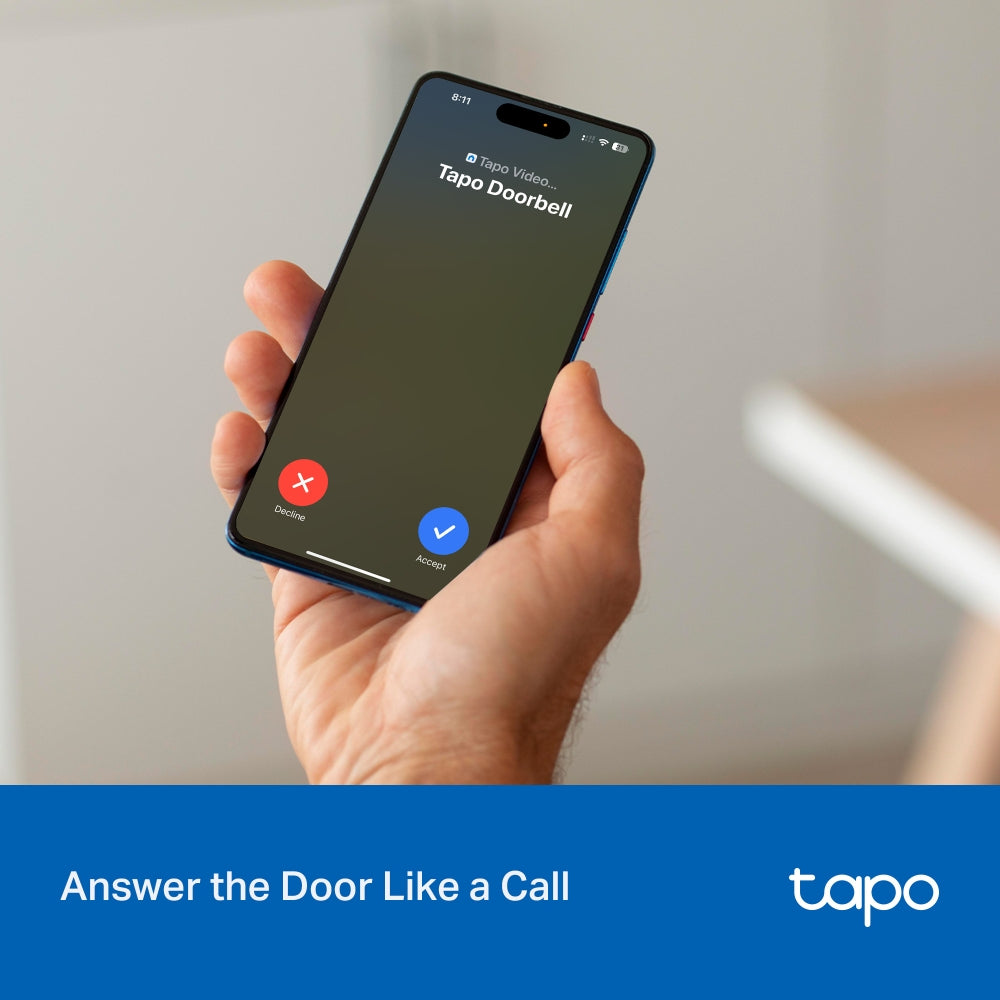
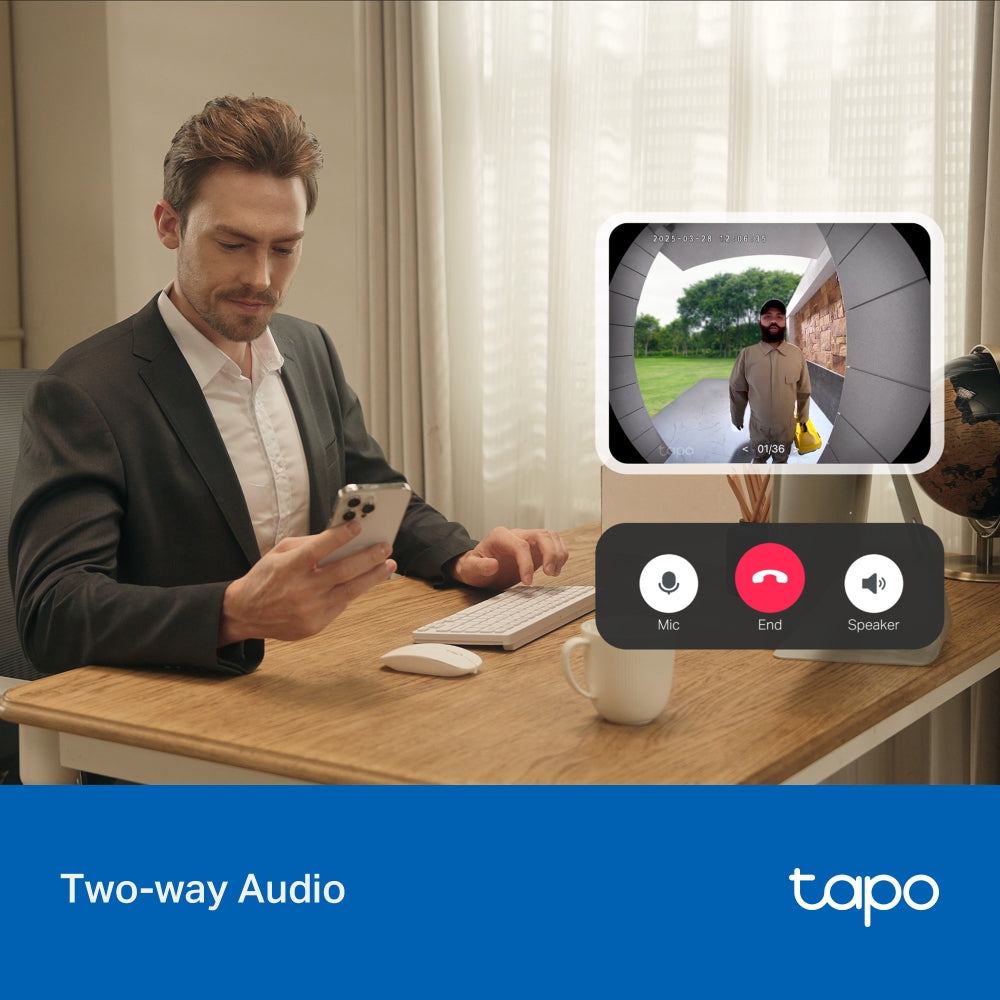
- Answer the Door Like a Phone Call: Get a phone call when a visitor presses your doorbell, and talk to them instantly.
- Quick Response: When you're busy, send a prerecorded Quick Response to reply to your visitor without missing a beat.
- Two-Way Audio: Have a real-time conversation with visitors at your door with clear video.
- Custom Activity Zones: Receive alerts only when people are detected inside your custom activity zones.
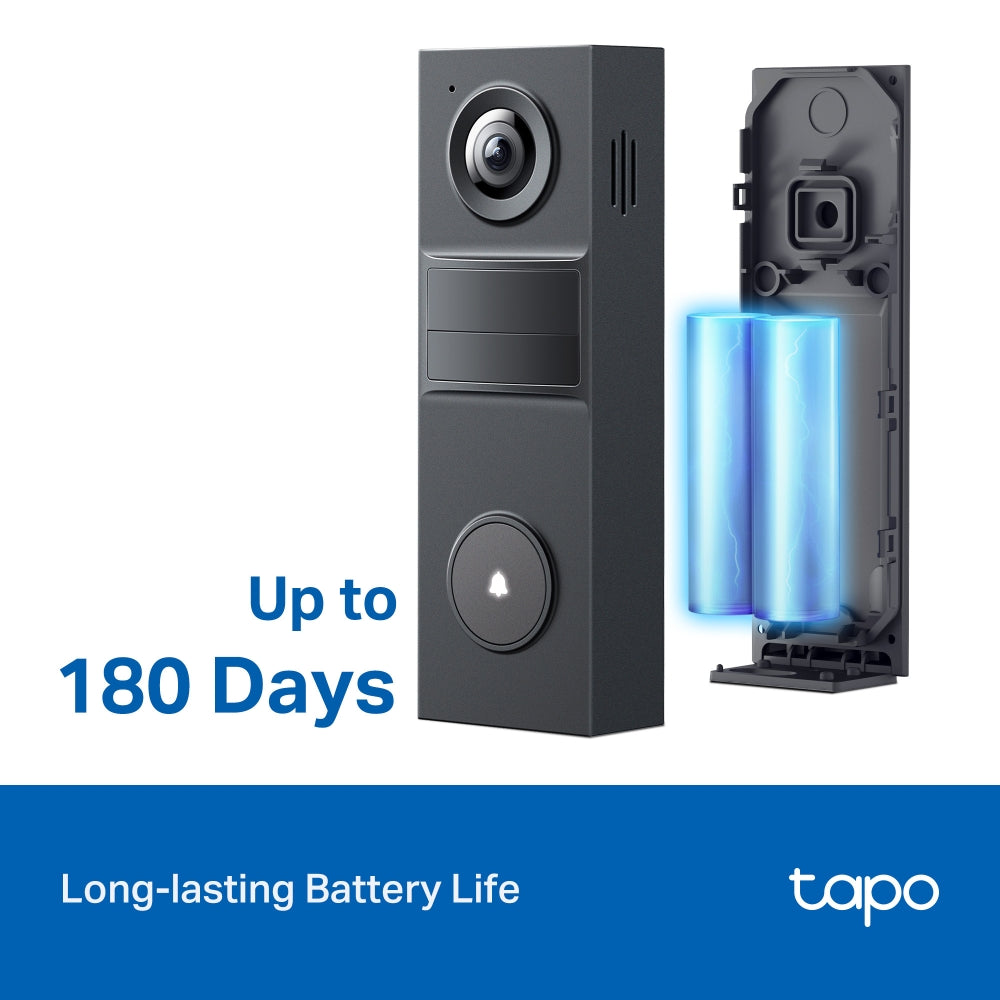
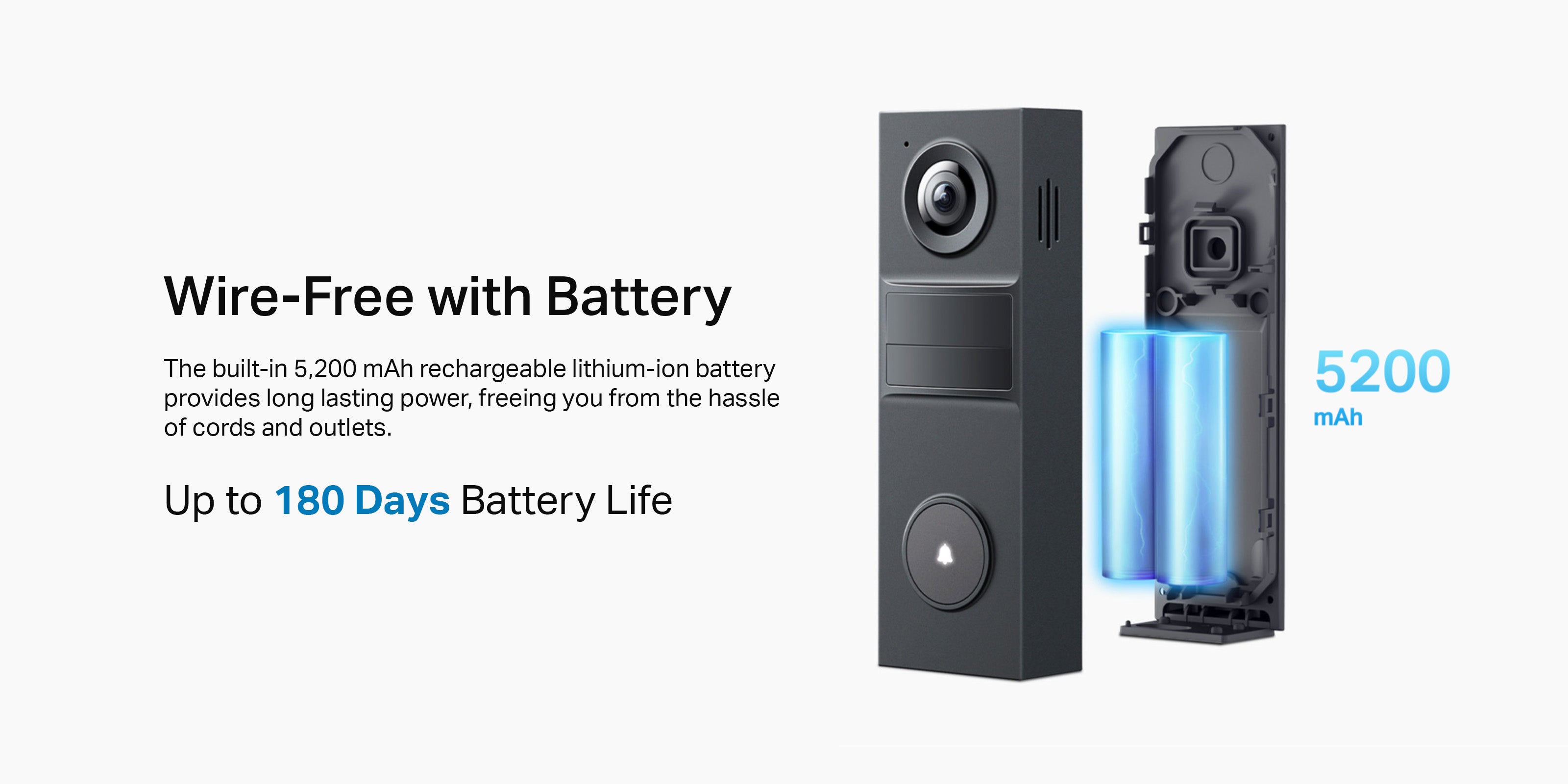
- Built-in Battery: A 5,200mAh rechargeable lithium-ion battery provides up to 180 days of battery life.
- Tapo Solar Panel Supported: Enjoy maintenance-free security when used with a Tapo Solar Panel model for uninterrupted power.
- IP54 Weatherproof: Built to handle rain, dust, and changing seasons - your doorbell stands guard, whatever the weather.
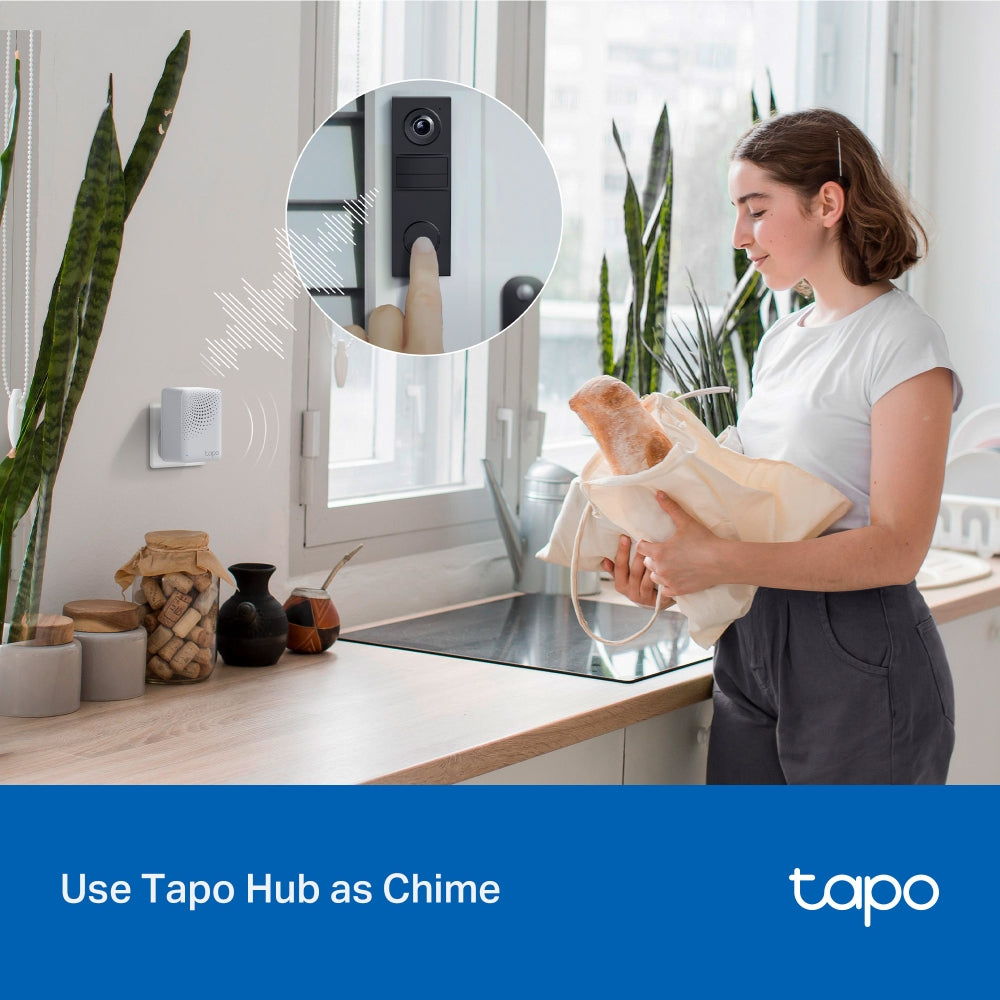
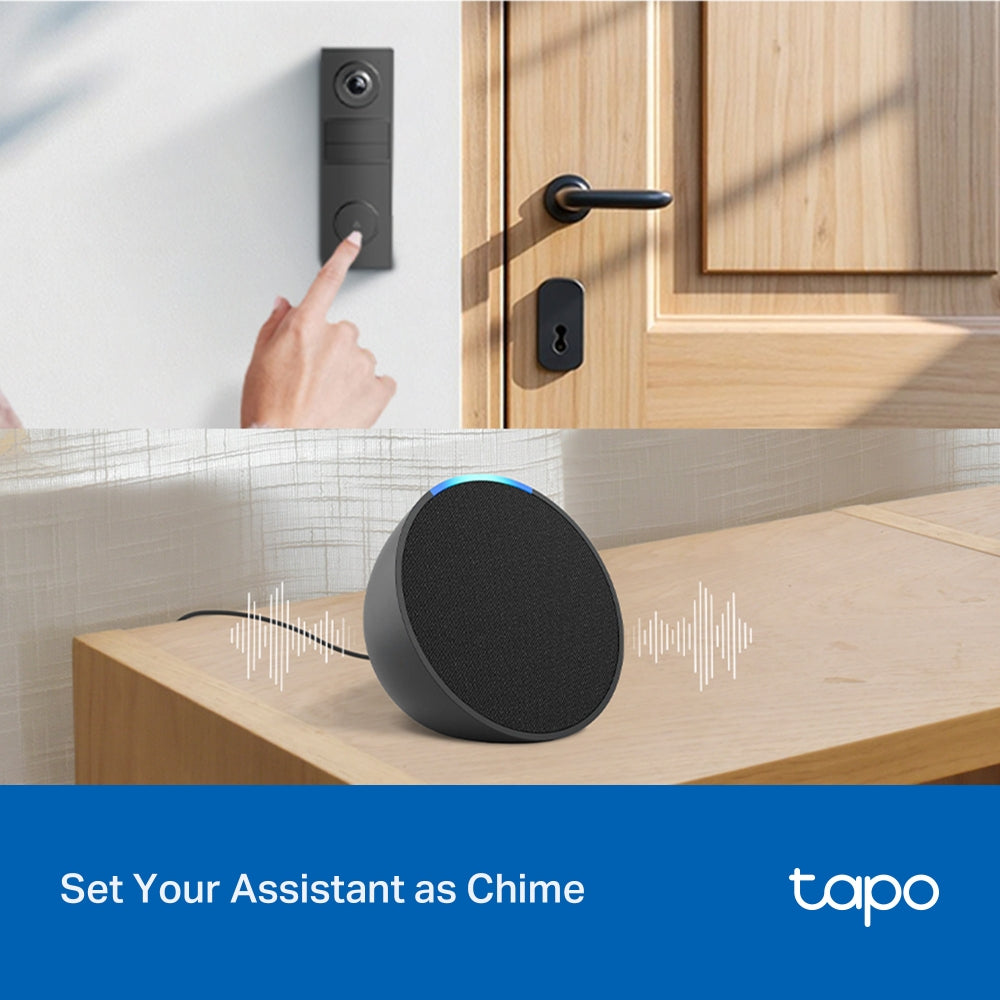
- Seamless Integration: Get instant chime alerts with your existing Tapo Hub or smart assistant like Echo Dot.
- Local and Cloud Storage: Supports microSD card (up to 512GB) and Tapo Care cloud services.




FAQ
How do I install the Tapo D205 video doorbell?
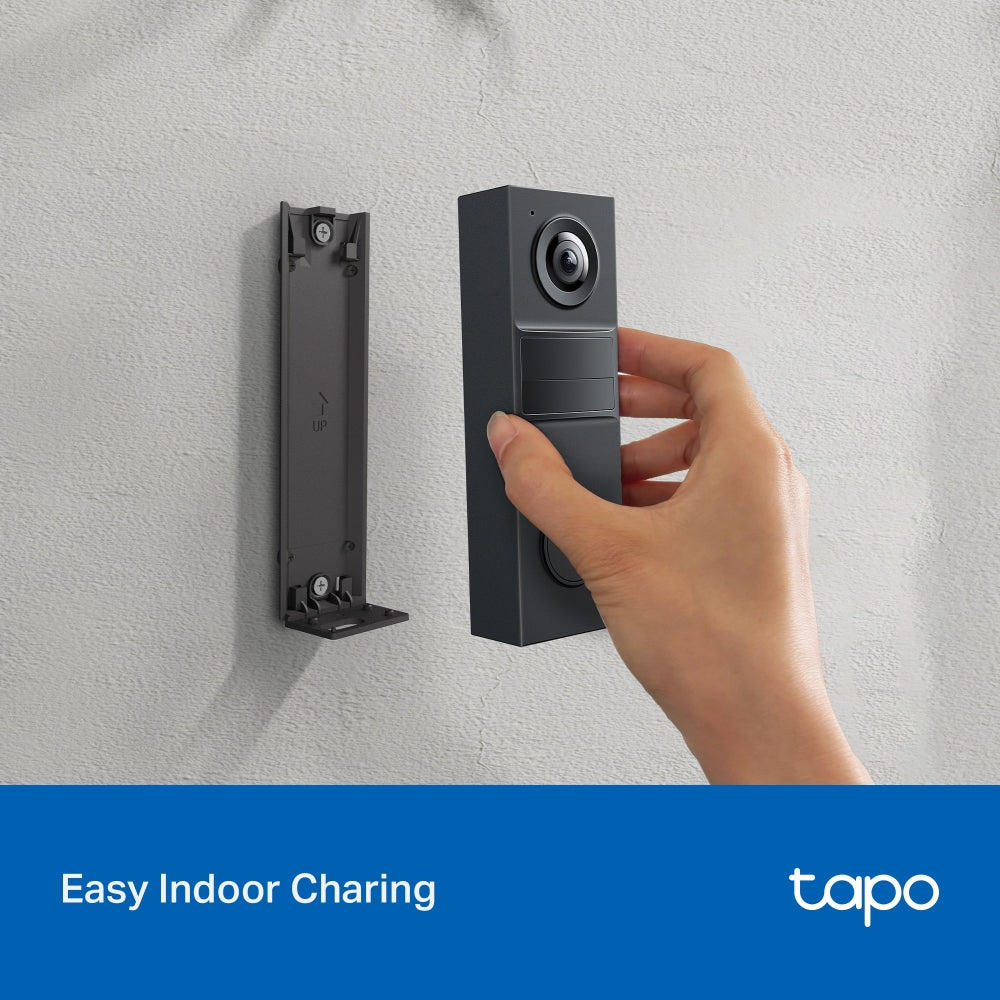
The Tapo D205 can be installed in two ways: using adhesive or screws. For adhesive installation, attach the mounting bracket with the included adhesive to a clean, smooth surface and press firmly before mounting the doorbell. For screw installation, use the mounting template to drill holes, insert anchors, and secure the bracket with screws.
Once the bracket is installed, attach the doorbell by sliding it into place and tightening the bottom screw. Make sure the surface is clean for proper adhesion, and ensure the device is correctly aligned for a secure fit.
Why doesn’t Always-On Mode (24/7 recording) work on my Tapo doorbell?
Always-On Mode only functions when the doorbell is correctly hardwired to a compatible 8–24 V AC transformer (minimum 10 VA) and supplied with stable continuous power. If the device is running on battery, connected to an incompatible or unstable power source, or affected by incorrect wiring, poor connections, or interference from a traditional chime or other electrical loads, the feature may fail to activate or operate reliably. Users should verify the transformer specifications, wiring setup, circuit condition, and jumper installation. If the issue continues, it is recommended to contact TP-Link technical support and provide relevant device, wiring, and power information for further assistance.
Can I replace my existing doorbell with a Tapo doorbell?
Tapo doorbells can replace many traditional doorbell systems, but compatibility depends on the power supply and wiring conditions. Wired models require a power source within 8–24 V AC (minimum 10 VA) or 10–24 V DC (minimum 10 W) to support features such as continuous recording, while battery-powered models are suitable for homes without existing wiring but need periodic charging. Some systems—such as integrated intercoms, gate controls, or incompatible circuits—may not work with Tapo doorbells. Users should verify transformer specifications, measure voltage if needed, and consult a professional electrician if unsure about installation compatibility.
How can I pause or stop the Anti-theft Alarm on my Tapo doorbell?
When the Anti-theft Alarm feature is enabled, the Tapo doorbell will sound an alarm if it is removed from its mounting base. To temporarily pause the alarm, press and hold the Anti-theft button for about 5 seconds, though the alarm will resume once the button is released. To fully stop the alarm, you can disable the Anti-theft Alarm feature either by pressing and holding the SYNC/RESET button and the Anti-theft button together for around 10 seconds, or by turning off the Anti-theft Alarm option in the device settings within the Tapo app.