


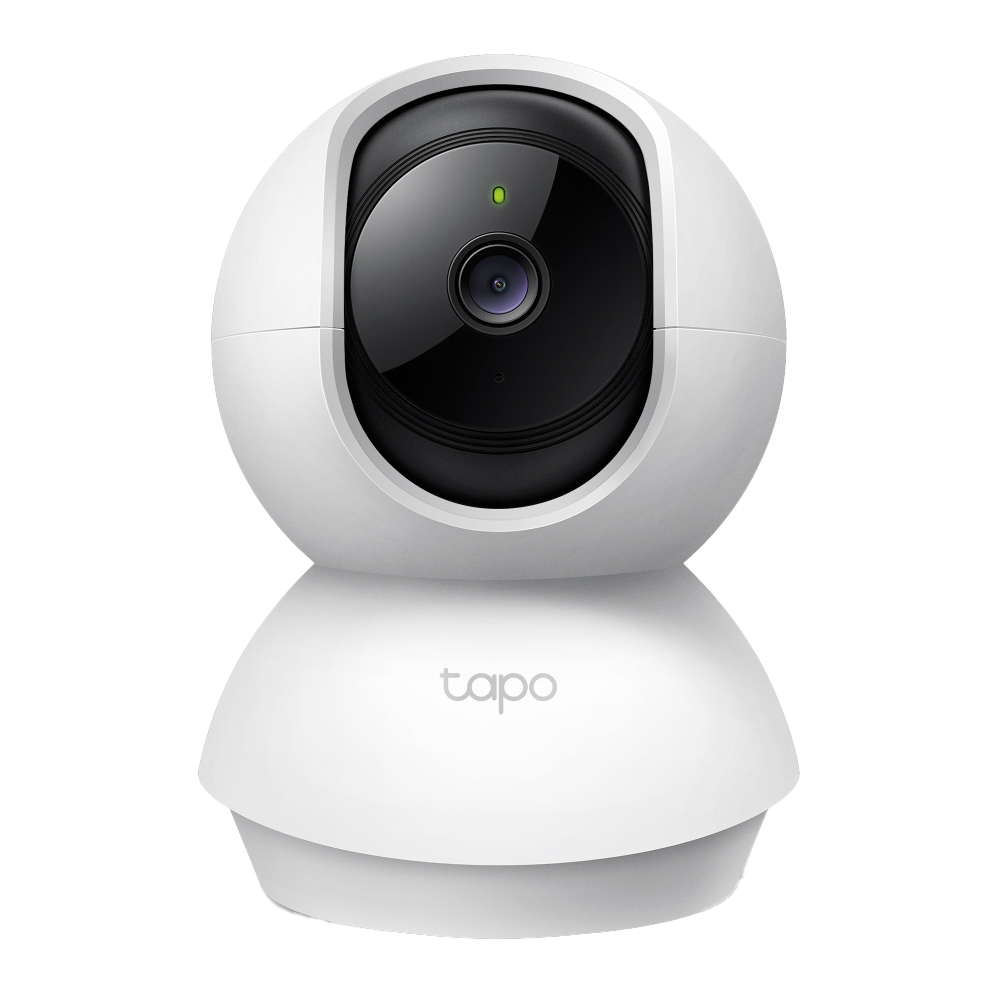
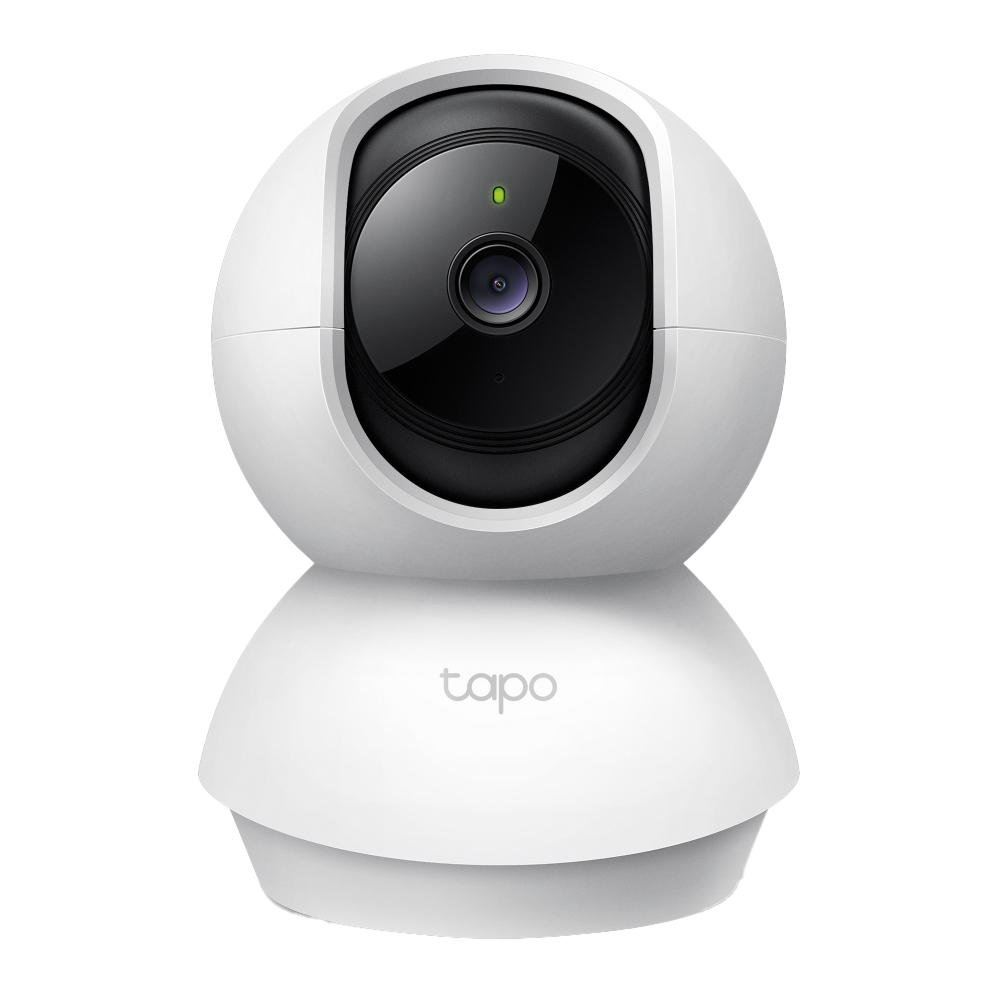
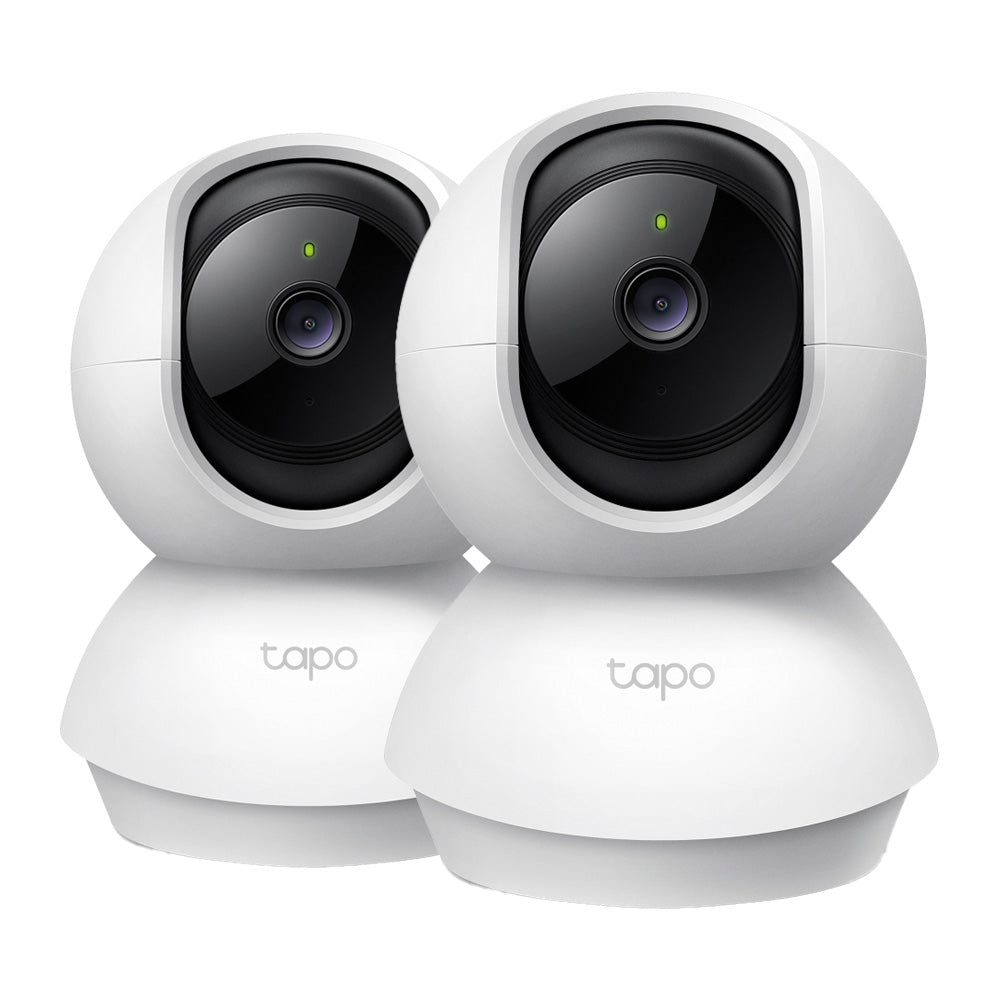
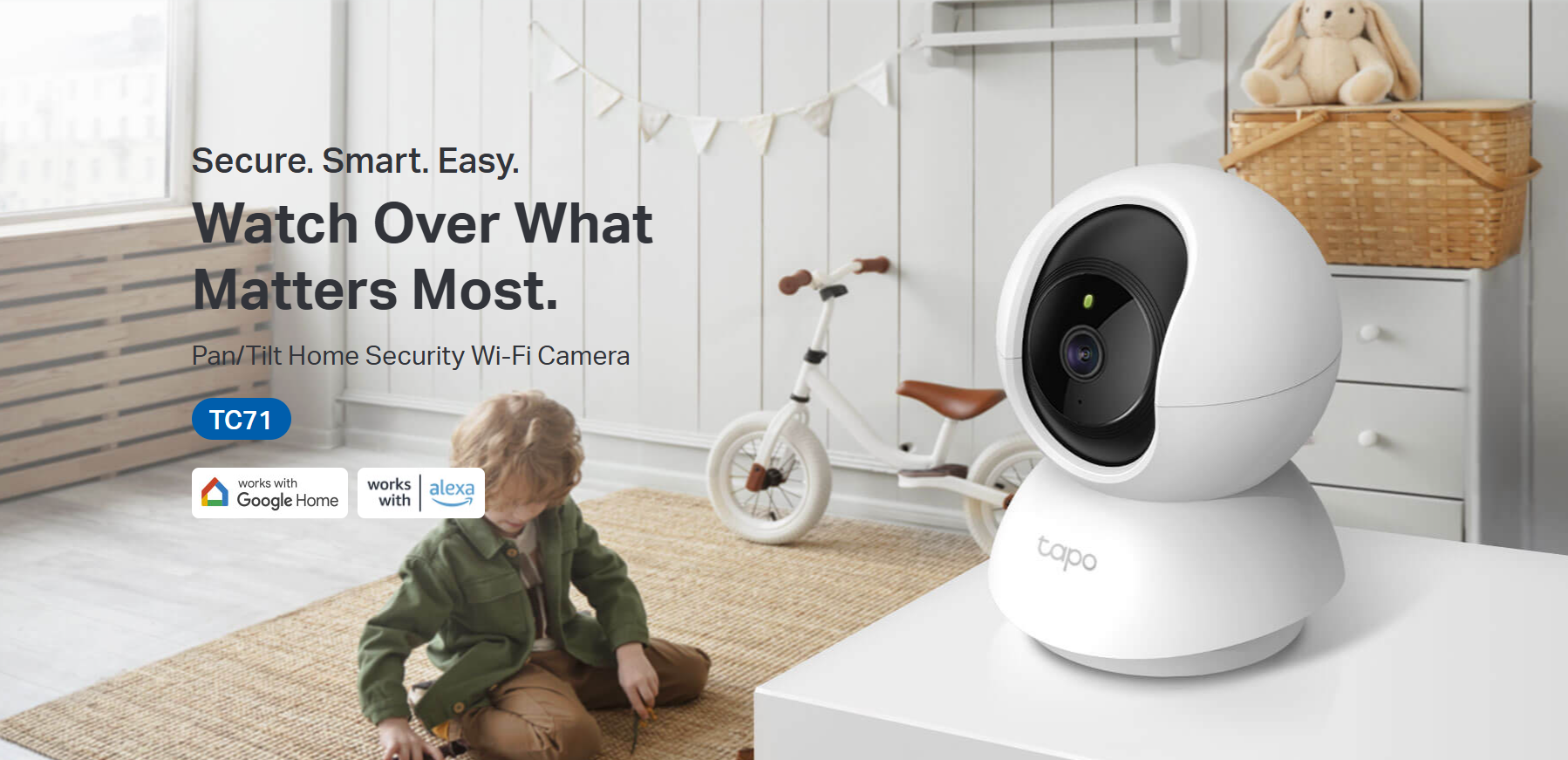
Tapo TC71 | Pan/Tilt AI Home Security Wi-Fi Camera, 2K 3MP, Pan & Tilt, Night Vision
Wireless indoor camera featuring baby crying detection, motion tracking, night vision and two-way audio for comprehensive home security monitoring.
HIGHLIGHTS
- High-Definition Video: Records every image in crystal-clear view
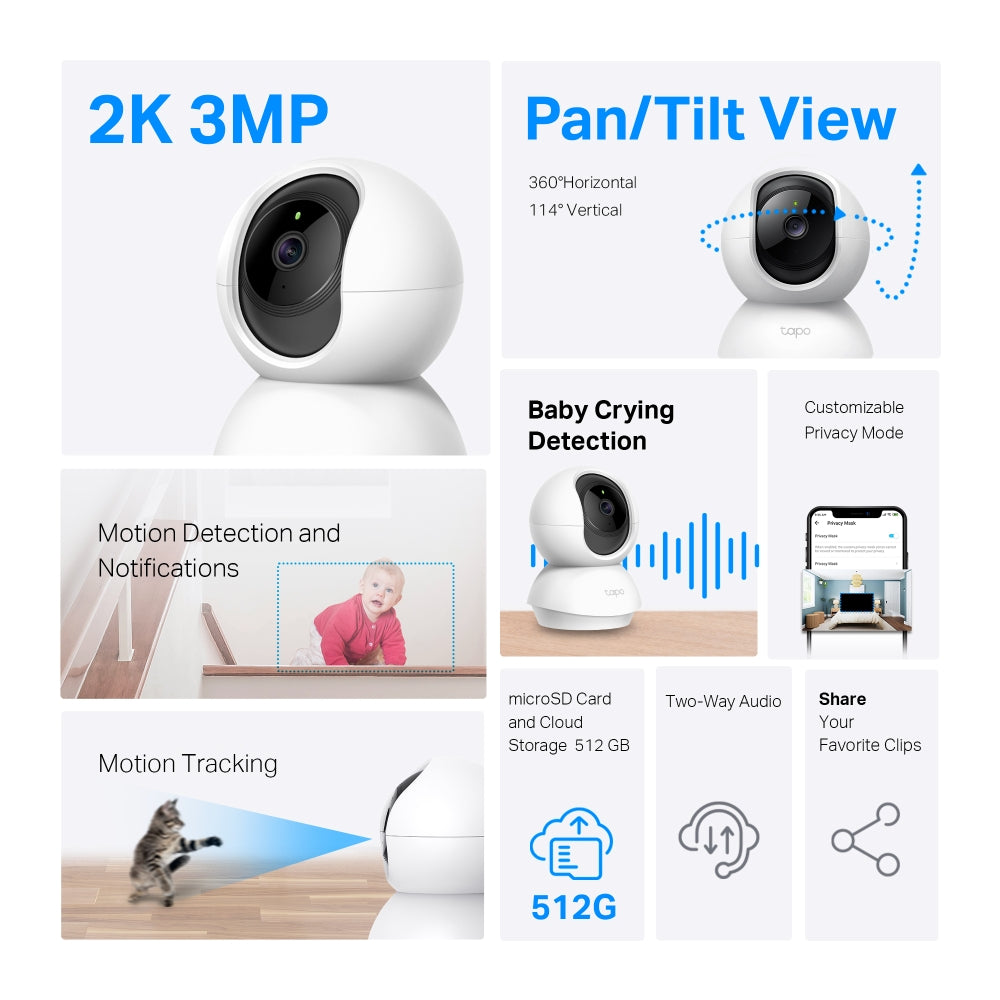
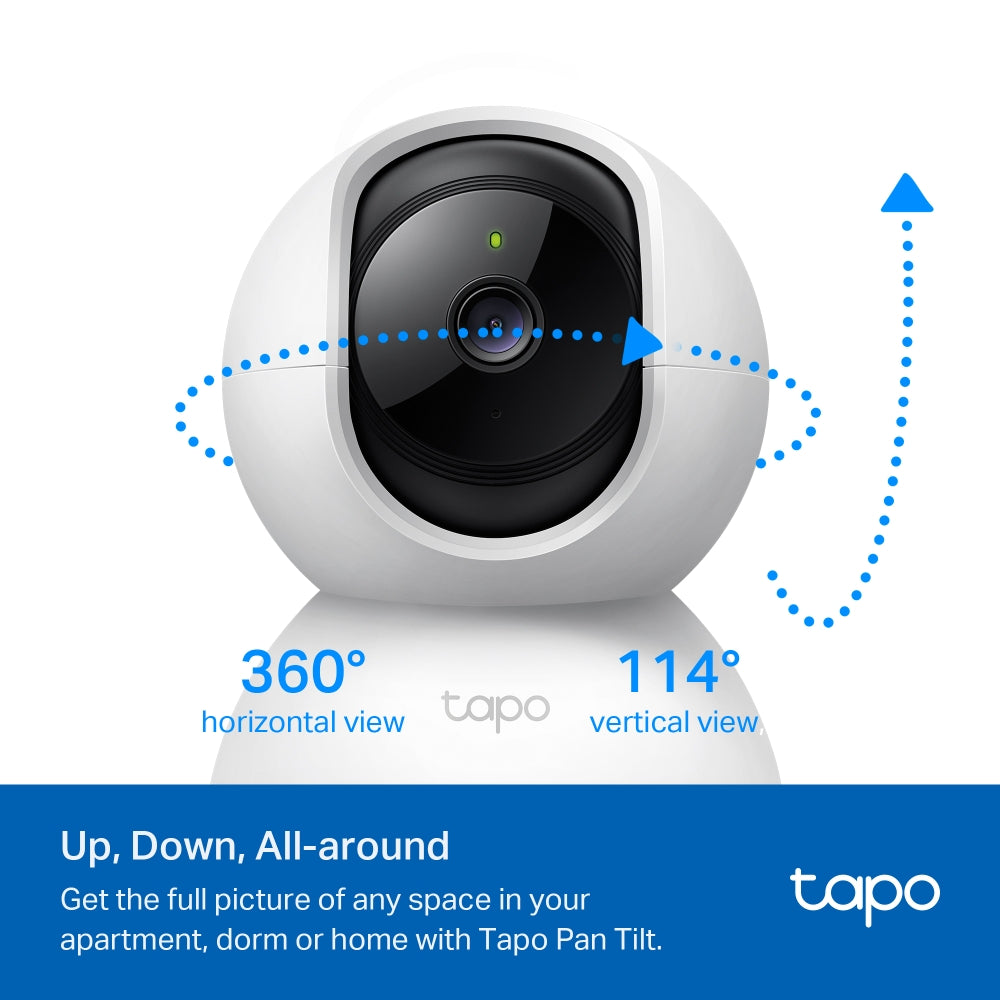
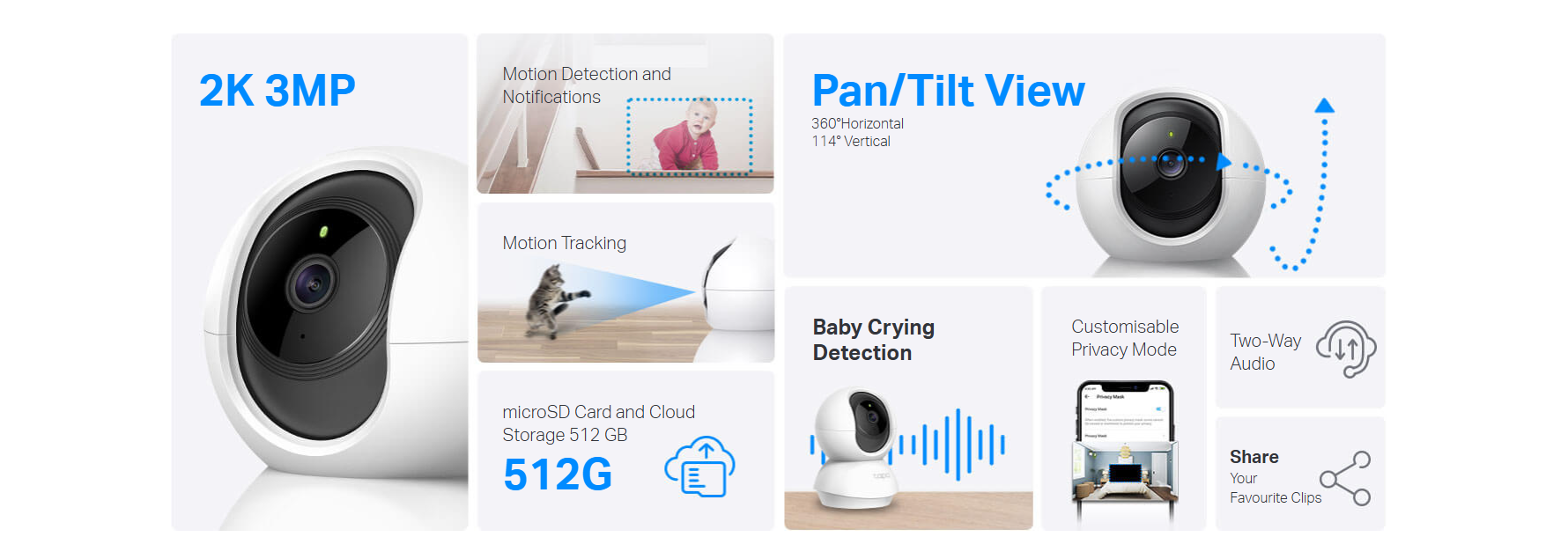
- Pan and Tilt: 360º horizontal and 114º vertical range
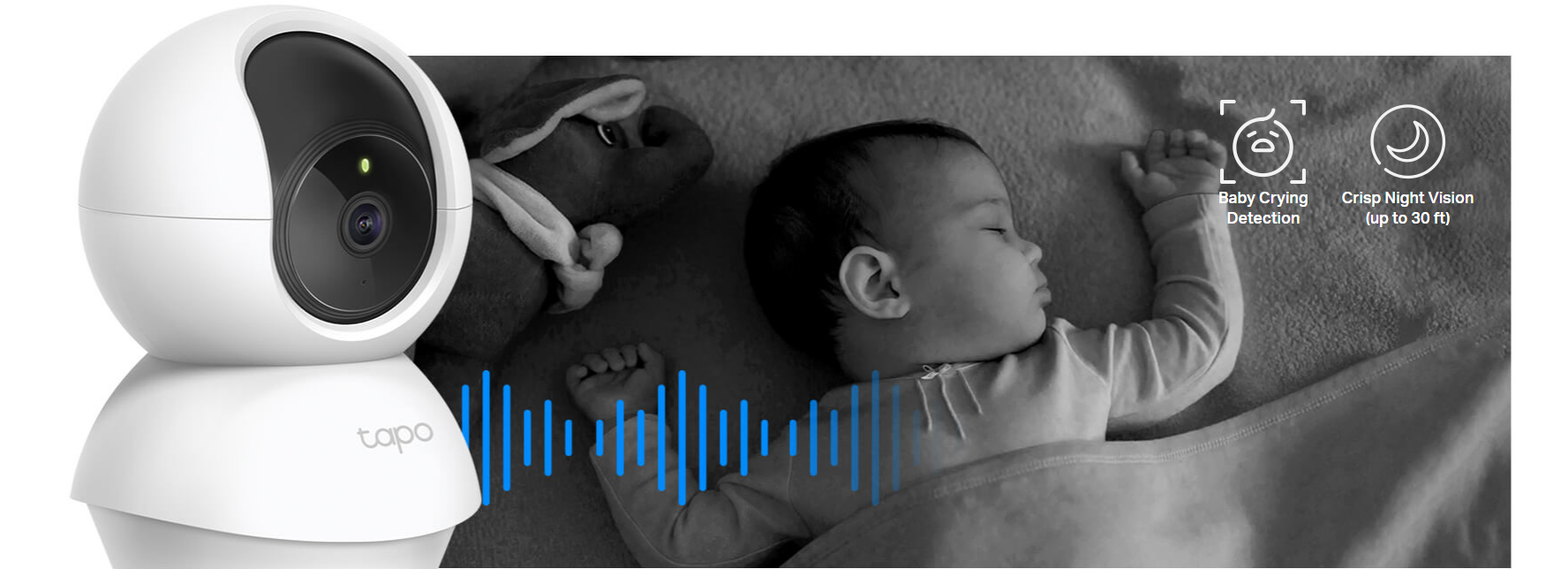
- Advanced Night Vision: Provides a visual distance of up to 30 ft
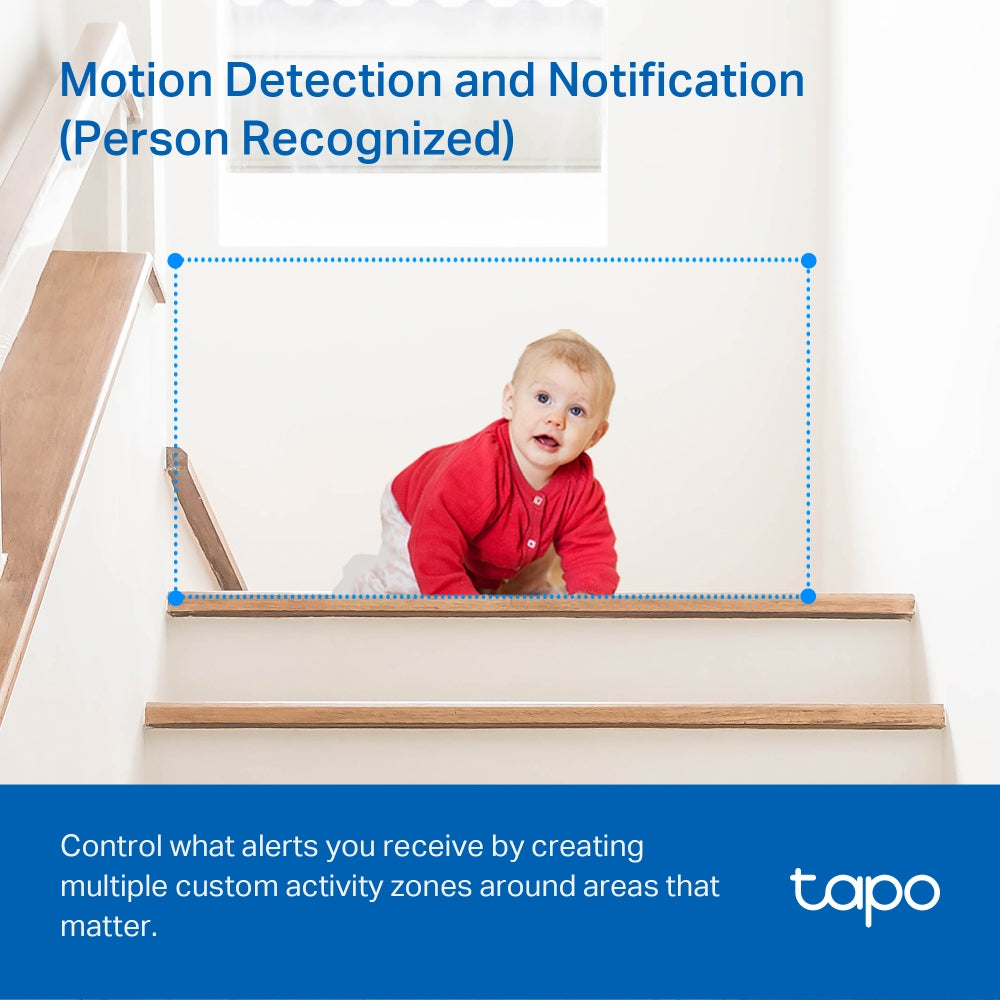
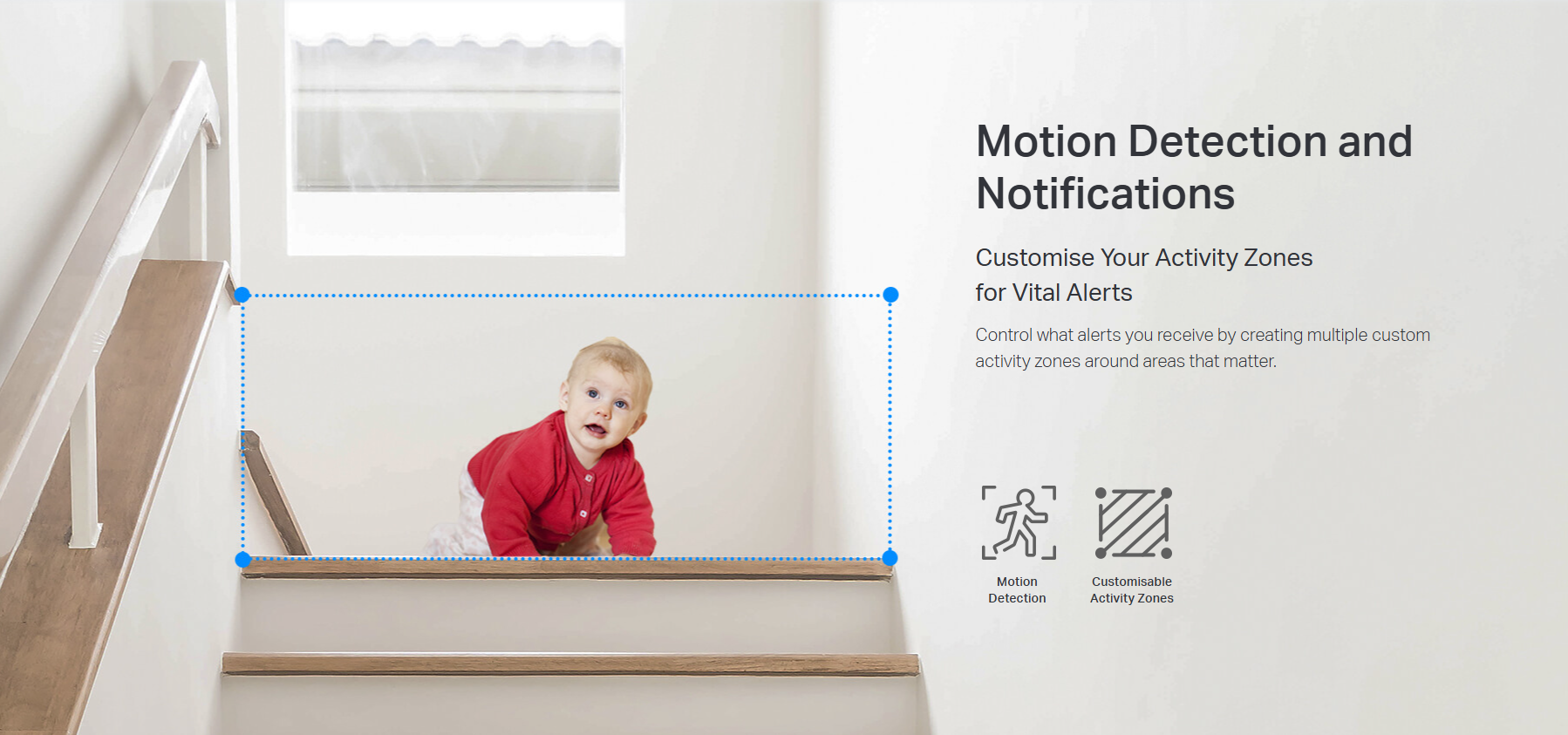
- Motion Detection and Notifications: Notifies you when the camera detects movement
- Sound and Light Alarm: Trigger light and sound effects to frighten away unwanted visitors.
- Two-Way Audio: Enables communication through a built-in microphone and speaker
- Safe Storage: Locally stores up to 512 GB on a microSD card
- Voice Control: Free Up Your Hands with Voice Control: Works with the Google Assistant and Amazon Alexa. (Google Assistant and Amazon Alexa are not available in all languages and countries)
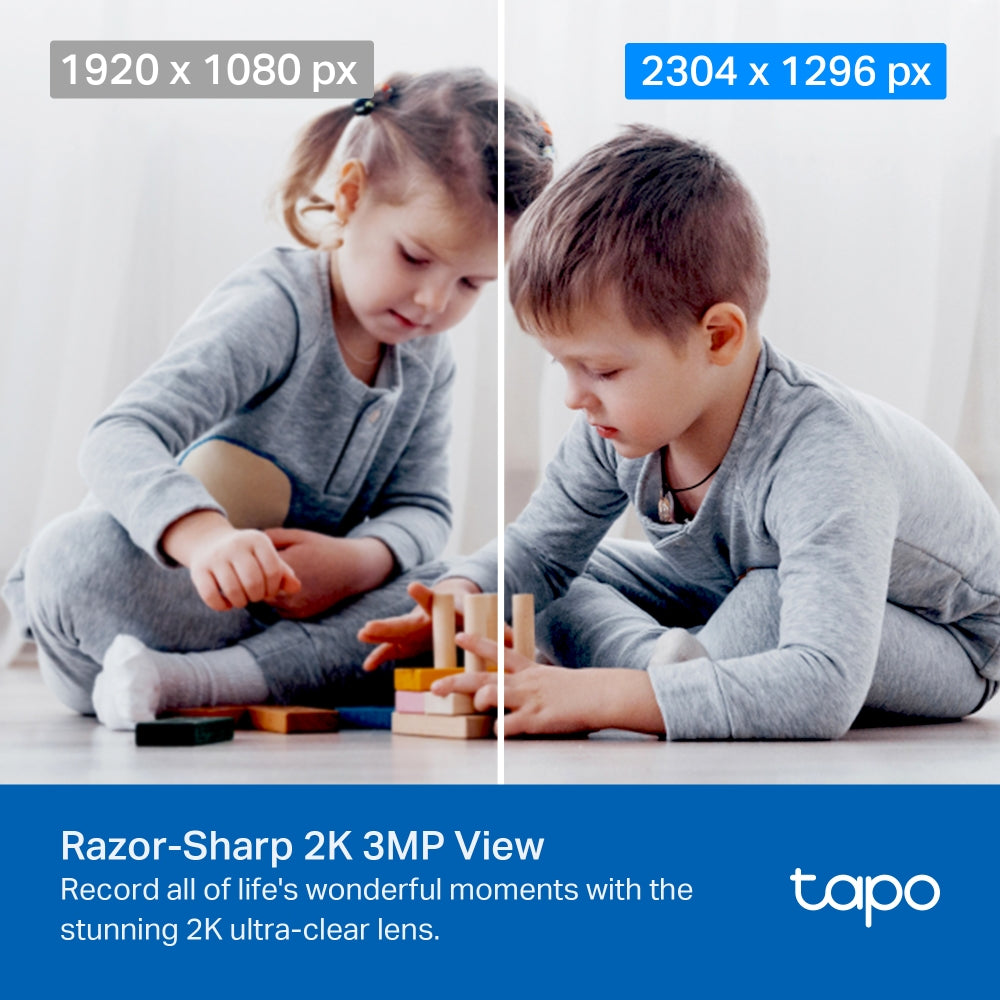
Razor-Sharp 2K 3MP View
Record all of life's wonderful moments with the stunning 2K ultra-clear lens. You’ll never miss out on those finer details.

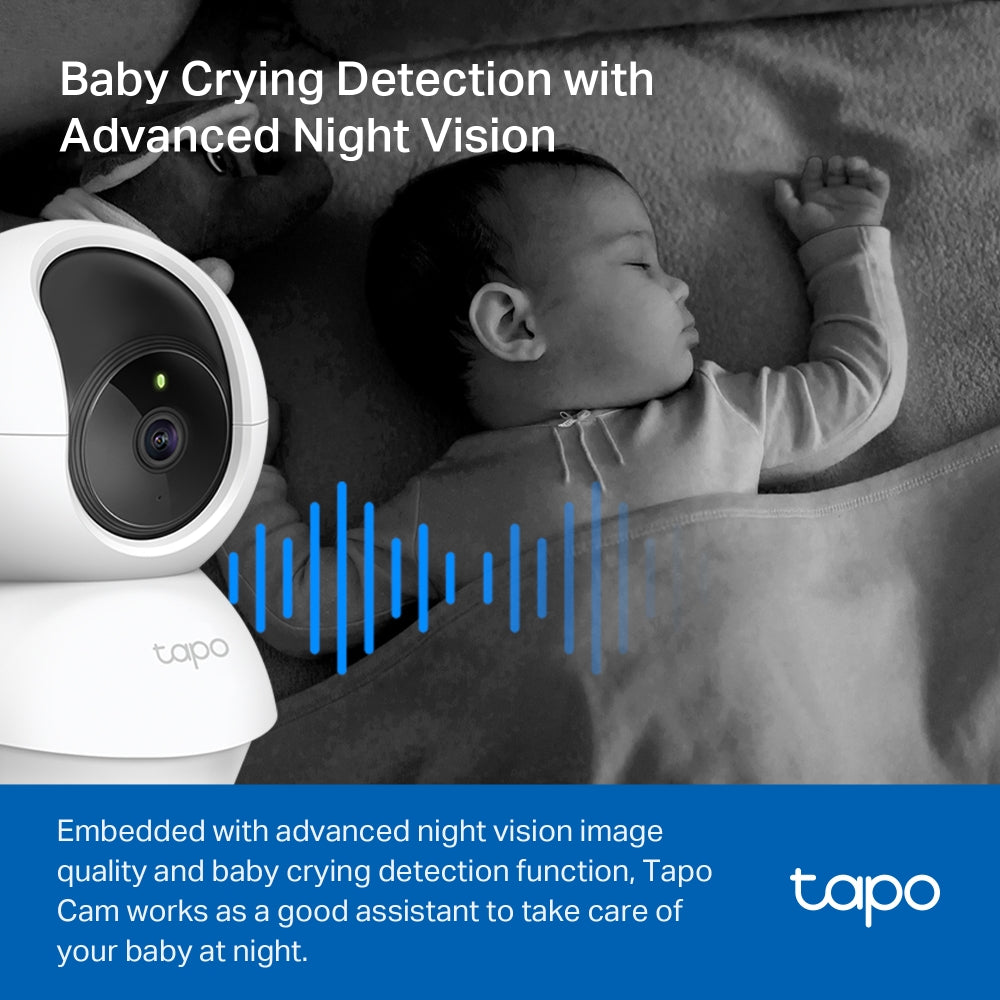
Baby Crying Detection with Advanced Night Vision
Your second eyes and ears
Embedded with advanced night vision and baby crying detection, the Tapo Cam reinforces your baby care around the clock.
Precise Motion Tracking
Keep an Eye on the Action
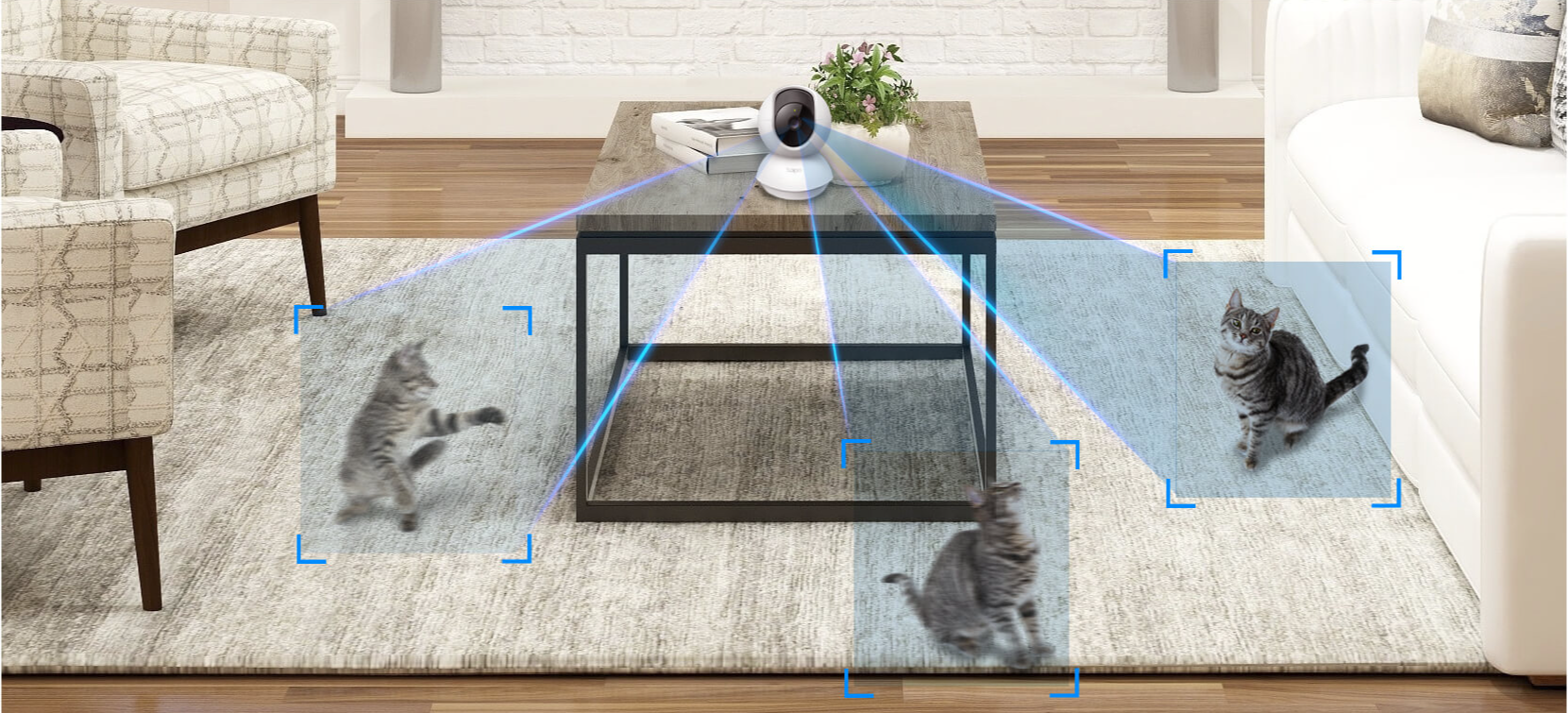
When motion activity is detected, tracks and follows the subject to keep it within view.
Two-Way Audio
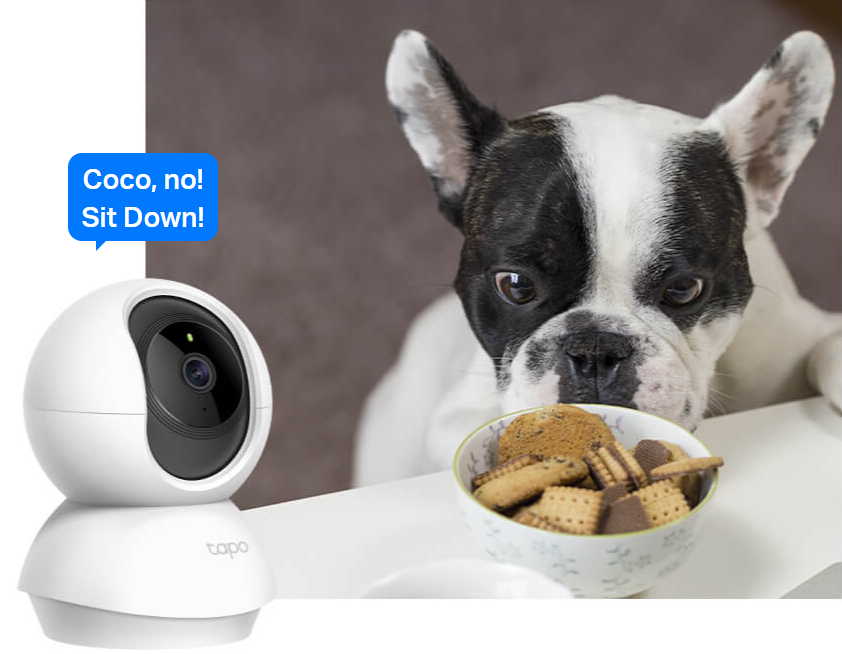
Use crisp two-way audio to communicate with nosy roommates, family, or even mischievous pets.
Protect Your Privacyfrom the Very Beginning
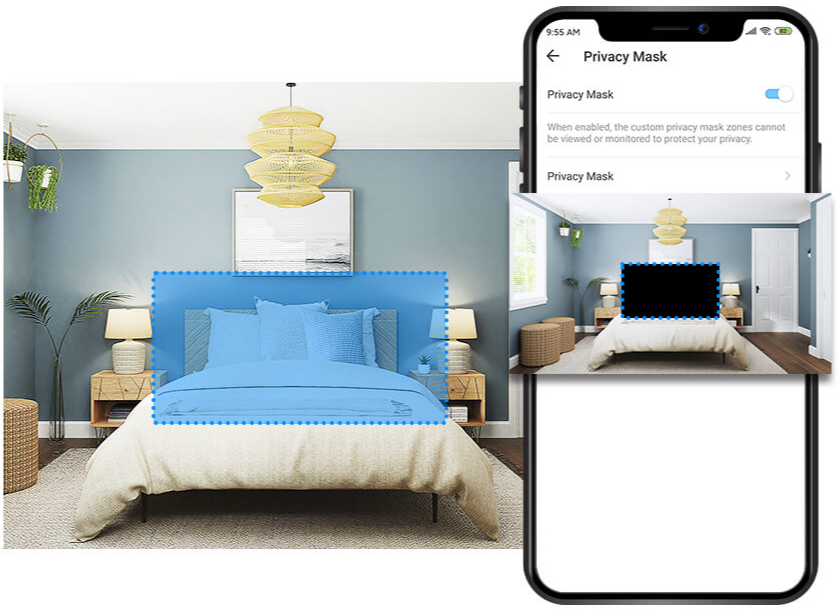
Privacy Zone
Set customisable block zones to keep certain spaces from being recorded so you never need to worry about personal moments being leaked..
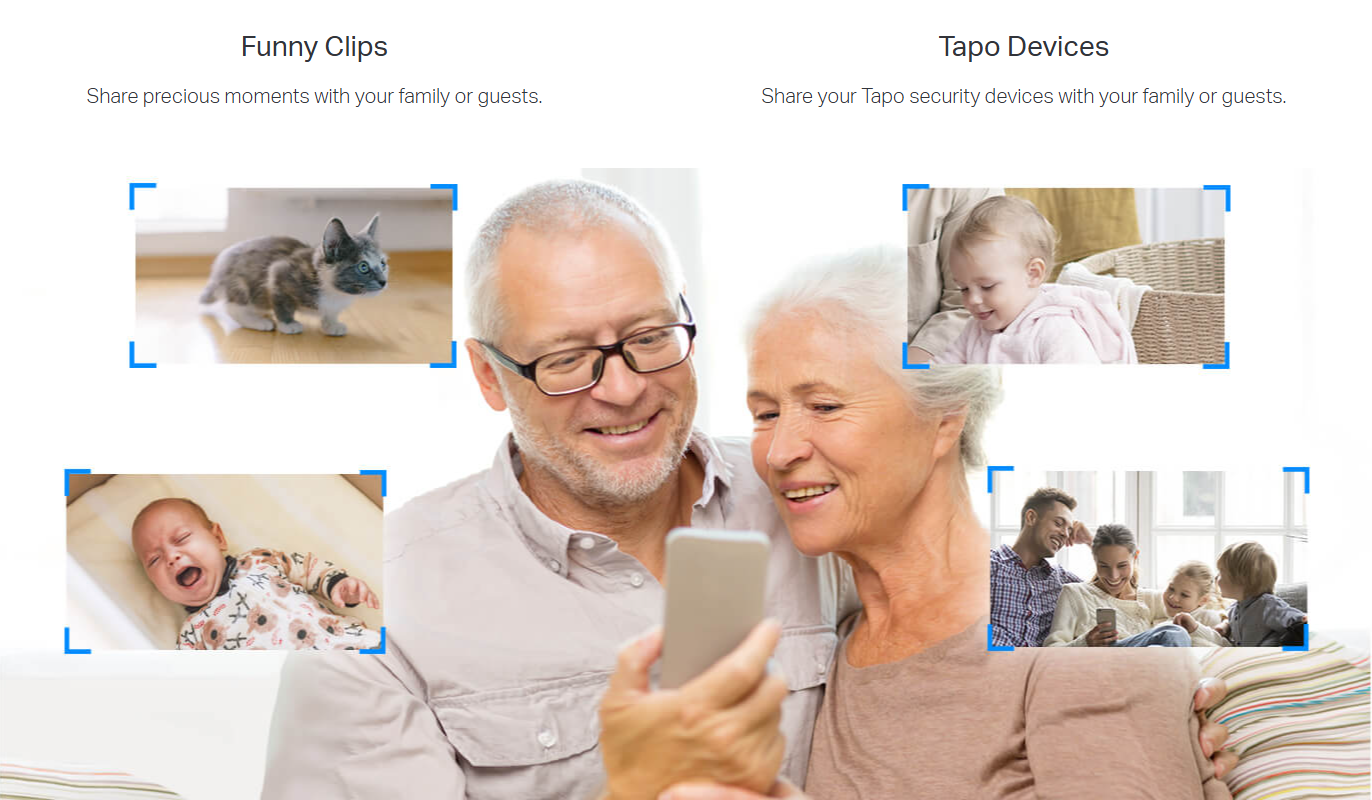
Tapo Sharing
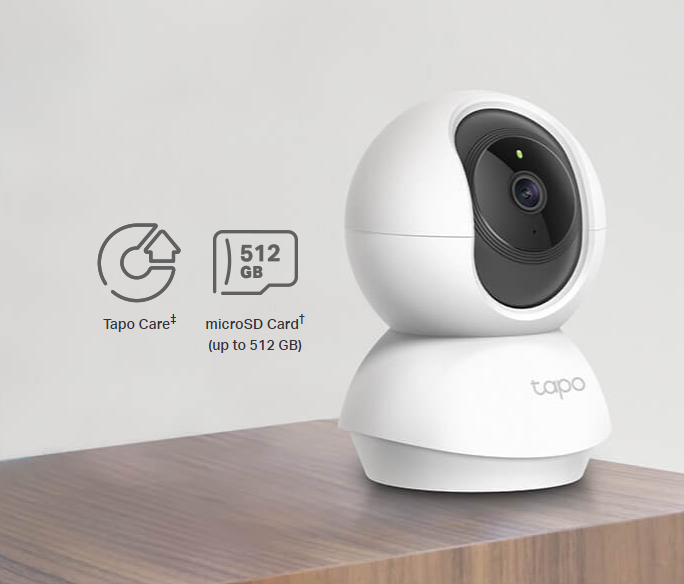
Flexible Storage Options
Save recorded video on a microSD Card†(up to 512 GB) or by using Tapo Care‡cloud storage services.

Comprehensive subscription service for cloud video recording
FAQ
Use this text to share information about your product or shipping policies.
How can I view Tapo camera recordings from the SD card on a computer?
You can view recordings by removing the microSD card from your camera (or hub) and inserting it into your computer using a card reader.
Once connected, open the SD card folder to access and play the recorded video files.
Note: Video files may require a compatible media player for playback.
How do I download videos from my Tapo Camera?
There are three ways to download footage from your Tapo Camera, all accessible through the Tapo app.
1. Manual Recording: During live view or playback, tap the record button to capture footage. Clips are automatically saved to Playback & Download in the Tapo app and your phone's gallery. From there, you can share or export them anytime.
2. Cloud Video (Tapo Care): Go to Tapo app > Playback & Download > Cloud Video, select the clip you want, and tap the Download icon. Note that cloud videos expire based on your Tapo Care plan — download important clips before they expire.
3. SD Card Recordings: In the Tapo app, go to Playback & Download > Playback > SD Card Videos. You can either download individual detection events, or use the Clip & Download feature to trim and save a specific segment (1–10 minutes) from continuous or motion-detection footage.
Downloaded videos are saved within the Tapo app for offline viewing. To export to your phone's gallery, go to Playback & Download > Download, select the clip, and save it to your phone's album.
How to add new cameras to my Tapo Care plan?
You can add a new camera to your Tapo Care plan directly in the Tapo app.
Simply go to your Tapo Care subscription, select the plan you want to manage, and choose the camera you wish to add. Follow the in-app instructions to complete the assignment.
Please note that only cameras linked to your account can be added, and the number of devices depends on your subscription plan.