

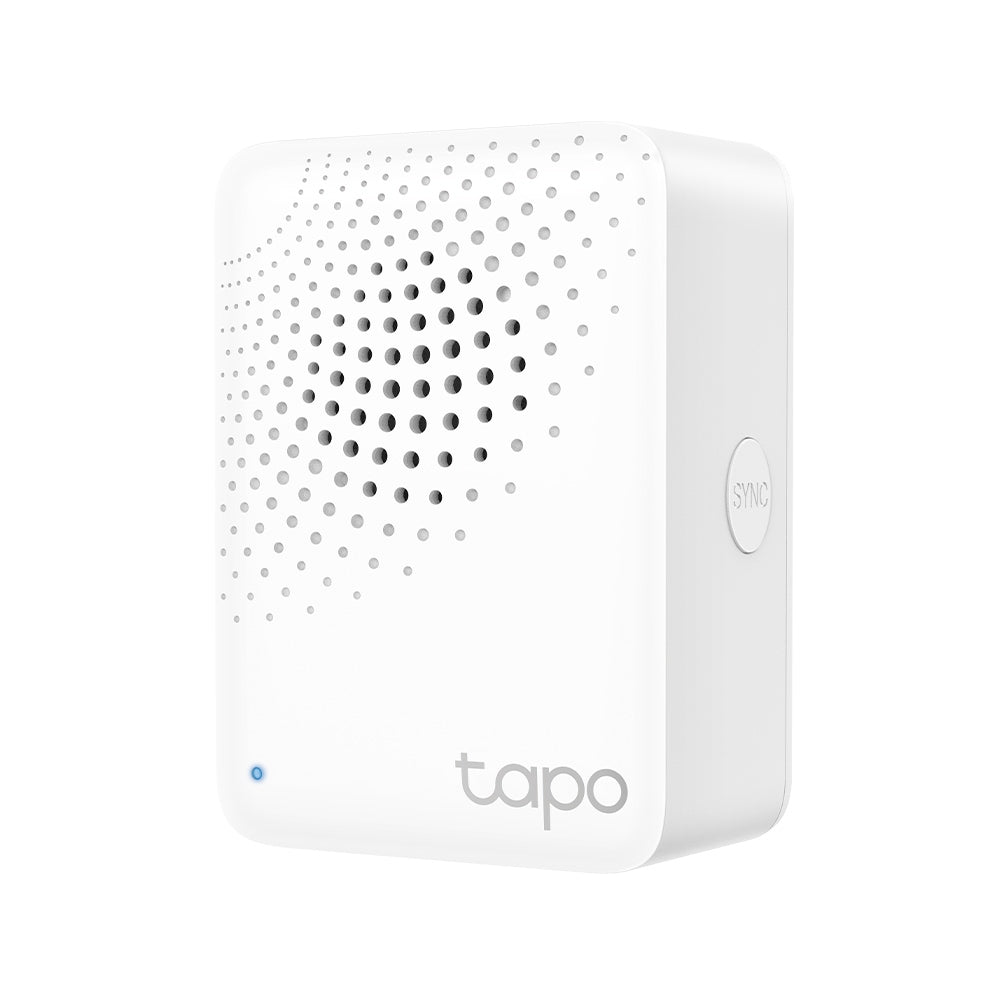
Tapo H100 | Smart IoT Hub with Chime, Smart Alarm Function
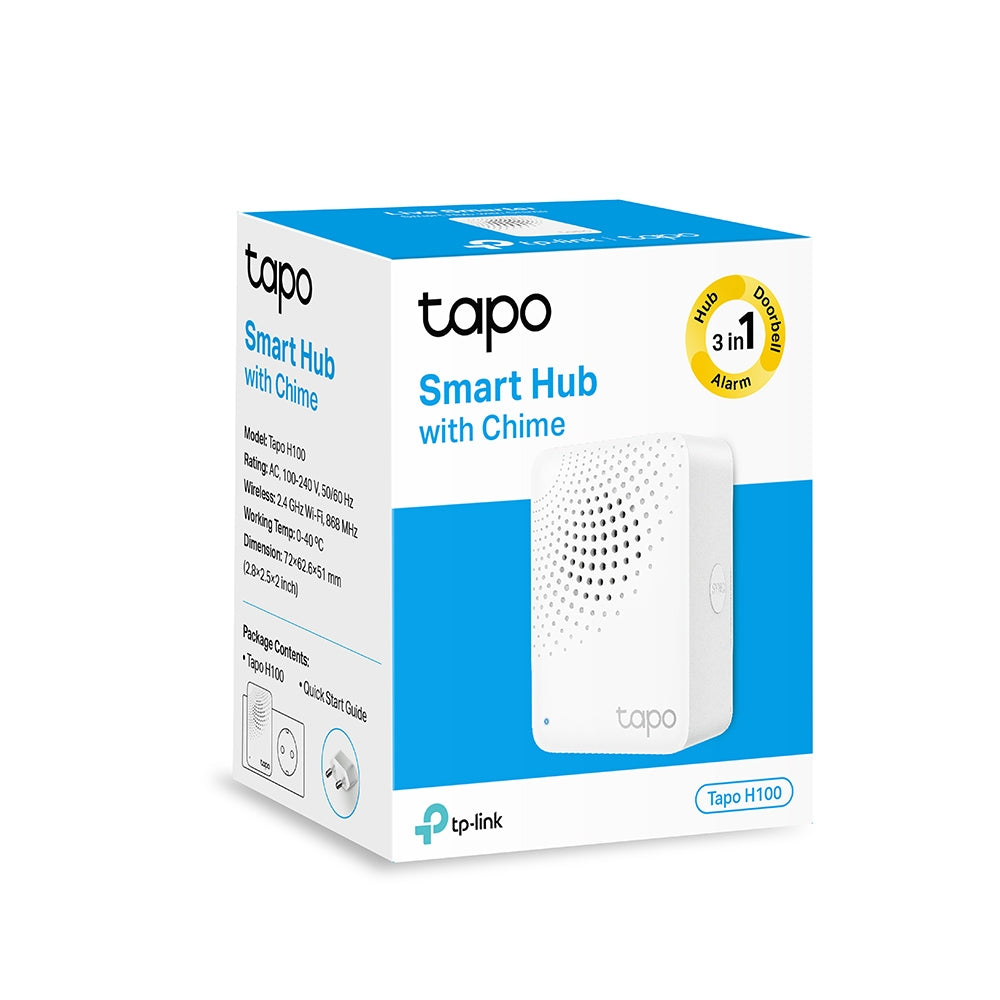
Reliable long-range smart home hub with low-power wireless protocol, smart alarms, integrated doorbell features, and connectivity for 64 smart devices enabling comprehensive IoT ecosystems.
HIGHLIGHTS
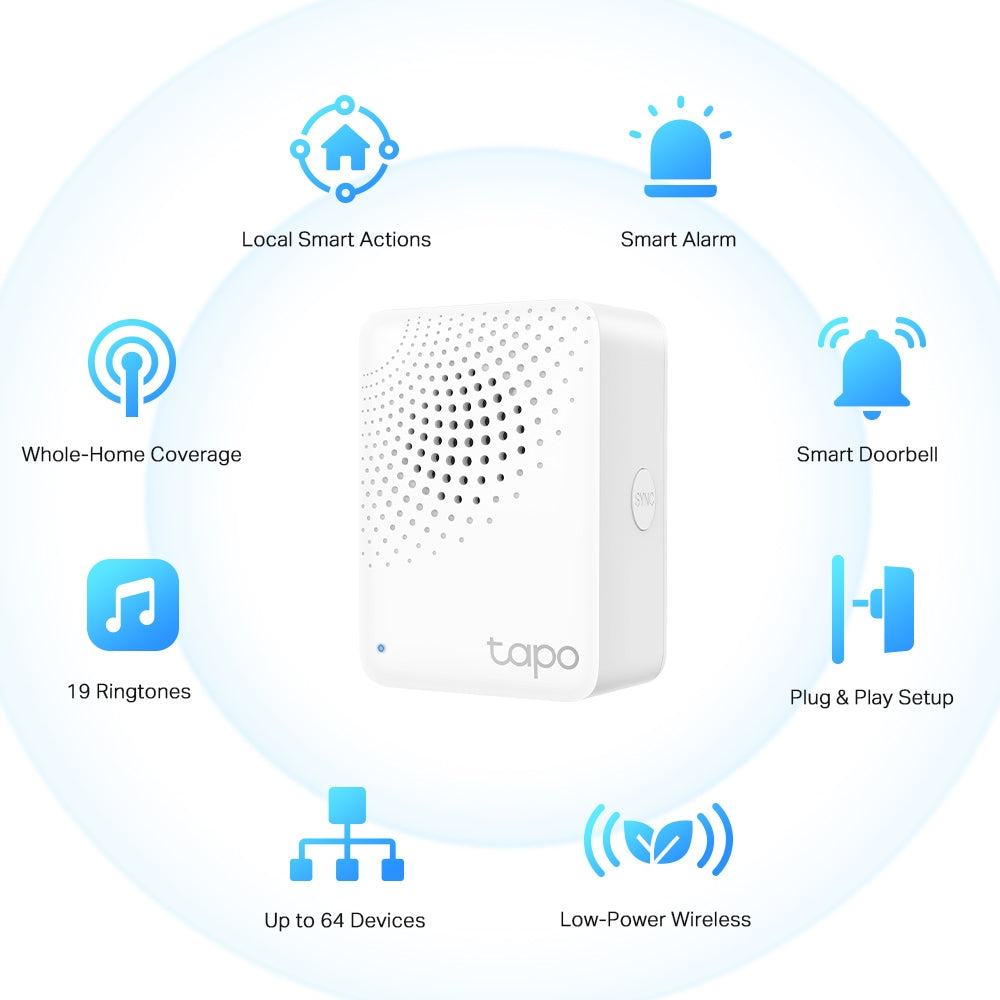
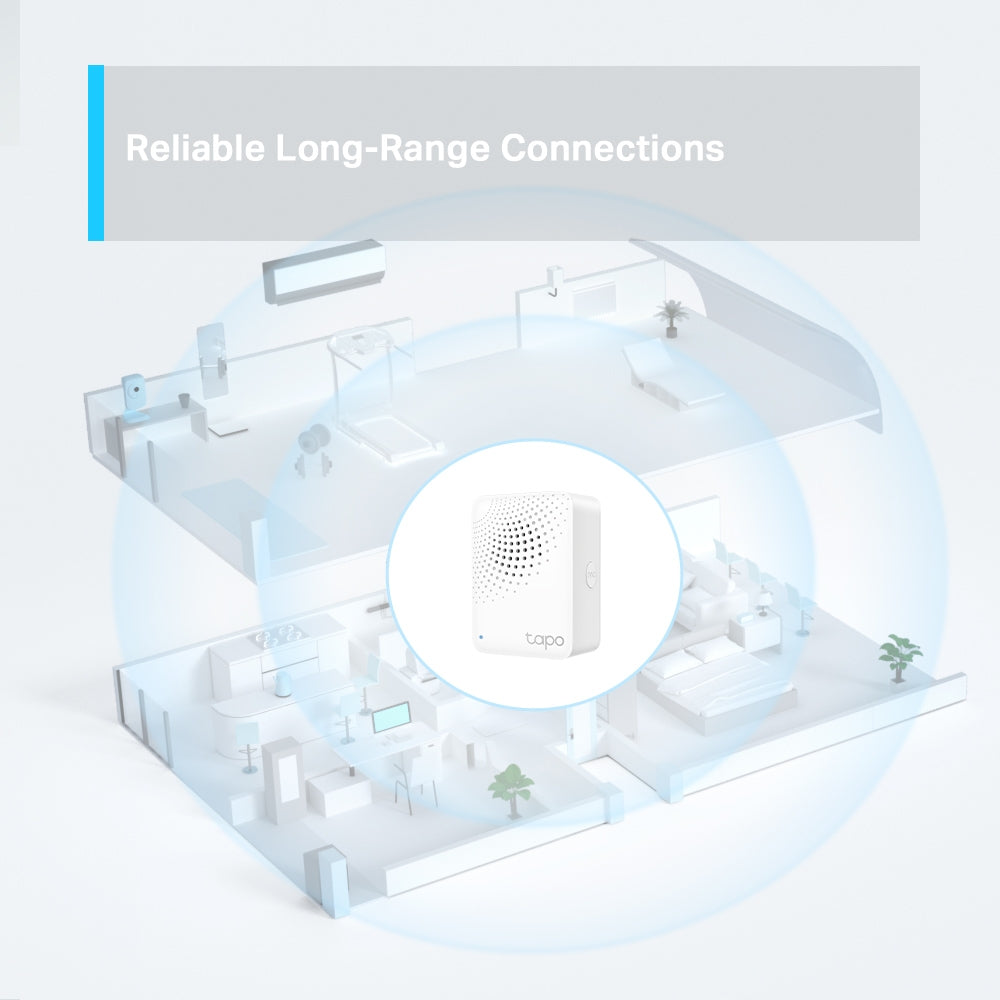
- Reliable Long-Range Connections - Keep sub-devices connected at all times through the robust wireless network.
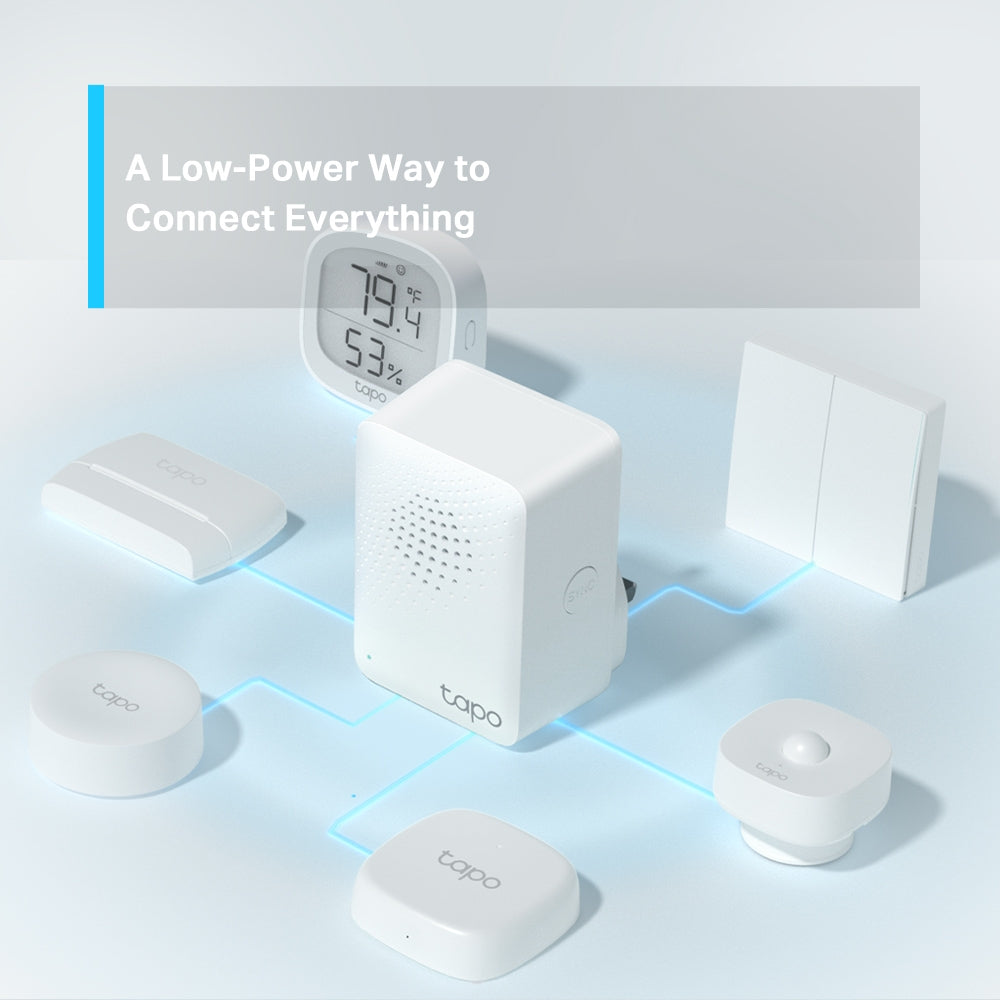
- Low-Power Wireless Protocol - Make connected devices work energy-efficiently, promising longer standby time.
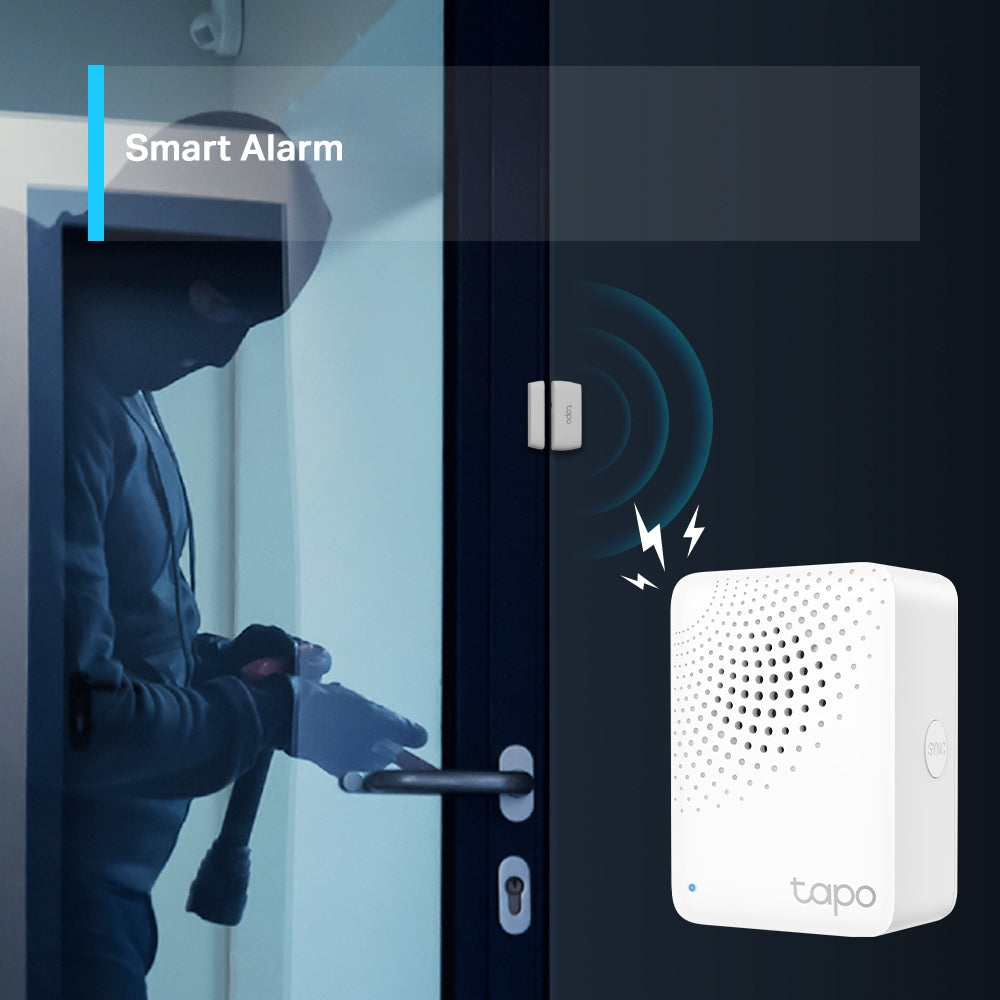
- Smart Alarm - Coordinates with Tapo smart sensors to warn of danger or deter intruders.
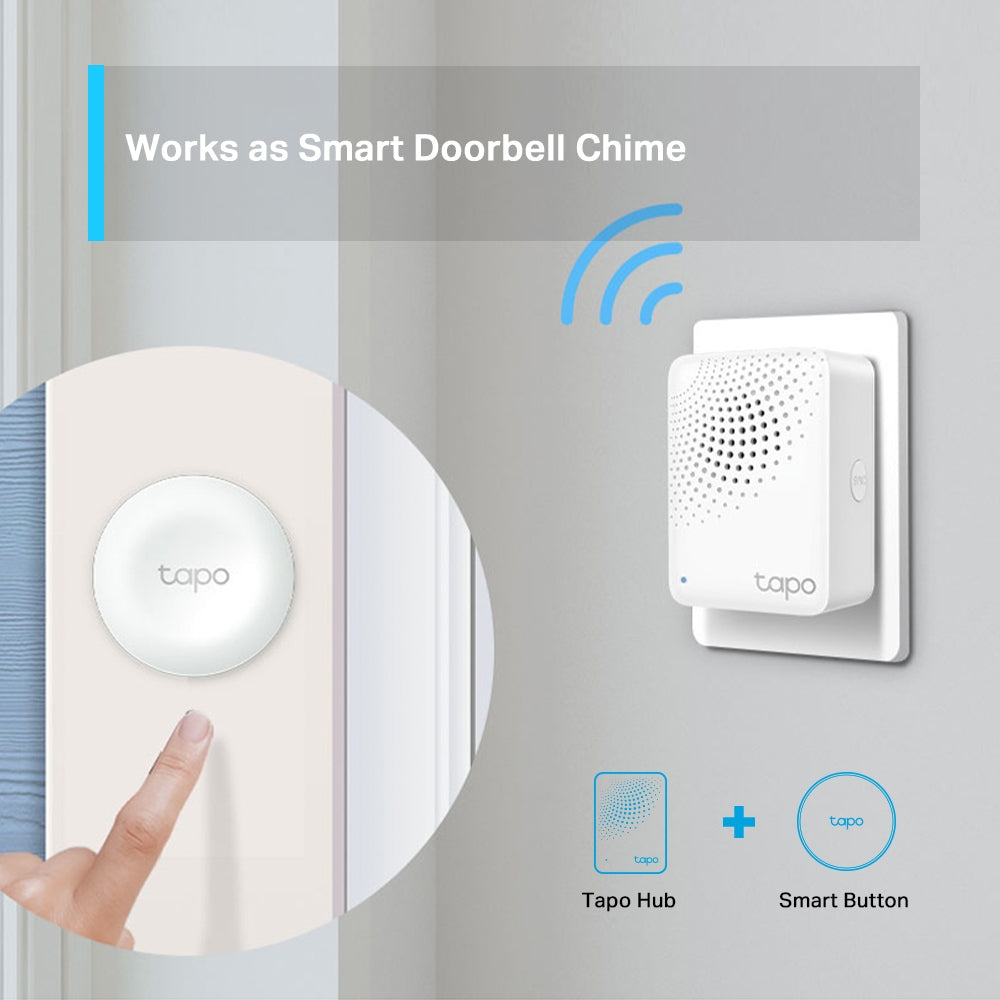
- Smart Doorbell - Pair it with Tapo Smart Button to build your smart doorbell system, plus 19 ringtones to choose from.
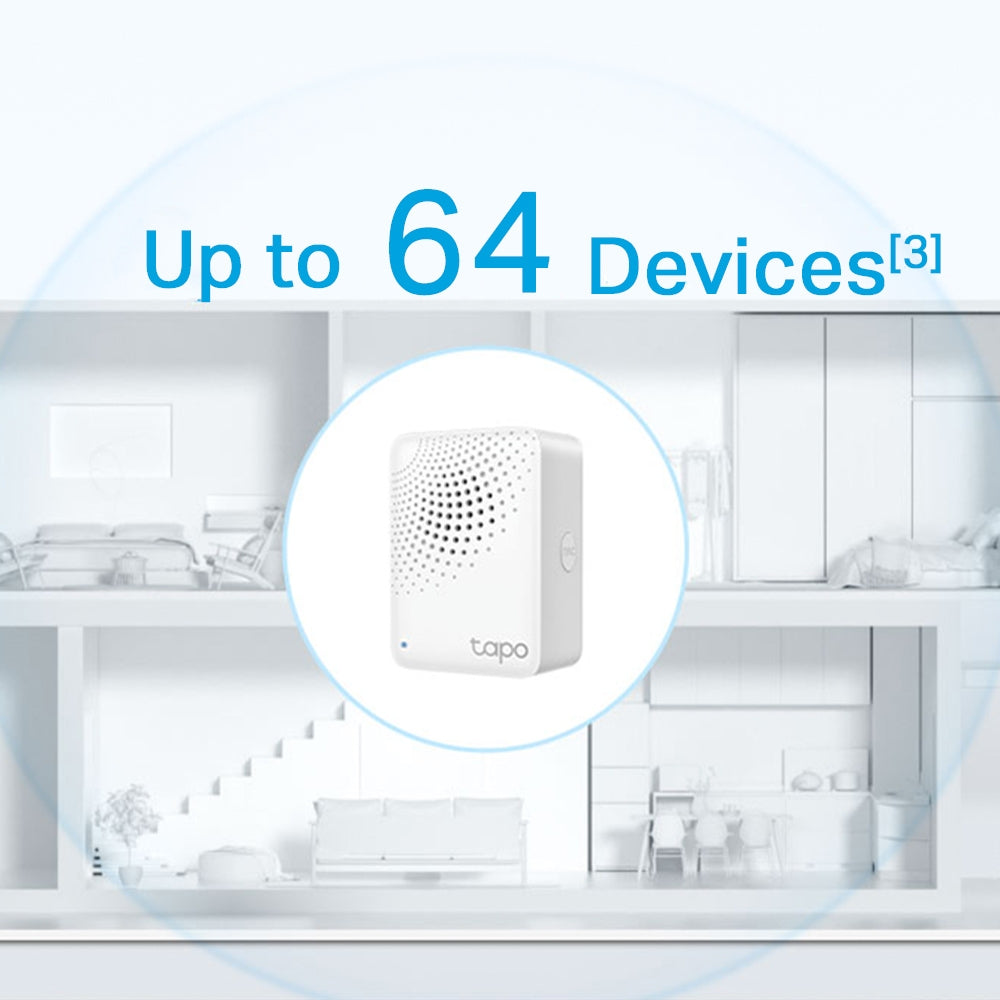
- Tapo Ecology - Connect with up to 64 smart devices for an immersive and comprehensive smart home experience.


[1] Compared with battery-powered devices using the Wi-Fi protocol.
[2] The terms less-crowed and lower frequency are compared to wireless network systems in the 2.4 GHz band. Data related to coverage and range was obtained from internal laboratories. Actual results may vary according to differences in environment conditions.
[3] Each Tapo Hub can connect up to a maximum of 64 devices. The actual maximum number of devices allowed may vary according to type of device.
FAQ
Use this text to share information about your product or shipping policies.
Which Tapo hubs support doorbell rings?
All Tapo hubs can support the doorbell chime function, including H100, H110, H200, and H500, allowing you to hear doorbell alerts throughout your home.
However, there are differences in functionality:
H100 / H110: Work as chimes only (no video storage support).
H200 / H500: Support both chime and camera/doorbell video storage, including continuous recording (model-dependent).
If you need video recording and storage features, we recommend choosing H200 or H500 for a more complete smart home experience.
How to migrate connected Tapo devices from old Tapo hub to the new one
You can migrate your devices directly through the Tapo app using the Device Migration or Connect Existing Devices feature.
Sub-G devices: Go to the old hub → Device Settings → Migrate Connected Devices, then select devices and the new hub.
Wi-Fi cameras: For Tapo H500 hub, go to 'Add a device → Connect Existing Devices' to select the Wi-Fi Camera you wish to migrate. For Tapo H100/Tapo H200 hub, click' Connected Devices → Connect Existing Devices', select the Wi-Fi Camera you wish to migrate.
The process usually completes within 30 seconds. Please do not restart or upgrade the hub during migration.
For step-by-step instructions with images, please refer to: https://www.tp-link.com/au/support/faq/4664/
How do I connect Tapo devices to Amazon Alexa?
You can connect your Tapo devices to Alexa in two simple ways:
Via Tapo app: Go to Me > Third-Party Services > Amazon Alexa, then follow the steps to link your account
Via Alexa app: Search for the Tapo Skill, enable it, and log in with your TP-Link ID
If you rename a device, remember to rediscover it in Alexa.
For detailed steps, please refer to: https://www.tp-link.com/au/support/faq/2780/