

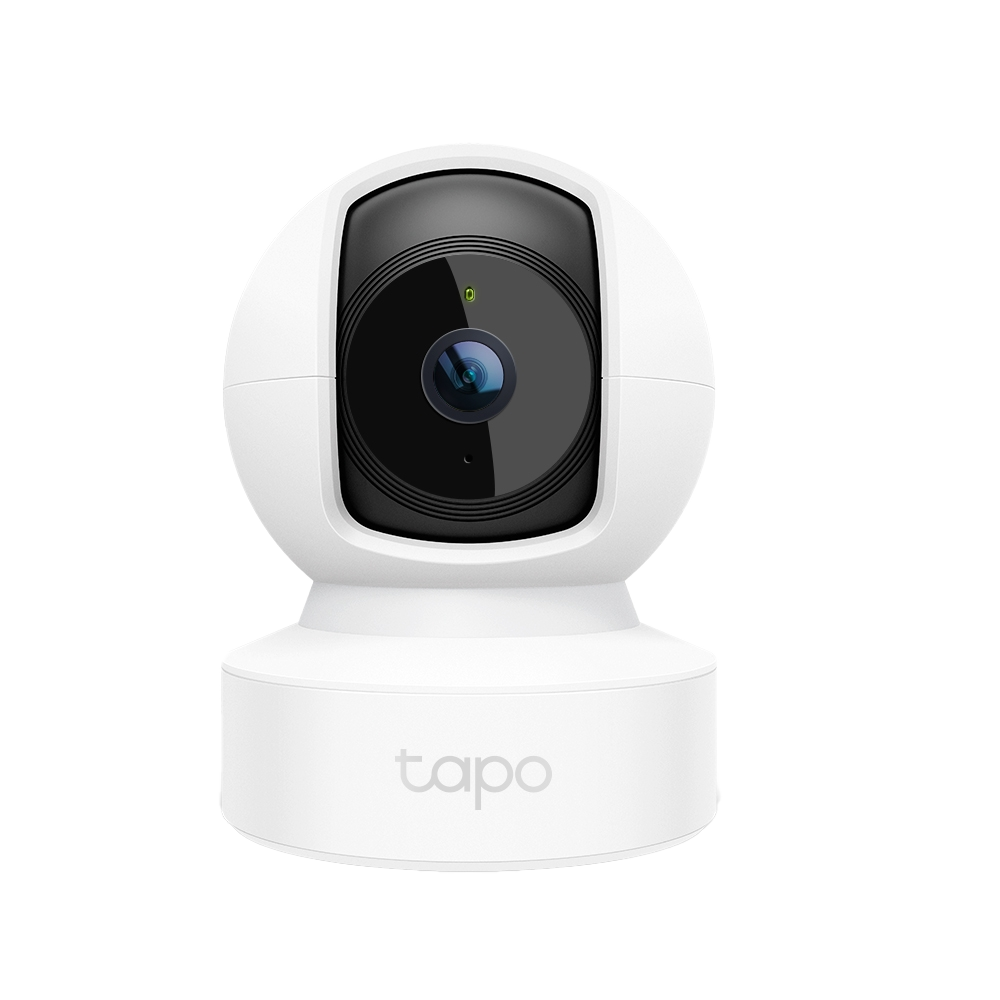
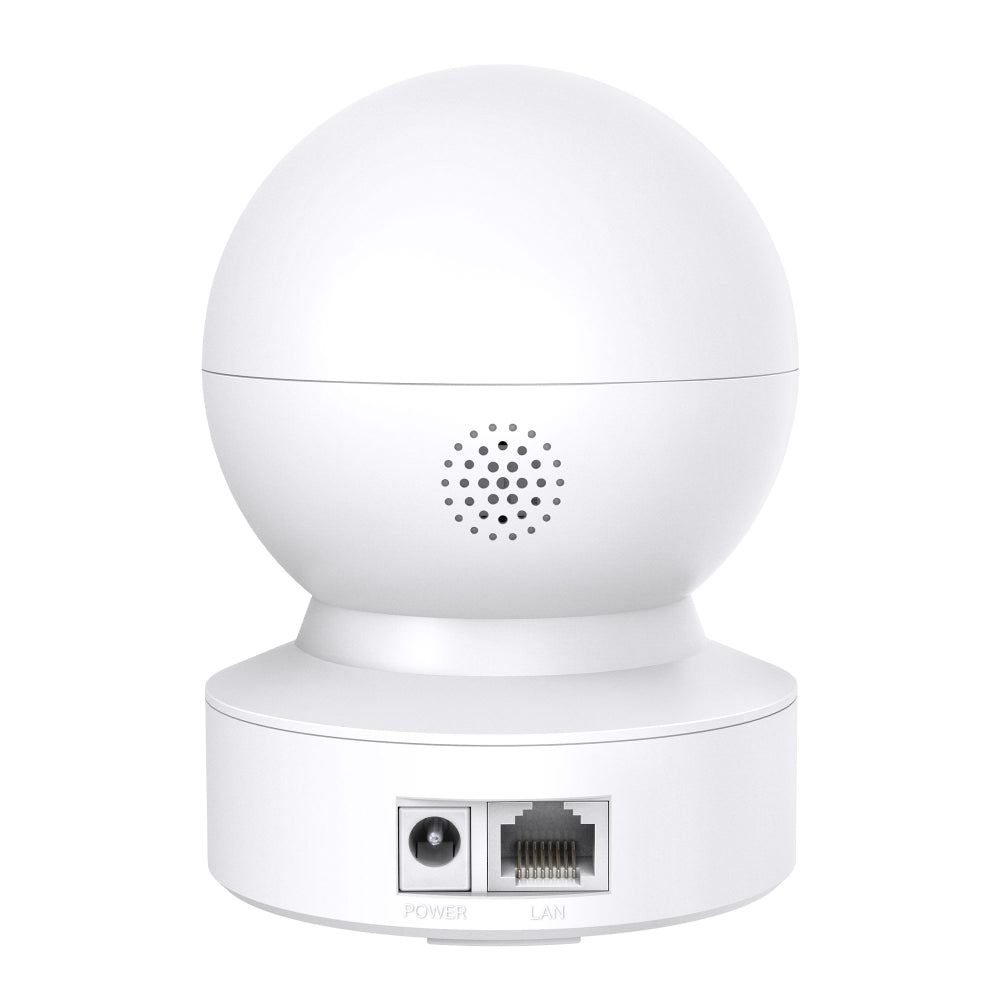
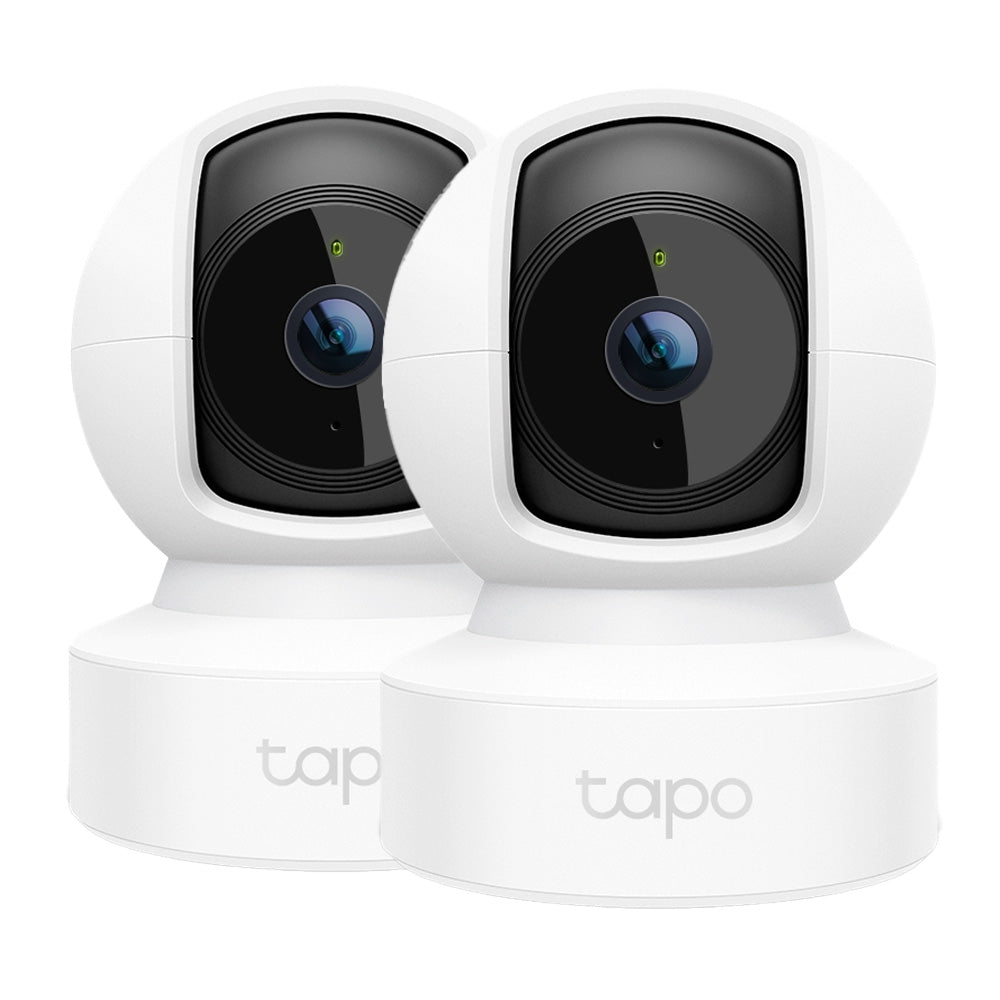
Tapo C212 | Pan/Tilt Wi-Fi Security Camera, 2K 3MP, Motion Detection
Pan tilt indoor security camera with 360° coverage, advanced night vision up to 9 metres, motion detection alerts, sound and light alarm for enhanced home security monitoring.
HIGHLIGHTS
- High-Definition Video: Records every image in crystal-clear view
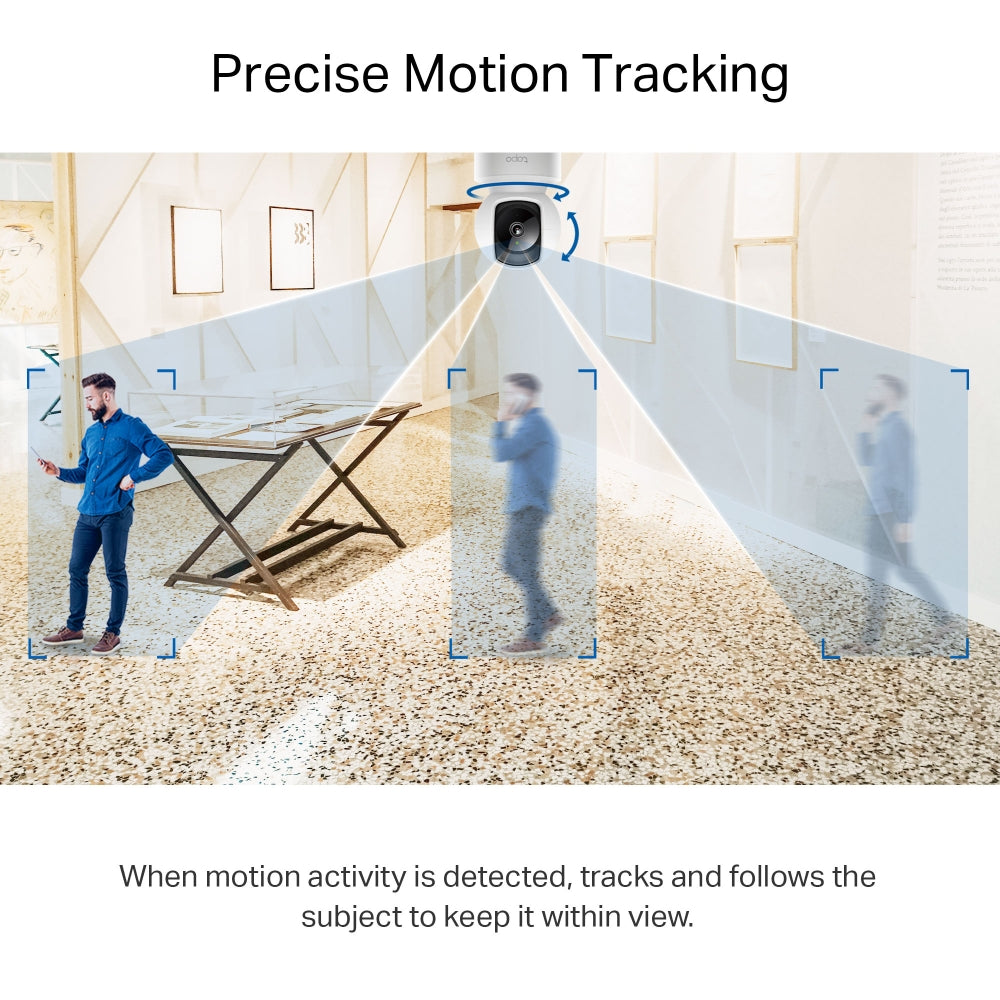
- Pan and Tilt: 360º horizontal and 114º vertical range
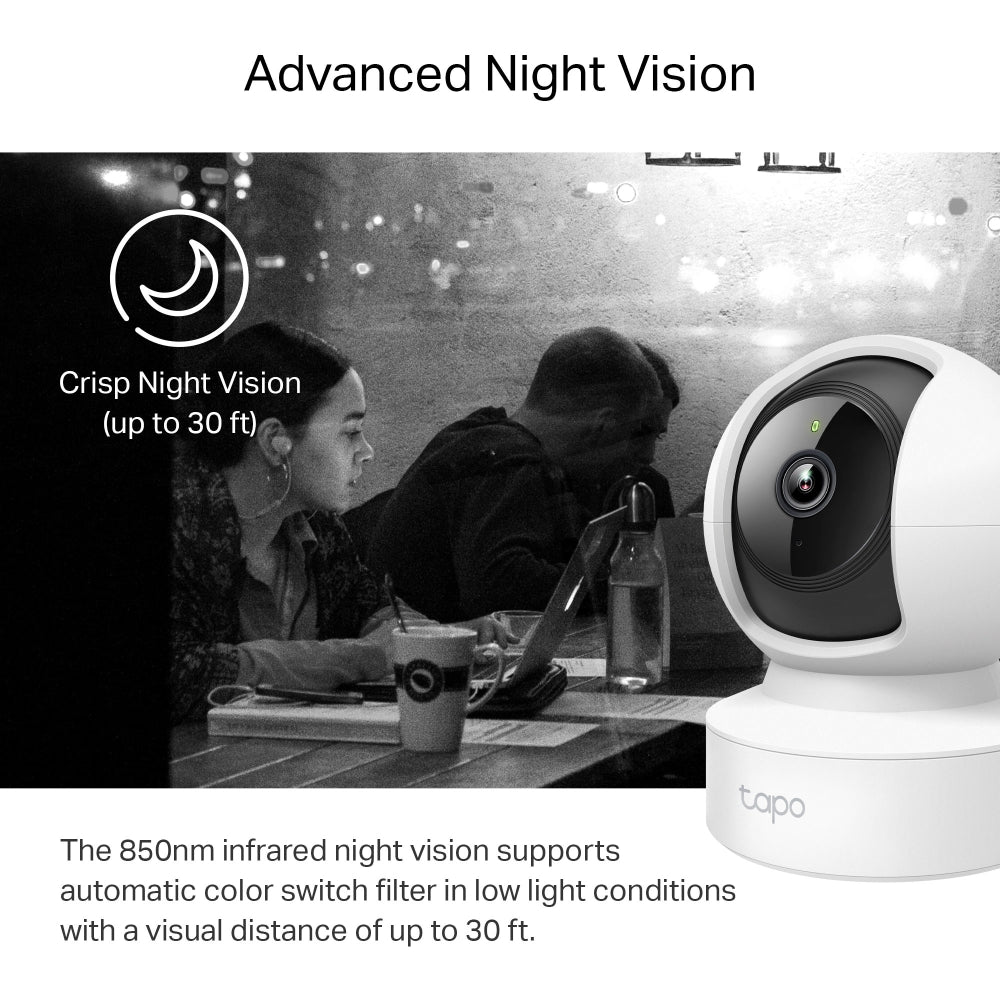
- Advanced Night Vision: Provides a visual distance of up to 9 metres
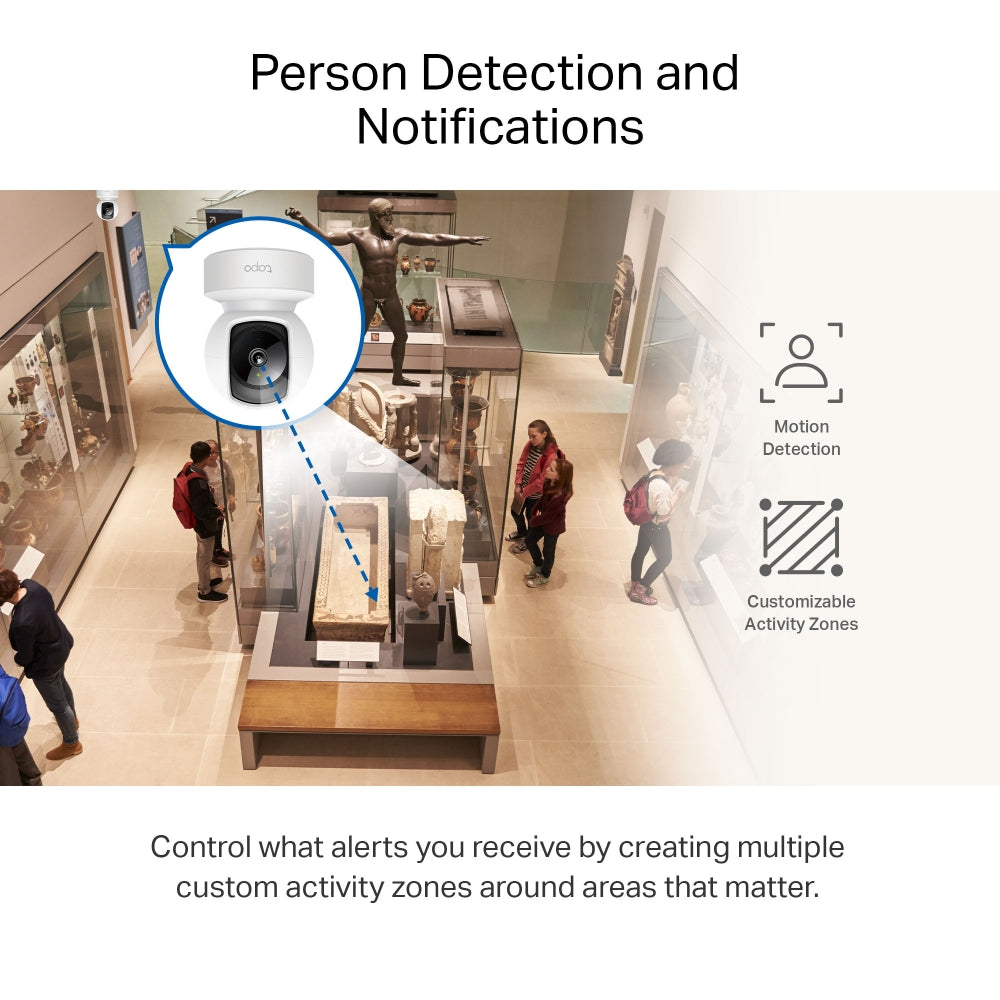
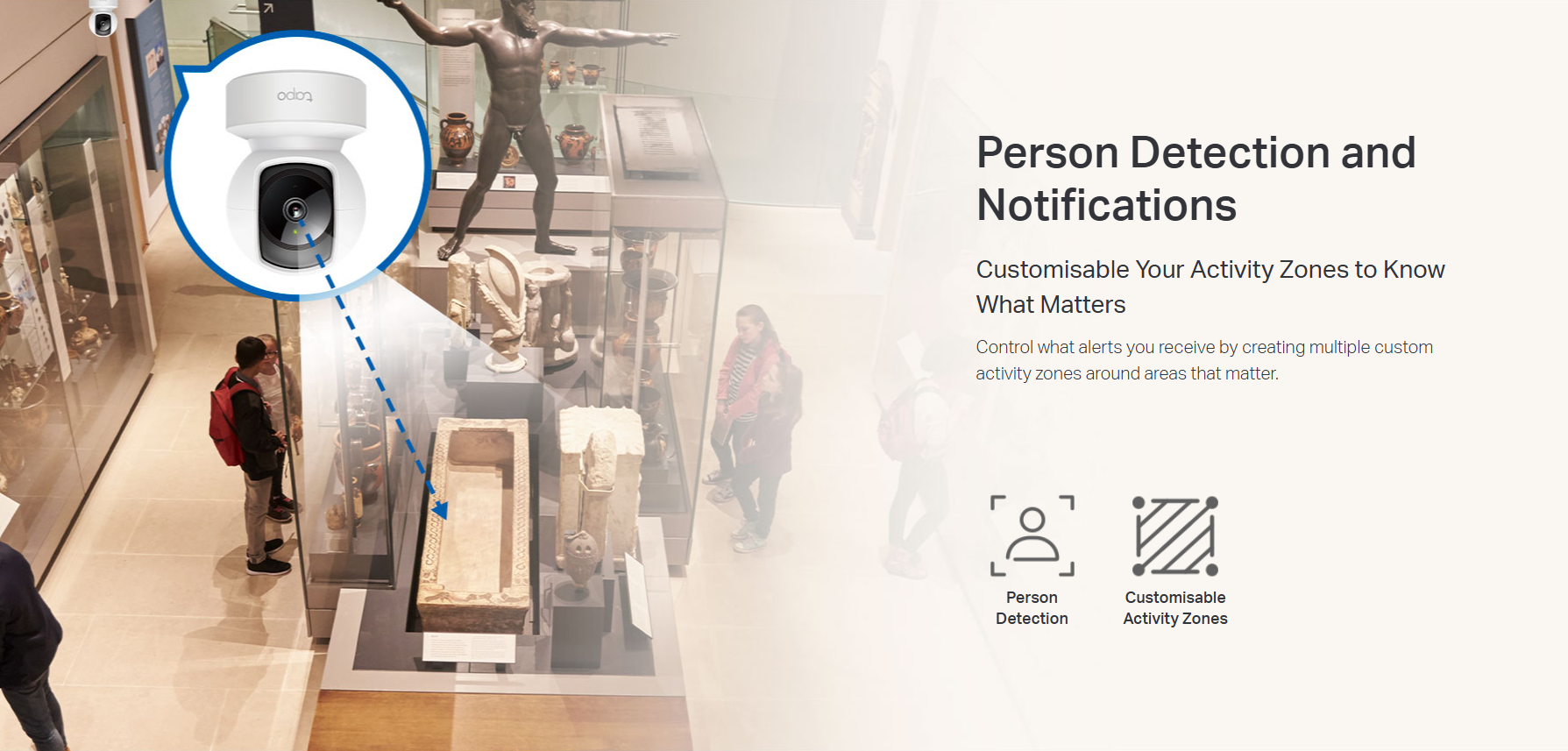
- Motion Detection and Notifications: Notifies you when the camera detects movement
- Sound and Light Alarm: Trigger light and sound effects to frighten away unwanted visitors.
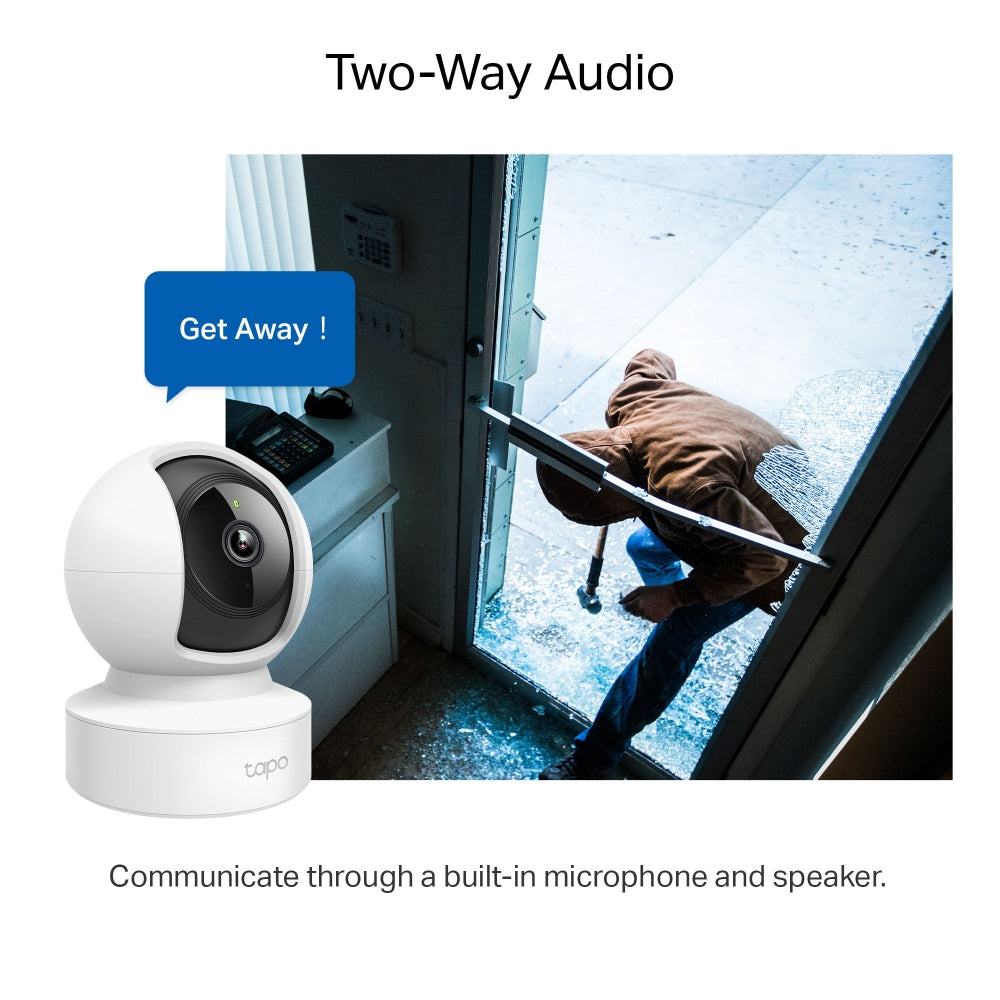
- Two-Way Audio: Enables communication through a built-in microphone and speaker
- Safe Storage: Locally stores up to 512 GB on a microSD card
- Voice Control: Free Up Your Hands with Voice Control: Works with the Google Assistant and Amazon Alexa.





FAQ
Use this text to share information about your product or shipping policies.
How do I enable detection features on my Tapo camera or doorbell?
You can configure detection features in the Tapo app to monitor important activity and receive alerts when events are detected.
Step 1: Open your camera or doorbell in the Tapo app
Step 2: Go to Device Settings → Detection
Step 3: Enable and customise features such as: Motion Detection/ Person Detection/ Smart Motion Tracking (supported models only)/ Detection Zones/ Notifications and Alarm.
You can also adjust sensitivity settings and choose how recordings are stored, either through Tapo Care cloud storage or local storage using a microSD card or compatible hub.
How do I download videos from my Tapo Camera?
There are three ways to download footage from your Tapo Camera, all accessible through the Tapo app.
1. Manual Recording: During live view or playback, tap the record button to capture footage. Clips are automatically saved to Playback & Download in the Tapo app and your phone's gallery. From there, you can share or export them anytime.
2. Cloud Video (Tapo Care): Go to Tapo app > Playback & Download > Cloud Video, select the clip you want, and tap the Download icon. Note that cloud videos expire based on your Tapo Care plan — download important clips before they expire.
3. SD Card Recordings: In the Tapo app, go to Playback & Download > Playback > SD Card Videos. You can either download individual detection events, or use the Clip & Download feature to trim and save a specific segment (1–10 minutes) from continuous or motion-detection footage.
Downloaded videos are saved within the Tapo app for offline viewing. To export to your phone's gallery, go to Playback & Download > Download, select the clip, and save it to your phone's album.
How can I subscribe to a Tapo Care plan?
You can subscribe to a Tapo Care plan either through the Tapo app or the official website.
1. Choose your plan: Select a plan based on the number of cameras (Basic or Premium)
2. Assign devices: Select the cameras you want to include
3. Complete payment: Finish the purchase via the app or online.
Once subscribed, your selected cameras will have access to Tapo Care features.