

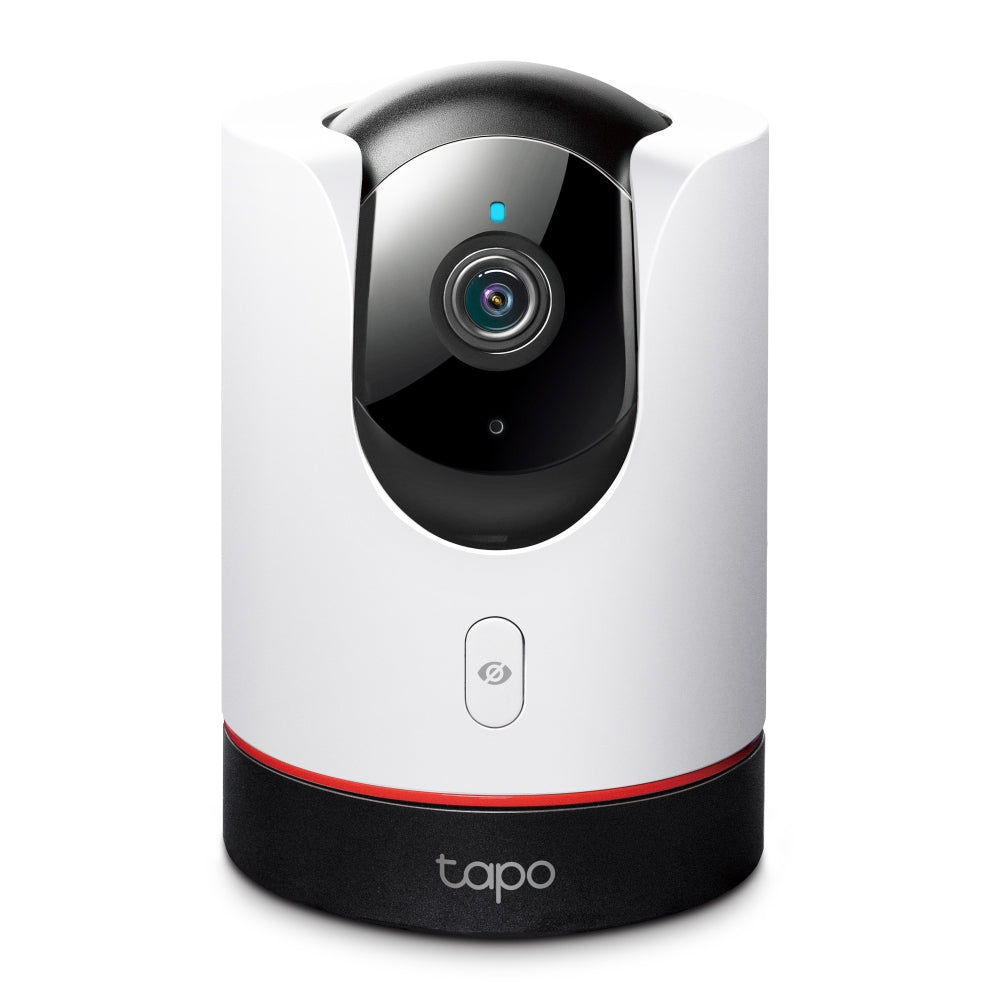

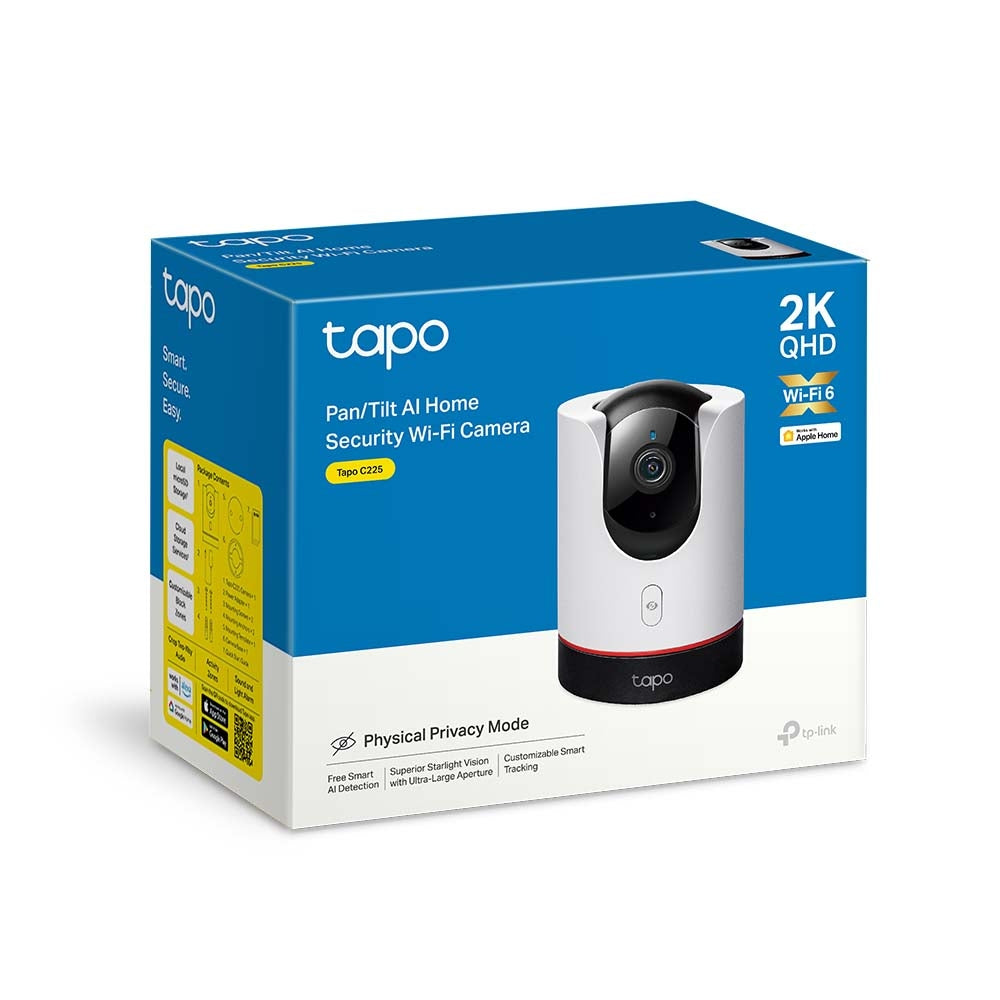
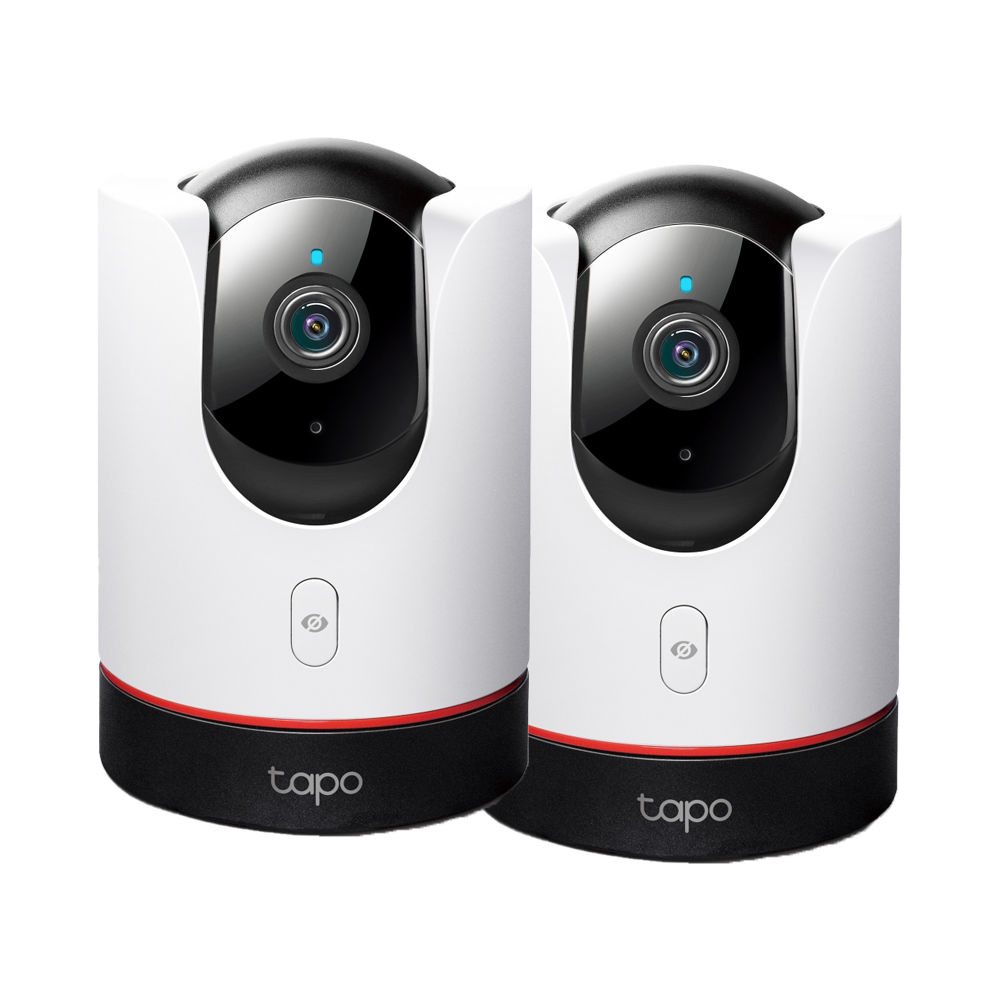
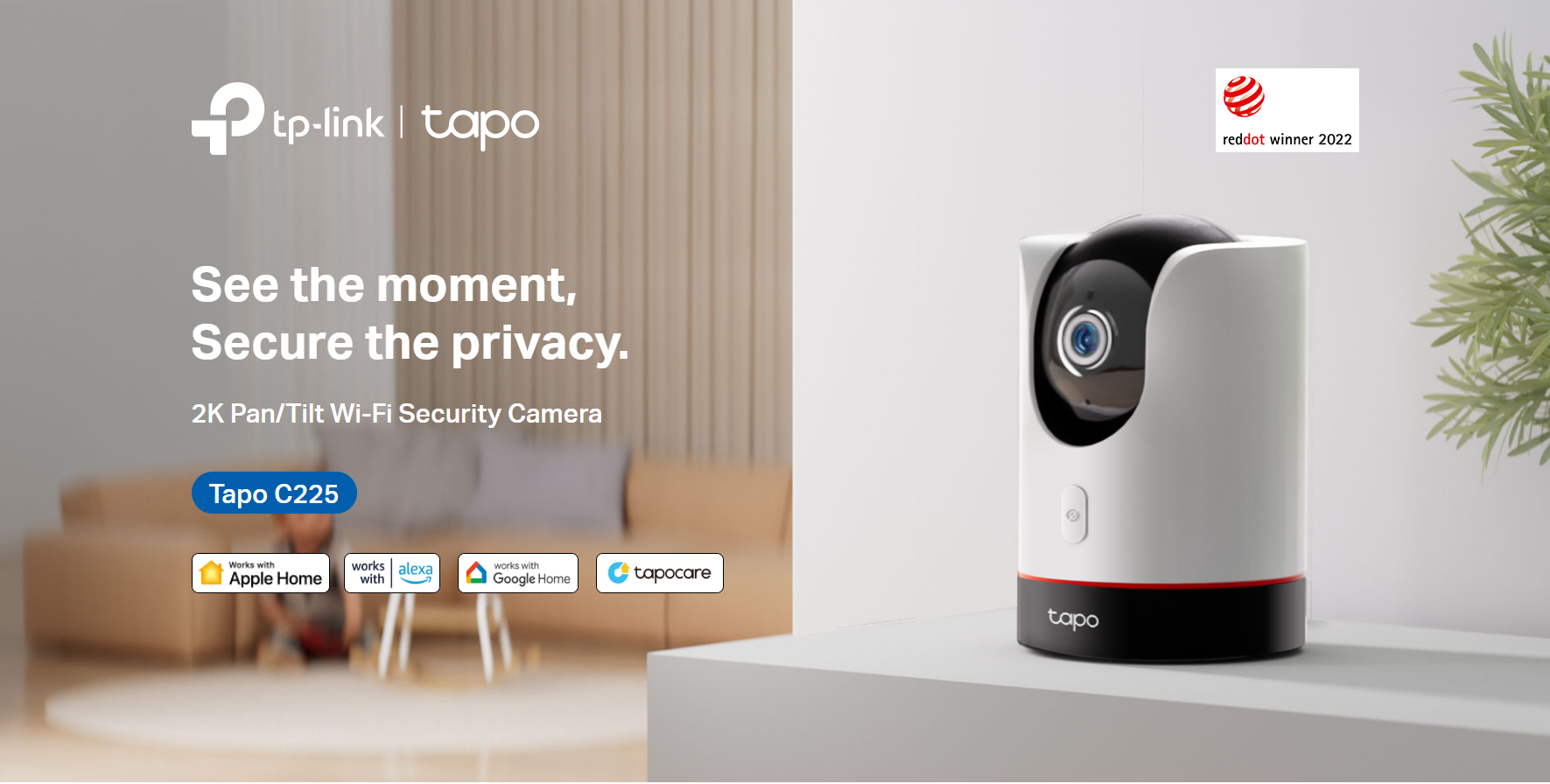
Tapo C225 | Pan/Tilt AI Home Security Wi-Fi Camera, 2K QHD, Smart Tracking
2K pan tilt security camera with smart motion tracking, Apple HomeKit support, privacy shield control, invisible infrared night vision up to 30ft, and 360° wireless surveillance capabilities.
HIGHLIGHTS
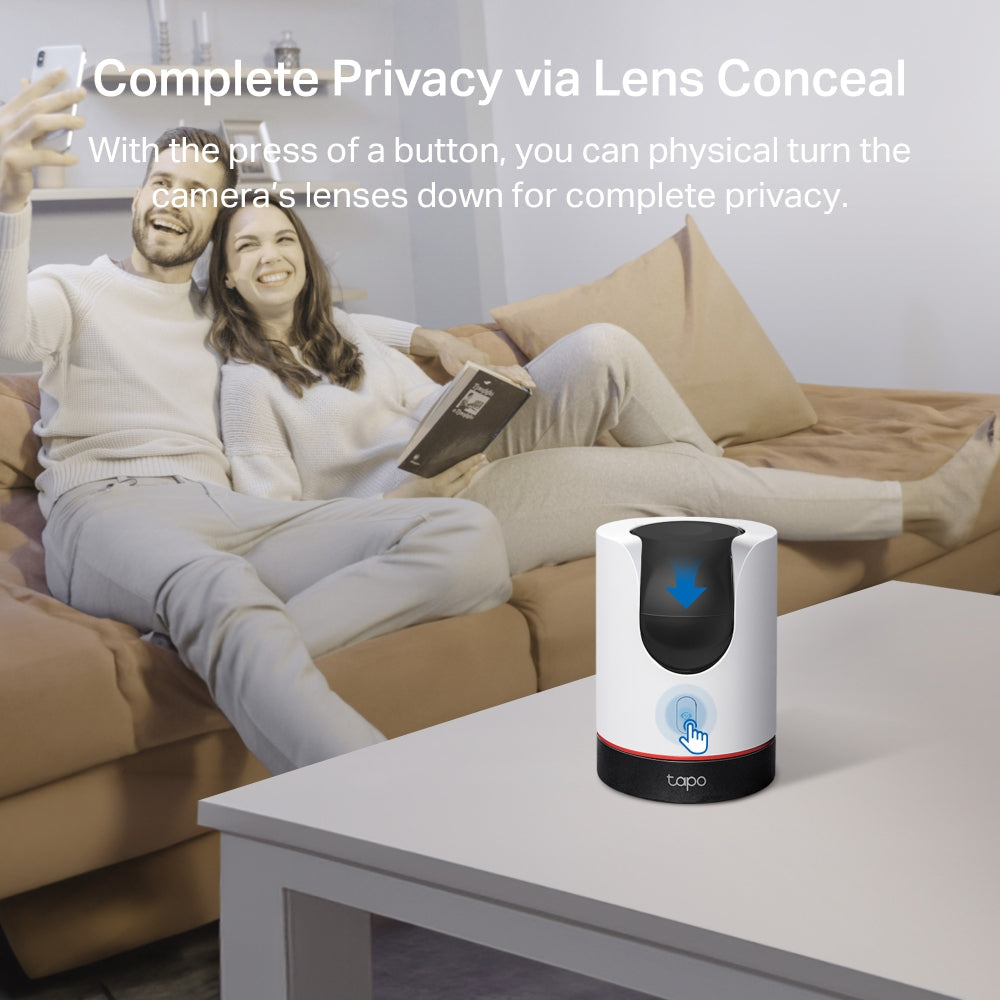
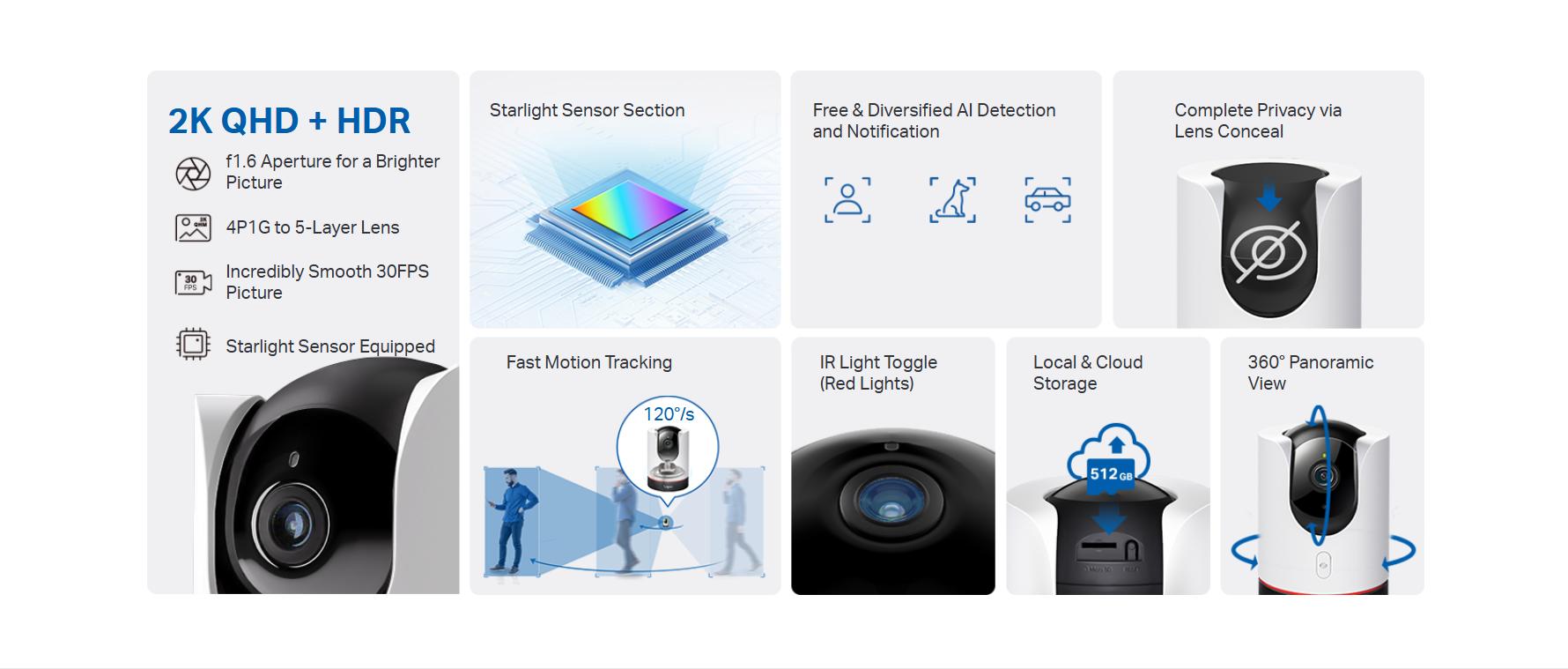
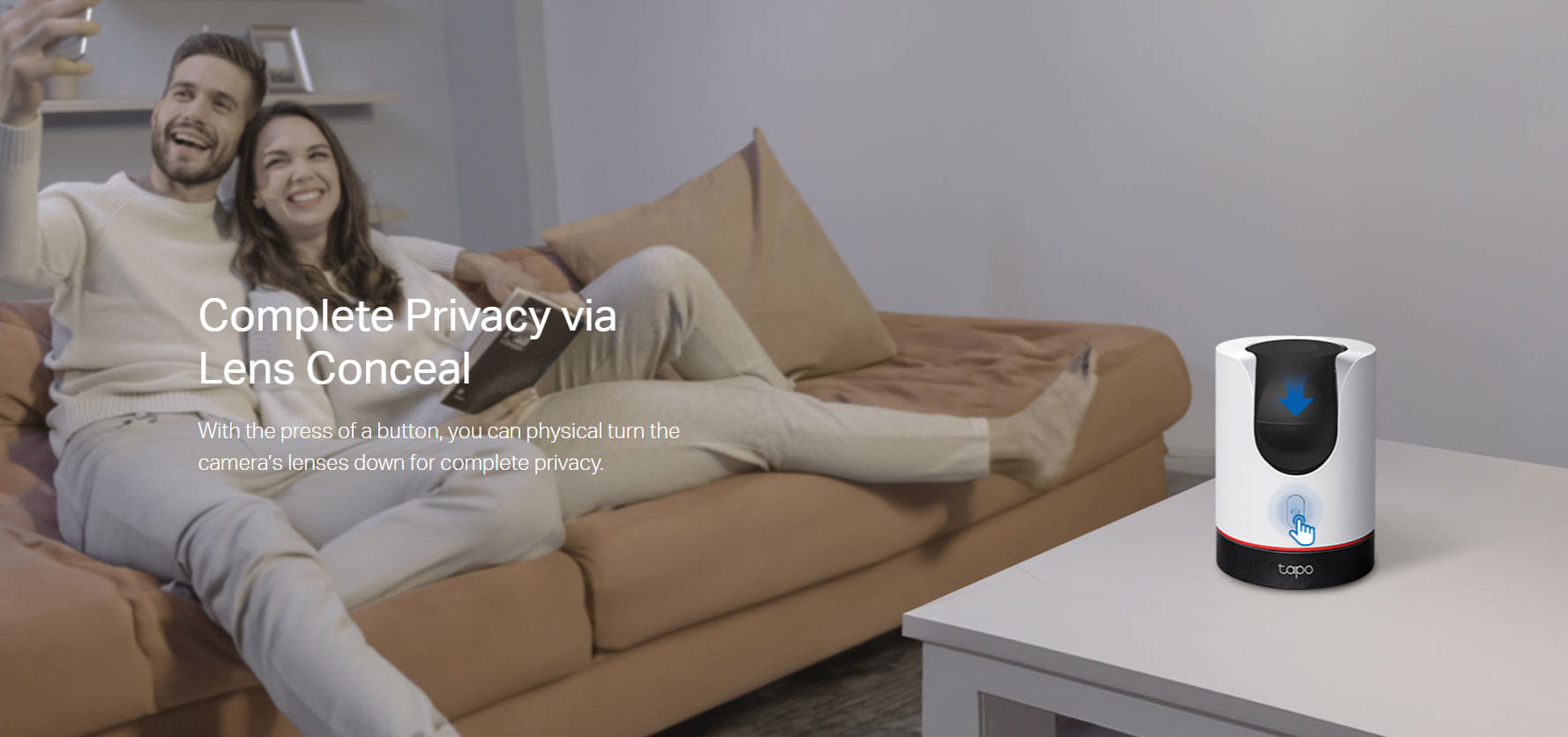
- Seamless Privacy Control - Use the button on the product shell or Tapo app to easily open or close the privacy shield, giving you complete control over your private moments.
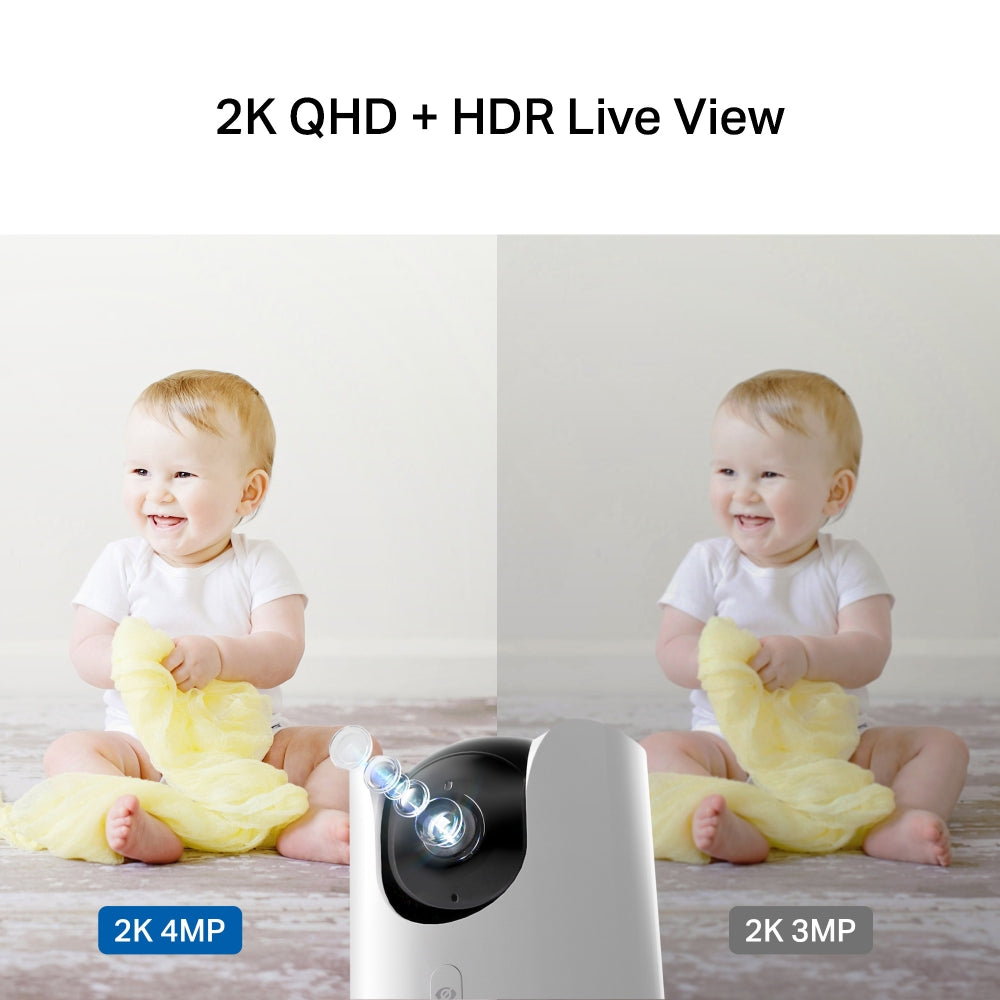
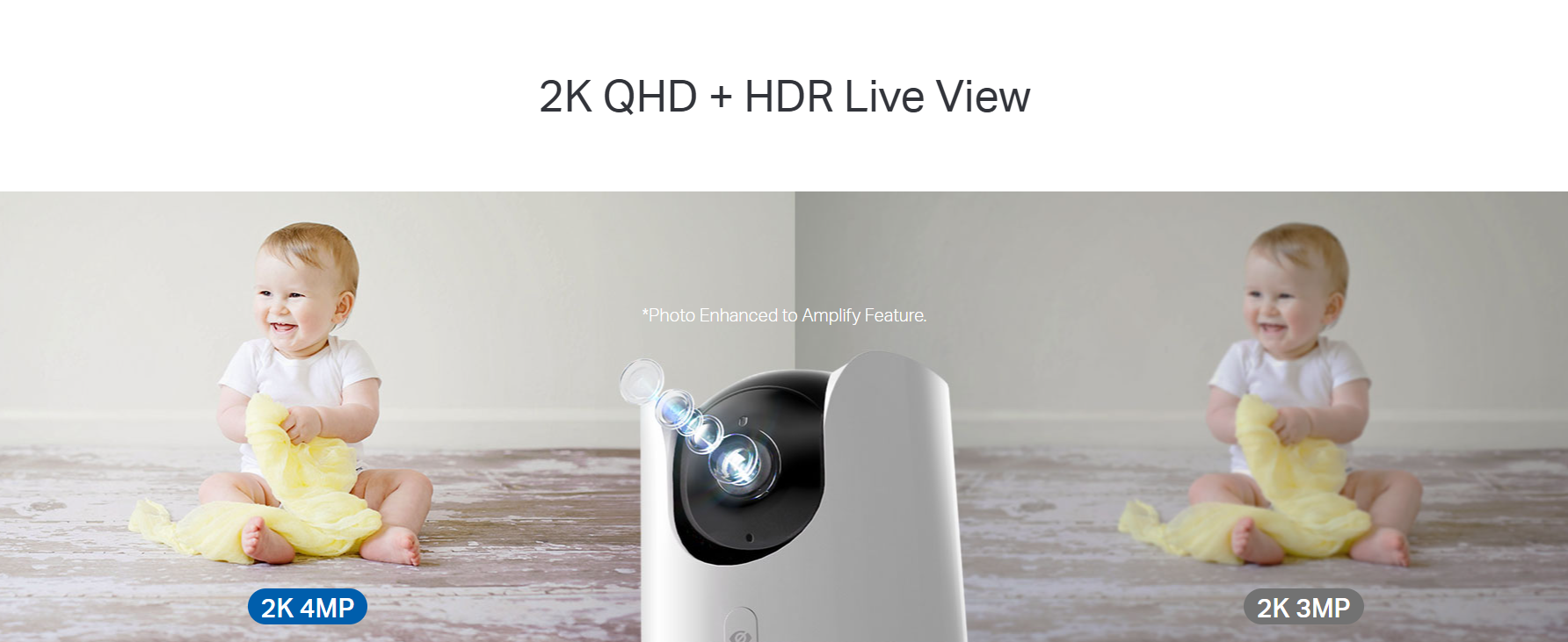
- 2K QHD - When it comes to home security, details matter. With 2K QHD resolution, the Tapo C225 transcends beyond traditional FullHD 1080p quality to display finer details and incredibly clear videos.
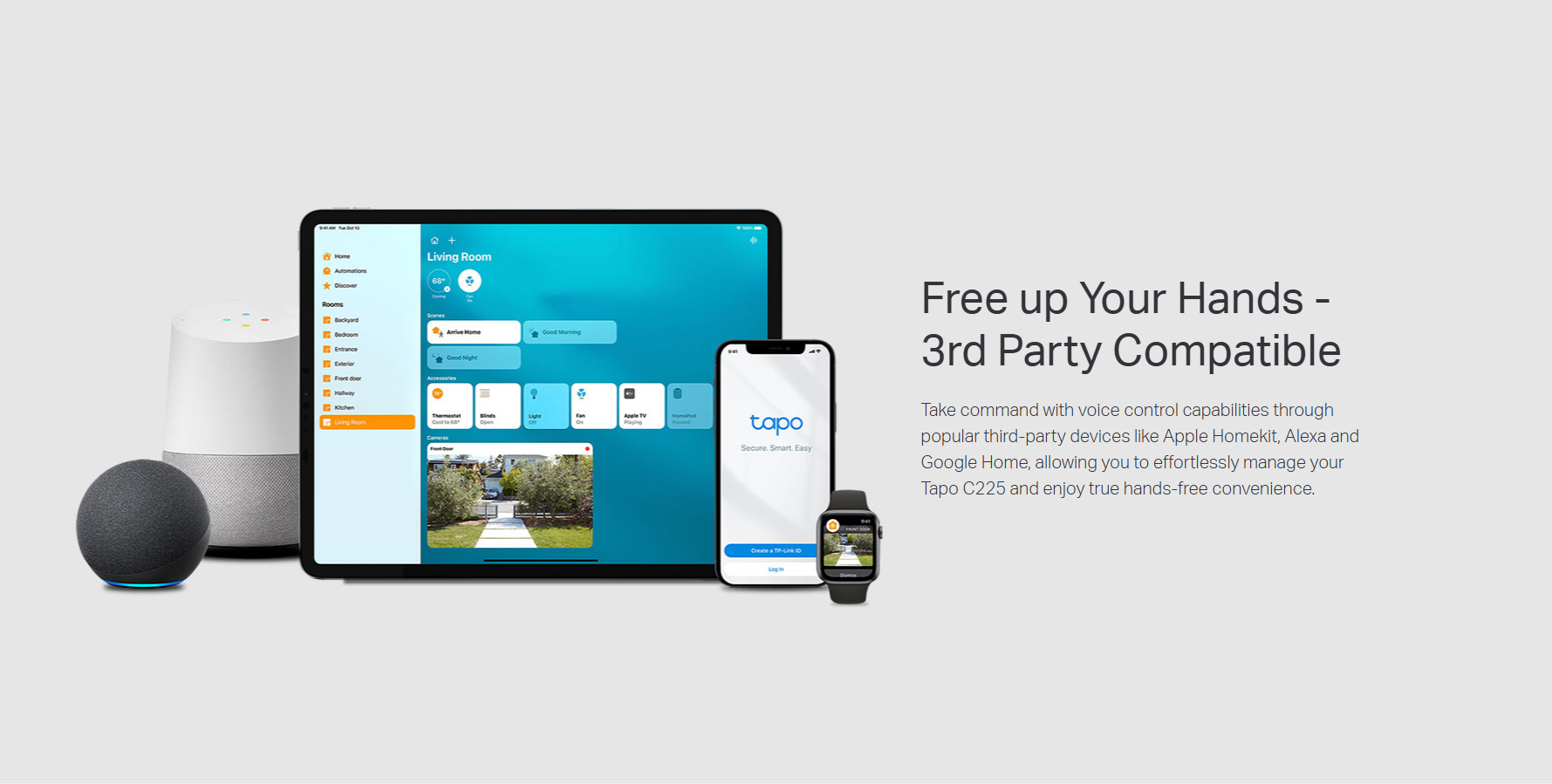
- Apple Homekit Supported - Along with Amazon Alexa and Google Assistant compatibility, Tapo C225 can also fully integrate into your Apple Home ecosystem for convenient hands-free operation.
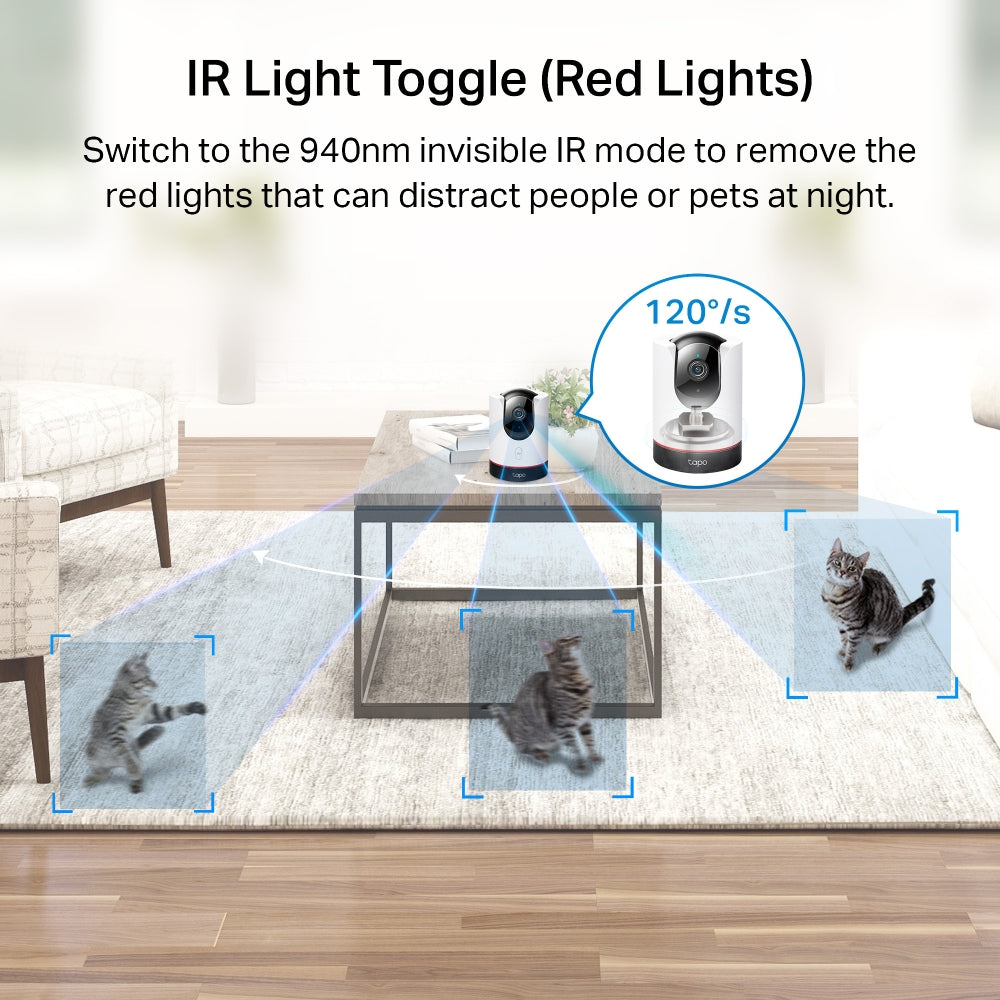
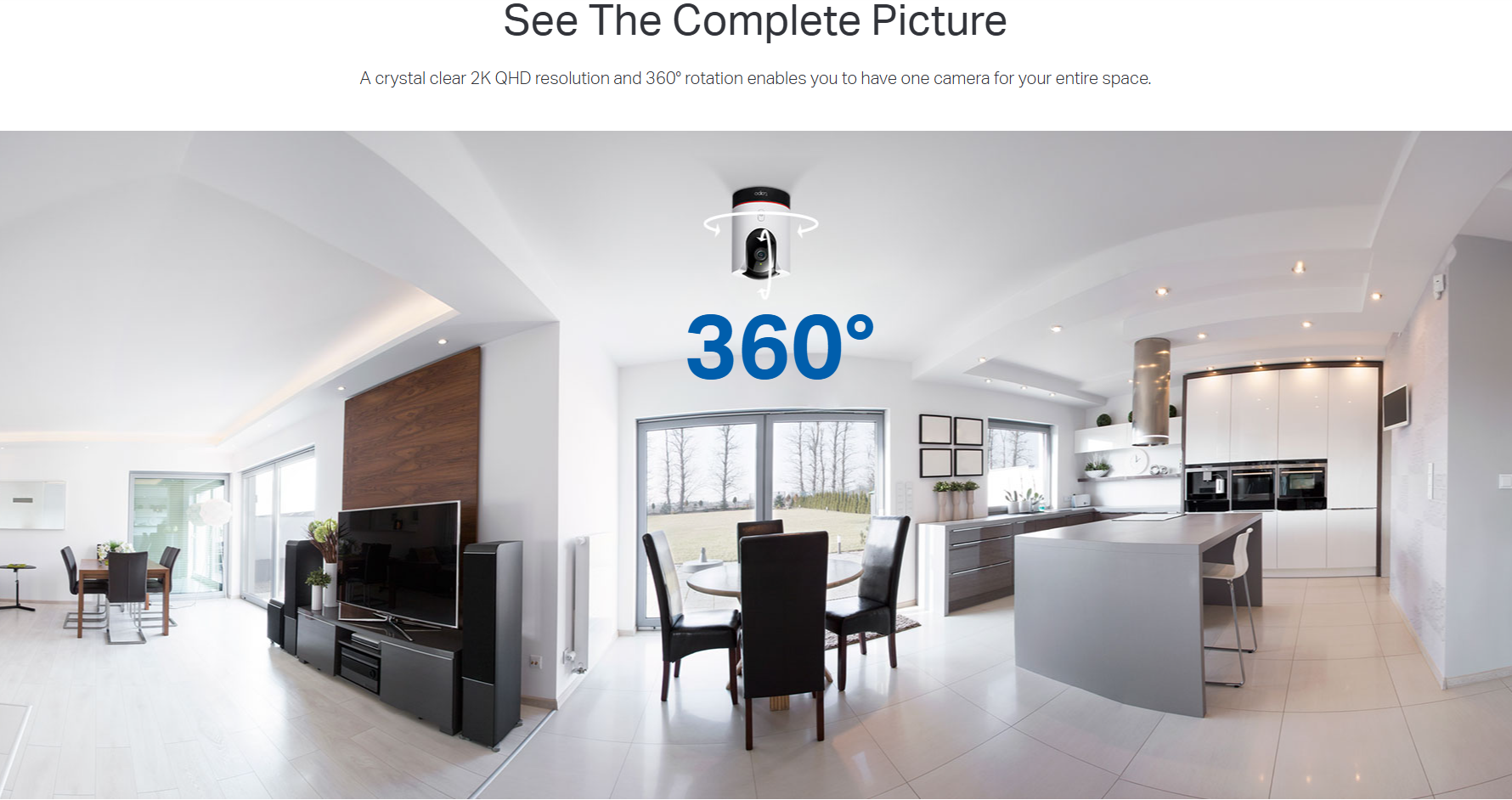
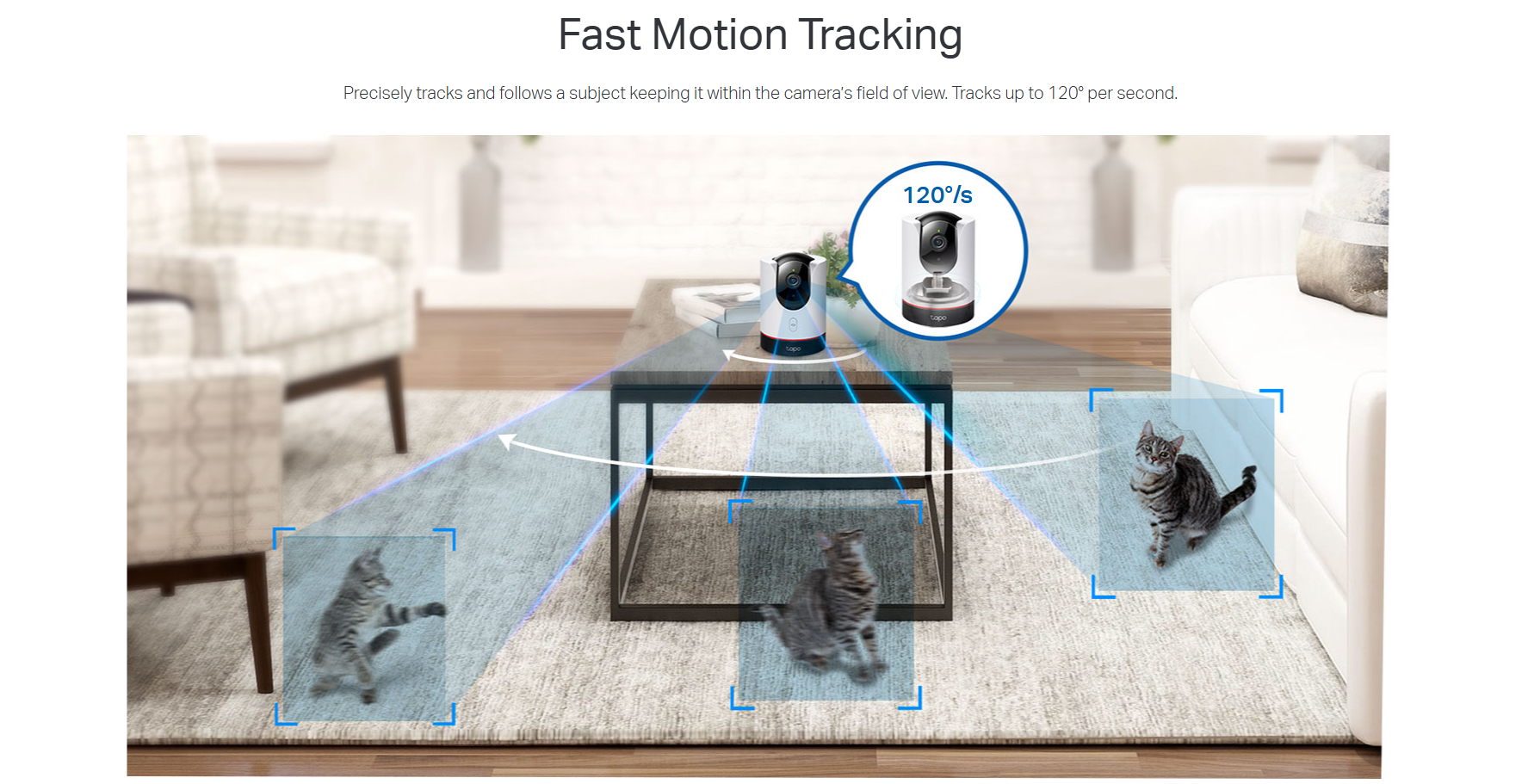
- Smart Motion Tracking - With pan/tilt functionality and smart motion tracking technology with up to 120°/s rotating speed, precisely track and follow subjects, continuously keeping them within the camera’s field of view.
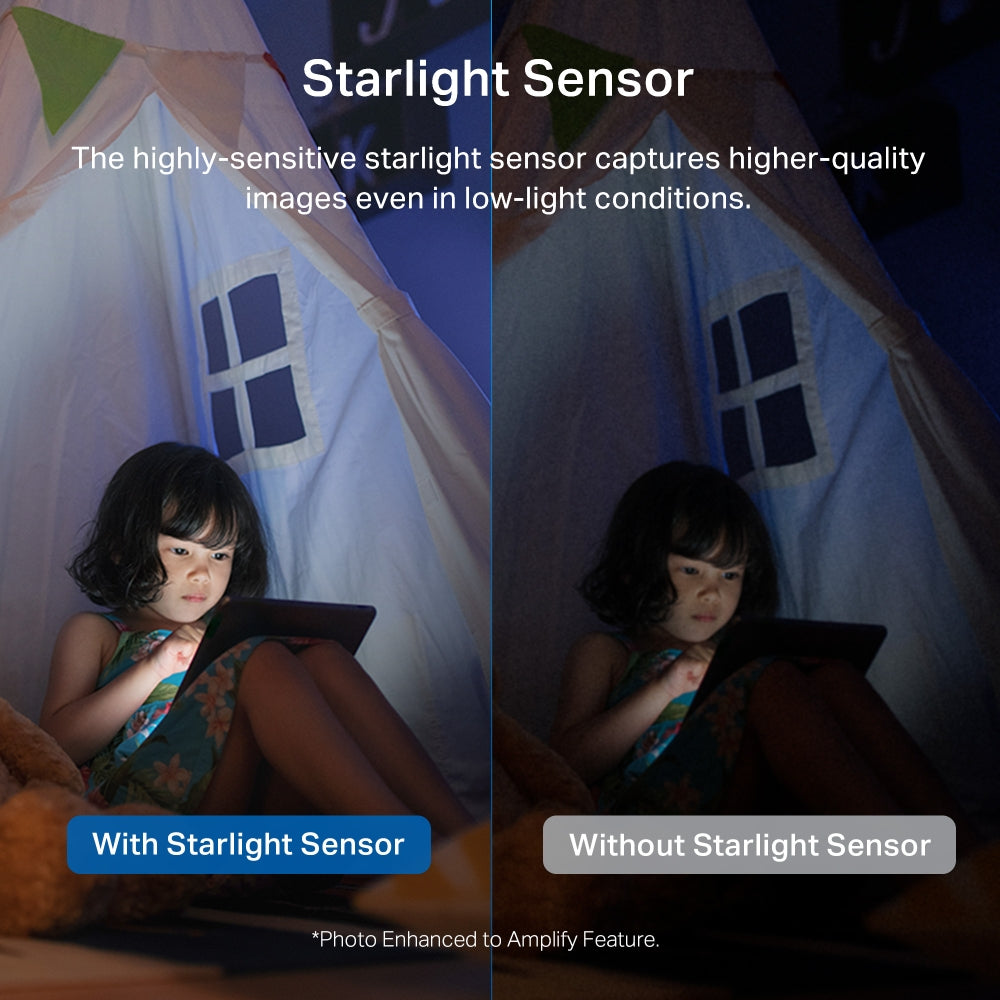
- Night Vision - The highly sensitive starlight sensor captures higher-quality images even in low-light conditions up to 30 ft.
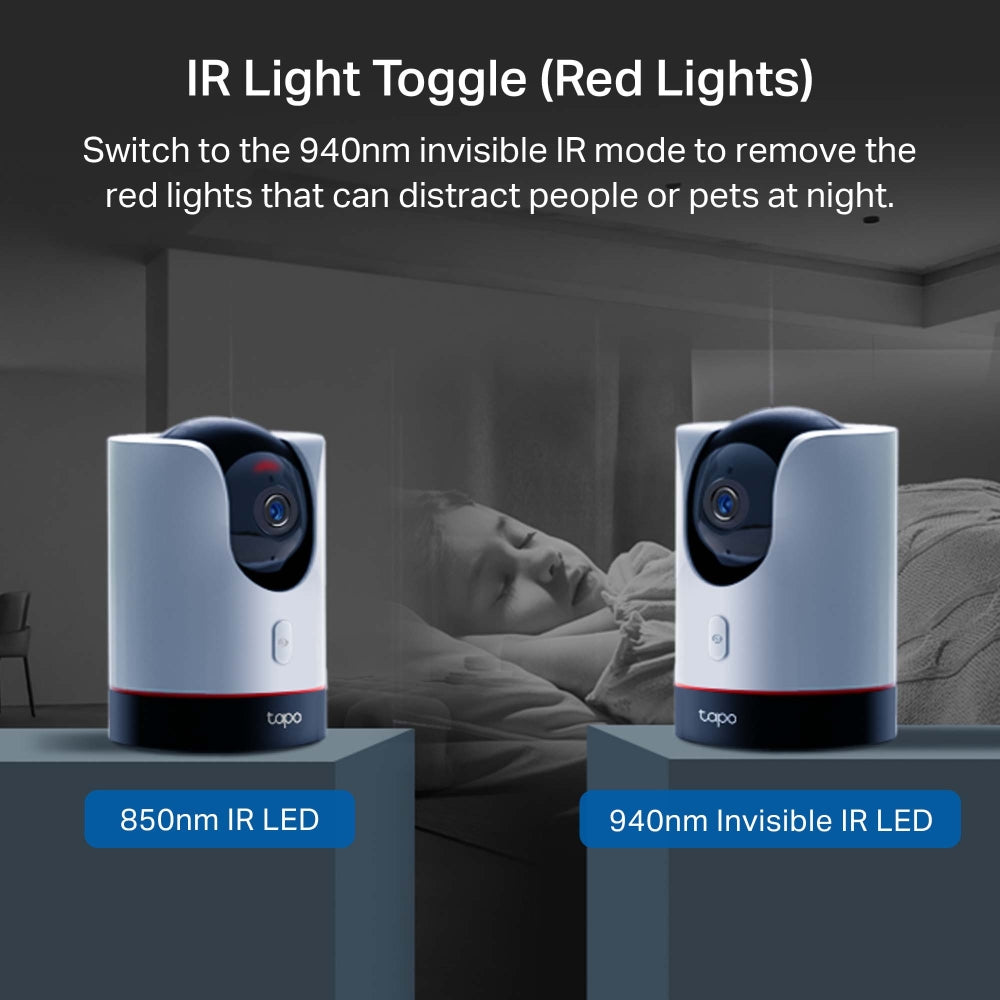
- Invisible Infrared Mode - If the red IR LEDs prove to be a distraction while monitoring at night, switch to invisible IR mode to continue monitoring in low-light conditions without the disrupting red light, making it ideal for sleeping children and pets.
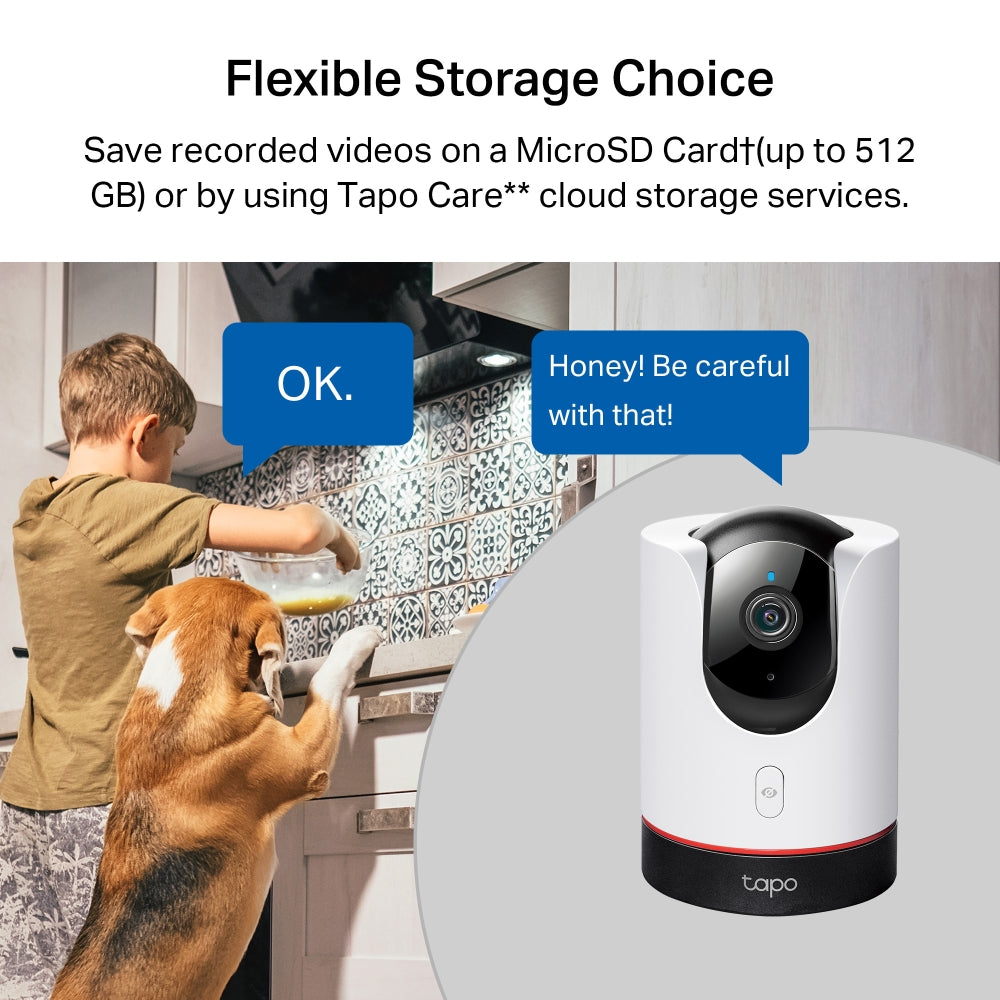
- Local and Cloud Storage - Save recorded videos on a microSD Card (up to 512 GB, purchased separately) or use Tapo Care cloud storage services (subscribe separately).
-
Sharing Capabilities - Seamlessly forward videos you want to share to your social platforms.




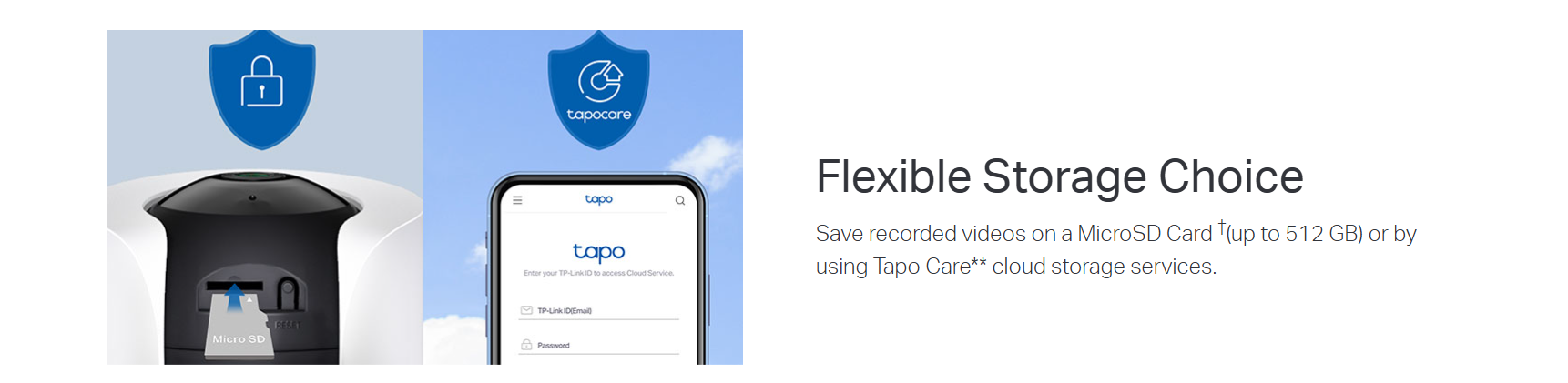
†microSD card purchased separately. Actual storage capacity depends on the size of the microSD card used.
**Subscribe for cloud storage service at http://www.tapo.com/tapocare
FAQ
Use this text to share information about your product or shipping policies.
How to add new cameras to my Tapo Care plan?
You can add a new camera to your Tapo Care plan directly in the Tapo app.
Simply go to your Tapo Care subscription, select the plan you want to manage, and choose the camera you wish to add. Follow the in-app instructions to complete the assignment.
Please note that only cameras linked to your account can be added, and the number of devices depends on your subscription plan.
For step-by-step instructions with images, please refer to:
https://www.tp-link.com/au/support/faq/3156/.
How can I reduce noise on my Tapo camera?
To improve audio quality and reduce background noise, try the following:
Update your device: Keep the Tapo app and camera firmware up to date
Optimise placement: Avoid enclosed spaces, reflective surfaces, and sources of interference (e.g. appliances)
Improve connections: Use the original power adapter and ensure a stable Wi-Fi connection
Adjust settings: Lower the microphone volume in the app to reduce ambient noise
Restart the device: Reboot the camera or app to resolve temporary issues
These steps can help deliver clearer and more stable audio performance.
How can I view Tapo camera recordings from the SD card on a computer?
You can view recordings by removing the microSD card from your camera (or hub) and inserting it into your computer using a card reader.
Once connected, open the SD card folder to access and play the recorded video files.
Note: Video files may require a compatible media player for playback.