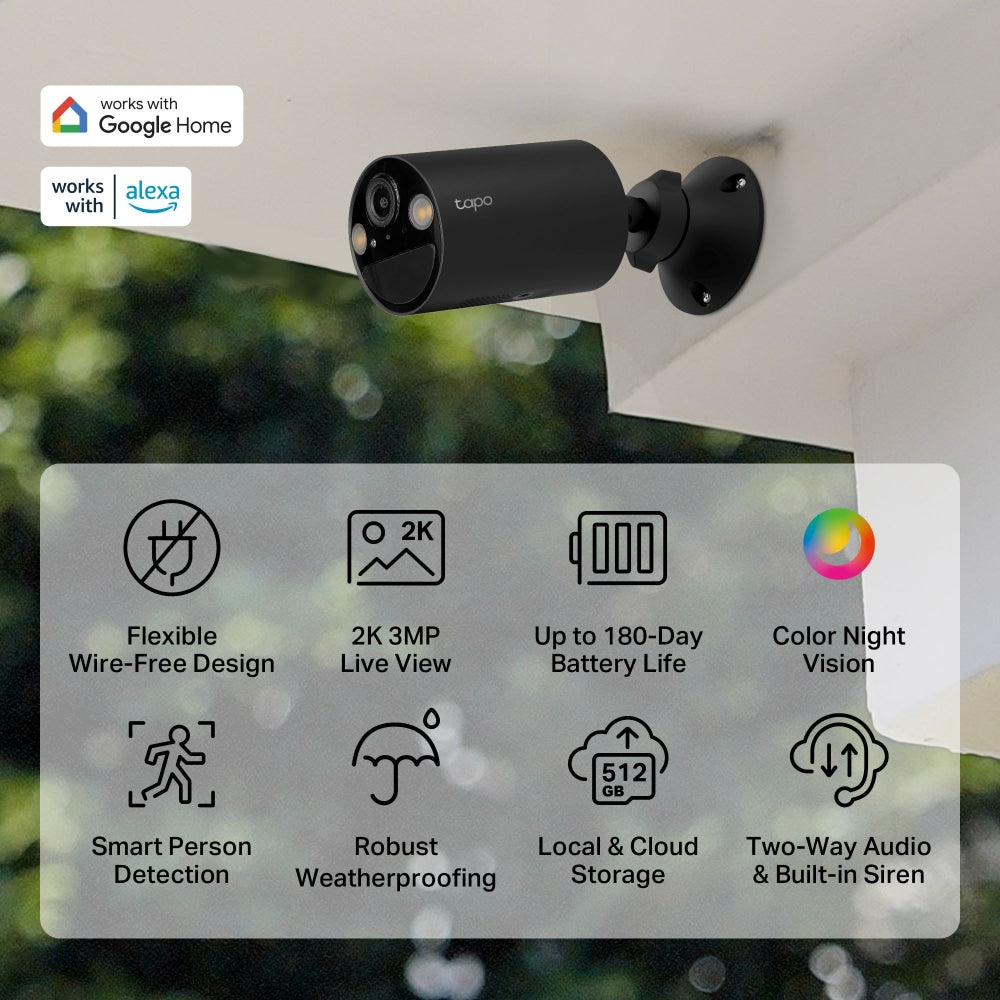
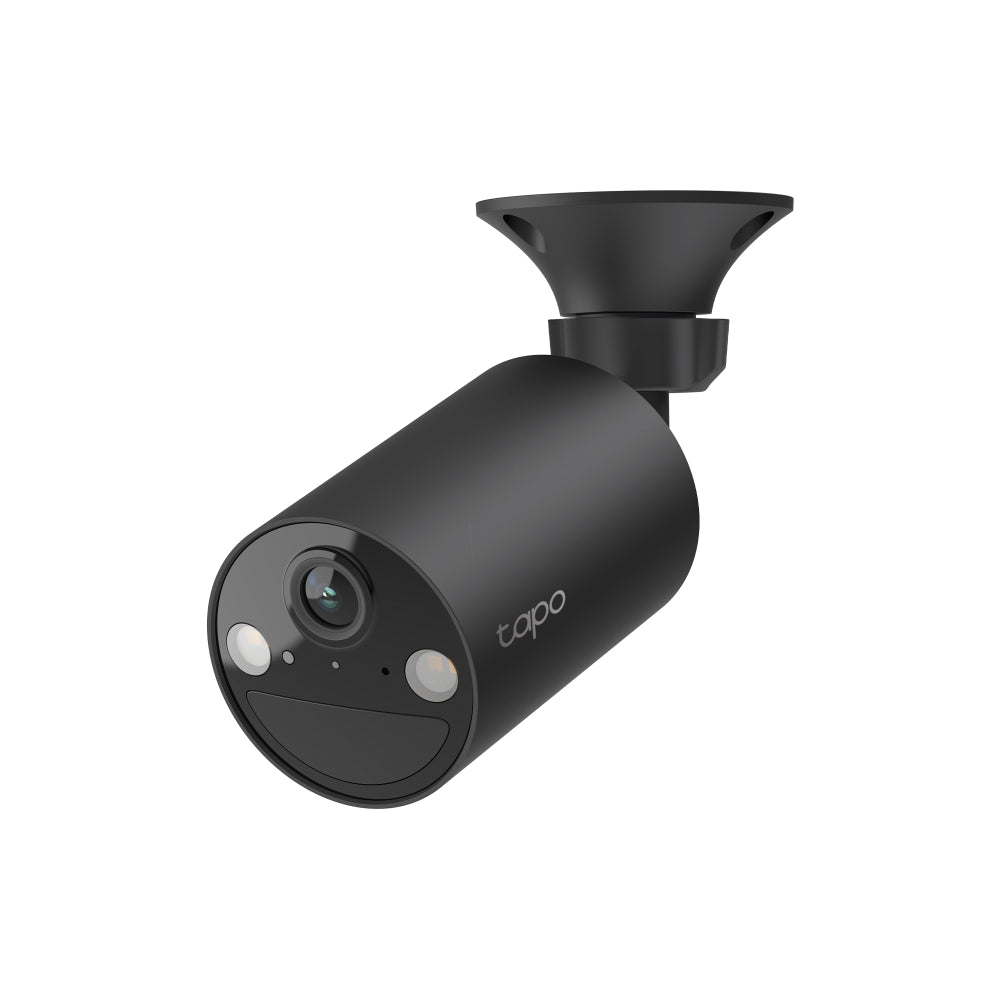
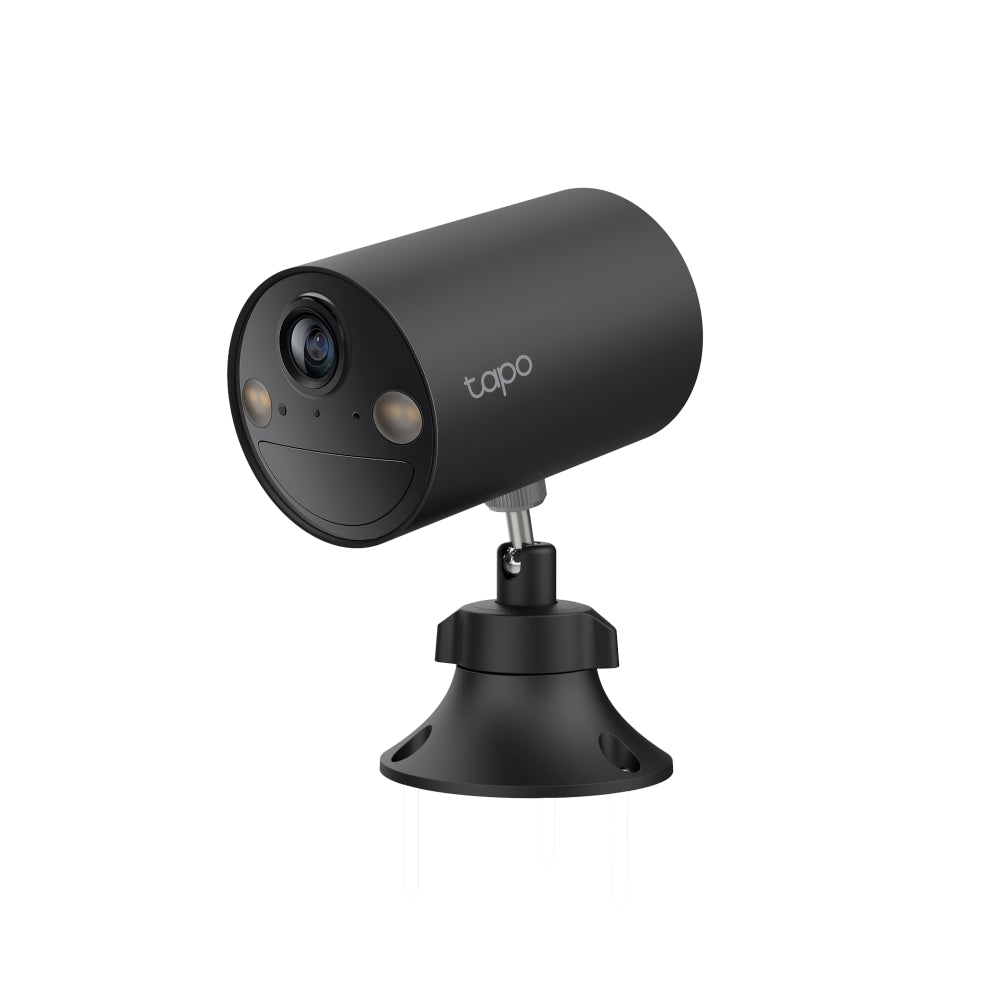
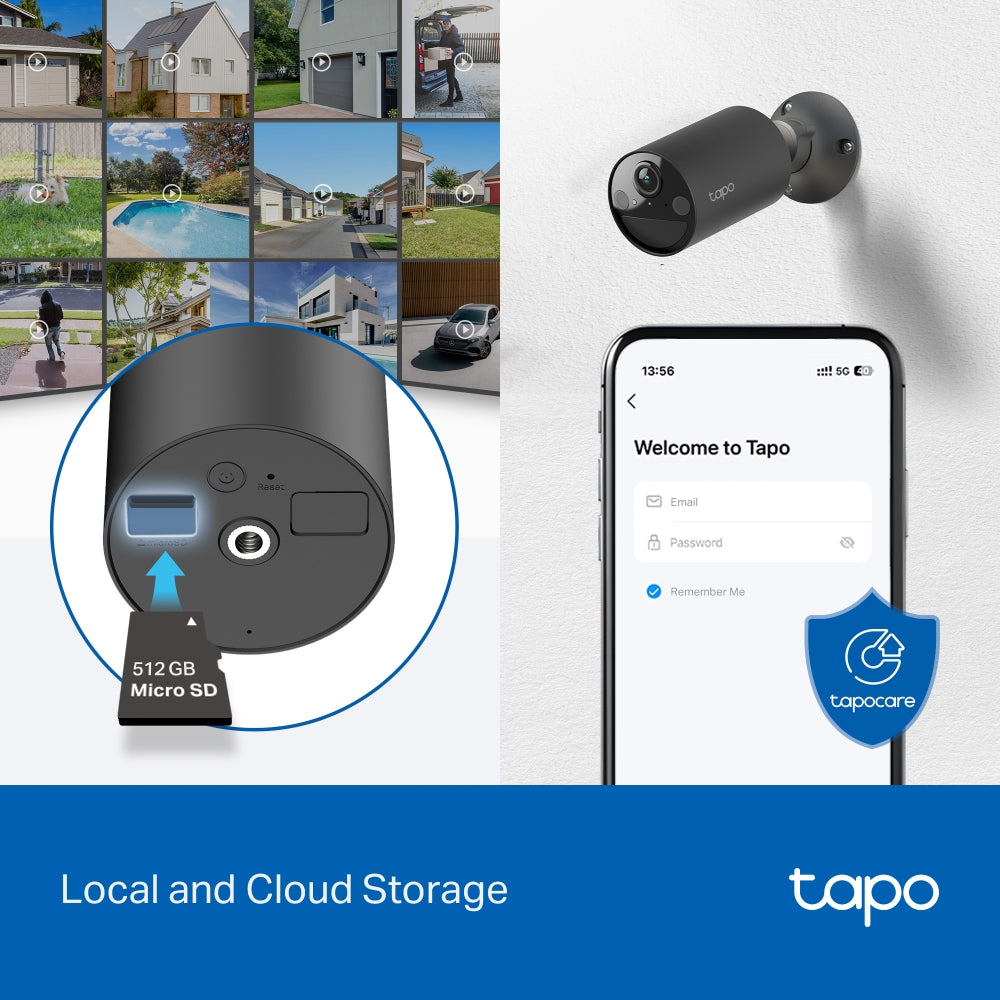
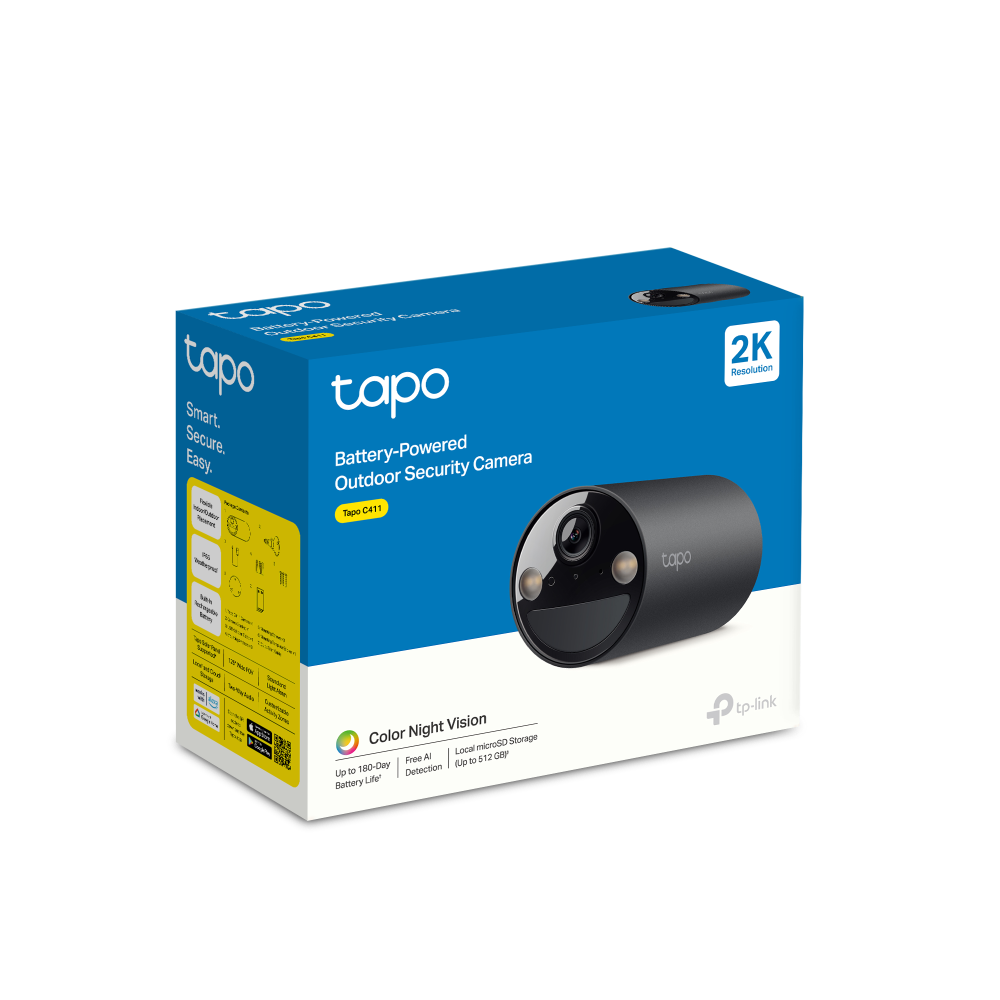
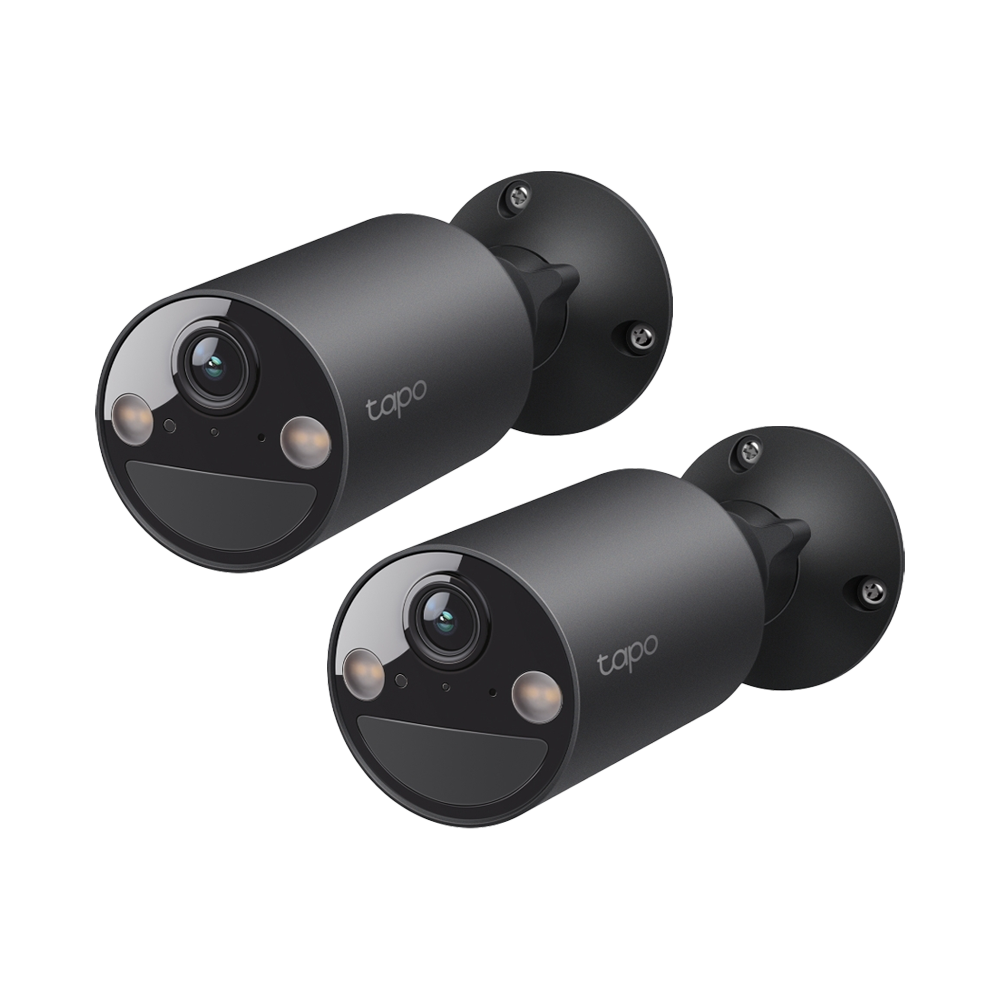
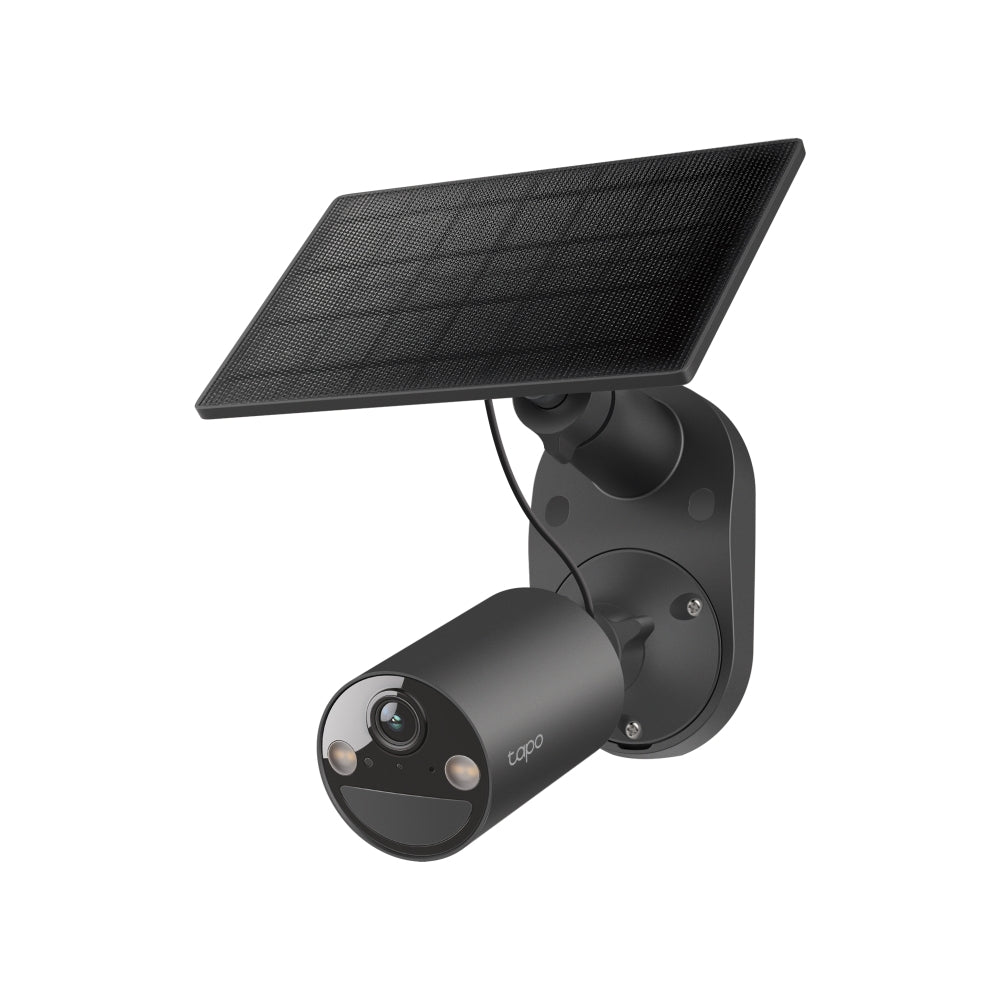
The camera is achieving most of my goals.
I am living with some compromises. Initial setup and configuration was straight forward. It had trouble with my 2.4 GHz wifi network and soon swapped to the backup network on my Tapo H500 hub.
No other Tapo device has troubles with my default network.
Once failed over there is no way to swap it back, so I decided to reset it and start again. The reset failed. Instructions are to hold the reboot switch until the LEDs flash red. I did that multiple times and could not access the camera. Support helped me but eventually gave me an RMA number to send it back.
I found the answer eventually on a you tube video "hold the reset button down until a voice says "reset completed". This is not in the support FAQ of the camera.
I could then install and configure the camera. The camera was configured on the 2.4 GHz network but soon failed over to the backup network. Note i configure my devices in the same room as the router, signal strength is not an issue.
I remounted the camera and connected to a Tapo solar panel. On the Tapo app the battery level status seems not to be working. It is stuck at 100% charge and no usage or solar data is available. Testing with a multimeter shows full voltage getting to the camera..
Summary the camera is performing its duty as a security camera. All functions seem to work. But the networking is not stable l e and battery status not working.
Thank you for your detailed feedback! We're glad you appreciate the camera. And we’re sorry to hear about the networking issues and appreciate your patience. Our team is continuously working on improvements. Please feel free to contact us on 1300 875 465 or support.au@tp-link.com if you need any assistance.