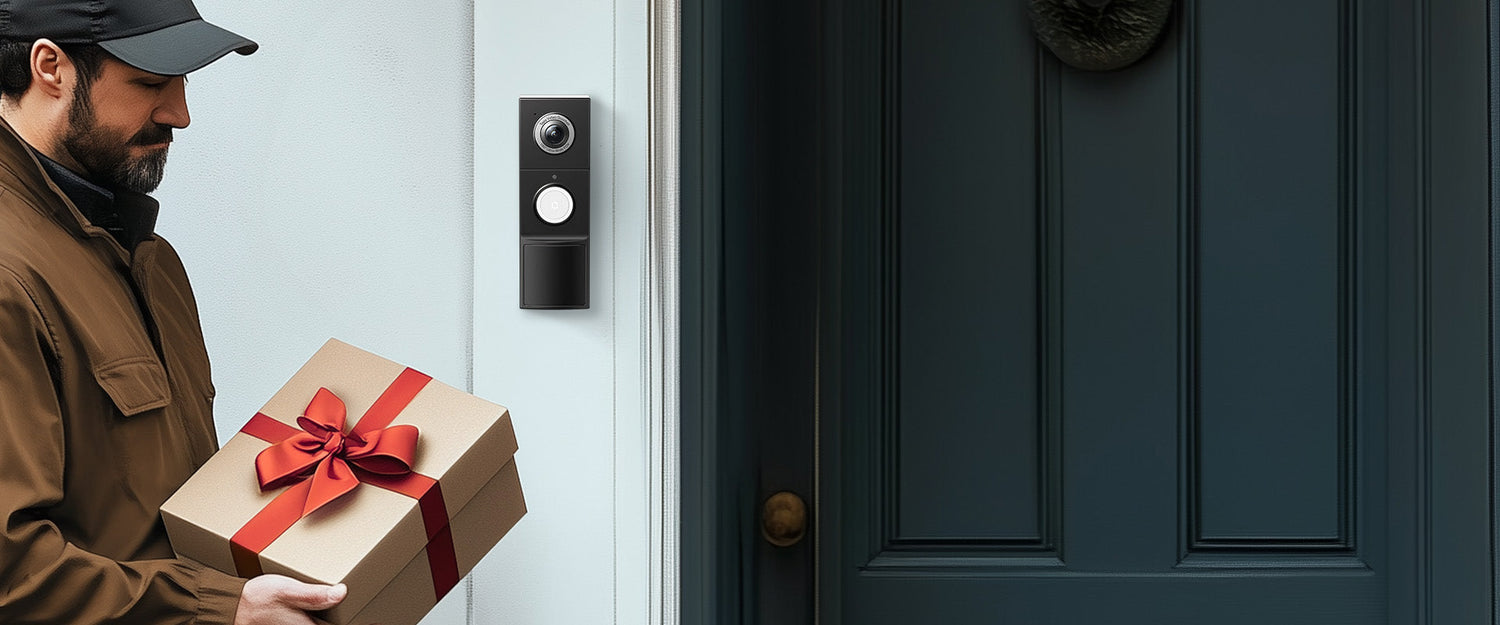
Battery-powered Tapo smart doorbells usually sleep to save power and only wake up when motion is detected. This is enabled by the built-in PIR sensor, which detects infrared radiation from objects within its field of view, waking the doorbell to monitor the surroundings and ensure you miss nothing.
However, if your Tapo smart doorbell is triggered too frequently, it can drain the battery faster and flood you with notifications. What should you do if your Tapo smart doorbell wakes up too often?
Adjust Motion Sensitivity
If your doorbell is overly sensitive to motion, any movement can wake it up. Adjust the motion sensitivity to a level that suits your needs.
Adjust Installation Location
Choose a proper installation location and angle to mount your doorbell. The doorbell should be placed 4 ft (1.2 m) above the ground while avoiding obstructions on both sides. Also, avoid pointing the doorbell at busy streets, sidewalks, swaying trees, and direct lamps or lights. These frequent movements can easily trigger your doorbell.
Change Wake-up Settings
If your doorbell wakes up too often due to events like motion, packages, or people, consider setting it to wake up only when pressed. This can significantly reduce the frequency of your doorbell’s wake-ups.
Set Detection Zones
Focus on what matters most by customizing detection zones to monitor only specific areas. Movement outside these zones won't be recorded, reducing unnecessary notifications and alarms from unimportant activities.
This is a very helpful and well explained guide for Tapo smart doorbell users. The tips on adjusting motion sensitivity and detection zones are especially useful for reducing false alerts and saving battery life. I also appreciated the advice on proper installation height and angle which many users overlook. Clear practical solutions like these make smart home devices much easier to manage. Thanks for sharing this useful troubleshooting post.





1 comment
DoorbellS
This is a very helpful and well explained guide for Tapo smart doorbell users. The tips on adjusting motion sensitivity and detection zones are especially useful for reducing false alerts and saving battery life. I also appreciated the advice on proper installation height and angle which many users overlook. Clear practical solutions like these make smart home devices much easier to manage. Thanks for sharing this useful troubleshooting post.
Leave a comment
This site is protected by hCaptcha and the hCaptcha Privacy Policy and Terms of Service apply.