

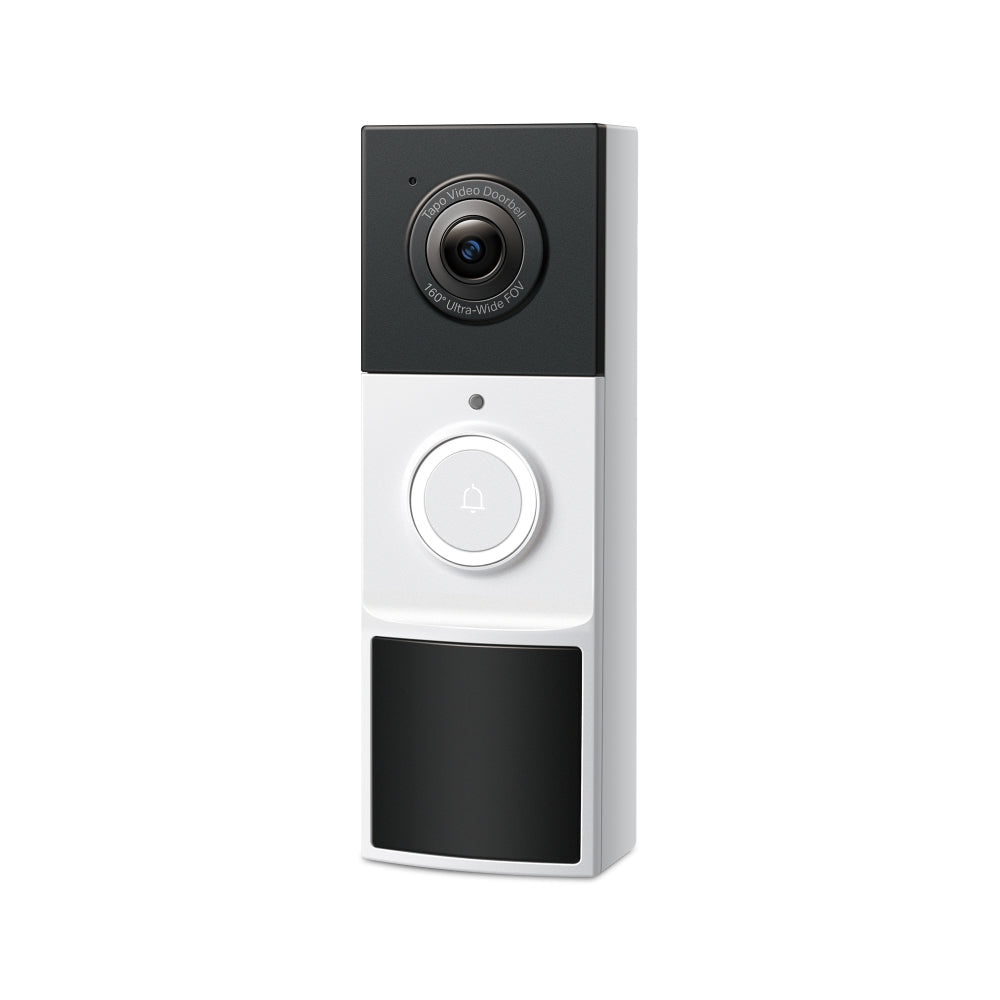

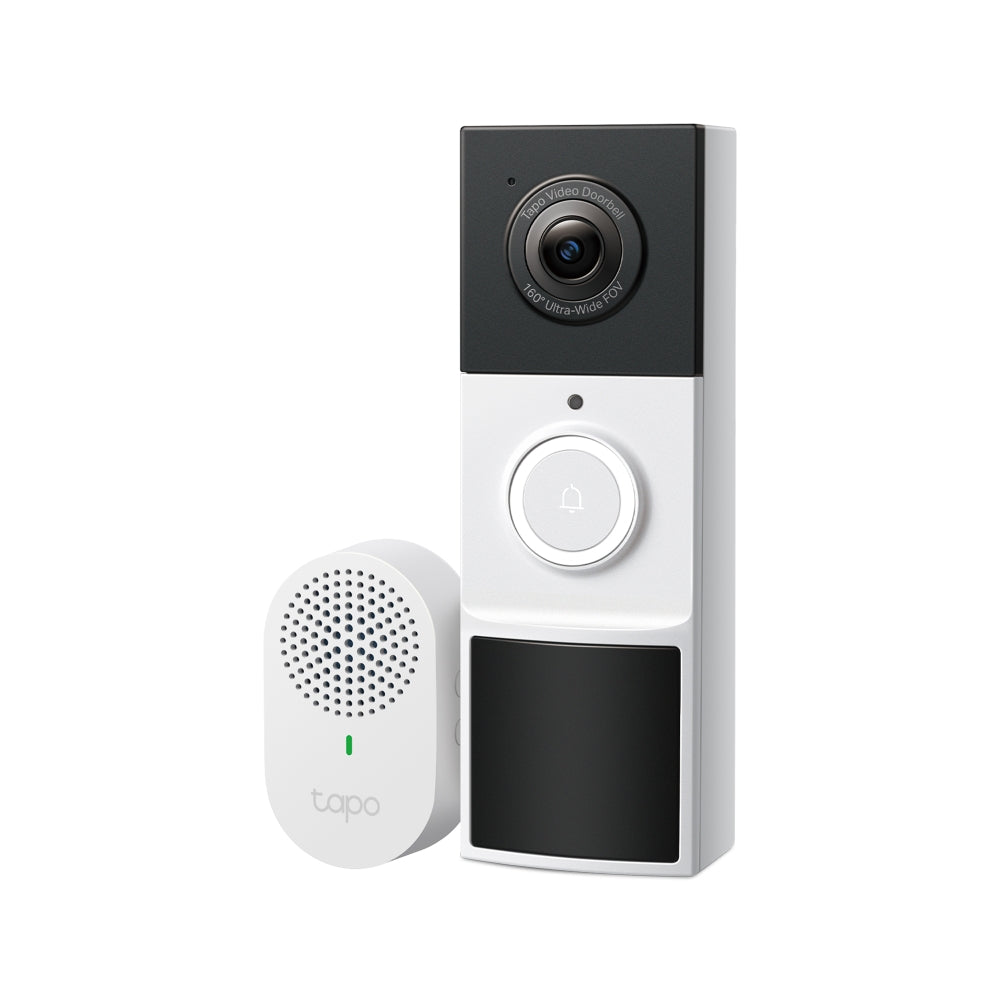



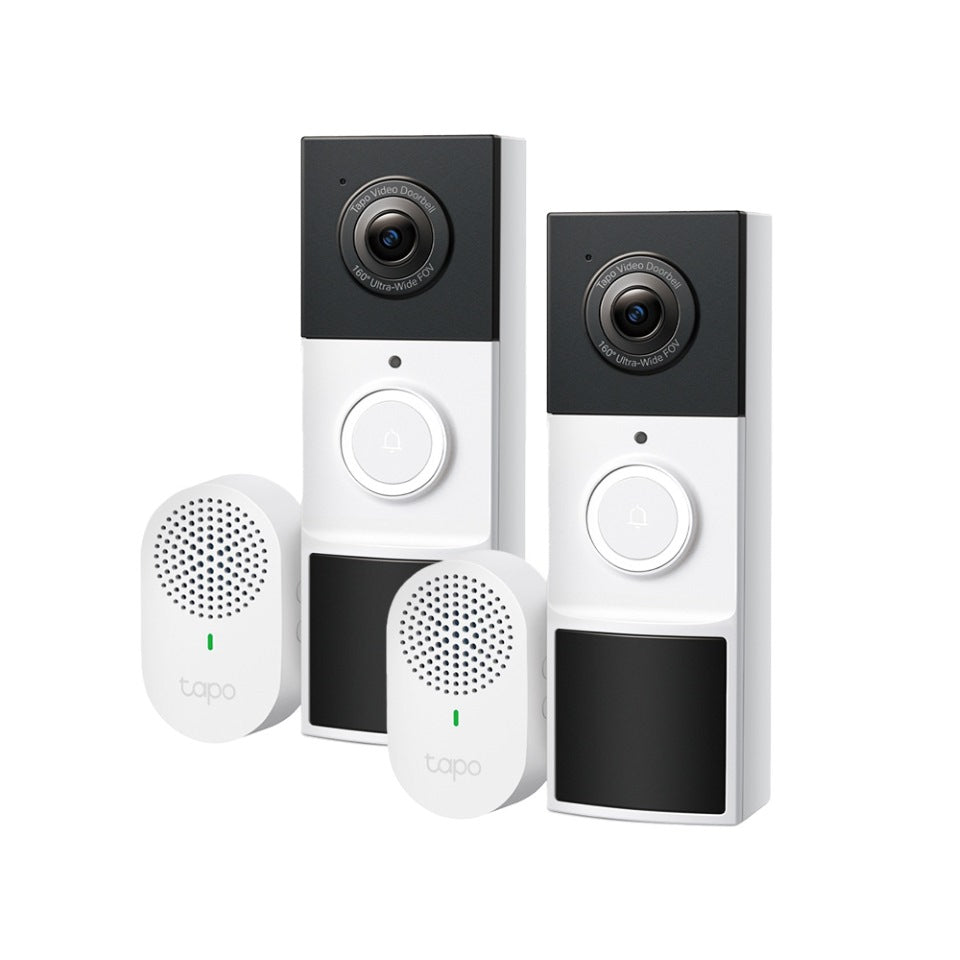
Tapo D210 | Video Doorbell Camera, 2K, Colour Night Vision
2K weatherproof video doorbell with 6-month battery life, 160° ultra-wide view, colour night vision, and smart detection alerts for enhanced home security.
HIGHLIGHTS
- 6-Month Battery Life: Enjoy long-lasting security with fewer charges, ensuring continuous protection and convenience.
- 2K Clarity: Provides finer details and incredible clarity.
- 160° Ultra-Wide View: Captures everything from head-to-toe.
- Full Colour Night Vision with Spotlight: Vivid night visibility and security.
- Free Detection and Notification: Alerts for person, vehicle, pet, and package.
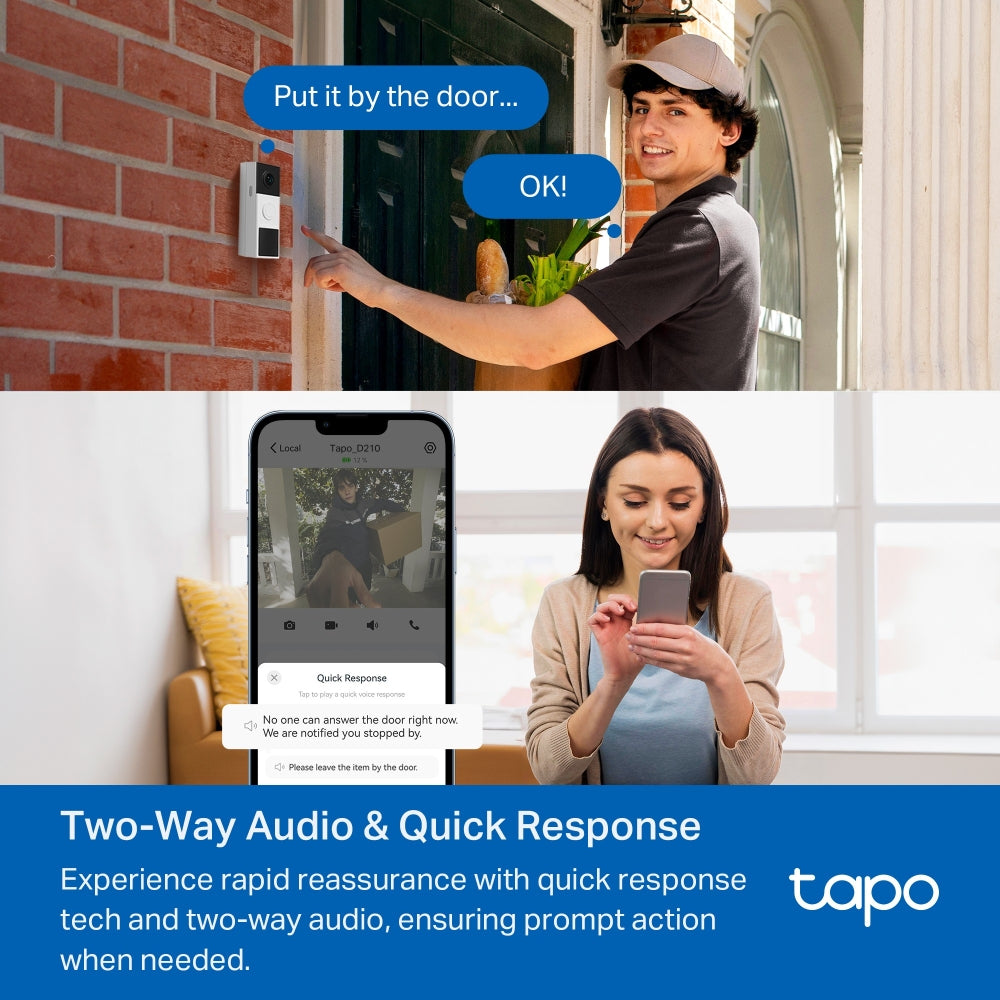
- Two-Way Audio: High-quality talk with premium mic and speakers.
- Quick Response: Rapid reaction to any situation.
- IP65 Weatherproof: Reliable in all weather conditions.
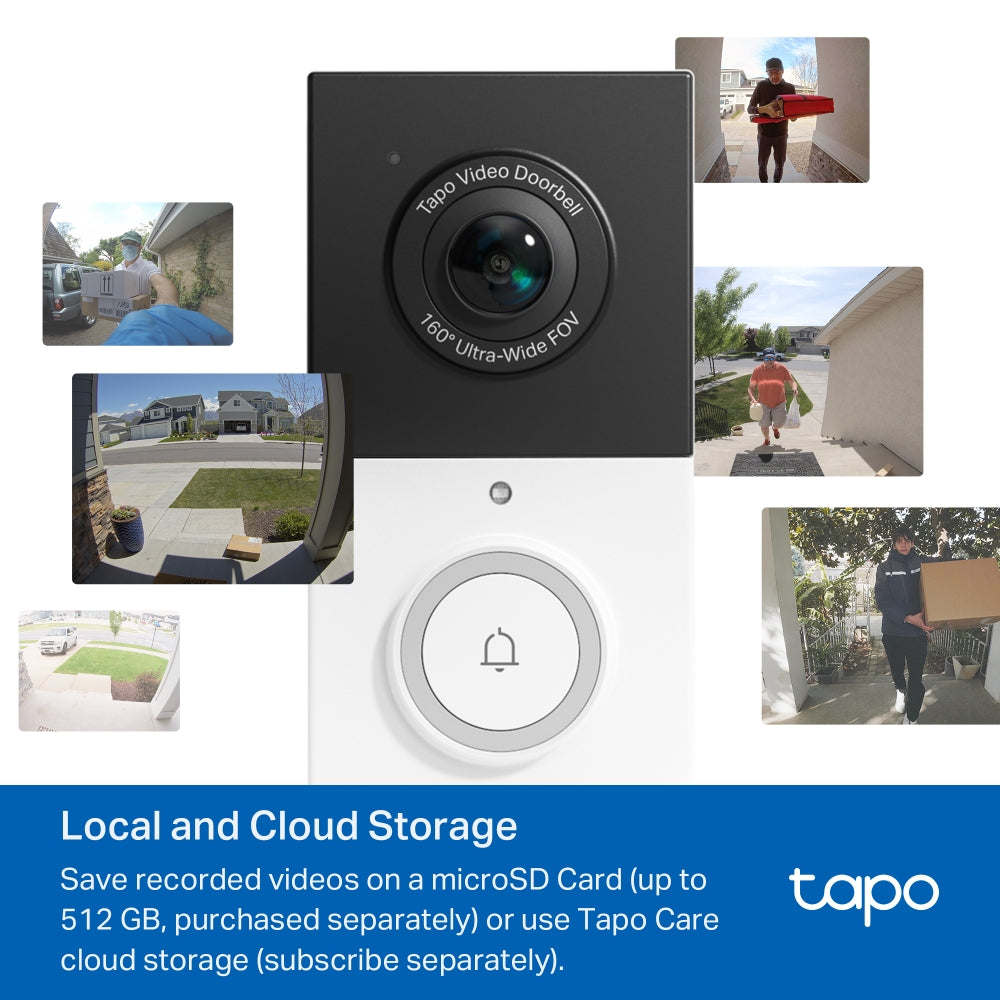
- Local and Cloud Storage: Supports microSD card (up to 512GB) and Tapo Care cloud services.


†The Crib Mount is designed for regular square railings made of metal or wood. For best stability, railing thickness should be 5–40 mm (0.2–1.5 in.).
‡Local storage requires a microSD card, which needs to be purchased separately.
§Subscribe for cloud storage at https://www.tapo.com/tapocare/
△Compatible with Alexa and Google Assistant supported displays. User experience is dependent on the connected device's specifications.
☆The depicted UI and effects are for reference only, Please refer to the actual version.
*Tapo Care prices are subject to change. Please refer to the actual situation.
FAQ
Can I replace my existing doorbell with a Tapo doorbell?
Tapo doorbells can replace many traditional doorbell systems, but compatibility depends on the power supply and wiring conditions. Wired models require a power source within 8–24 V AC (minimum 10 VA) or 10–24 V DC (minimum 10 W) to support features such as continuous recording, while battery-powered models are suitable for homes without existing wiring but need periodic charging. Some systems—such as integrated intercoms, gate controls, or incompatible circuits—may not work with Tapo doorbells. Users should verify transformer specifications, measure voltage if needed, and consult a professional electrician if unsure about installation compatibility.
Why doesn’t Always-On Mode (24/7 recording) work on my Tapo doorbell?
Always-On Mode only functions when the doorbell is correctly hardwired to a compatible 8–24 V AC transformer (minimum 10 VA) and supplied with stable continuous power. If the device is running on battery, connected to an incompatible or unstable power source, or affected by incorrect wiring, poor connections, or interference from a traditional chime or other electrical loads, the feature may fail to activate or operate reliably. Users should verify the transformer specifications, wiring setup, circuit condition, and jumper installation. If the issue continues, it is recommended to contact TP-Link technical support and provide relevant device, wiring, and power information for further assistance.
How can I pause or stop the Anti-theft Alarm on my Tapo doorbell?
When the Anti-theft Alarm feature is enabled, the Tapo doorbell will sound an alarm if it is removed from its mounting base. To temporarily pause the alarm, press and hold the Anti-theft button for about 5 seconds, though the alarm will resume once the button is released. To fully stop the alarm, you can disable the Anti-theft Alarm feature either by pressing and holding the SYNC/RESET button and the Anti-theft button together for around 10 seconds, or by turning off the Anti-theft Alarm option in the device settings within the Tapo app.